Quick answer
The most affordable POS system for startups 2026 is the one with the lowest total monthly cost, not just the lowest software subscription. For early-stage startups, that usually means:
- $0 software subscription
- no processor lock-in
- no long-term contract
- reliable offline billing
For many startup teams, Timeline POS fits this model with zero software fee and flexible payment provider choice.
Why Startup Founders Overpay for POS
Most first-time founders compare only the software plan price. That misses the biggest cost drivers:
- Card processing rates on every transaction
- Fixed per-transaction fees
- Paid add-ons for inventory, reports, or staff controls
- Contract penalties and processor lock-in
If you only optimize for a "$0 plan," you can still overpay by $100 to $300 per month.
Most Affordable POS System for Startups 2026: Real Cost Comparison
Assumption for comparison:
- monthly revenue: $20,000
- card mix: 70%
- card volume: $14,000
| POS Option | Software Cost | Typical Payment Model | Estimated Monthly Total | Startup Risk |
|---|---|---|---|---|
| Timeline POS | $0 | Use your own merchant account | ~$196 to ~$238 | Low |
| Square (Free plan) | $0 | 2.6% + 15¢ | ~$364+ | Medium (higher payment drag) |
| Toast Starter | $0 / tiered upgrades | custom-quoted (~2.99%+); 2.49% + 15c on paid plans | ~$380+ | Medium to high (terms vary) |
| Clover Starter | $14.95+ | ~2.3% + 10c | ~$338+ | Medium (contract common) |
| TouchBistro | $69+ | separate processor | ~$369+ | Medium (subscription + setup) |
For startup cash flow, the difference between a high-fee and low-fee setup can exceed $2,000 per year.
What "Most Affordable" Means in 2026 (SEO Intent Match)
When users search most affordable pos system for startups 2026, they usually want three things:
- lowest total monthly cost
- fastest setup with minimal training
- no lock-in while the business model is still evolving
That means startup-fit POS selection is a cash-flow decision first, feature decision second.
Region-aware POS cost for startups
Startup payment costs vary by market. Use this GEO framework before deciding:
USA
- prioritize lower card percentage plus lower fixed per-tx fee
- avoid long processor contracts in year one
UK
- check blended rate vs interchange++ offers
- compare settlement speed and chargeback handling
Canada
- validate debit/credit mix and terminal compatibility
- model monthly fee impact with local processor offers
UAE
- review MDR bands by business category
- confirm VAT-ready invoicing and receipt formatting
Pakistan
- prioritize offline stability and local device compatibility
- verify tax and reporting workflow for local accounting needs
The most affordable setup is always geo-specific. Build your own total-cost sheet using your local card mix.
Startup checklist for picking a POS
Before you commit, confirm each item below:
- Is software truly free beyond trial?
- Can you use your own payment provider?
- Are inventory and reporting included in base plan?
- Is there any minimum contract period?
- Can billing run during internet outage?
- Can a new cashier learn checkout in one shift?
If the answer is yes to all six, you likely have a startup-safe POS setup.
Direct answers
What is the most affordable POS system for startups 2026?
For many startups, it is a no-subscription POS with low processing costs and no lock-in. Timeline POS is a strong option because software is free and payment provider choice stays flexible.
Is a free POS always the cheapest?
No. Processing rates and add-ons can make a free plan expensive over time.
How much can startups save with a lower-fee POS setup?
Depending on card volume, early-stage teams can often save $1,500 to $3,000 per year.
Should startups sign multi-year POS contracts?
Usually no. In the first 12 to 24 months, flexibility is more valuable than locked pricing.
Why Timeline POS Is Built for Startup Economics
- software fee: $0
- no forced payment processor
- no long contract requirement
- offline-capable on Windows
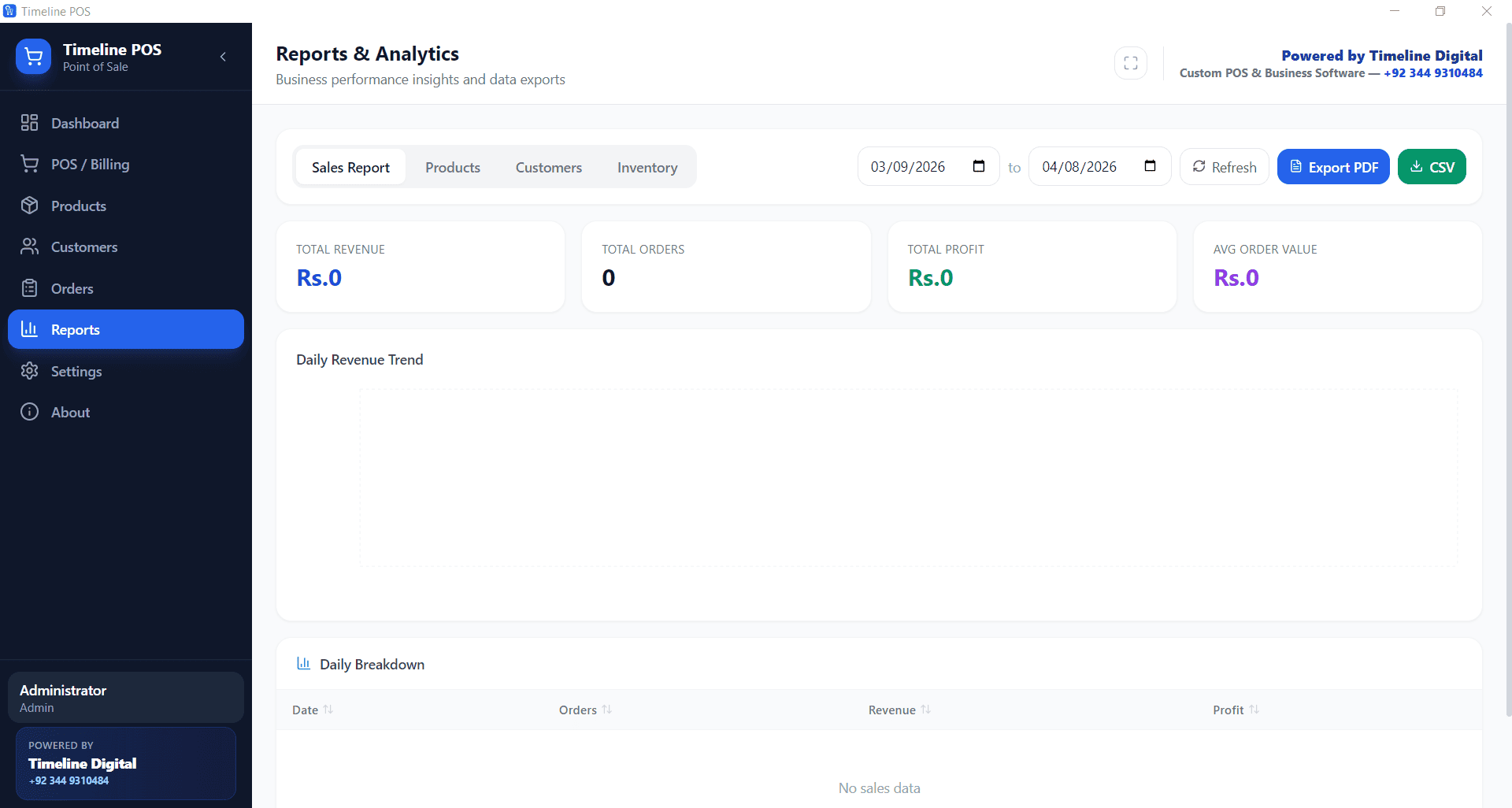
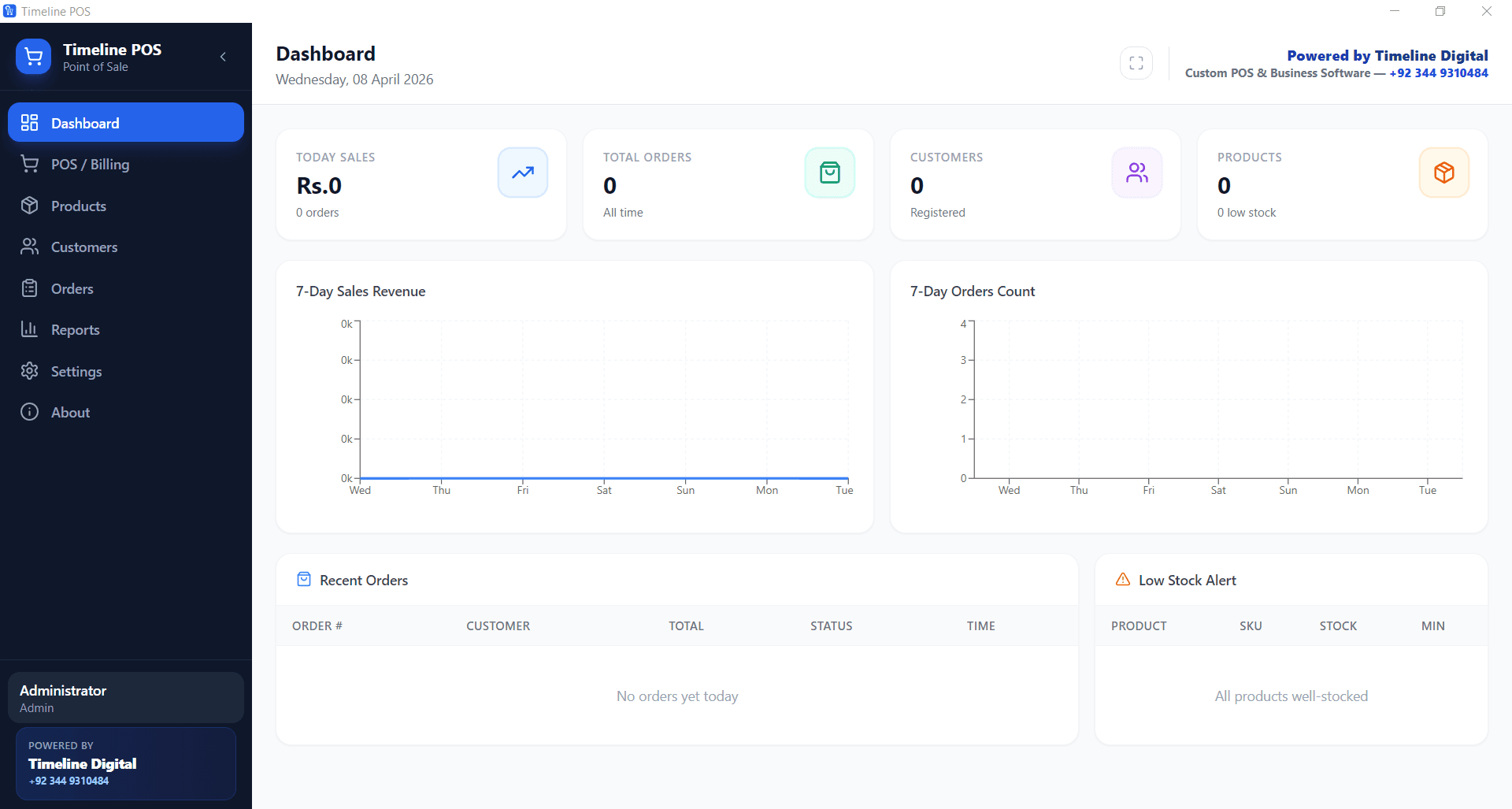
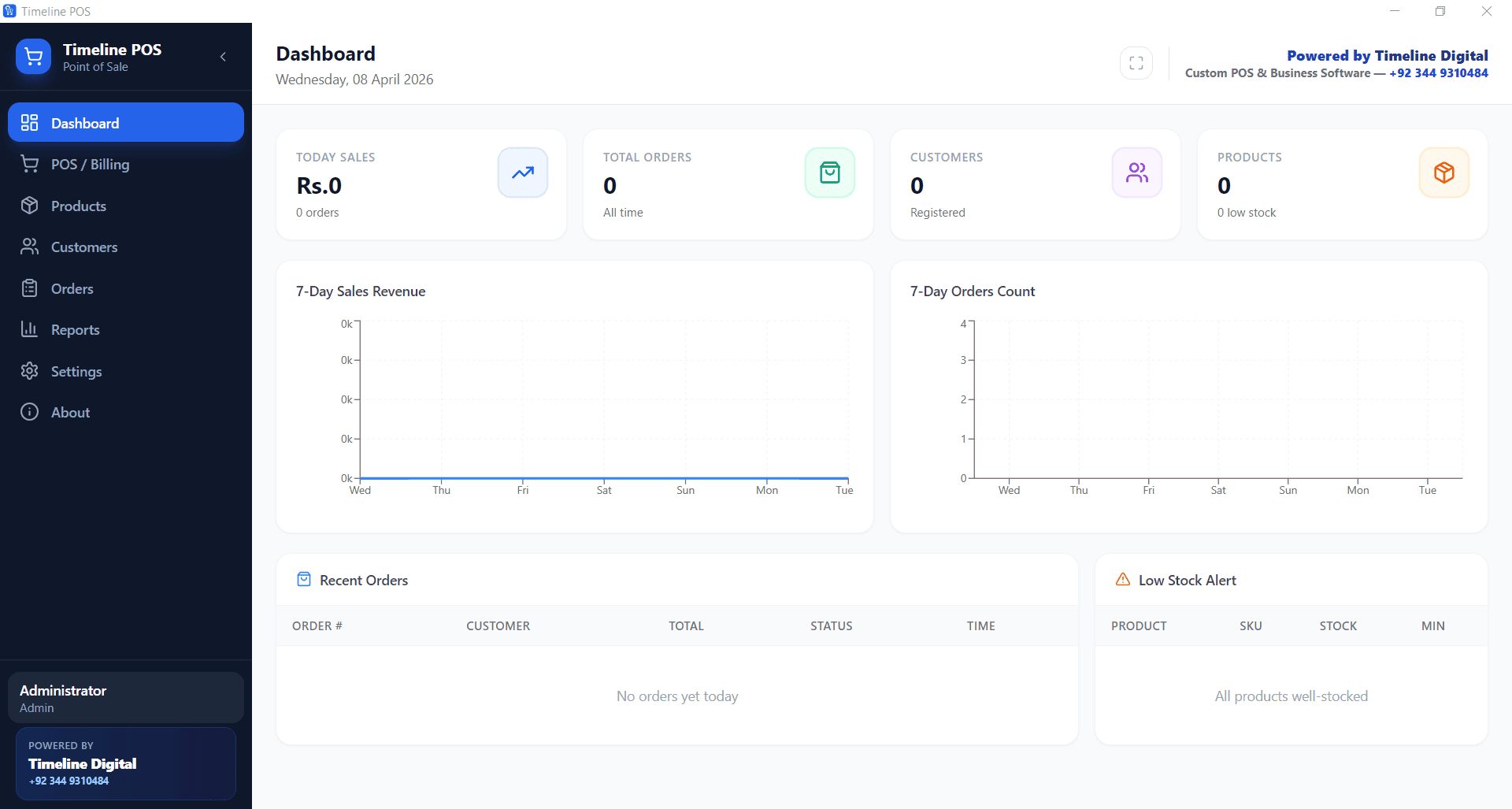
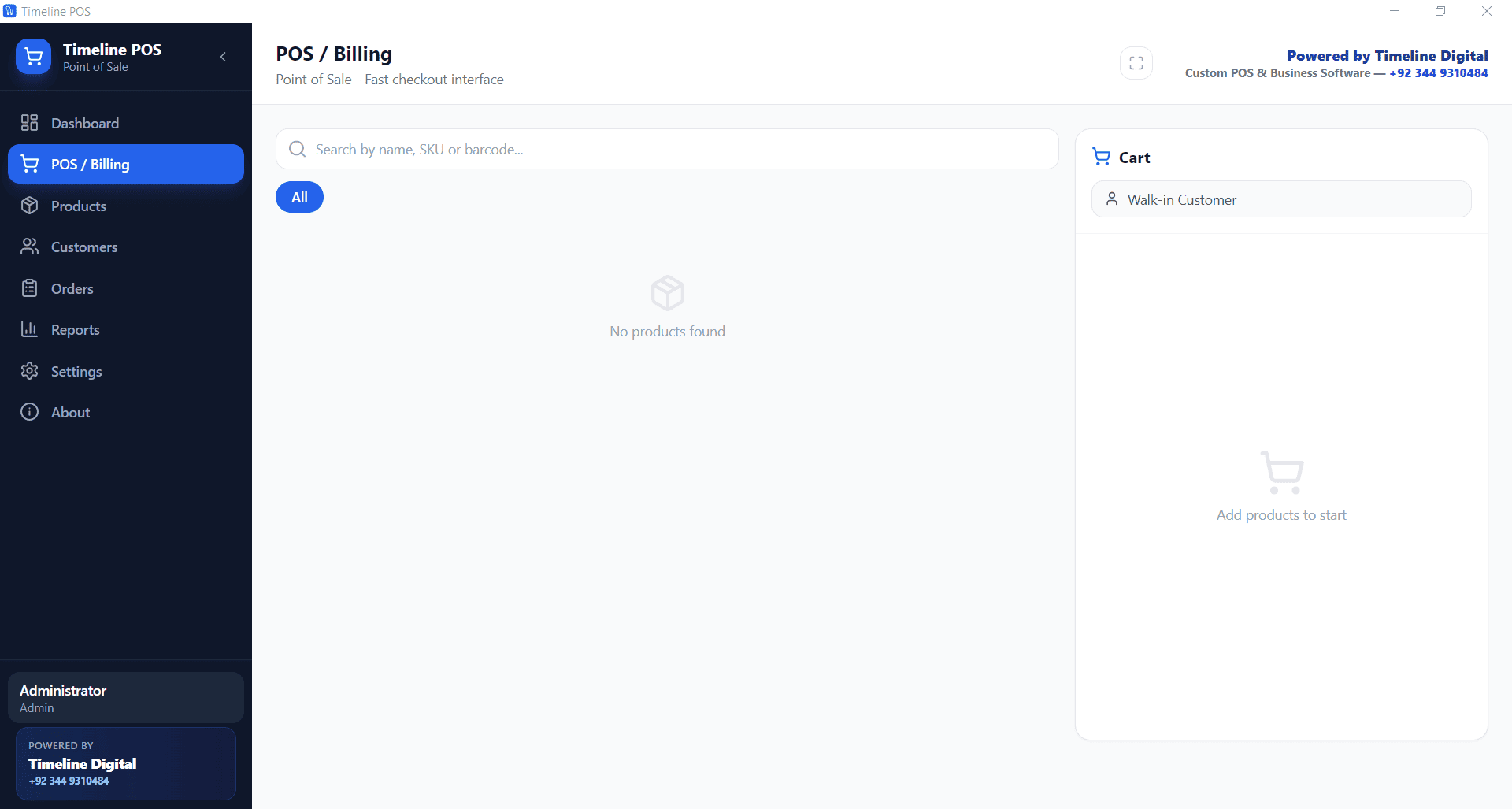
- practical billing, receipts, and reporting included
For early-stage operators, this reduces fixed cost pressure while preserving flexibility.
30-Day Rollout Plan for Startup Teams
- Week 1: install POS, add items, configure taxes
- Week 2: run live with one cashier station
- Week 3: optimize menu shortcuts and receipt workflow
- Week 4: review processing statement and reduce fee leakage
By day 30, you should have stable operations and a clear monthly cost baseline.
Final Verdict
If your goal is strict budget control, the most affordable POS system for startups 2026 is the one that minimizes both software and transaction drag while keeping contracts flexible.
For many founders, that means starting with Timeline POS, then optimizing payment rates as transaction volume grows.