Quick answer
If you are searching for the best pos for small restaurant, choose the system that gives you:
- fast checkout during rush hours
- low total monthly cost
- no forced long contract
- stable operation during internet issues
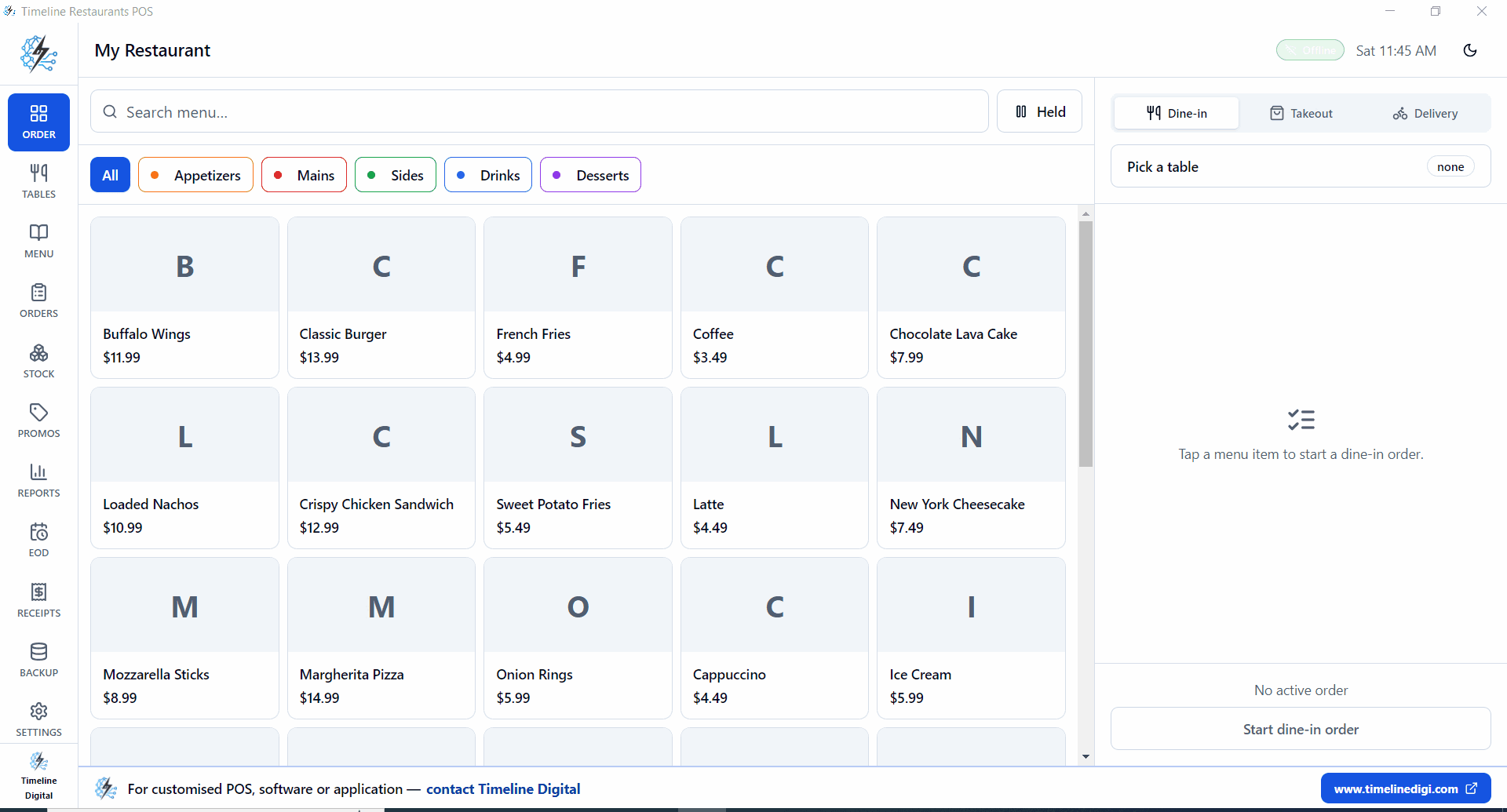
For most small restaurants, Timeline Restaurants POS is the strong pick, it's purpose-built for the food trade (_for restaurants, cafés, bars and food trucks_), free forever on Windows, runs offline, and we don't take a cut on cards.
What Makes the Best POS for Small Restaurant Teams
Small restaurants do not need bloated enterprise complexity. They need speed, reliability, and predictable cost.
Use these 5 decision factors:
- Billing speed at peak time
- Real monthly cost including processing
- Contract flexibility
- Core features included in base plan
- Offline continuity during outages
If a system scores well on all five, it is usually a good long-term fit.
Best POS for Small Restaurant: 2026 Cost and Fit Comparison
Assumption for comparison:
- monthly sales: $16,000
- card mix: 66%
- card volume: $10,560
| POS Option | Software Fee | Processing Model | Estimated Monthly Total | Small Restaurant Fit |
|---|---|---|---|---|
| Timeline Restaurants POS | $0 | Your own merchant account | ~$148 to ~$190 | Excellent |
| Square Restaurants | $0 free tier | 2.6% + fixed fee | ~$275+ | Good |
| Toast Starter | $0 starter / upgrades later | ~2.49% + 15¢ | ~$263+ | Good |
| Clover Dining | $14.95+ | ~2.3% + 10¢ | ~$257+ | Moderate |
| TouchBistro | $69+ | separate processor | ~$310+ | Moderate |
For small restaurants, choosing the wrong fee structure can mean $1,500 to $2,500 extra yearly spend.
Why Total Cost Beats Software Price Alone
When owners search best pos for small restaurant, many compare only subscription price. That misses the real cost center: card processing.
Example at $10,560 card volume:
- 2.6% rate is about $274.56 before fixed fees
- 1.5% rate is about $158.40
That gap alone is over $1,390 yearly, even before subscription differences.
How "best POS" changes by region
The best pos for small restaurant businesses depends on local card processors and tax rules.
USA
- prioritize lower blended rates and stable settlement timing
- avoid multi-year lock-ins during early growth
UK
- ensure VAT-ready receipts and reporting
- compare acquirer fees by card mix
Canada
- evaluate debit vs credit transaction profile
- confirm terminal compatibility with your checkout setup
UAE
- validate VAT invoice format and MDR ranges
- check bilingual receipt needs where applicable
Pakistan
- prioritize offline stability and Windows deployment ease
- ensure local accounting and tax reporting compatibility
Feature Checklist for Small Restaurants
Before final decision, confirm these are included:
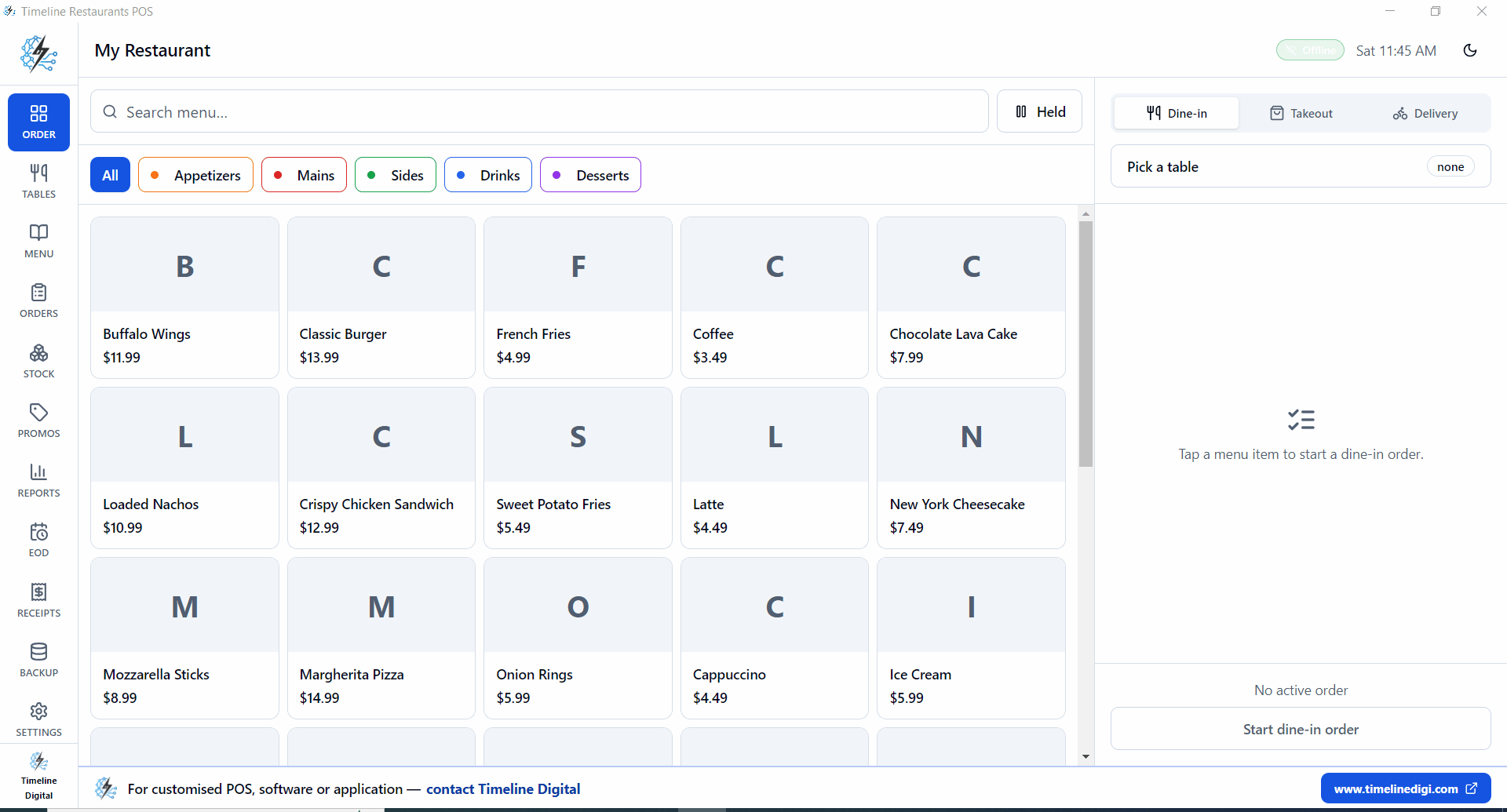
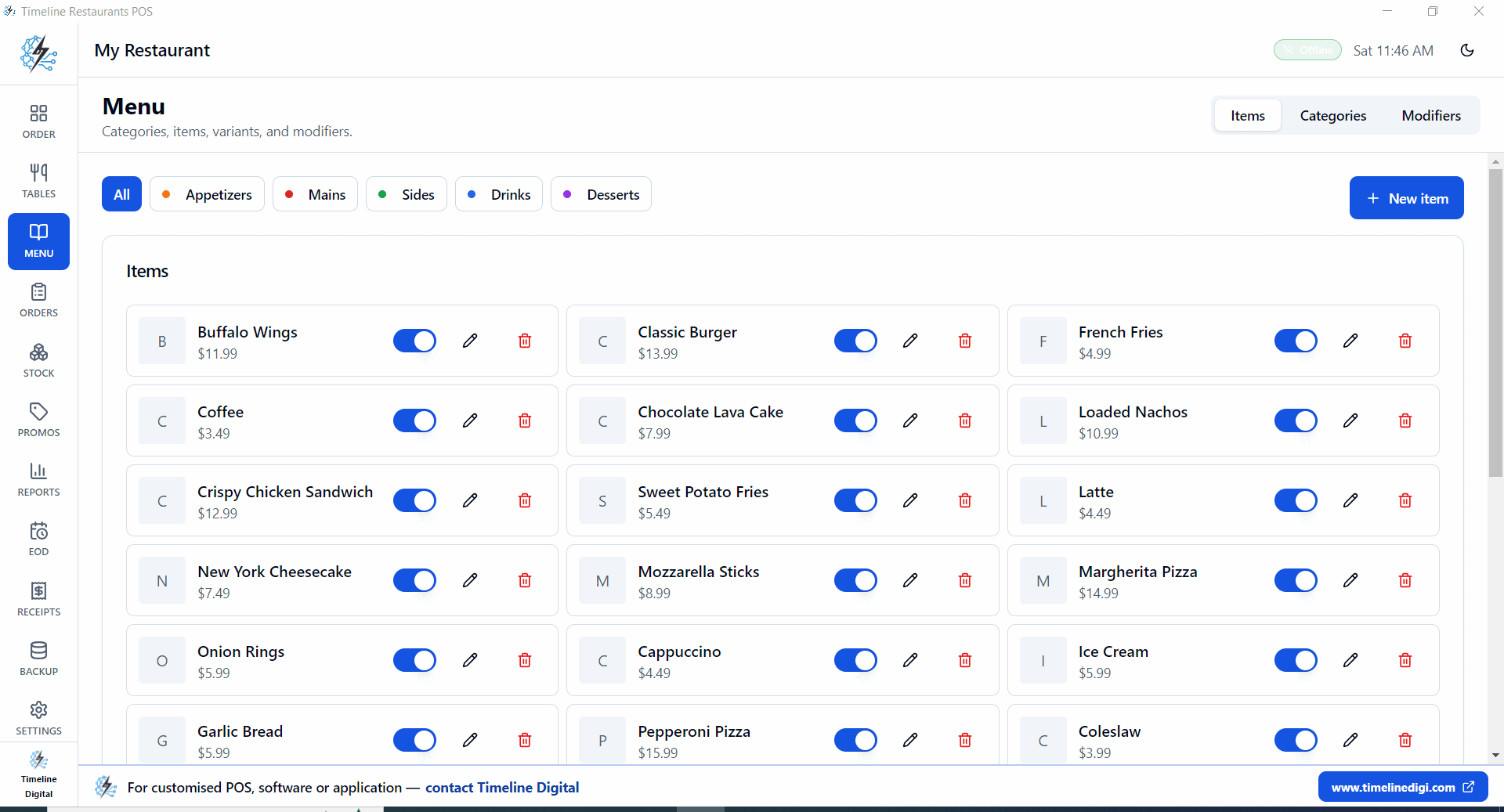
- menu and modifier management
- fast billing with receipt printing
- tax configuration
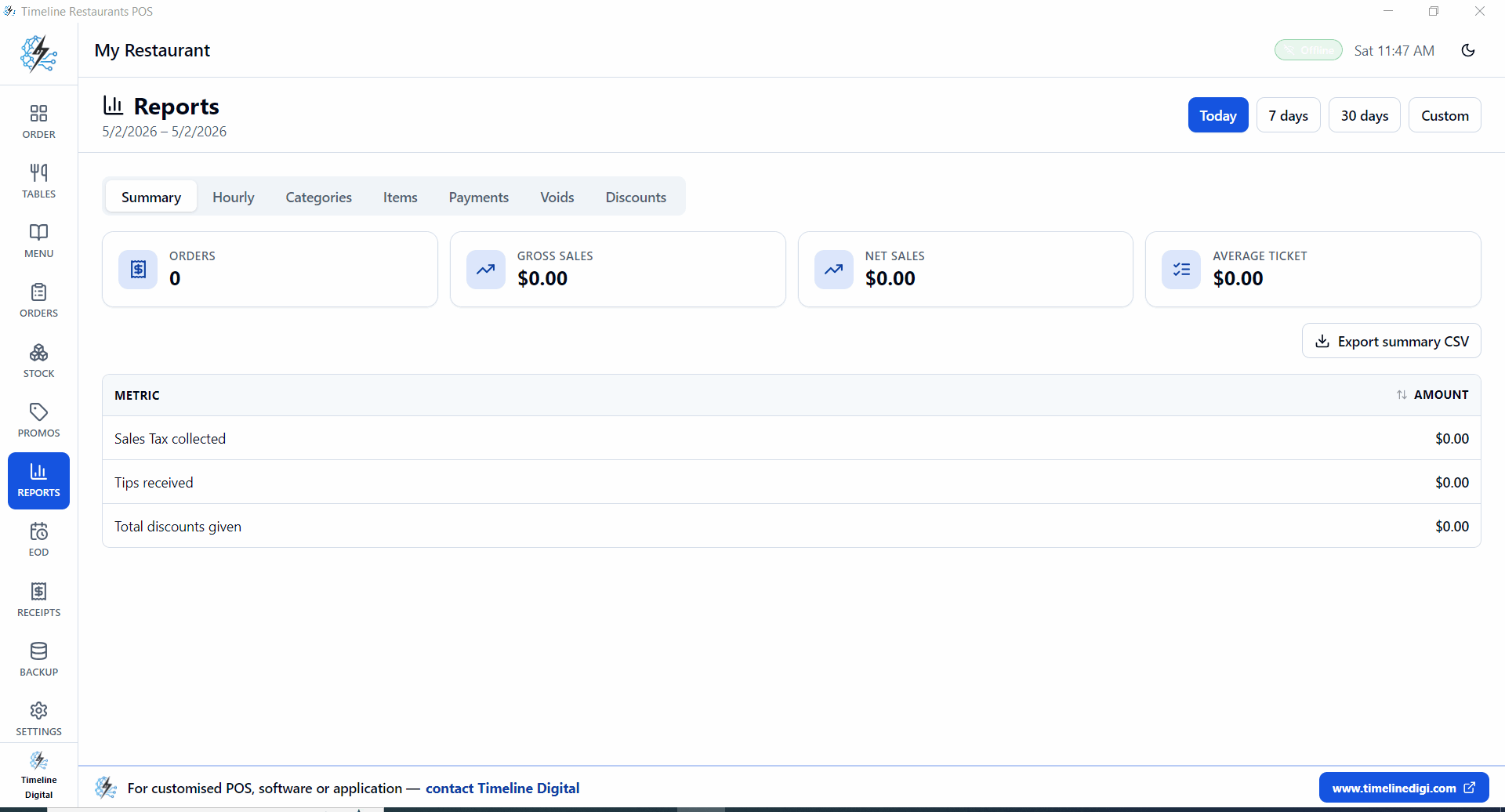
- daily sales summary and shift reports
- simple training for new staff
- backup and recovery basics
If these require paid add-ons, your real cost may be higher than expected.
Direct questions and answers
What is the best pos for small restaurant in 2026?
The best option is one that balances speed, reliability, and total cost. For many independent restaurants, no-subscription POS with flexible processing rates delivers the best value.
Is free POS software enough for a small restaurant?
It can be, if core features like billing, taxes, and reports are fully included and processing rates stay competitive.
Should small restaurants avoid long POS contracts?
Usually yes. Contract flexibility helps when menu, staffing, and sales volume are still changing.
Does offline mode matter for small restaurants?
Yes. Internet outages during service can directly impact revenue if billing stops.
Why Timeline Restaurants POS is a strong fit
Timeline Restaurants POS is the dedicated free product for the food trade, _for restaurants, cafés, bars and food trucks_:
- $0/month software fee, $0 card-fee cut, we don't process payments
- Tables and bar seats out of the box, T1, T8 dining + B1, B3 bar
- One screen for dine-in / takeout / delivery
- Recipe-based inventory, stock auto-deducts on closed orders
- EOD shift report + cash drawer count
- Offline-first, local SQLite, no internet required
- US sales tax engine, state, county, city rates pre-built
- One Windows installer, 96 MB, no subscription, no contract
Final verdict
The best POS for small restaurant operators in 2026 is the one that protects margin, reduces checkout friction, and stays reliable under real service pressure.
Timeline Restaurants POS matches that, purpose-built for restaurants, cafés, bars and food trucks, free forever, fully offline.
Related guides
- Product: Timeline Restaurants POS, for restaurants, cafés, bars and food trucks
- Direct download: Free Restaurant POS System Download
- Cheapest comparison: Cheapest POS System for Restaurant
- USA-focused: Free POS System for Restaurant
- By segment: Pizza shops · Cafés · Bars
- Cost-focused: No Monthly Fee Restaurant POS · Offline Restaurant POS