Quick answer
If you are searching for a pos system no monthly fee, the best option is a setup with:
- $0 software subscription
- no forced processor contract
- low card transaction costs
- essential billing and reporting included
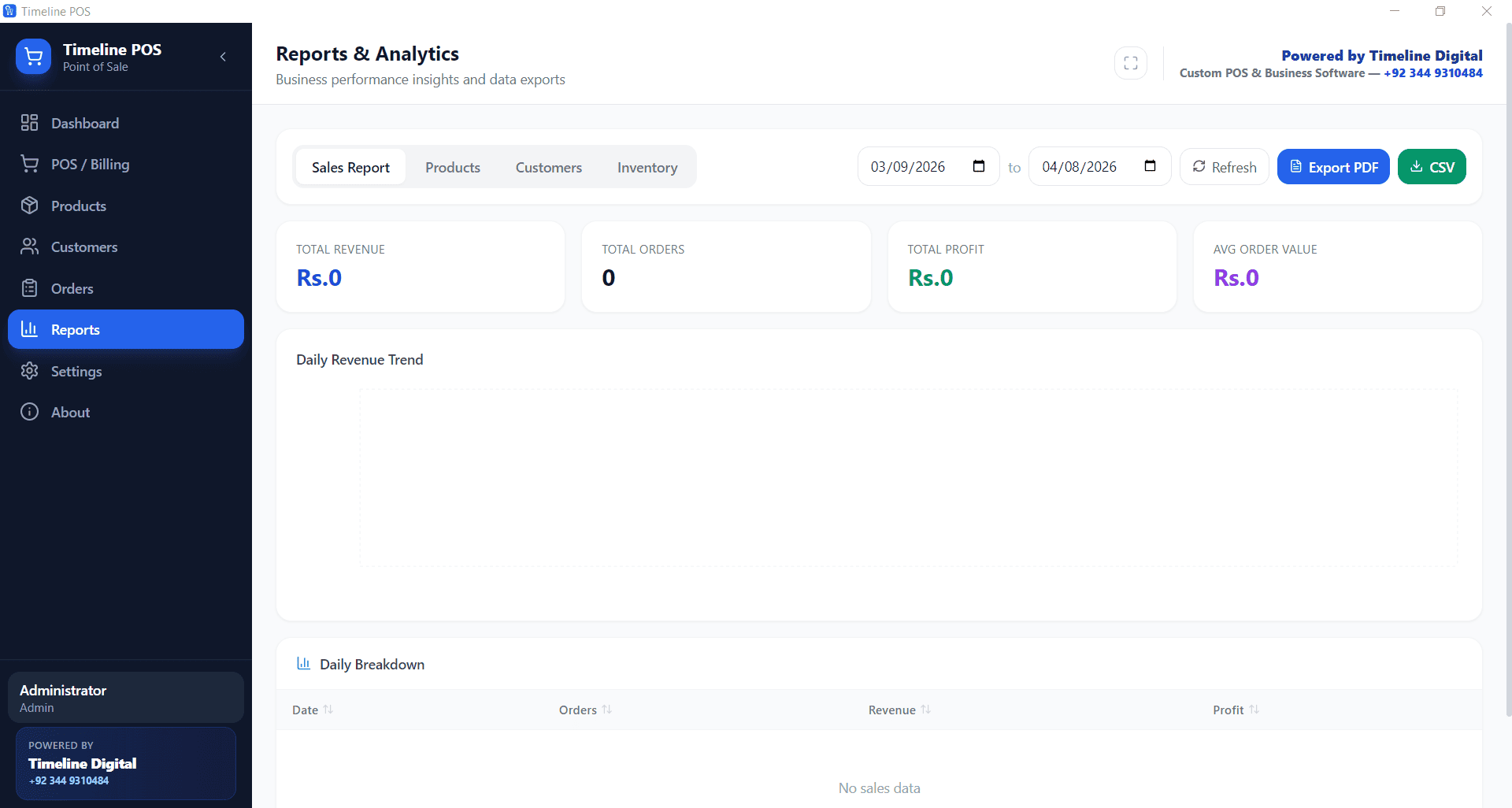
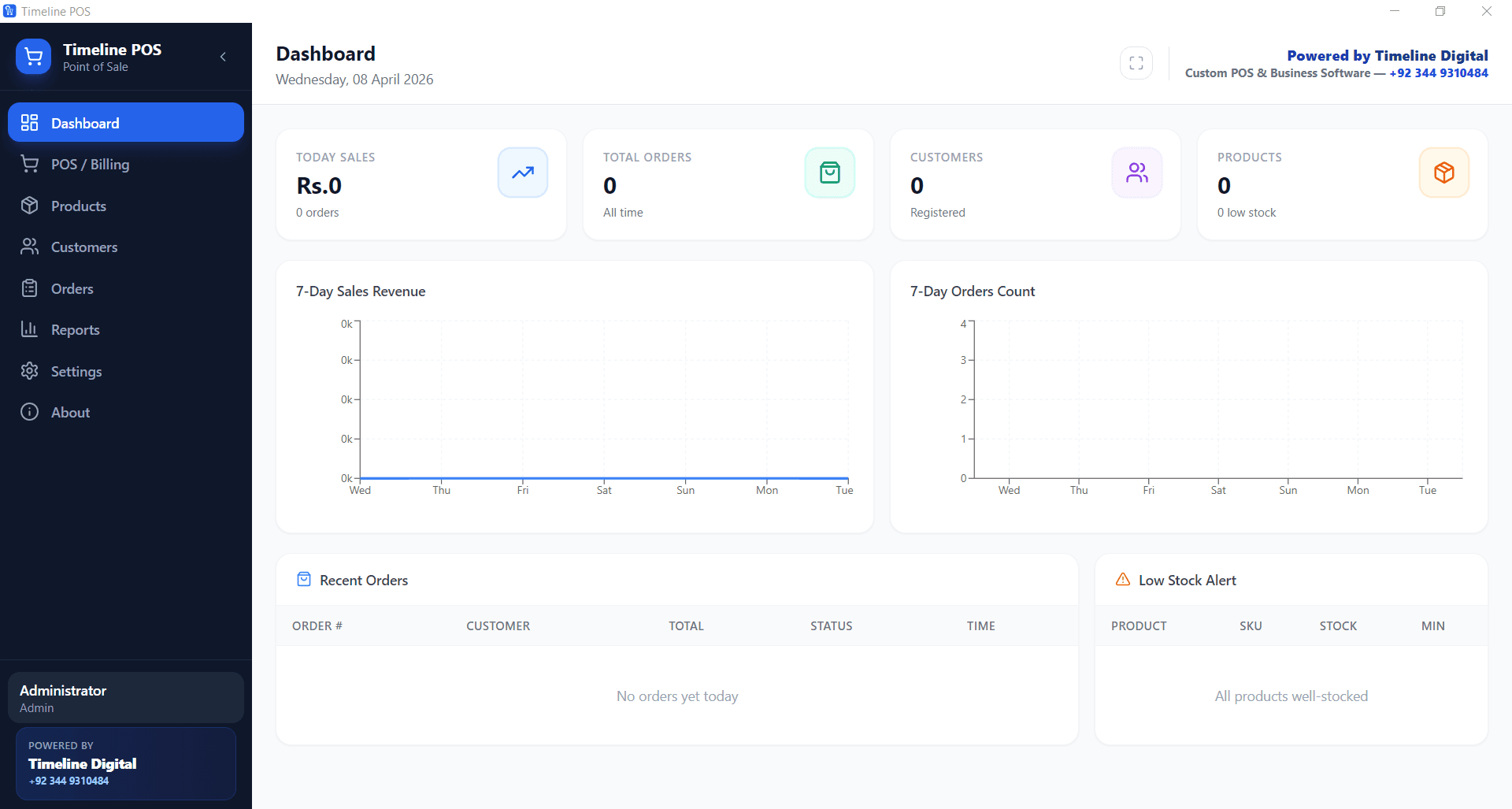
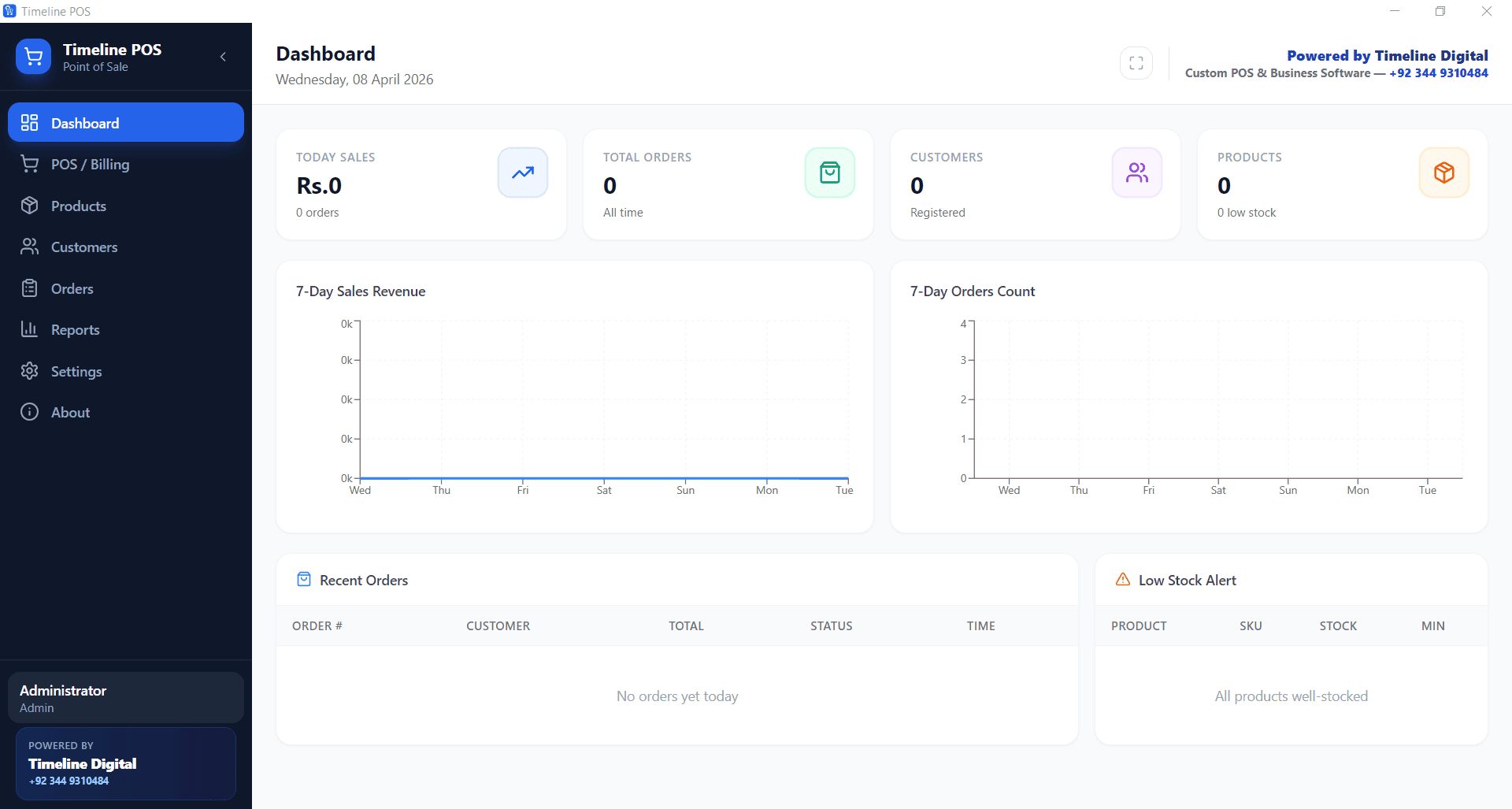
For many small businesses, Timeline POS is a practical fit because software remains free and payment provider choice stays flexible.
What "POS System No Monthly Fee" Really Means
Many providers advertise free plans, but total cost can still be high. A real pos system no monthly fee setup should be evaluated across four buckets:
- software subscription fee
- payment processing fee
- hardware or terminal lock-in
- add-on charges for reports, inventory, or multi-user access
If only the first bucket is free, your total monthly spend may still be expensive.
POS System No Monthly Fee: Real Cost Comparison (2026)
Assumption for comparison:
- monthly sales: $18,000
- card share: 68%
- card volume: $12,240
| POS Option | Software Fee | Payment Model | Estimated Monthly Total | Contract Flexibility |
|---|---|---|---|---|
| Timeline POS | $0 | use your own merchant account | ~$171 to ~$220 | High |
| Square free tier | $0 | 2.6% + fixed fee | ~$318+ | Medium |
| Toast starter | $0 / paid tiers later | ~2.49% + 15c on paid plans (Starter Kit rate is custom-quoted, often higher) | ~$304+ | Medium to low |
| Clover starter | $14.95+ | ~2.3% + 10c | ~$296+ | Medium to low |
| TouchBistro | $69+ | separate processor | ~$332+ | Medium |
For many operators, the gap between the best and worst no-monthly-fee setup can exceed $1,800 yearly.
Two of the five are not actually $0/month: Clover's cheapest tier is $14.95/month and TouchBistro starts at $69/month. They are included as paid benchmarks so you can see what the subscription route costs at the same sales volume. The free POS software hub documents the full no-monthly-fee landscape with verified pricing if you want the deep dive.
No monthly fee restaurant POS
Running a restaurant, cafe, bar, or food counter? The no-monthly-fee logic is the same, but the right product is different. Timeline Restaurants POS is the dedicated free restaurant product: table and floor-plan management, kitchen tickets, menu modifiers, and recipe-based inventory at $0/month software with no vendor card cut. Timeline POS stays focused on retail counter billing and stock, so food businesses should download the restaurant build instead.
Hidden Charges to Watch Before You Commit
Even with a pos system no monthly fee offer, check these details:
- fixed per-transaction charge that scales with order count
- activation, onboarding, or support fees
- paid add-ons for core reports
- contract exit penalties
- device restrictions that force expensive hardware
The cheapest outcome is usually the system with transparent pricing and flexible payments.
US pricing strategy for no-monthly-fee POS
Pricing depends more on your processor than on the POS software. For US operators:
- compare blended vs interchange-style pricing before you sign
- negotiate lower rates as card volume rises; processors expect it
- check the debit vs credit mix in your sales, since it moves your effective rate
- confirm any terminal you already own keeps working before switching
Outside the USA, the same total-cost logic applies, but verify local requirements such as VAT-ready receipts in the UK before committing.
Startup and Small Business Checklist
Before choosing a pos system no monthly fee, verify:
- Is software free forever or just a trial?
- Can you choose your own processor?
- Are billing, inventory, and reports included?
- Does the POS run if internet is down?
- Is there any long-term contract clause?
- Can staff learn checkout in one shift?
If all answers are yes, your risk of cost surprises drops significantly.
Direct FAQ answers
Is a POS system no monthly fee really free?
It can be, but only if processing rates and add-ons remain low. Always calculate full monthly total.
What is the main cost in a no-monthly-fee POS?
Payment processing is usually the largest recurring cost driver.
Can I reduce POS cost without changing my whole setup?
Yes. Many businesses cut cost by keeping free software and renegotiating processor rates.
Is no-contract POS better for startups?
Usually yes. Startups need flexibility while product-market fit and operations evolve.
Why Timeline POS Fits This Keyword Intent
Timeline POS aligns with the pos system no monthly fee search intent because:
- software cost is $0
- no forced processor lock-in
- no mandatory long contract
- offline billing support on Windows
- practical day-to-day retail and counter workflows (restaurants get the same $0 model via Timeline Restaurants POS)
Final Verdict
The best pos system no monthly fee option in 2026 is the one with the lowest total operational cost, not just a free headline plan.
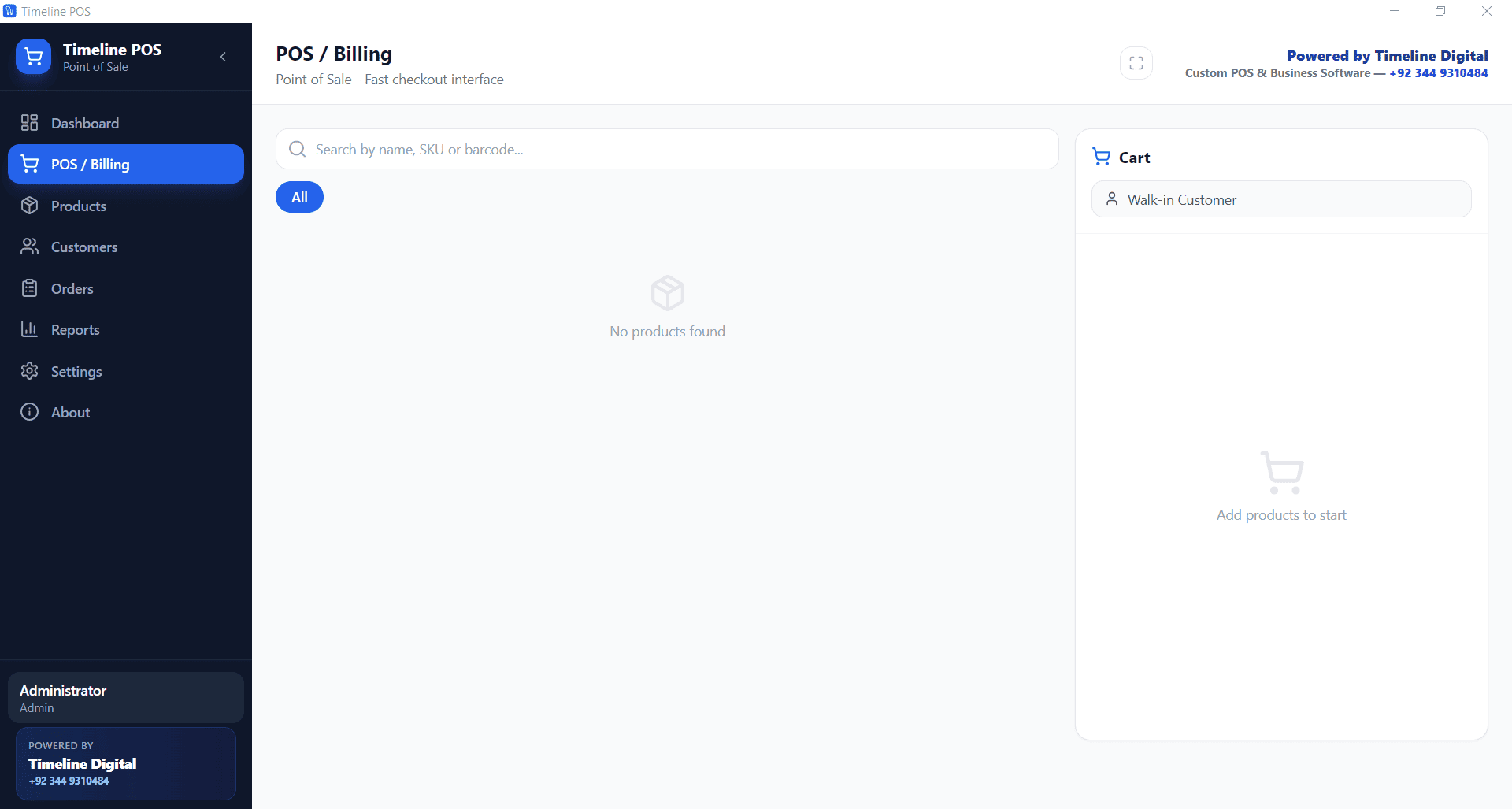
For many small businesses and startups, Timeline POS is a strong choice when you want cost control, flexibility, and stable day-to-day operations.