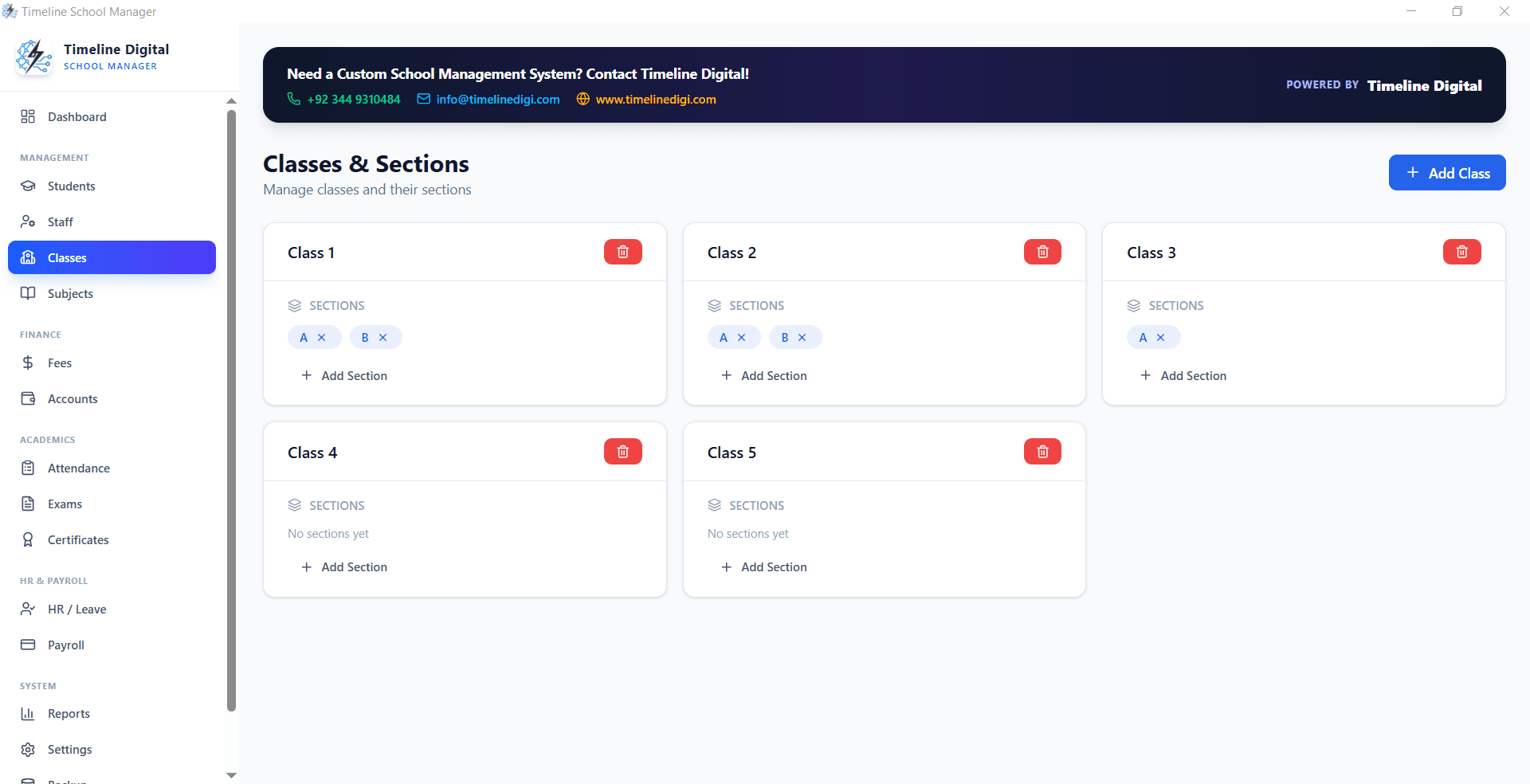
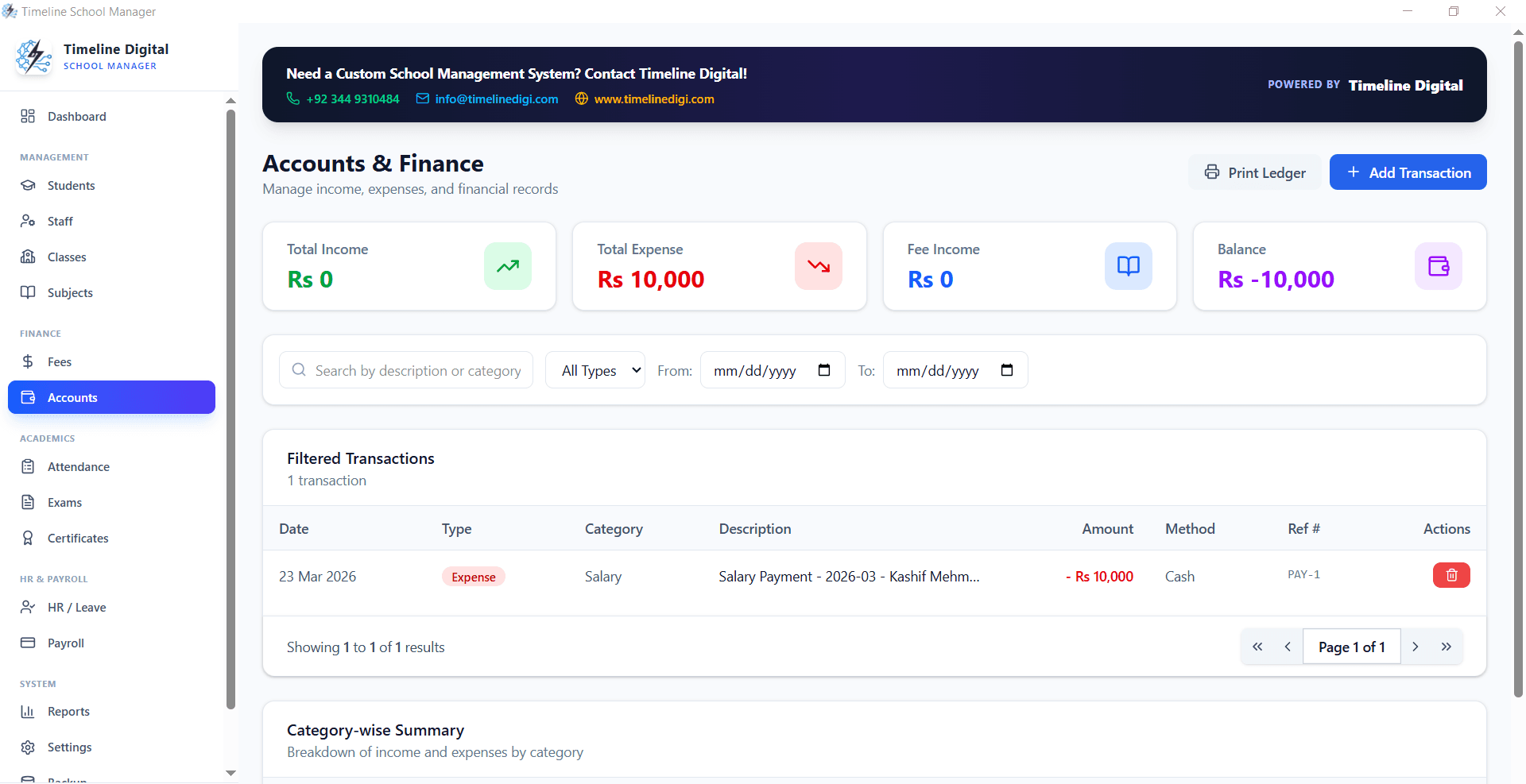
School management software is not a convenience add-on anymore. For institutions handling high student volumes, complex fee structures, exam governance, payroll workflows, and compliance reporting, it is the operational backbone that day-to-day work runs on.
This page gives schools, administrators, and education founders a practical framework for choosing, deploying, and scaling school management software, plus a free Windows edition you can install today.
Need a ready-to-use offline edition right now? Download Timeline School Manager v2.5.0, or message us on WhatsApp for setup help.
Admissions to alumni lifecycle
Finance and compliance visibility
Deployment planning for growth
What is school management software, and why does it matter?
School management software is a digital platform that coordinates academic and administrative operations through one connected workflow. Instead of running admissions in a spreadsheet, attendance in paper registers, fee records in an accounts book, and exam results in disconnected files, the school works from a single source of operational truth.
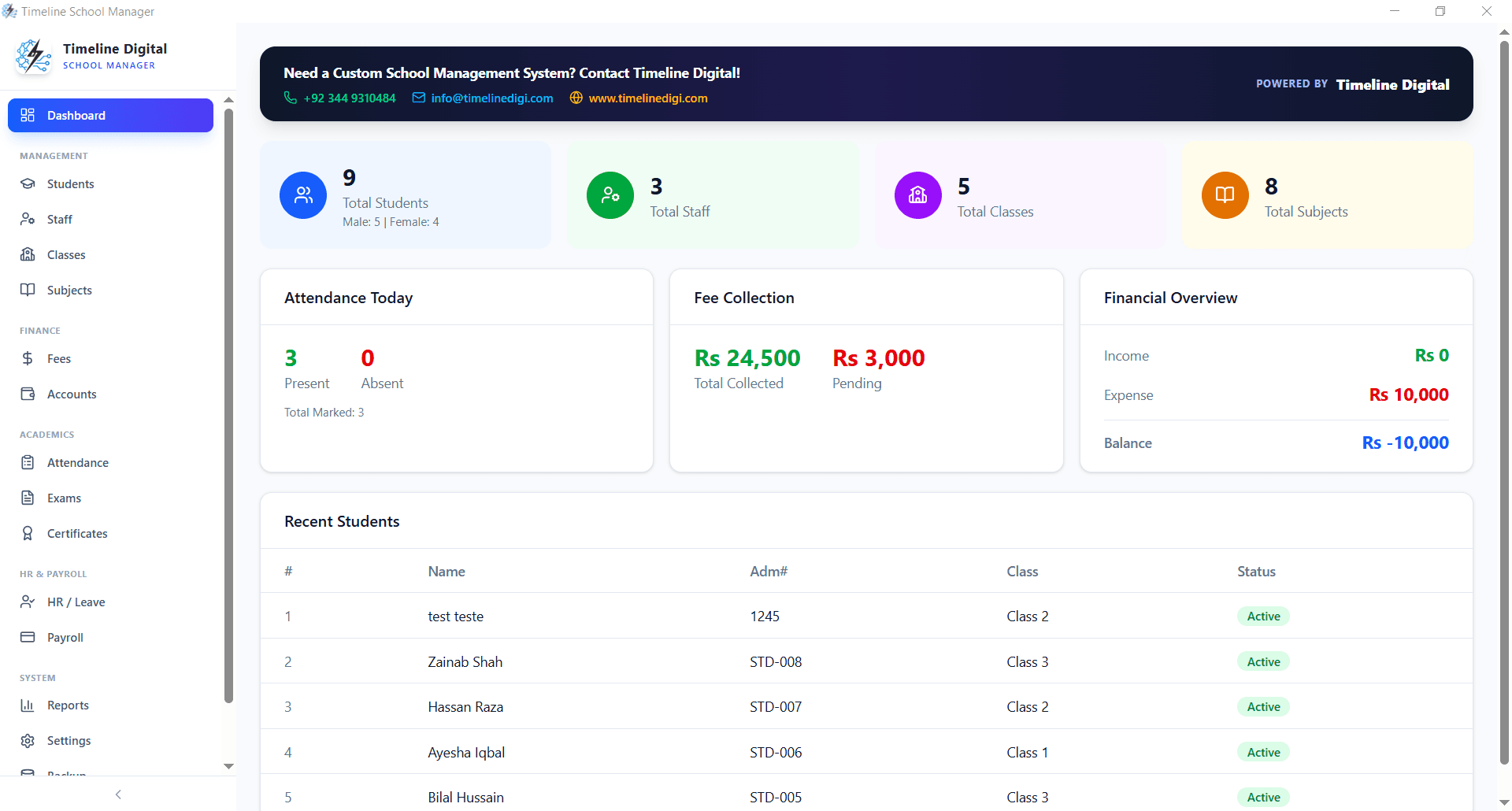
In practical terms, leadership can answer core questions fast: how many active students are enrolled, which classes have attendance risk, what percentage of monthly fees is collected, how payroll compares to tuition recovery, and which academic groups need attention. Without software, those answers take days. With it, they take minutes.
For schools competing in a global education market, administrative clarity affects growth, parent trust, and student outcomes directly. Institutions that digitize early tend to expand faster, respond to problems sooner, and build stronger internal accountability than schools still running on manual processes.
Direct answer
School management software is a digital system that helps schools manage admissions, student records, attendance, fees, exams, payroll, and reports from one centralized platform.
Signs your school needs better software
Schools tend to delay digitizing until the pressure builds. If any of these sound familiar, your current setup is already limiting performance.
Admissions records are duplicated across multiple files and desks
Attendance reports need manual consolidation every week
Fee dues are tracked by hand and reminders go out inconsistently
Exam marks get entered repeatedly in separate templates
Parent disputes happen because transaction records are hard to verify
Payroll runs on an ad hoc spreadsheet every month
Leadership reports arrive late and departments do not fully trust them
New staff take too long to learn the operational workflows
What features should school management software include?
School management software should include eight core modules: admissions and enrollment, a student information system, attendance tracking, fee and billing control, exam and results management, staff payroll, timetable and class management, and certificates with compliance reporting, all on one connected architecture.
The right platform is not just a list of modules. It is a connected system where academic, financial, and operational data moves across teams with clear permissions and reporting standards.
Admissions, enrollment, and the full student lifecycle
School management software should cover the whole journey from inquiry to graduation: lead capture, admission forms, interview records, document checklists, class allocation, and enrollment confirmation. When admissions and records sit in one flow, staff stop losing applicant data across spreadsheets and paper files, and stop re-typing the same information twice.
A centralized student information system
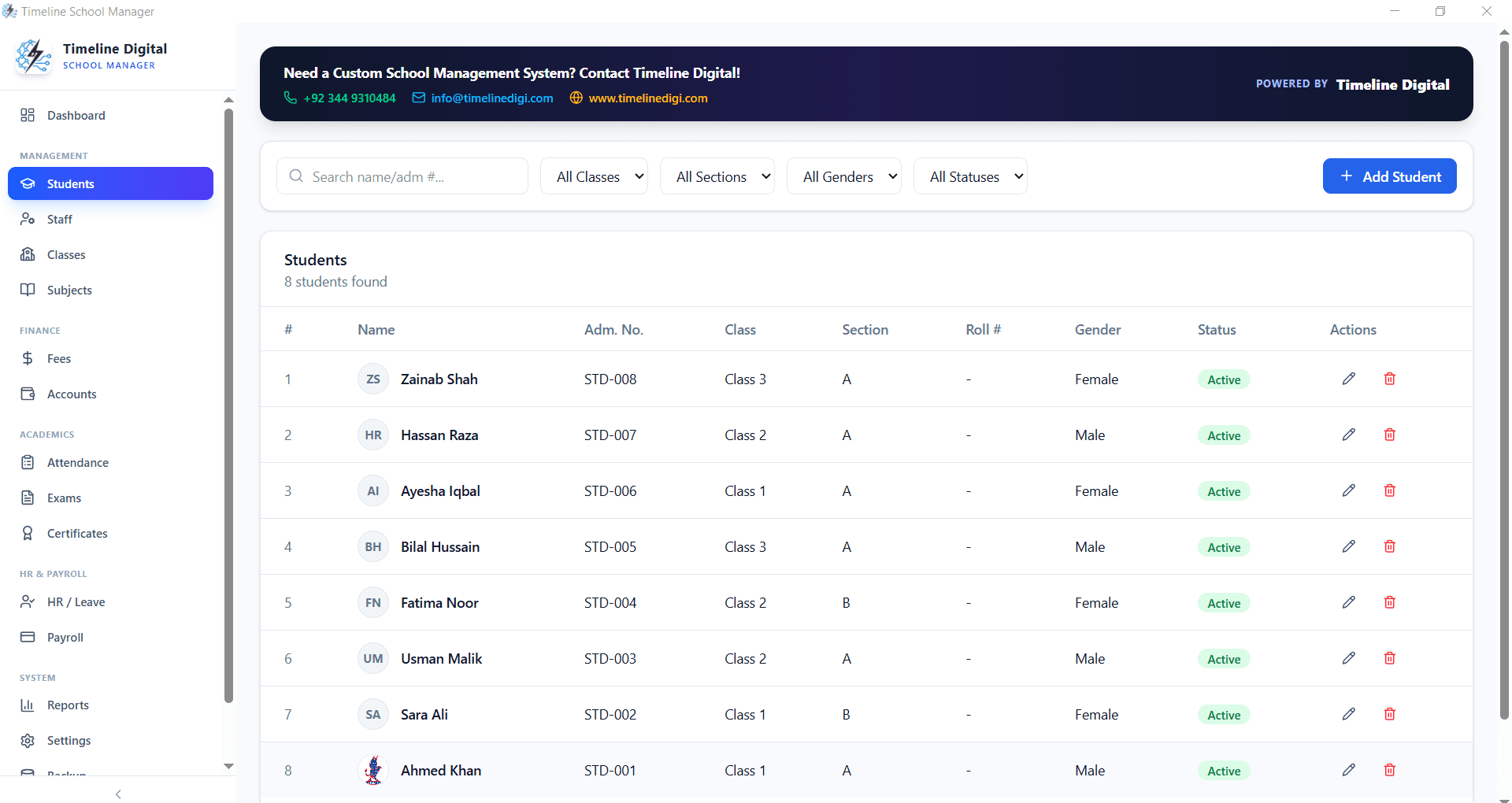
A student information system keeps demographic profiles, guardians, transport details, medical notes, and academic progression in one secure place. Staff access records instantly, with role-based permissions so front desk, accounts, and academic teams see only what their job requires.
Attendance that does more than mark present or absent
Attendance in real school software goes beyond checkboxes. Schools need late tracking, leave categories, attendance trends by class, and early warnings for at-risk students, so administrators step in before an attendance problem becomes an academic one.
Fees, billing, and receivable control
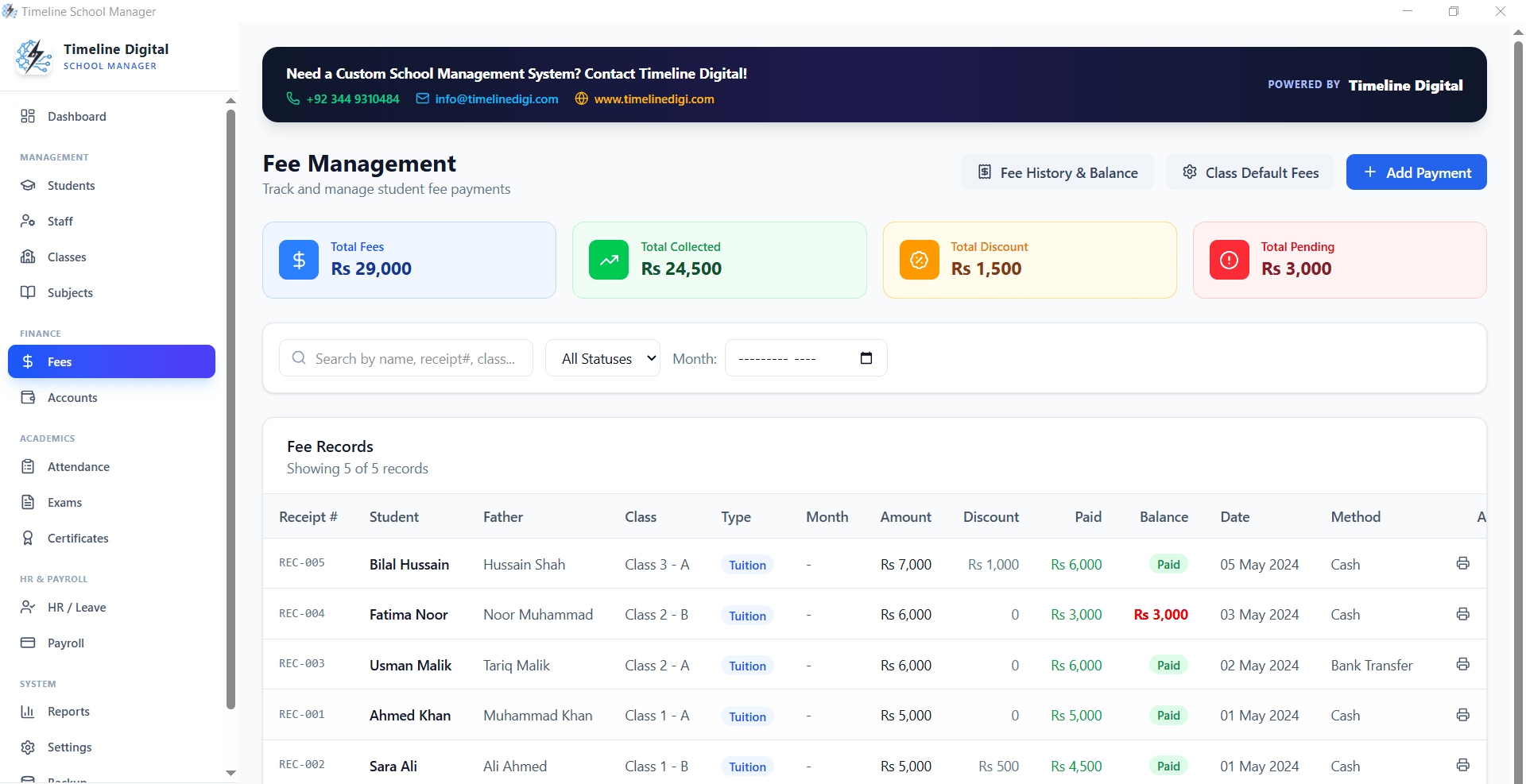
Financial control is the top reason schools buy this software. A fee module needs to handle recurring plans, one-time charges, discounts, waivers, installment tracking, arrears monitoring, and receipt generation. Get that right and cash flow gets predictable, and disputes with parents drop.
Exam planning, grading, and results publishing
Schools need exam calendars, subject-wise mark entry, grading logic, ranking, transcript generation, and printable report cards. Different classes often need different grading policies, and results have to publish in a controlled, auditable way, not by editing a spreadsheet at midnight.
Payroll and staff administration
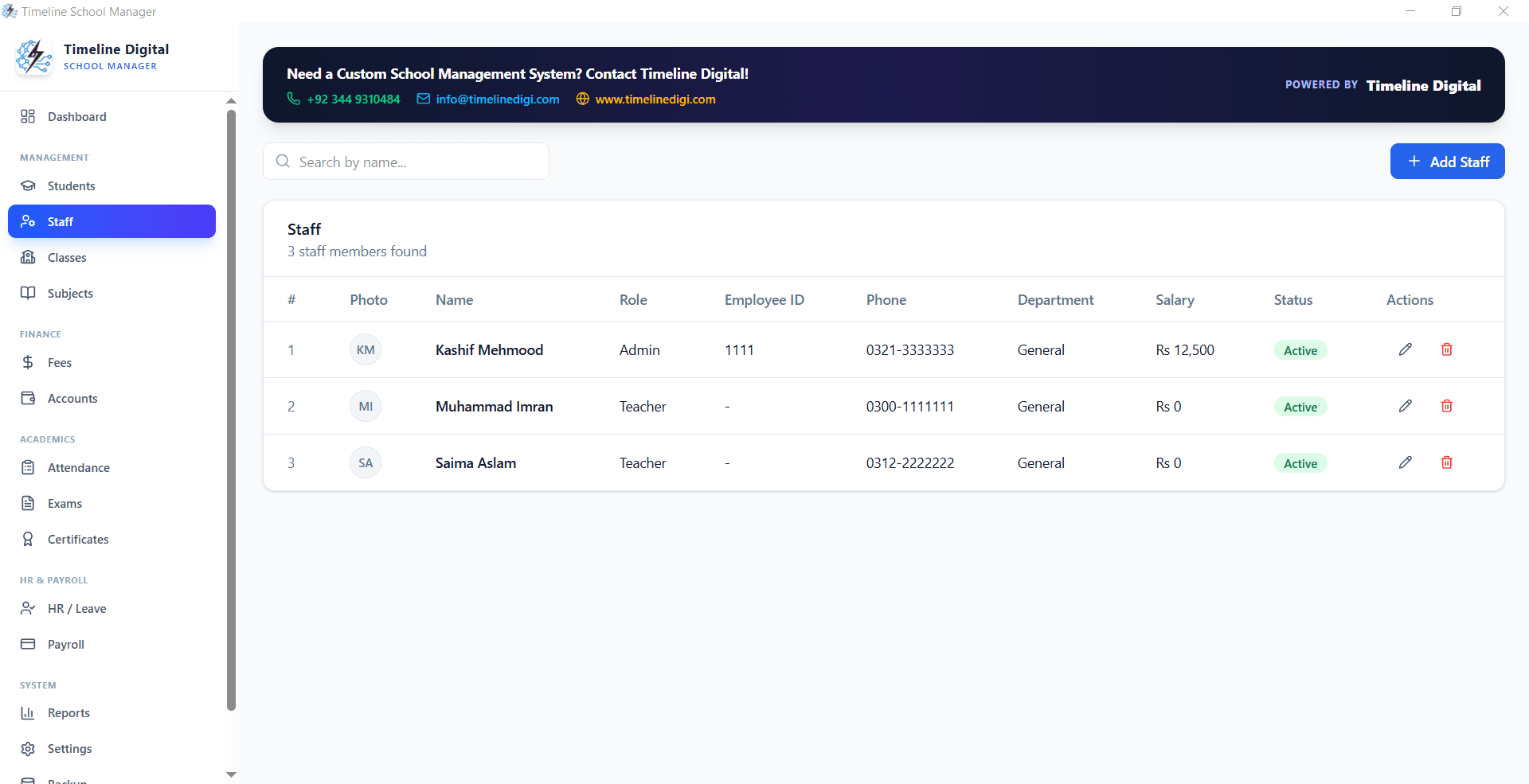
Teacher and staff payroll should read directly from attendance, leave, and salary structures. Earnings, deductions, and payslips run automatically, with full records kept for audits. That gives employees transparency and cuts real hours out of the monthly admin cycle.
Classes, sections, subjects, and timetable control
Timetable conflicts and manual schedule changes are a constant source of confusion in schools. Dedicated planning tools let administrators assign teachers, manage periods, configure substitutions, and keep section-level schedules straight with far less back and forth.
Certificates and compliance reporting
From transfer certificates to attendance certificates to board-format records, schools generate these documents constantly. Templates and report exports let staff produce official paperwork fast, with consistent formatting and data every time.
School management software in practice
A useful platform gives every team a clear view suited to their job: administrators get control, accounts get traceability, and academic staff get speed.
How do you implement school management software successfully?
Implement school management software in five phases: map the current operational process, clean and prepare data for migration, pilot on one campus or department, train staff by role with written SOPs, then set governance rules and review quarterly. Most schools complete a single-campus rollout in weeks and full adoption within months.
Implementation quality decides whether the software creates lasting value or turns into another unused tool. A phased roadmap protects adoption and keeps operations stable while you switch over.
1
Map the operational process
Before you pick school management software, document how your school currently handles admissions, fee collection, attendance, exam processing, and reporting. Find where delays, duplicate entry, and lost data happen. That baseline stops you from buying a tool that looks good but skips your actual bottlenecks.
2
Get your data migration-ready
Clean your student, staff, and financial data before you migrate it. Remove duplicates, standardize class names, validate guardian contacts, and archive inactive records. Software can automate your operations, but it cannot fix a bad data foundation on its own.
3
Pilot on one campus or department
Do not roll out to the whole institution on day one. Start with one branch, or start with admissions plus fee management. A pilot lets the team adjust workflows, train users, and find gaps before you commit to full adoption.
4
Train by role, standardize the SOPs
Train front desk, accounts, principal office, teachers, and the exam cell separately, each on the parts of the system they touch. Pair training with written SOPs so everyone enters and approves data the same way. That consistency is what keeps a deployment from turning into a tool nobody actually uses.
5
Set governance and keep optimizing
Define who can edit critical records, how backups run, and which reports leadership reviews every week. School management software should evolve with the institution, so put a quarterly review on the calendar and actually hold it.
School management software only creates institutional value when every department can actually use it. These are the outcomes leadership should track.
For school owners and board members
Real-time visibility into enrollment, fee recovery, and operating health
Structured reporting for strategic decisions and branch-level comparison
Less dependence on manual admin and undocumented processes
Clearer, more defensible records for every stakeholder conversation
For principals and academic leadership
Faster decisions using attendance and performance dashboards
Centralized access to student history and teacher activity
Tighter exam governance with controlled grading workflows
Less administrative load, more time for academic quality
For accounts and administration teams
Automated billing, receipt issuance, and dues tracking
Faster month-end closing and cleaner financial documentation
Fewer parent disputes because transaction history is accurate
Consistent document output for compliance and audits
For teachers and coordinators
Clear class rosters, schedules, and attendance workflows
Faster mark entry and result preparation
Better coordination across class teachers and subject teams
Less clerical work, more time actually teaching
How much does school management software cost in Pakistan?
School management software in Pakistan ranges from free desktop editions to paid cloud subscriptions billed per student per month. Timeline School Manager is free for lifetime use, while custom cloud builds are quoted by scope. The real measure is operational return: faster fee recovery, fewer admin errors, and dependable reporting.
The smartest buying decision is not the cheapest subscription. It is the model that delivers measurable, dependable improvement in administrative throughput, financial accuracy, and leadership reporting.
Decision area
Low-maturity setup
High-value software strategy
Cost evaluation
Only checks the monthly license price
Weighs total operational impact and risk reduction
Fee control
Reactive arrears handling
Proactive dues monitoring and collection discipline
Reporting
Manual month-end effort
Continuous role-based dashboards
Audit readiness
Chasing documents at deadline
Structured records available on demand
Scalability
Breaks as student count grows
Processes stay stable through expansion
Institutions that treat school management software as strategic infrastructure typically see faster fee recovery, fewer administrative errors, and stronger parent communication. Over several years, those gains can outweigh the subscription or implementation cost many times over.
Security and governance checklist for school software
Student and financial data need disciplined governance. Before you adopt anything, define an explicit security model that balances usability with institutional accountability.
Role-based access for admissions, accounts, academics, and management
Authentication controls for privileged actions and report exports
Backup routines with restore testing on a set schedule
Audit logs for edits to student records, results, and financial entries
Data retention and archival standards for historical records
Clear ownership for incident response and operational continuity
Governance priority matrix
Access control
Define who can create, edit, approve, and publish critical data.
Data integrity
Use validation rules and approval flows to cut down manual errors.
Leadership oversight
Review monthly exception reports and unresolved operational alerts.
Parent trust
Keep transparent records and clear communication logs.
School management software for worldwide operations
Education institutions operate under very different regulatory and cultural conditions. A school in Pakistan, Nigeria, the UAE, the UK, or Canada may run different fee structures, reporting formats, and communication expectations. That is why software flexibility matters as much as feature depth.
Global-ready school management software needs localization options: currency handling, class structures, regional grading schemes, configurable templates, and more than one communication channel. Software that adapts to the institution, instead of forcing rigid workflows onto it, gets adopted faster and holds its value longer.
Timeline Digital works with organizations that need practical, implementation-ready systems, not generic dashboards. If your institution runs multi-campus operations or has region-specific compliance needs, a tailored build usually beats a one-size-fits-all product.
Worldwide strategy in four pillars: operational clarity, financial discipline, data governance, and scalable workflows. Get these right and school management software works across markets.
FAQ: School management software
The questions schools ask most before choosing and deploying software.
What is school management software?
School management software is a digital platform that helps schools handle admissions, student records, attendance, fees, exams, payroll, reports, and administrative workflows in one connected system instead of scattered spreadsheets and paper files.
Who needs school management software the most?
Schools with growing enrollment, multiple classes, frequent fee transactions, and manual report preparation get the most value. The heavier the administrative load, the faster the software pays for itself.
How does school management software improve fee collection?
It automates fee plans, due dates, reminders, receipts, and outstanding balance reporting. That improves collection discipline and gives management a live, accurate picture of what is owed and when.
Can school management software support offline operations?
Yes. Many schools prefer offline or hybrid setups so operations continue in low-connectivity environments. The right architecture depends on your infrastructure, policy, and support needs.
How long does implementation usually take?
A focused deployment can start within a few weeks for one campus. Full institution-wide adoption, with training, data migration, and policy setup, typically takes several months.
What are the common mistakes schools make during adoption?
The recurring mistakes are skipping process mapping, migrating unclean data, cutting user training short, and leaving no governance rules for approvals and record edits.
Is school management software secure for student data?
It can be, when role-based permissions, strong authentication, encrypted backups, and access auditing are actually implemented rather than left as defaults nobody configured.
Can this software reduce workload for teachers?
Yes. Teachers spend less time on manual attendance registers, report preparation, and repetitive paperwork, which frees up more time for actual classroom delivery.
What reports should school leadership check every month?
Can Timeline Digital build custom school management software?
Yes. Timeline Digital builds and tailors school management software around your operational model, reporting requirements, and growth plans, on top of or instead of the free Windows edition.
Free project quote
Build a stack that supports growth, not just year one
If your institution is evaluating school management software, Timeline Digital can help you define scope, prioritize modules, map implementation phases, and deploy a platform built for measurable operational and financial improvement.