Honest answers to the questions small-business owners ask before downloading free POS software.
What is the best free POS software in 2026?
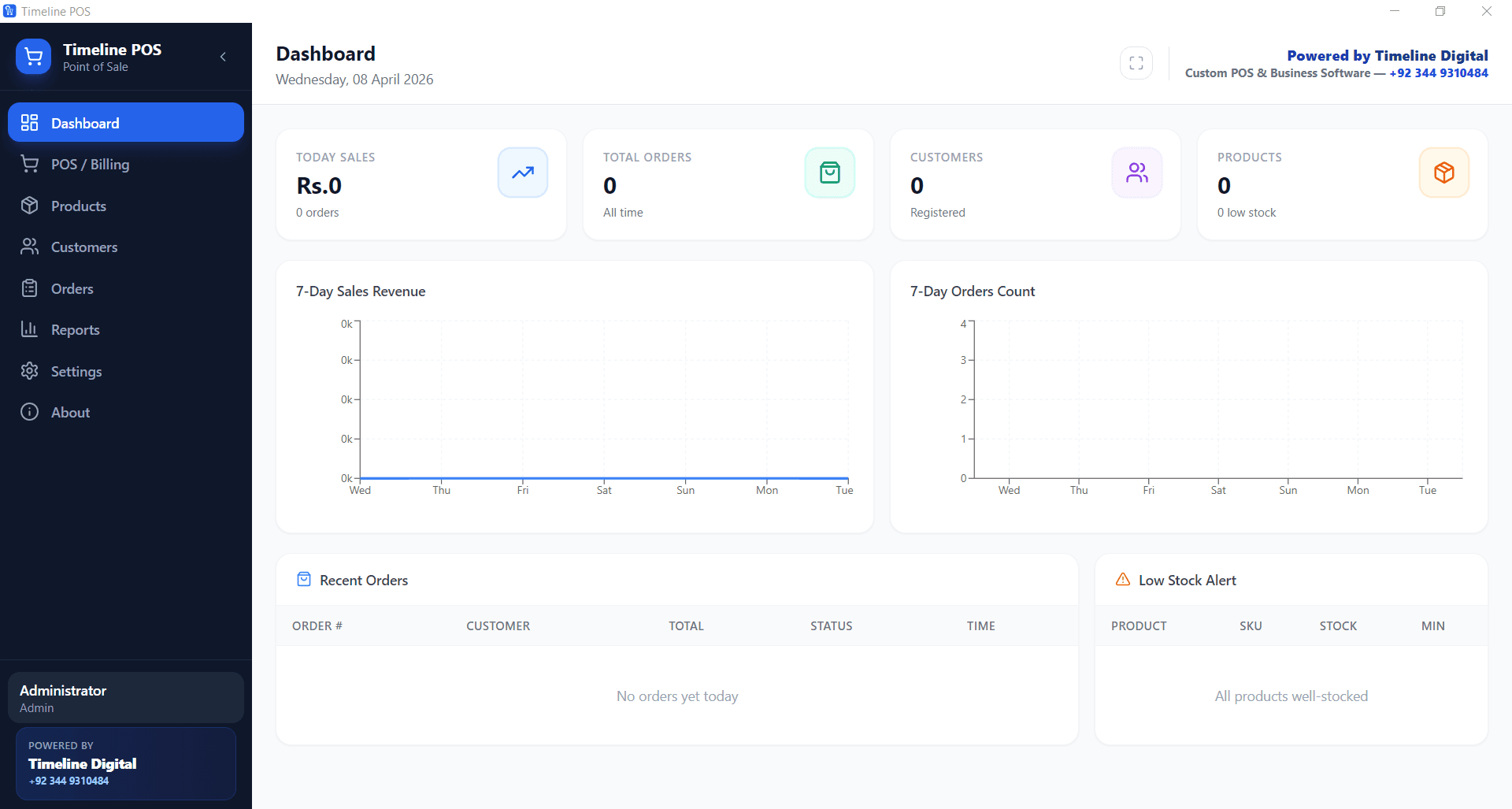
For a genuinely free POS with no fees of any kind, the answer is Timeline POS. A Windows desktop app with sales, inventory, customer tracking, orders and reports, no subscription, and no transaction fees. For cloud-based free POS, Square is the most popular in the USA, UK, Canada, and Australia; Loyverse is strong for cafés on iPad; eHopper covers convenience stores. Open-source options like Unicenta oPOS and Floreant POS are free forever but require more technical setup.
Is there truly free POS software with no hidden fees?
Yes, but it is rare. Timeline POS is one of the few genuinely free options with zero software fees and zero transaction fees, because it does not process payments itself. You pair it with whatever card reader or bank terminal you already use. Most "free" cloud POS tools are free in software but route card sales through a payment processor that charges roughly 1.69% to 2.9%, which is effectively a variable monthly cost. Square and SumUp process cards directly; others like Loyverse are free and do not process payments themselves, they connect to a separate processor that sets the rate.
Can I get free POS software for retail?
Yes. Timeline POS is a complete free POS for retail. It supports barcode scanning, inventory, stock alerts, multiple categories, customer profiles, and daily sales reports. Square Free Plan is the strongest alternative if you want integrated card payments. Unicenta oPOS is a capable open-source retail POS if you can handle a technical setup.
Is there a free POS system for restaurants?
Yes. Loyverse has a strong free tier for cafés and small restaurants running on iPad. For table service and kitchen tickets on a Windows PC at zero cost, use Timeline Restaurants POS, the dedicated restaurant app; retail Timeline POS suits counter sales. Floreant POS is an open-source option purpose-built for restaurants with table management and split checks. Toast Starter markets as $0/month but locks you into payment-processing fees.
What are the best free mobile POS apps?
Square POS, SumUp, Zettle (by PayPal), and Loyverse are the leading free mobile POS apps. All run on iOS and Android and all offer free software. Square, SumUp and Zettle process cards themselves and earn from the processing fee, typically 1.69% to 2.75% depending on country and reader. Loyverse is free and does not process cards itself, it makes money from paid add-ons and connects to a separate processor. SumUp and Zettle are usually the cheapest for hardware in the UK and Europe.
Does free POS software work offline?
Most cloud-based free POS systems (Square, Loyverse, eHopper) need an internet connection and will fail or degrade when offline. Timeline POS runs entirely offline on Windows. Sales continue uninterrupted during internet outages. Unicenta oPOS and Floreant POS are self-hosted and offline-capable. For businesses on unreliable connections, offline capability is essential.
Is free POS software safe for business?
Reputable free POS systems are as safe as paid ones. Timeline POS stores all data locally on your PC, so sensitive sales data never leaves your premises. Square, Clover, and other cloud-based free POS systems are PCI-compliant and encrypt card data in transit and at rest. Always download software directly from the official vendor website and avoid pirated "cracked" versions of paid POS software. Those are often bundled with malware.
What is the catch with free POS software?
There are four common catches: (1) payment-processing fees on every card sale, which is how most "free" cloud POS vendors make money; (2) feature or item caps that force an upgrade as you grow (several free tiers limit SKUs, registers, or reports, check the current cap on the vendor site); (3) lock-in to proprietary hardware or bundled processors; (4) limited support. Free tiers usually get community or email-only support. Timeline POS avoids all four because it is a desktop app built by a services company as a free lead-in to custom work.
Can I switch from paid POS to free POS software?
Yes. Most paid POS platforms let you export products, customers, and sales history to CSV. Import the CSV into your free POS (Timeline POS supports CSV import on request), update any integrations, and retire the paid subscription. Watch for processor contracts. Some cheap paid POS systems like Clover or Toast lock you into 2 to 3 year payment-processing agreements that are separate from the software subscription.
Is free POS software good enough for a growing business?
Yes, for single-location businesses up to roughly $30,000/month in sales. Above that, you often need multi-location sync, advanced inventory forecasting, and dedicated support. Which usually require a paid tier. Timeline POS works well for single-location growth; when you need cloud multi-site, Timeline Digital can build a custom version on top of the same workflows you already know.
Do free POS options work in the USA, UK, and Germany?
Yes. Timeline POS is fully configurable for currency (USD, GBP, EUR), tax rates (US sales tax, UK VAT, German MwSt.), and receipt format, so it runs cleanly in all three markets. Square covers the USA, UK, Ireland, Australia, Canada, France, Spain, and Japan. Zettle is strong across the UK and Germany. SumUp operates in 30+ countries. Loyverse works globally but integrates with local payment partners per country.