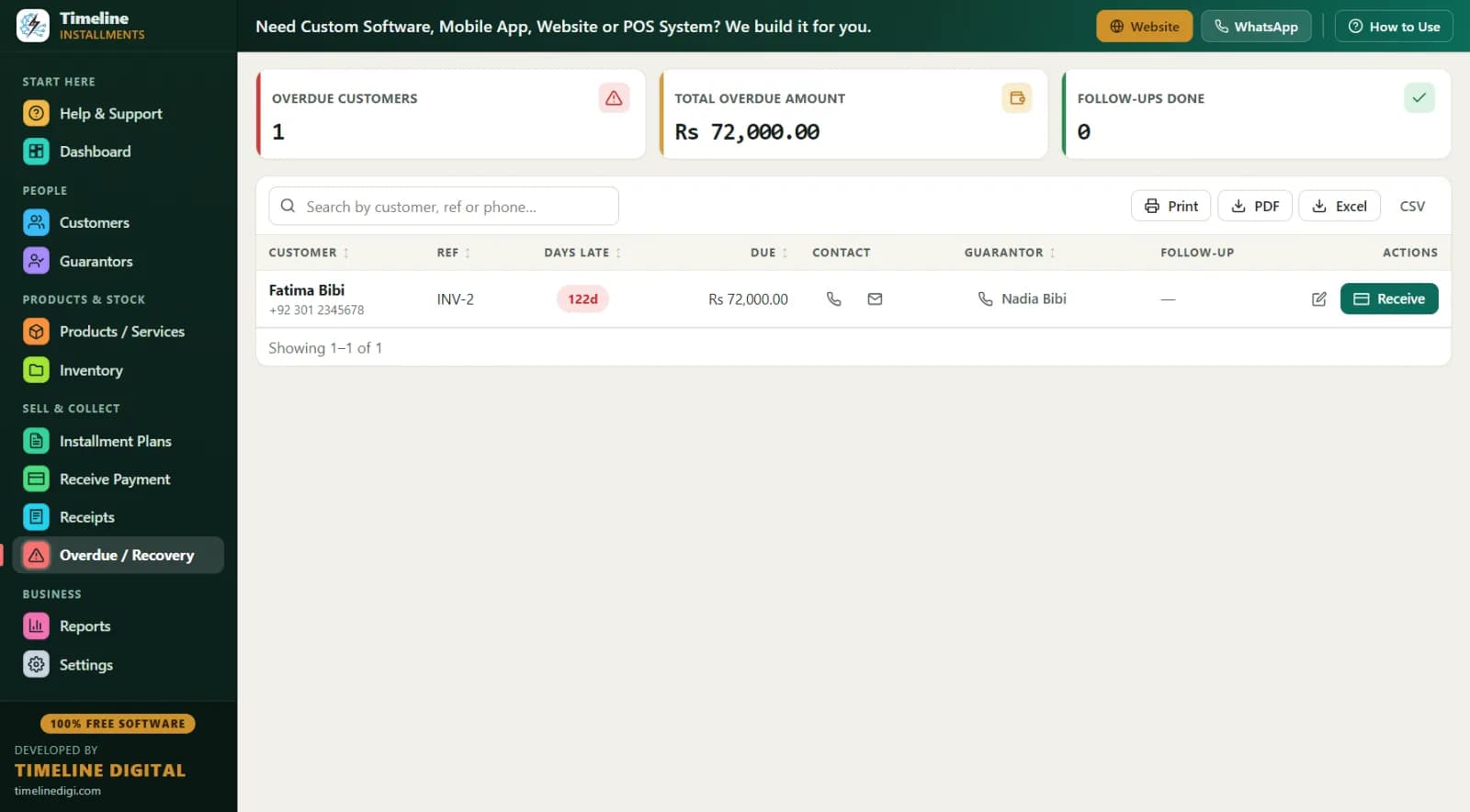
If you run an independent BHPH lot, you are the bank. You buy the car, you approve the buyer, and you collect $120 or $140 every Friday until the note is paid. The paperwork side of that — schedules, receipts, late lists, payment histories — is where most small lots bleed time and money. This page shows how free software fixes it.
One honest note up front: Timeline is payment record-keeping software. It is not a dealer management system (DMS), it does not do lender-compliance disclosures, and it will not file your title work. It does one job — tracking who owes what, when, and what they have paid — and it does that job for free.
What Does Buy Here Pay Here Software Need to Do?
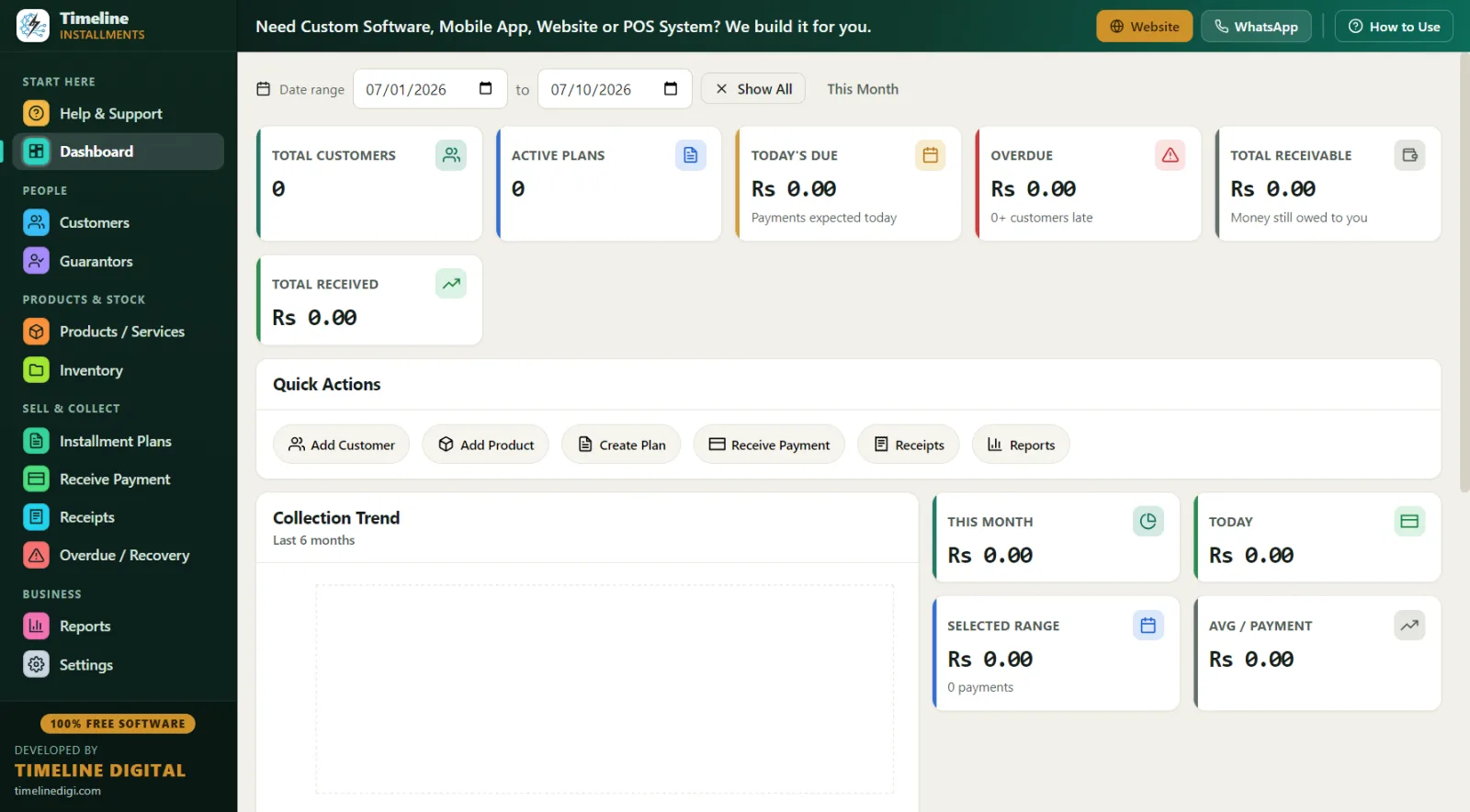
Strip away the buzzwords and a BHPH lot needs five things from its payment software:
- Weekly schedules that match how buyers get paid. Most BHPH customers are paid weekly or biweekly, so weekly payment plans collect better than monthly ones.
- Down payment discipline. The down payment is your real protection on the note. It has to be recorded, receipted, and counted as payment one — every time, no exceptions.
- Days-late visibility. The difference between a 4-days-late account and a 40-days-late account is the difference between a phone call and a repo decision. You need that number on one screen.
- Printed payment history. When a buyer disputes a balance, or when you have to make a repossession decision, a clean printed history of every payment ends the argument.
- A route/recovery list. Who is due this week, what do they owe, what is their phone number, and who is their reference? That list is your collections day.
Timeline covers all five. Here is how the numbers work on a typical deal.
How Does a BHPH Deal Look in the Software? (Worked Example)
The deal: You sell a $6,500 sedan. The buyer puts $1,500 down and signs for 40 weekly payments of $140.
| Line item | Amount |
|---|---|
| Cash price of the sedan | $6,500 |
| Down payment (recorded as payment #1, with receipt) | $1,500 |
| Balance after down payment | $5,000 |
| Weekly payment | $140 |
| Number of weekly payments | 40 |
| Total of weekly payments (40 × $140) | $5,600 |
| Total paid by buyer ($1,500 + $5,600) | $7,100 |
| Amount above cash price (your finance charge) | $600 |
The math is shown honestly on purpose: the buyer pays $7,100 in total for a $6,500 car, and the $600 difference is the finance charge you earn for carrying the note for 40 weeks. That charge is a regulated number in the United States — see the compliance section below — and clean records of it protect you as much as the buyer.
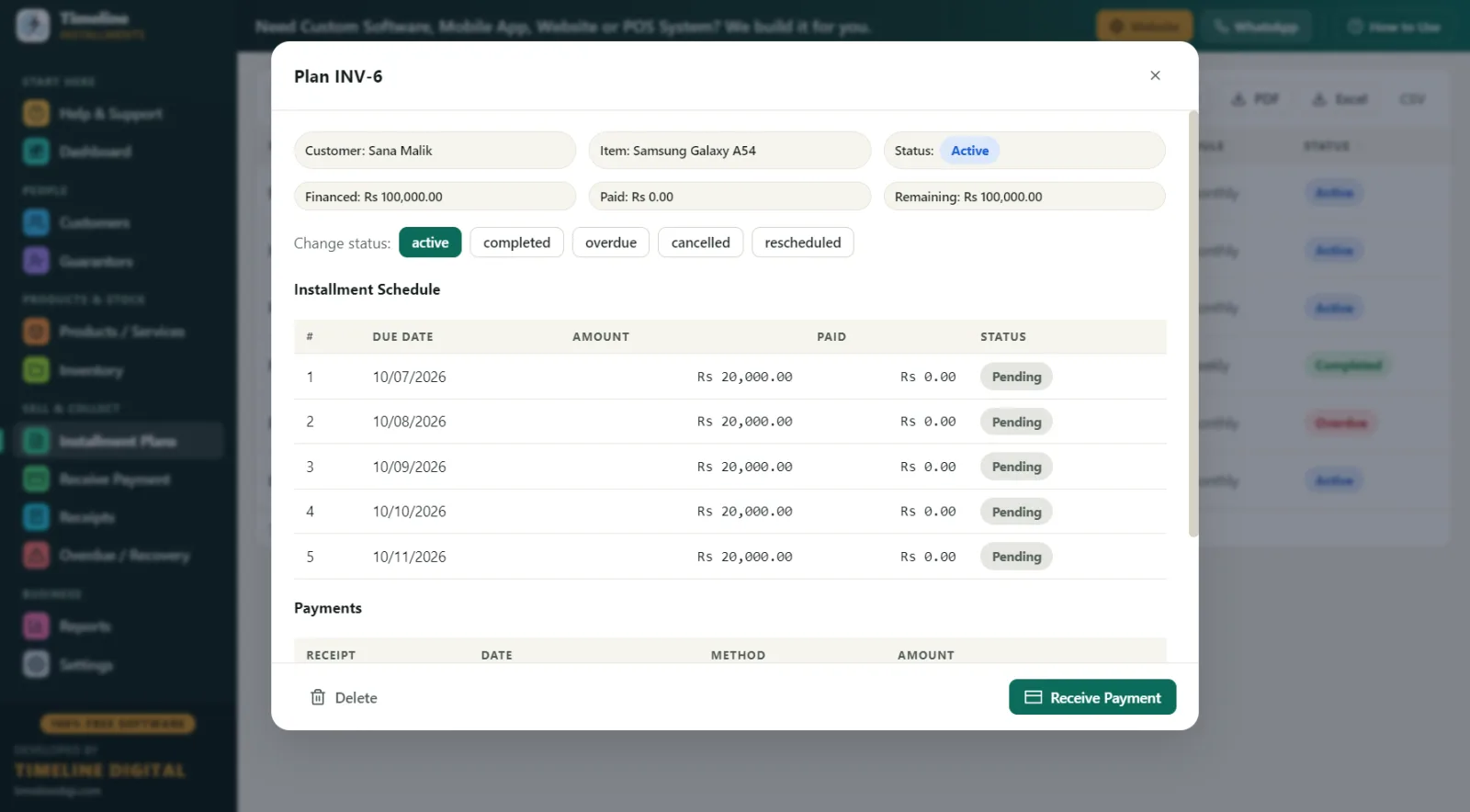
In Timeline, you enter the plan with a weekly frequency and watch the live schedule preview build all 40 due dates before you save. The $1,500 down payment is auto-recorded as the first payment with a printed receipt, the car's stock entry reduces automatically, and every Friday the Receive Payment screen auto-fills the next $140 due.
What Does Collections Day Look Like With This Software?
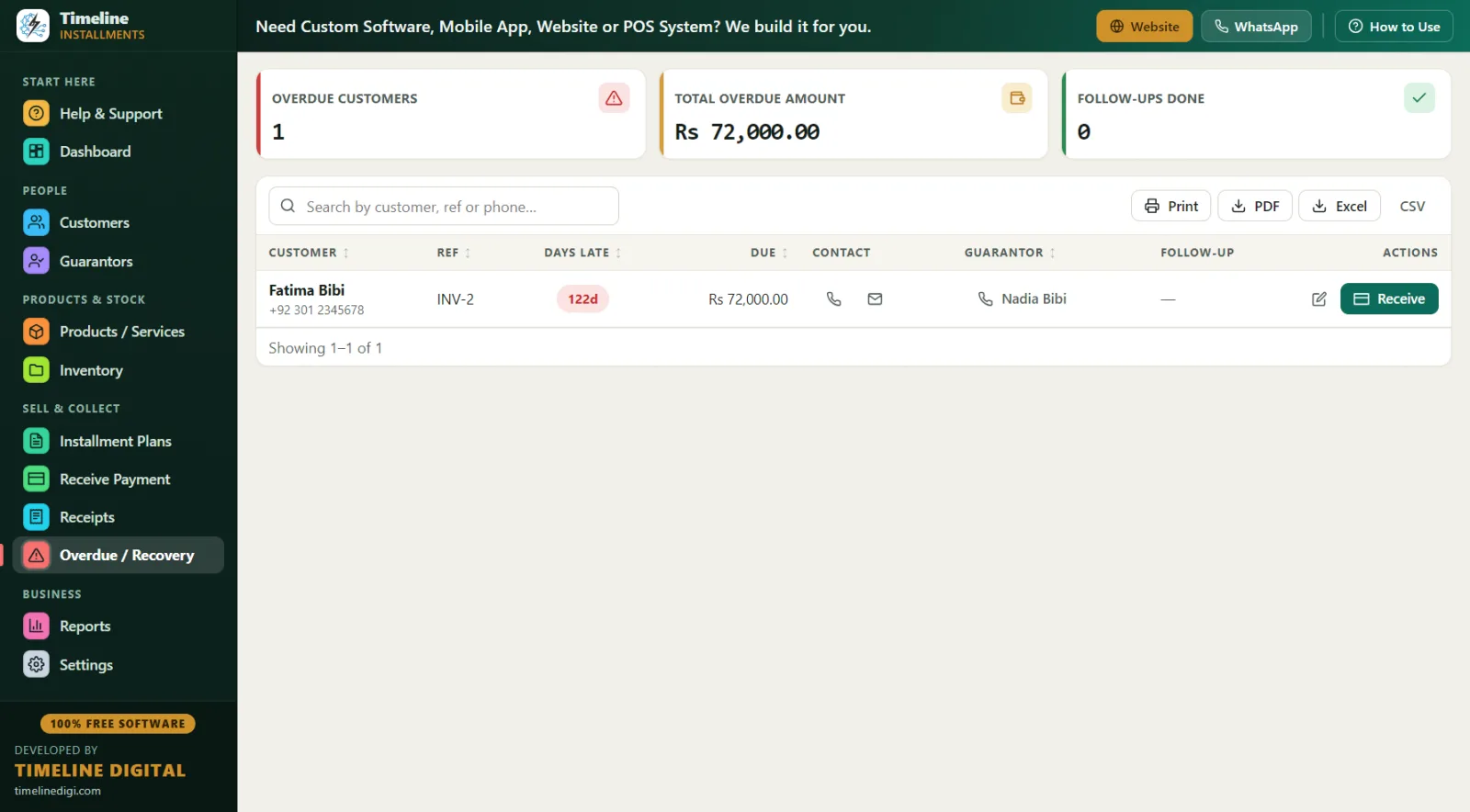
Friday, 9:00 a.m. — You open the Overdue screen. Every late account is listed with days late, amount owed, the buyer's phone number, and the reference (guarantor) contact you collected at signing. You sort by days late and start at the top.
9:30 a.m. — Buyer #1 is 6 days late. One call, a promise to pay Saturday, and you type that promise into the follow-up notes field so next week you are not starting from zero.
11:00 a.m. — A buyer walks in with $100 instead of his $140. You take it. Timeline applies the partial payment to the oldest unpaid installment first, prints a receipt showing "Installments Paid 12 of 40" and the true remaining balance, and keeps his account honest.
1:00 p.m. — You print the Next 30 Days Recovery report: due date, customer, phone, city, reference, item (the car), and amount, row by row. That printout is your route list for door knocks and your cash-flow forecast in one page.
4:30 p.m. — An account is 45+ days late with no contact. Before making any repo decision, you print the full payment history and Customer Statement — total price, down payment, financed amount, paid, pending, next due — so the file is complete and defensible.
6:00 p.m. — Daily Collection report, match the drawer, one-click backup. Weekend.
How Does Free Software Compare to Paid BHPH Systems and Paper?
| Factor | Paper ledger / spreadsheet | Full DMS suite | Timeline (free) |
|---|---|---|---|
| Cost | "Free" but error-prone | Monthly fees, often per account | $0 forever |
| Weekly schedules with due dates | Manual math | Yes | Yes, with live preview |
| Days-late visibility | You count by hand | Yes | Yes, on the Overdue screen |
| Printed receipts and payment history | Handwritten | Yes | Yes — print or PDF, branded |
| Reference/guarantor on the late list | Rarely | Sometimes | Yes |
| Title work, tax forms, lender compliance docs | No | Yes | No — record-keeping only |
| Internet required | No | Usually | No — fully offline |
| Setup time | — | Days to weeks | Under 1 minute install |
If you are running 300 accounts with in-house title work and dealer-compliance needs, a full DMS earns its fee. If you are an independent lot with a handful to a few dozen notes and your current "system" is a ledger book or a spreadsheet, Timeline gives you the payment-tracking core of a DMS for free.
Best Practices for Self-Financing a Car Lot
- Hold the line on down payments. A real down payment ($1,000-$1,500 on a $6,500 car) filters serious buyers and covers your early exposure. Timeline records it automatically as payment one so it never gets "lost" in the deal.
- Collect weekly, not monthly. Weekly $140 collects far better than monthly $560 for buyers paid by the week. Timeline supports daily, weekly, or monthly frequencies.
- Get a reference on every deal. Link a guarantor/reference to each plan — name and phone. When a buyer's phone goes dead, that contact appears right on your Overdue screen.
- Record ID at signing. Store the buyer's driver's-license-style ID type and number, plus address, in the customer file. It matters for skip tracing and for your paper trail.
- Receipt every dollar. Print or PDF a receipt for every payment, even partials. The receipt shows the plan reference (like INV-1), "Installments Paid X of Y," and the remaining balance — the buyer can never claim confusion about where they stand.
- Set one late-fee policy and stick to it. Fixed amount or a percentage of the remaining balance — Timeline supports both. Apply it identically to every buyer.
- Never repo on memory. Print the payment history and Customer Statement first. Amounts lock after payments are recorded, so the history you print is the history that happened.
- Back up weekly. One click, with reminders. Your notes are your assets; the database is the proof.
What Records Protect You in a Dispute or Repo?
When a buyer says "I already paid that" or a repossession is challenged, the lot with the printed record wins the conversation. Timeline gives you, on demand: the full payment history for the account, a Customer Statement showing total price, down payment, amount financed, total paid, pending balance, and next due date, and every individual receipt with signature lines. All 11 reports export to Print, PDF, Excel, or CSV, so your file — or your attorney's file — is one click away.
Compliance & Good Practice for BHPH Dealers
Buy here pay here is regulated consumer credit. Federal rules — the Truth in Lending Act (TILA) and Regulation Z — govern how finance charges and APR must be disclosed, and state laws add rules on interest caps, late fees, repossession procedures, right-to-cure notices, and dealer licensing that vary widely from state to state. The practical takeaway: keep clean, complete, locked records of every deal, every payment, and every receipt; put your terms in writing on the documents the buyer signs; and consult a qualified attorney or your state dealer association about your contracts and disclosures. Timeline Free Installment Manager is record-keeping software — it makes your payment history accurate, printable, and tamper-resistant, but it is not a compliance suite, not a DMS, and nothing on this page is legal advice.
Why Offline and Free Matters on a Car Lot
Your buyers' names, phone numbers, ID numbers, addresses, and balances live in a local database on your own office PC — nothing is uploaded to any cloud, ever. No account, no email, no login, no per-account monthly bill that grows with your portfolio. The app is a ~90 MB download for Windows 10/11 (64-bit), installs in under a minute, sets currency to USD automatically when you pick United States, and supports MM/DD/YYYY dates. It is free forever because Timeline Digital (timelinedigi.com) earns its living on paid custom software — cloud, mobile apps, multi-branch, and POS builds — not on your lot's software budget.