Excel is fine for tracking installments up to about 15 active customers; beyond that, dedicated installment software is the smarter choice because schedules, receipts, partial payments, and overdue tracking become manual work that quietly breaks. Since good installment software now exists for free — Timeline Free Installment Manager is free forever and works offline like Excel does — the decision is really about workload and risk, not money.
Excel feels free and familiar, so most installment shops start there. Then the file grows, a formula silently breaks, and one day "remaining balance" is wrong in front of a customer. This guide shows exactly where the line is, with real numbers, so you can decide with your eyes open.
When does Excel actually work for installment tracking?
Excel works when your installment business is small and simple: fewer than about 15 active customers, one person entering everything, and no need for printed receipts.
Specifically, Excel is a reasonable choice if:
- You have fewer than ~15 active plans (that's roughly 90–180 future due dates on 6–12 month terms — near the ceiling of what one careful person can manage by hand).
- One person enters every payment. Two people editing one workbook is how numbers get overwritten.
- Your customers don't demand receipts, or you're fine writing them by hand.
- You're comfortable with formulas — building them, and diagnosing them when a number looks wrong.
- You're testing the installment model before committing to it as a real business line.
If that's you today, keep the spreadsheet — but set a reminder to reread this at 15 customers.
Where does Excel break?
Excel breaks in six specific places, and they all get worse as the customer count grows:
- Schedules are manual. 24 plans × 12 months = 288 rows of due dates that you typed yourself. Every new plan means typing dates and amounts again — and one wrong month in one row sits there silently until a customer argues about it.
- No real receipts. A cell is not a receipt. When a customer says "I paid this already," you can't hand them row 47. Without a printed record showing date, amount, and remaining balance, every dispute is your word against theirs.
- Partial payments wreck formulas. A customer pays 4,500 of a 5,000 installment. Do you mark the row "paid"? Split it? Add a column? Every shop invents its own patch, and every patch is where the SUMIFs start lying. Illustrative example: a shop with 30 plans gets maybe 5–10 partial payments a month — that's 60–120 formula surgeries a year, each one a chance to lose money.
- No overdue view. "Who is late today, and by how many days?" is the single most important question in this business, and Excel answers it only after filtering, sorting, and hoping the date formats are consistent. So the check doesn't happen daily — and late customers learn nobody's watching.
- One corrupt file = your whole business. Excel doesn't remind you to back up, doesn't version your data, and doesn't warn you before the file that holds your entire receivables list fails to open one morning.
- No audit trail. Anyone with the file can overwrite a number — accidentally or otherwise — and there is no record of what changed, when, or by whom. In a business that is literally a list of who owes you money, that's a serious hole.
How do Excel and installment software compare, task by task?
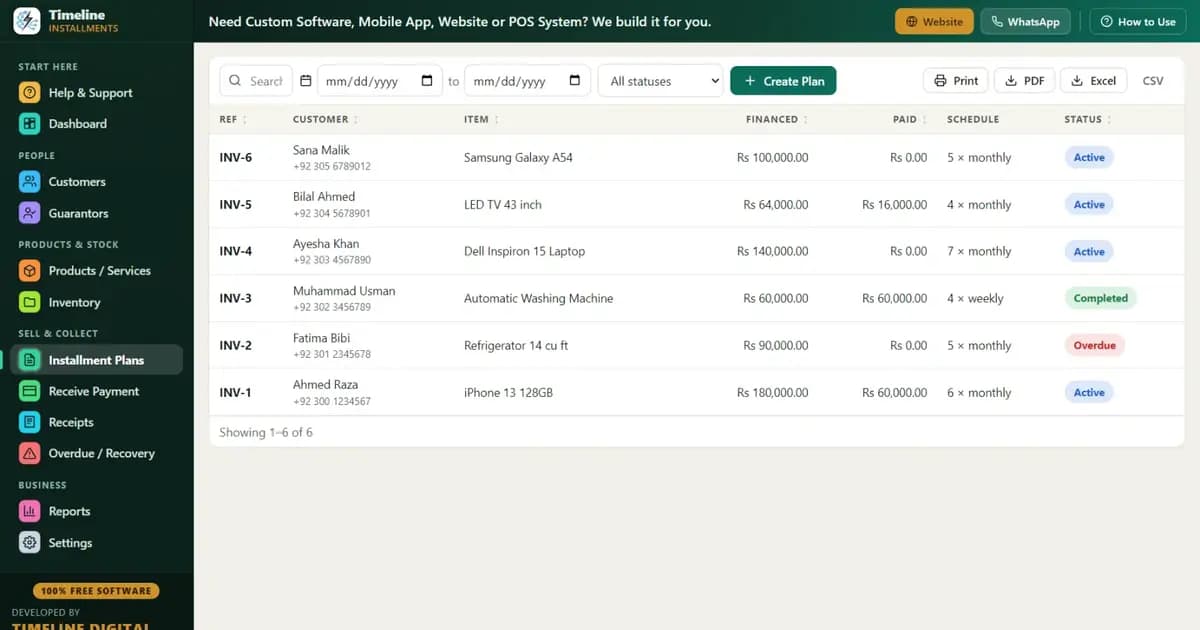
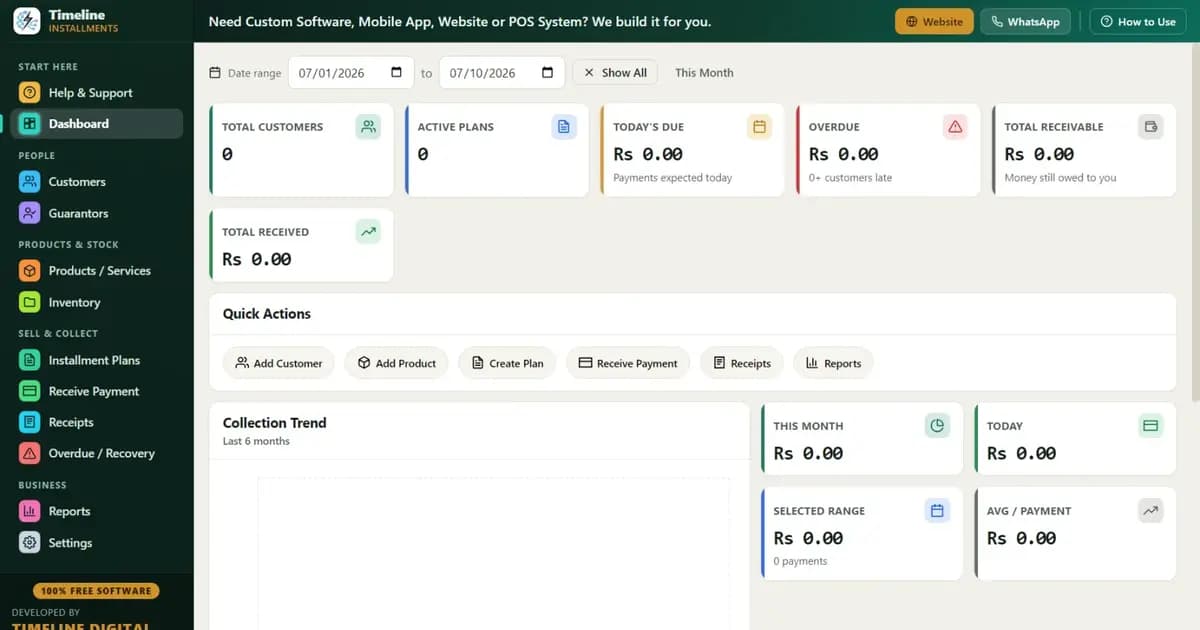
Here's the honest side-by-side using Timeline Free Installment Manager, which — like Excel — is free and fully offline on Windows:
| Task | Excel | Timeline (free) |
|---|---|---|
| Build a 12-month schedule | Type 12 rows by hand | Auto-generated with live preview |
| Record a down payment | Manual row + adjust formulas | Recorded automatically as first payment |
| Partial payment (4,500 of 5,000) | Edit formulas, invent a convention | Type amount → applied oldest-first automatically |
| Give a settlement discount | Manual adjustment, easy to forget | Discount counts toward settlement, plan closes |
| Late fee | Build your own formula | Fixed or % of remaining, built in |
| Print a receipt | Design a layout, fill it manually | 1-click print/PDF with logo, remaining balance, "Paid X of Y," signature lines |
| Who is late today? | Filter + sort + pray the dates parse | Overdue screen: days late, amount, customer phone, guarantor contact |
| Guarantor on file | Extra columns you maintain | Linked to every plan, shown on the overdue screen |
| Stock when you sell a phone | Separate sheet, manual minus-one | Auto-reduces from the product catalog, low-stock alerts |
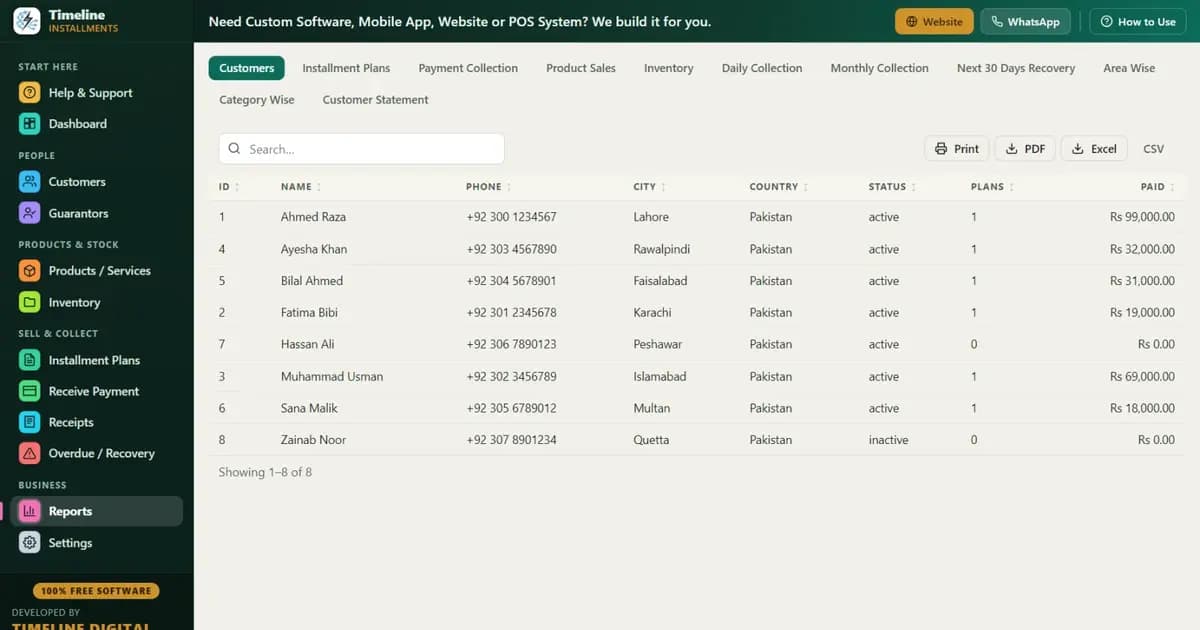
| Monthly report for your accountant | Build a pivot table | 1-click export — 11 reports, Print/PDF/Excel/CSV |
| Plan next month's collections | Build it yourself | Next 30 Days Recovery report, ready to print |
| Backup | Remember to copy the file | 1-click Backup & Restore, with reminders |
| Cost | Free (if you own Office) | Free forever |
| Internet needed | No | No — local database, nothing uploaded |
What does the switch actually cost you?
Switching costs about 10 minutes of setup plus the time to enter your active plans — and nothing in money.
Timeline is a ~90 MB Windows 10/11 app with no account or login. Setup is three questions (shop name, owner, phone) and your currency sets itself from your country (Rs, ₹, $, £, ৳ and 150+ others). Here's a realistic migration path:
- Install and open the Sample Data. Practice a fake payment and print a fake receipt so you trust the flow. The 6-step in-app quick start and the How-to-Use drawer on each page cover everything.
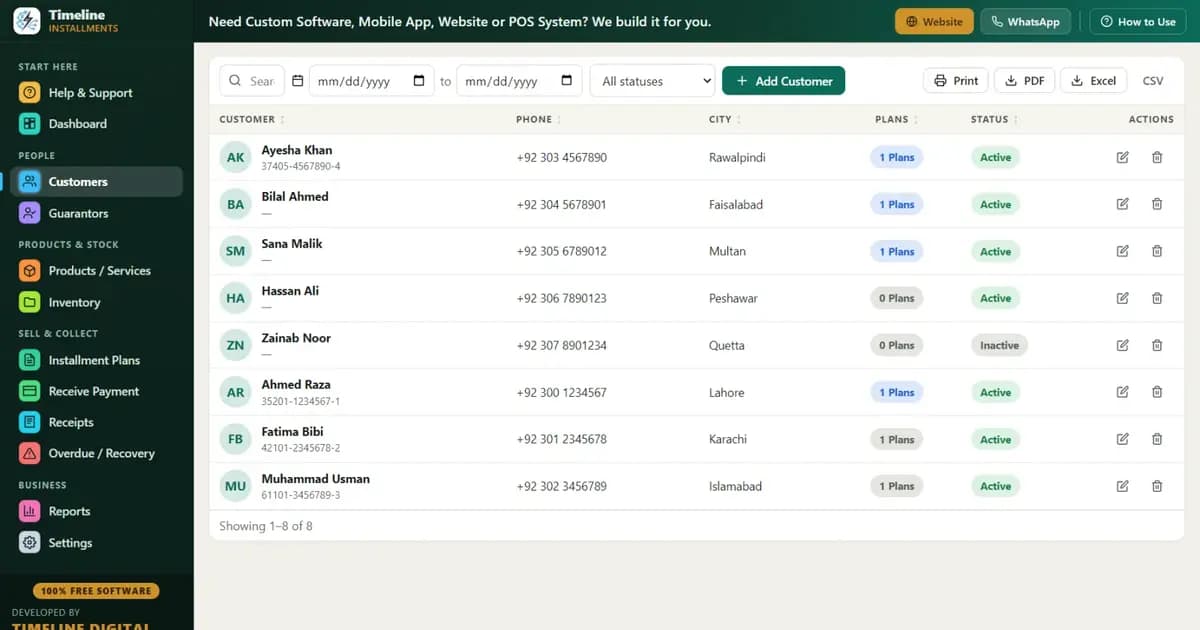
- Enter your active plans from the spreadsheet. For each customer: add them (CNIC/ID, optional photo, guarantor), create the plan with the original total, down payment, and term — the live preview shows the schedule — then record the payments made so far. A shop with 20 active plans typically finishes in an evening.
- Run both for one week. Enter new payments in both Excel and Timeline. When the numbers match for a week, retire the spreadsheet.
- Take your first backup and copy it to a USB drive. One click; the app reminds you afterward.
And here's the part that removes the last excuse: Timeline exports to Excel/CSV anytime. Every report — including Customer Statement, Area Wise, and Next 30 Days Recovery — exports to Excel, PDF, or CSV. You're not leaving Excel; you're demoting it from database to report viewer. You are never locked in.
Common mistakes shops make with spreadsheet installment tracking
- Trusting a downloaded "installment schedule template" blindly. Templates are built for someone else's assumptions. If your down payment or partial-payment pattern differs, the formulas mislead you with confidence.
- Letting two people edit the file. The second editor is where silent overwrites begin. If a helper takes payments, spreadsheet tracking is already past its limit.
- Marking partials as "paid." The fastest way to lose money in Excel is rounding a 4,500 payment up to "done." Over a year, those missing 500s add up to real money.
- No dated backups. One file on one laptop is one theft or one disk failure away from zero. If you stay on Excel, at minimum email yourself the file weekly.
- Never checking overdue daily. Because Excel makes the check annoying, it becomes weekly, then monthly. Recovery discipline dies quietly. (See our installment recovery tips for why day-1 follow-up matters so much.)
- Handwriting receipts that don't show the remaining balance. A receipt without "remaining: X" invites the next dispute instead of ending it. Pair whatever system you use with a proper installment agreement.
How do you decide? A 60-second checklist
Count your yes answers:
- [ ] More than 15 active installment plans?
- [ ] More than one person recording payments?
- [ ] Customers ever dispute their remaining balance?
- [ ] Do you take partial payments?
- [ ] Do you sell products with stock you need to track?
- [ ] Has a due date ever slipped past you?
- [ ] Would losing the file be a disaster?
0–1 yes: Excel is fine for now. 2–3: you're at the line; switch before growth forces you. 4+: the spreadsheet is already costing you money you haven't noticed yet.
Verdict
Excel got you started, and that's exactly what it's for. But if you answered yes more than twice on the checklist, the spreadsheet is now the most fragile part of your business. Switching takes an evening and costs exactly what Excel costs: nothing.
Download: Timeline Free Installment Manager for Windows — free forever, offline, no signup. Practice on the sample data tonight, migrate this week, and let Excel go back to being a report viewer. Growing beyond one shop? See how the same system fits a full installment business.