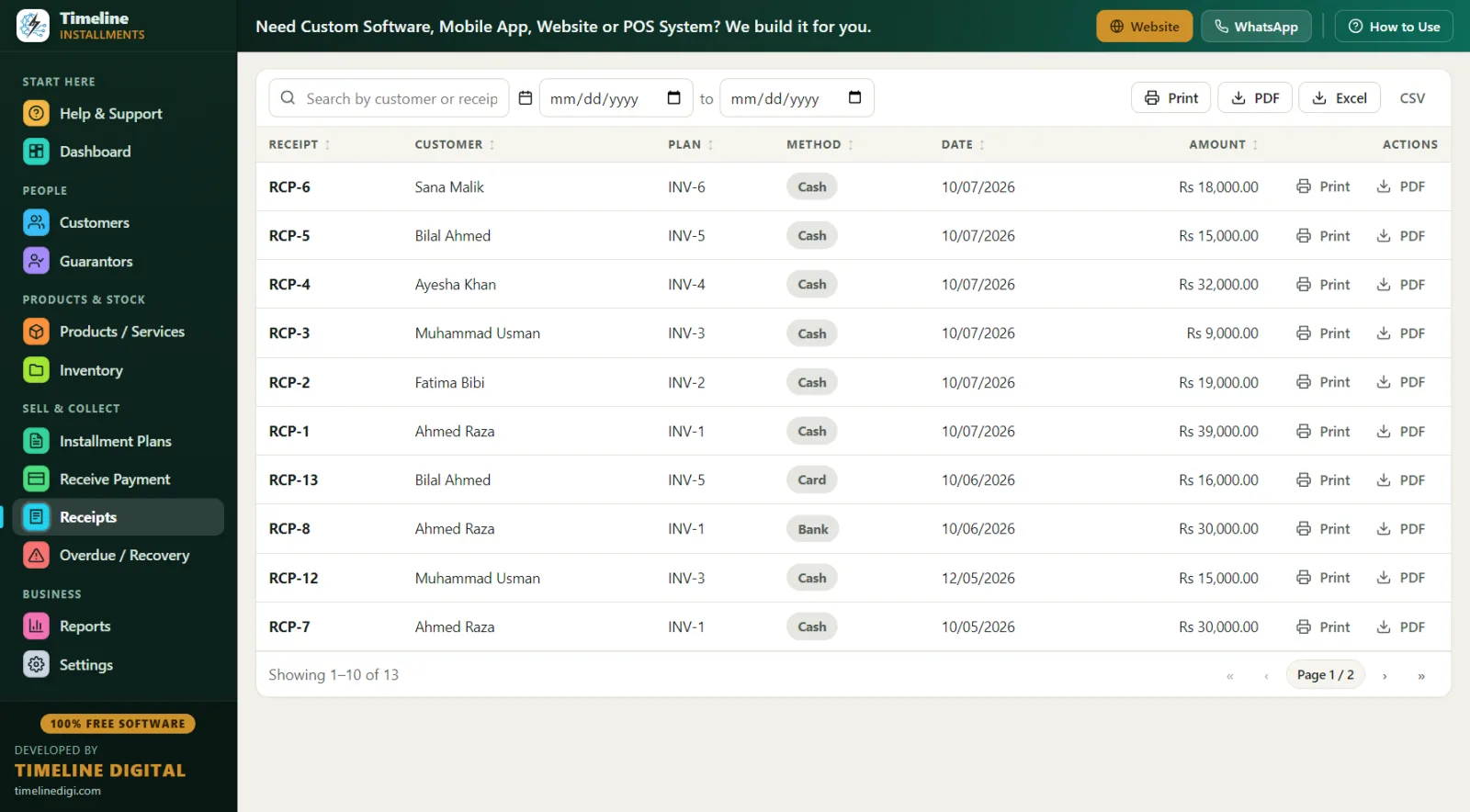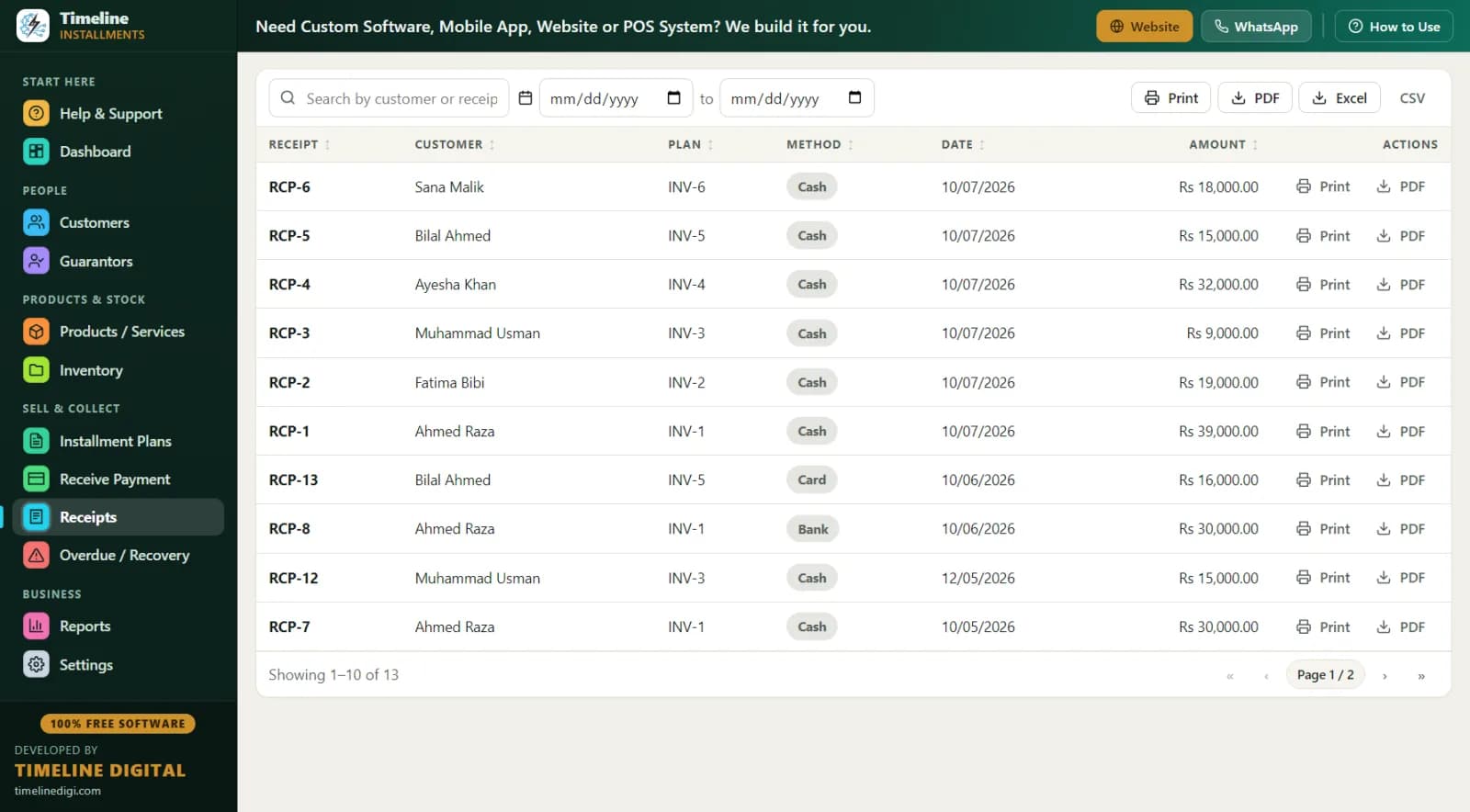
Currency is set automatically from your country during the 2-step setup: $ for the US, £ for the UK (150+ currencies supported). Full features and download: Free Installment Management Software.
Why run payment plans in-house instead of BNPL?
Klarna, Affirm, and their cousins solved one problem — instant approval — and created another: they take a cut of every sale and own the customer relationship. For a main-street furniture store, tire shop, appliance dealer, jeweler, or UK pay-weekly retailer, in-house plans often make more sense. Here is the honest comparison:
| BNPL (Klarna/Affirm-style) | In-house plans with this software | |
|---|---|---|
| Cost per sale | Merchant fee taken from every transaction | $0 — the software is free |
| Who approves the customer | Their algorithm | You — you know your regulars |
| Who owns the customer data | The BNPL provider | You, on your own PC |
| Plan terms | Their templates | Your down payment, your schedule, your late-fee policy |
| Repeat-sale relationship | Customer becomes their user | Customer stays yours |
| Customer needs a smartphone/app | Usually | No — cash across the counter works |
| Works for layaway (pay first, collect later) | No | Yes, natively |
| Monthly software cost | — | $0, forever |
In-house is not for every store — you carry the repayment risk yourself. But for retailers who already extend credit informally ("pay me half now, half next month"), the risk already exists; the software just makes the records bulletproof.
Who uses it?
Furniture and mattress stores · appliance dealers · tire and rim shops · jewelers · electronics resellers · used-goods and pawn-adjacent stores · buy-here-pay-here lots (for the payment-tracking side) · UK pay-weekly and hire purchase retailers. If your store takes scheduled payments of any kind, the workflow below fits.
What does the software do?
Timeline Free Installment Manager v1.6.0 by Timeline Digital is a ~90 MB Windows 10/11 app that installs in under a minute, needs no account or email, and stores everything in a local database on your own PC — nothing is uploaded anywhere. Core tools for US/UK retailers:
- Plans with automatic schedules. Enter the total, the down payment, and choose weekly or monthly (daily works too). A live preview shows every payment before you save. The down payment is auto-recorded as the first payment with its own receipt. Once payments start, plan amounts lock — your records stay audit-clean.
- Payments the way customers actually pay. Receive Payment auto-fills the next amount due; partial payments apply to the oldest unpaid installment automatically; methods include cash, bank, card, online, and other. Early-payoff discounts count toward settlement, so goodwill gestures close plans cleanly.
- Receipts that end disputes. Branded print or PDF: your logo and store contact, plan reference (INV-1 style), the item, the amount in large type, "Installments Paid 5 of 12," the remaining balance, signature lines, and your own editable terms. Works with any Windows printer, including Microsoft Print to PDF for emailing.
- Overdue and recovery. A dedicated screen lists every late customer with days late, amount, and phone number, plus a follow-up note field and a Receive button. The Next 30 Days report (due date, customer, phone, city, reference, item, installment number, amount) is your call-ahead list.
- 11 reports, all Print/PDF/Excel/CSV. Daily and Monthly Collection, Payment Collection, Customers, Plans, Product Sales, Inventory, Area Wise, Category Wise, Next 30 Days Recovery, and a per-customer Statement — total, down payment, financed, paid, pending, next due — which doubles as a payoff letter and a dispute-settler.
- Inventory that follows the sale. Products carry category, SKU, cost and sale price, stock, and warranty; stock drops by 1 automatically when a tracked item sells on a plan, with low-stock alerts.
A day in the life: a furniture store running in-house plans
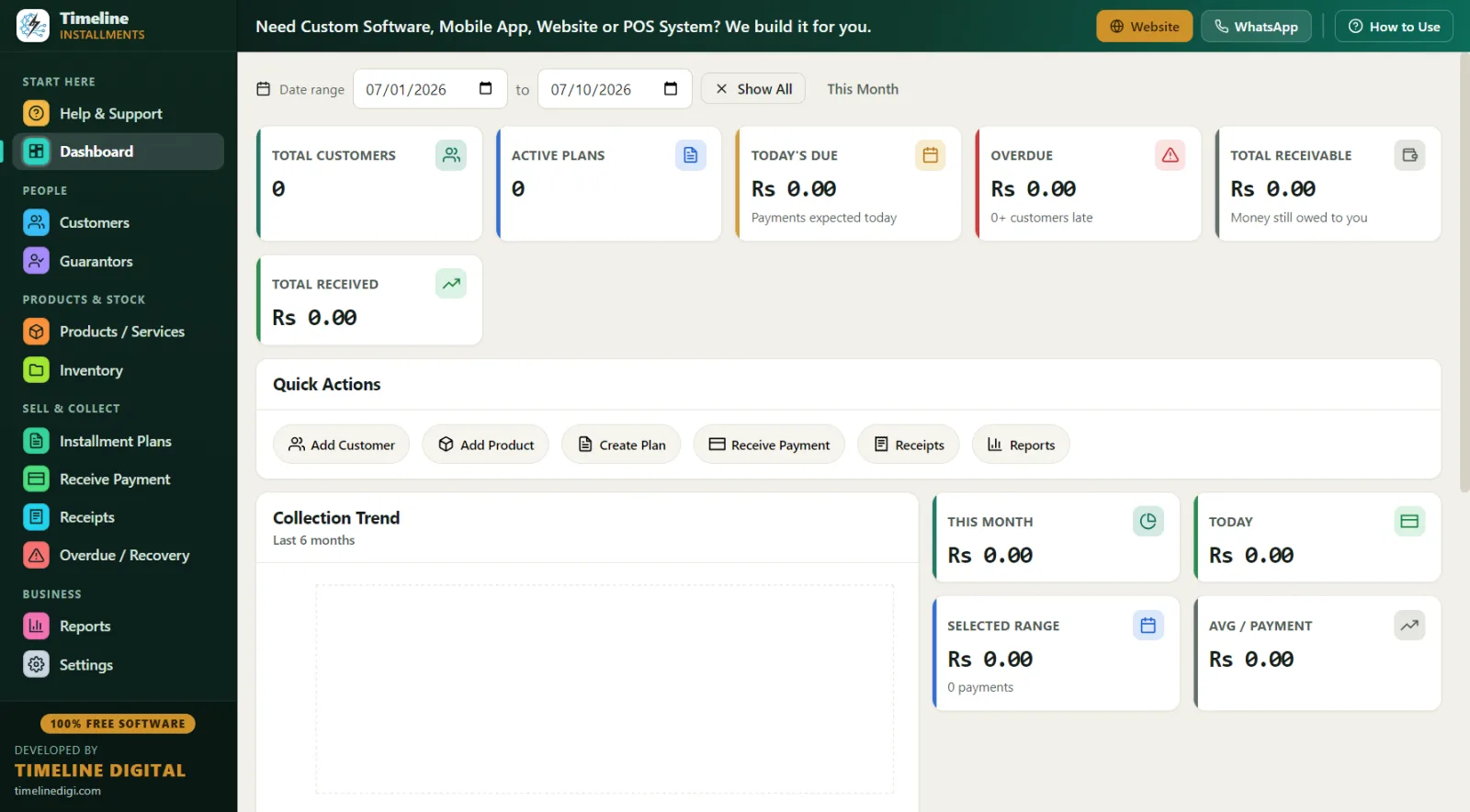
9:00 AM — Dashboard. 38 active plans, Total Receivable $41,200, Today's Due $1,340 from 6 customers, Overdue $610 from 3. The 6-month trend shows collections climbing since you started courtesy calls before due dates.
10:30 AM — New layaway. A regular wants a $1,450 recliner set for the holidays. She pays $250 down; you set 12 monthly payments of $100, confirmed in the live schedule preview. Because it is layaway, delivery happens when the plan completes — the printed receipt showing "Installments Paid 1 of 12" is her proof of progress. Stock on that set drops by 1 so the floor team doesn't sell it twice.
1:00 PM — Pay-weekly customer (UK-style example: £). A pay-weekly appliance customer brings £25 against a £35 week — no problem. The partial applies to the oldest unpaid installment automatically, and his receipt shows the true remaining balance of the plan.
3:30 PM — Collections, gently. The Overdue screen shows three names. One pays by card over the phone (recorded, receipt PDF'd via Microsoft Print to PDF and emailed). One gets a note: "paycheck Friday, will come Saturday." The third is 24 days late — you print her Customer Statement so the conversation starts from facts, not memory.
6:00 PM — Close. Daily Collection report against the till. Month-end, the Monthly Collection export to Excel goes straight to your accountant. One-click backup. Done.
Worked example: a tire shop payment plan
| Item | Amount |
|---|---|
| Tire and rim package (plan price) | $1,080 |
| Down payment (25%) | $270 |
| Financed amount | $810 |
| Weekly payment (18 weeks) | $45 |
| Software cost per sale | $0 |
You set the plan price yourself — the app records your total and builds the schedule; there is no interest engine deciding anything for you. If you charge a late fee, set it per plan as a fixed amount or a percentage of the remaining balance. If the customer pays off early and you knock $30 off, record it as a discount and the plan completes cleanly. Pricing method: How to Calculate an Installment Price.
How does it handle UK hire purchase and pay-weekly?
The same way, in pounds. Select United Kingdom in setup (or change country in Settings — the whole app updates) and everything shows £. Weekly-frequency plans fit pay-weekly retail naturally: a £520 appliance at £20 down and £20 per week over 25 weeks generates a 25-line schedule with a live preview, and the Daily and Weekly rhythm shows up in the Daily Collection and Next 30 Days reports. For hire purchase-style sales where goods transfer at final payment, the plan status flipping to "completed" is your trigger, and the Customer Statement is the customer's full account history on one page.
Paper vs spreadsheet vs free plan software
| Paper ledger | Spreadsheet | Timeline Free Installment Manager | |
|---|---|---|---|
| Schedule generation | By hand | Formulas you maintain | Automatic, with preview |
| Partial payments | Margin notes | Breaks formulas | Auto-applied to oldest unpaid |
| Receipt with balance | Handwritten | No | Branded print/PDF |
| Who is overdue today | Page-flipping | Manual sort | Dedicated screen, days late + phone |
| Payoff/dispute letter | Reconstruct by hand | Reconstruct by hand | Customer Statement, one click |
| Accountant handoff | Retyping | Already digital | 11 reports to Excel/CSV/PDF |
| Backup | Photocopies | One corrupt file away | One-click Backup & Restore, with reminders |
| Cost | Low | Low | Free forever |
Best practices for in-house financing
Know your customer — formally. Name and phone are required fields; add address, city, email, and an ID type and number for larger plans. The Guarantors module (co-signer, in US terms) links a second responsible person — relation, phone, ID — to the exact plan. For big tickets, use it.
Down payments: 20–30%. A customer with $270 already in on a $1,080 plan finishes it. A customer with $25 in might not. Higher-risk items (electronics, jewelry) deserve the higher end.
Call before, not after. Print the Next 30 Days Recovery report weekly and make courtesy reminders two days before due dates. Then work the Overdue screen daily for anyone 5+ days late, logging every promise in the follow-up notes. More technique: Installment Recovery Tips.
Receipt every payment. Including $20 partials. The signed slip showing "Installments Paid X of Y" and the remaining balance is what prevents chargeback-style disputes in a cash business.
Back up weekly. One click in Settings, with built-in reminders. Your entire plan book is one small file — keep a copy off-site.
Thinking of adding payment plans as a new revenue line? Start with How to Start an Installment Business. Sister pages for specific verticals: furniture & electronics installment software and motorcycle & vehicle installment software (which covers buy-here-pay-here tracking in more depth).
Compliance note: this is record-keeping software, not a lender and not legal advice. Consumer-credit, layaway, and lending rules vary by US state, and UK hire purchase and credit activity is regulated by the FCA. Meeting the rules that apply to your business is your responsibility — what the app does is keep flawless, printable records that make compliance and audits far easier.