ERP Implementation Services
From process mapping to go-live, for custom builds and existing platforms.
An ERP only pays back when it reaches live operation with clean data, working integrations and staff who actually use it. Timeline Digital runs that whole journey: discovery, configuration or build, data migration, integration, training and the hypercare weeks after launch. We implement the ERPs we build ourselves and take on platforms that other teams started, stalled or left behind.
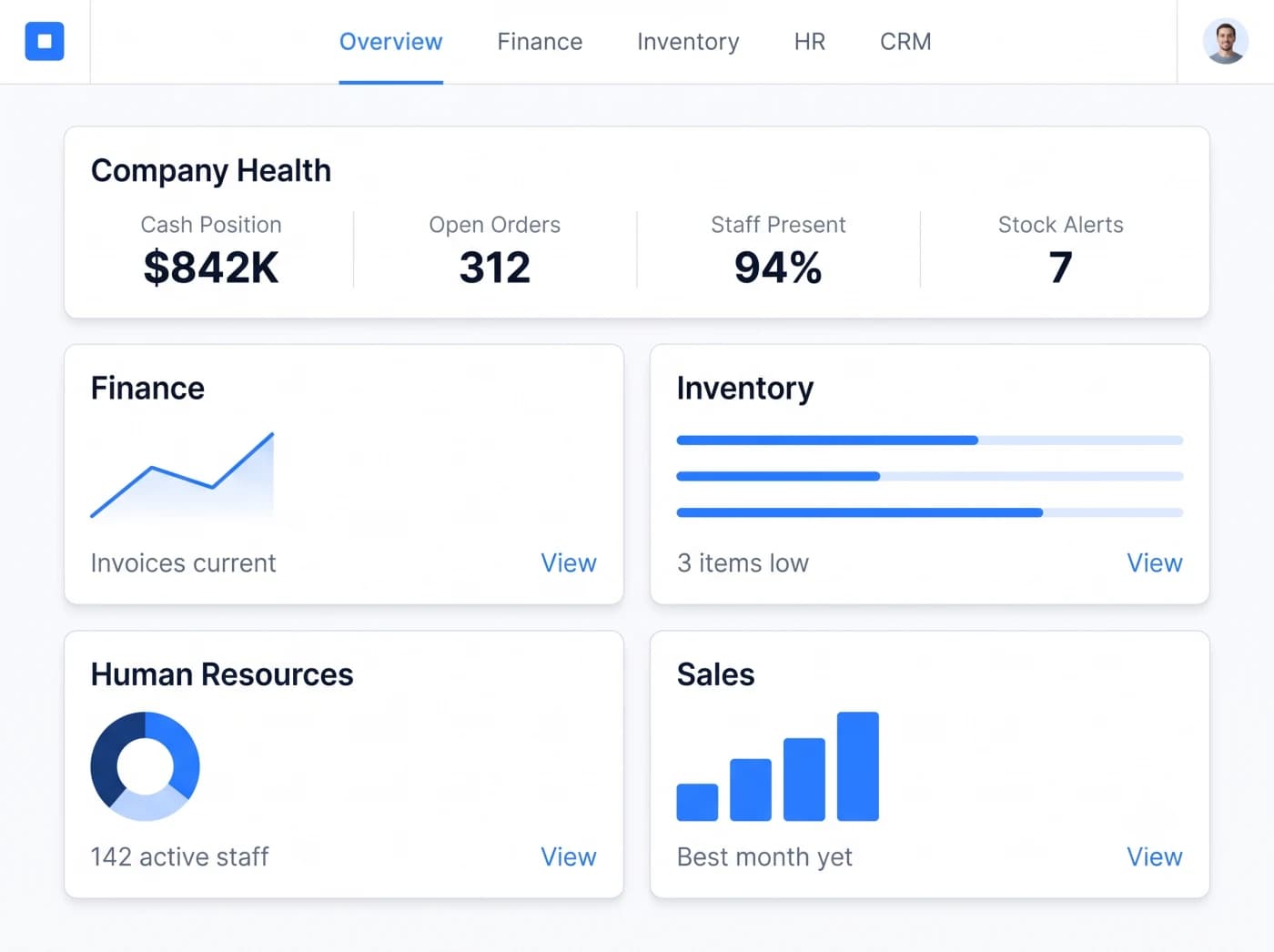
What a full implementation includes
- Discovery workshops and a signed process map before configuration begins
- Data migration rehearsed in a test environment until balances reconcile
- Integrations with accounting, HR, ecommerce and reporting tools
- Role-based training that starts before acceptance testing
- A rehearsed cutover plan and hypercare support after launch
What do ERP implementation services cover?
Implementation is everything between choosing an ERP and running your business on it. Six workstreams, each with a named owner and a defined exit.
Discovery and process mapping
We document how each department actually works today, including the informal workarounds, before anything is configured or built. This map becomes the contract for what the system must do.
Configuration or custom build
Packaged ERPs are configured module by module against the process map. Custom ERPs are built to it. Either way, every screen and workflow is traced back to a documented requirement.
Data migration
Customers, suppliers, products, balances and history move from legacy systems and spreadsheets into the new structure, with cleansing rules agreed in writing and rehearsal loads before cutover.
Systems integration
The ERP is connected to accounting, HR, ecommerce, CRM, banking and reporting tools so data flows between systems instead of being retyped by staff.
Training and change management
Role-based training starts before user acceptance testing, not the week of launch. Managers get adoption reporting so they can see who is working in the system and who is avoiding it.
Go-live and hypercare
A rehearsed cutover plan, then a period of intensive support right after launch: daily monitoring, fast fixes and hands-on help while your team runs its first real cycles.
Who needs an ERP implementation partner?
Plenty of companies configure a small system themselves. A partner earns its place when the rollout is bigger than your team can absorb alongside daily operations.
The pattern behind every scenario is the same: the software is only part of the work. Data, integrations, training and cutover are where implementations succeed or fail, and they are exactly the parts an experienced partner has done many times before. If you are still deciding what to implement, our custom ERP development page explains how we scope and build the platform itself, and our comparison of ERP development companies lists the questions to ask any implementation partner.
- You are adopting a packaged ERP and do not have a large internal IT team to configure, migrate and integrate it.
- You commissioned or built a custom ERP and now need a structured rollout across departments, sites or group companies.
- Your business has outgrown spreadsheets and disconnected tools, and the move to one system feels too risky to run alone.
- A previous implementation stalled or failed, and you need someone to review what exists and carry it through to completion.
- You are replacing a legacy system whose original vendor is gone, and the knowledge of how it works lives only in the data.
- You run multiple legal entities or locations and need one ERP rolled out in phases without disrupting daily operations.
How does an ERP implementation run?
Custom software built around the way your business works. Custom or packaged, an ERP implementation follows the same five steps. Process mapping happens in Understand, the configure-or-build decision in Plan and Select Technology, and a pilot of a few core modules proves the approach before the full rollout. Data migration with rehearsal loads, integrations, role-based training, acceptance testing and go-live with hypercare all sit inside Build & Scale.
Step 1: Understand
We learn how your business works.
Your requirements, workflow, challenges and goals, understood before anything is recommended.
Step 2: Plan
We design the right solution around your workflow.
Modules, workflows, roles, approvals, reports and integrations, agreed before development.
Step 3: Select Technology
Choose the right technical foundation.
Technology options matched to your users, security, budget and growth, not one fixed stack.
- Free pilot
Step 4: Pilot
Test our work before full project development.
Free. You choose 2 to 3 key modules and we build them first, so you can judge our work.
The full project starts only after you approve the pilot.
- Full project
Step 5: Build & Scale
From approved pilot to complete digital system.
Full development, testing, deployment, training and support, built to grow with you.
Why is data migration the riskiest phase?
Nothing sinks an ERP go-live faster than data that does not reconcile. Migration is where legacy problems, hidden for years, finally surface.
Your new ERP is only as trustworthy as the data inside it. If opening balances do not match the old system, finance stops trusting the reports on day one and the whole rollout loses credibility. That is why we treat migration as an engineering discipline with rehearsals and reconciliation, not a one-off import script run the night before launch.
Every migration follows the same loop: extract, cleanse, map, load into a test environment, reconcile against the source, fix, repeat. The final cutover load only runs once that loop has produced matching numbers, so go-live follows a script that has already worked.
Dirty master data
Duplicate customers, inconsistent product codes and abandoned records surface during migration. Found late, they stall the cutover. We profile data in discovery so cleansing starts early.
Mapping mismatches
Fields that look equivalent often are not. A field-by-field mapping document, reviewed by your data owners, is agreed before any load runs.
Lost history
Historical transactions matter for reporting, warranty and compliance. We agree what moves in full, what is summarized and what is archived in a readable form.
Unreconciled balances
Every rehearsal load ends with reconciliation reports: record counts, stock quantities and financial balances checked against the source system.
Unrehearsed cutover
The final migration is never the first migration. Dry runs in a test environment mean the go-live load follows a script that has already worked.
How does the ERP connect to the systems you already run?
An ERP that forces staff to retype data between systems fails quietly. Integration makes the ERP the backbone rather than another island.
During solution design we list every system the ERP must exchange data with, agree which system owns each field, and specify what happens when a sync fails. Integrations are then built and tested end to end before acceptance testing begins. The full range of platforms and integration patterns we work with is covered on our ERP integration services page.
Accounting and finance
General ledger, invoicing and tax platforms stay in sync with ERP transactions.
HR and payroll
Employee records, attendance and payroll runs connect to one master employee file.
Ecommerce and POS
Orders, stock levels and prices flow between storefronts, tills and the ERP.
CRM and sales tools
Quotes become orders without retyping, and sales sees live stock and credit status.
Banking and payments
Statements, payment gateways and reconciliation feeds connect to finance modules.
Reporting and BI
Dashboards and analytics tools read from the ERP so leadership sees one set of numbers.
Should you implement a packaged ERP or build a custom one?
Both paths end in an implementation. The difference is what you implement, what you pay for over time and how well the result fits your operation.
Packaged ERPs suit businesses whose processes sit close to industry norms and who accept the recurring license model. Custom ERPs suit operations that differ from what packages assume, and companies that want to own their system outright. We work on both sides of this line: our custom ERP software page covers what a built-for-you platform looks like, ERP vs custom development walks through the buy-or-build decision in more depth, and how to build your own ERP covers the in-house route.
| Aspect | Implementing a packaged ERP | Building a custom ERP |
|---|---|---|
| Starting point | A licensed product with predefined modules and assumptions | A system designed around your documented processes |
| Process fit | Your processes adapt to the software where they differ | The software is shaped to how your business actually runs |
| Licensing | Per-user or per-module licences for the life of the system | No per-user licensing, you own the code and the data |
| Changes after go-live | Limited to vendor customization options and the vendor roadmap | Any change your business case justifies, on your schedule |
| Time to first value | Standard modules can reach users sooner when they fit | Build time comes before rollout, so value arrives later but fits better |
| Typically suits | Operations close to industry-standard processes | Operations that differ from what packaged products assume |
What affects an ERP implementation timeline?
Every implementation is different, so we do not publish generic durations. These are the factors that actually move the schedule, what we need from your team, and the risks we manage from day one.
What stretches or shortens the timeline
- Number of modules, departments and legal entities in scope
- Quality of the data in your current systems
- How many external systems must be integrated
- Speed of decisions from your project owner
- Phased rollout versus a single big-bang cutover
What we need from your team
- One project owner with real decision authority
- Process owners available during discovery workshops
- Data owners who can rule on cleansing questions
- Key users for acceptance testing before launch
- Visible management sponsorship for the change
Risks we manage explicitly
- Data problems discovered at cutover instead of discovery
- Scope creep added quietly mid-project
- Users who first see the system the week it launches
- Go-lives that were never rehearsed end to end
- Old and new systems running in parallel indefinitely
After a discovery conversation we put scope, phases and the plan in writing before any work begins. Discuss your software requirements with Timeline Digital.
What does Timeline Digital bring to an implementation?
Implementation work rewards depth of bench: analysts for discovery, engineers for build and migration, integrators, trainers and a support desk for the months after launch.
1,200+
Developers
As direct and group-company employees
1,500+
Projects delivered
Across software, web and mobile
860+
Active clients
In 25+ countries
85+
Management professionals
Project managers, analysts and QA leads
Timeline Digital has been building and implementing business systems since 2013. Our delivery experience includes a public-sector program in Qatar alongside commercial ERP, web and mobile work for private companies. You can review documented projects on our case studies page before you talk to us.
Guides for this decision
In-depth, practical reading for teams planning this kind of project.
- Guide · 8 min readERP Implementation Steps: A Practical Plan From Discovery to Go-LiveAn ERP implementation runs in seven phases, from discovery to post-go-live support. This guide lists the deliverable each phase must produce, the roles you need and the factors that decide how long it takes.Read the guide
- Guide · 8 min readWhy ERP Implementations Fail: 12 Causes and How to Avoid ThemERP projects rarely fail because of the software. They fail on scope, data, decisions, testing and people. Here are 12 recurring causes, the warning signs, and what prevents each one.Read the guide
- Guide · 8 min readERP Go-Live Checklist: Cut-Over, Hypercare and the First Month-EndGoing live on an ERP is a sequence, not a single day: readiness criteria, a go or no-go decision, a data freeze and rehearsed cut-over, hypercare support, and the first month-end close. This checklist covers each stage.Read the guide
Test 2 to 3 working ERP modules before the full rollout
Before you commit to the full project, we build 2 to 3 of your key modules as working software, free of charge. Your team tests the pilot, and the full build starts only after you approve it.
See how the free pilot worksUnderstand
We learn your requirements and how your organisation works today.
Select pilot modules
Together we choose 2 to 3 key modules that prove the solution.
Build the working pilot
We build those modules as real, working software, free of charge.
You test it
Your team uses the pilot. The full project starts only after you approve it.
ERP Implementation Questions, Answered
Timelines, failure causes, data migration, integrations and what happens after go-live.
It depends on company size, the number of modules and the state of your data, so an honest answer only firms up after discovery. A single-site company implementing a few core modules with reasonably clean data moves much faster than a multi-entity group implementing finance, inventory, HR and manufacturing with years of history to migrate. Fast decisions, a named project owner, early data cleanup and a phased rollout all shorten the schedule. Many integrations, heavy customization, dirty data and slow approvals all lengthen it. After discovery we give you a written plan with dates tied to your actual scope, not a generic estimate.
Most ERP implementations fail for organizational reasons, not technical ones. The common causes are the absence of a single accountable project owner, processes copied into the new system exactly as they were instead of being examined first, data quality problems discovered during cutover rather than at the start, big-bang go-lives that were never rehearsed, and users who receive their first training the week the system launches. Quiet mid-project scope creep is another frequent cause. A structured implementation addresses each of these directly: named ownership, process mapping before configuration, early data profiling, migration dry runs and training that starts before acceptance testing.
Yes. Data migration is a core part of every implementation we run. We extract data from legacy ERPs, old databases and spreadsheets, profile it for duplicates and gaps, agree cleansing rules with your data owners, and map every field into the new structure. Migrations run as rehearsals first: we load a full copy into a test environment, reconcile record counts and balances against the source, and repeat until the results match. Only then does the final migration run as part of cutover. Historical transactions can be brought across in full or archived in a readable form, depending on your reporting and compliance needs.
Yes. Most implementations include integration work because the ERP rarely replaces everything at once. We connect ERPs to accounting platforms, payroll and HR tools, ecommerce storefronts, CRMs, point-of-sale systems, payment gateways and reporting tools through their APIs. Where a system has no usable API, we build scheduled file exchanges or database bridges instead. Each integration is specified with a clear owner for every field, an error-handling path and monitoring, so a failed sync is visible rather than silent. Our ERP integration services page describes the common platforms and patterns in more detail.
Expect steady but manageable involvement rather than a full-time commitment. You need one project owner with authority to make decisions, process owners who can explain how each department actually works, data owners who can rule on cleansing questions, and key users who test the system during acceptance. For most of the project this is a few hours per week per person. Involvement peaks twice: during discovery, when we map your processes, and during acceptance testing and go-live, when your team validates the system and switches over. We schedule these peaks with you in advance so they do not collide with month-end or seasonal load.
Go-live is followed by a hypercare period in which the implementation team stays closely involved: monitoring the system daily, resolving issues quickly, supporting users through their first real cycles and tuning anything that behaves differently under live load than it did in testing. Once operation is stable, the engagement moves to an agreed support arrangement covering fixes, small improvements, performance monitoring and user questions. Because we also build ERPs, the same team that implemented your system can keep developing it as your business changes, rather than handing you to a separate support desk.
Yes. We take on systems built by other vendors, including stalled implementations and platforms whose original developer is no longer available. The engagement starts with a technical review of the code, database and documentation, so we understand what exists before committing to dates. From there we stabilize what is running, document what was never written down, and then complete the implementation, extend the system or modernize it as needed. The same applies to packaged ERPs configured by a previous partner: we can audit the configuration, fix what blocks adoption and carry the rollout through to completion.
Start by naming a project owner with real decision-making authority, because slow decisions are one of the biggest schedule risks. Then document how your key processes actually run today, including the exceptions people handle informally. Begin cleaning master data early: customers, suppliers, products and the chart of accounts, since data quality drives migration effort. List every system the ERP must talk to and who owns each one. Finally, decide internally which processes you are willing to change and which the software must accommodate, and tell your staff why the change is happening. Teams that prepare this way start discovery in a far stronger position.
Related ERP resources
Custom ERP development company
What a built-for-you ERP platform includes, and how we scope, design and build it.
Read this nextERP integration services
Connecting your ERP to accounting, CRM, HR, ecommerce and BI tools.
Read this nextERP vs custom development: buy or build?
The packaged-versus-custom decision, examined in depth.
Read this nextHow to build your own ERP
A step-by-step guide for teams building an ERP in-house.
Read this nextBest ERP development companies compared
Eight firms across three delivery tiers, and the questions to ask each.
Read this nextWhat Is ERP Software?
Plain-English meaning, core ERP modules, and the signs your business needs one.
Read this nextCase Studies
Documented delivery work across ERP, web and mobile projects.
Read this nextStart a conversation
Tell us how your business works.
Describe what is slowing your team down. We will help you work out what to build, and how a free pilot lets you judge our work before the full project.
Prefer WhatsApp? Start a chatWhat happens next
You send a short brief
The problem, the people involved and any target date. A senior engineer replies within 4 business hours.
We understand your workflow
A first call about how your business works today. An NDA can be signed before you share details.
You test a free pilot
You choose 2 to 3 key modules and we build them first, so you judge real software before the full project.