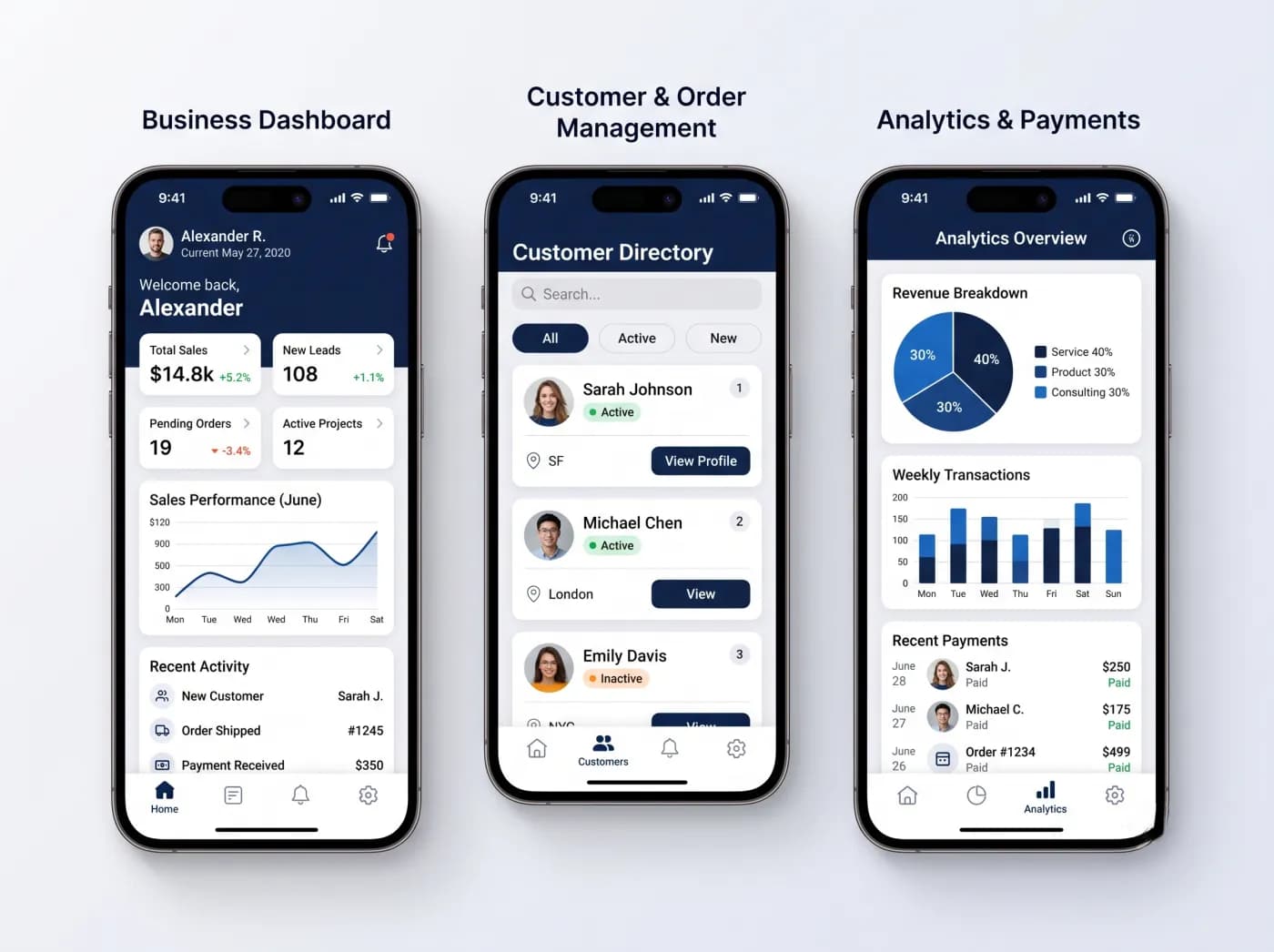
An offline-first field app saves every action to a database on the phone or tablet first, then syncs with the server whenever a connection is available. Staff can complete jobs, take photos and collect signatures with no signal. The hard parts are the sync queue, the rules for resolving conflicting edits, and managing the devices that hold company data.
Field technicians, inspectors, drivers and site supervisors spend much of their day in basements, plant rooms, rural areas and warehouses where coverage is weak. An app that freezes or loses a form when the signal drops gets abandoned, and staff go back to paper. This guide explains how offline-first apps work, the design decisions that decide whether they are reliable, and how to manage and distribute them inside a company.
What does offline-first actually mean?
Offline-first means the app treats the local database as its working copy and the network as something that comes and goes. The screen never waits for the server before saving. That is different from apps that merely cache some data.
| Approach | How it behaves with no signal | Fits |
|---|---|---|
| Online-only | Forms fail or spin; unsaved work can be lost | Office staff on reliable Wi-Fi |
| Cached reads | Can show recently viewed data, but cannot save changes | Look-up apps, catalogues, directories |
| Offline-capable | Can save some forms offline, often with limits and manual retry | Occasional dead spots, simple forms |
| Offline-first | Every read and write works locally; sync runs in the background | Field service, inspections, deliveries, remote sites |
The practical test: put the device in airplane mode at the start of a shift, complete a full day of real work, switch the network back on, and check that everything arrives on the server correctly and exactly once.
How should data be stored and synced on the device?
Store the user's working data in a local database and record every change in a sync queue (often called an outbox). A background process sends queued changes when a connection exists and pulls server changes down.
What lives on the device
Download only what the user needs: their assigned jobs for an agreed window, the customers and sites for those jobs, and the reference data needed to fill forms, such as parts, checklists, price lists and fault codes. Keeping the local data set scoped keeps first sync fast and limits what is exposed if a device is lost.
How the sync queue works
- The user saves a change. The app writes it to the local database and adds an operation to the queue in the same local transaction.
- Each operation gets a unique ID generated on the device. The server uses this ID to ignore duplicates, so a retry after a dropped connection never creates a second record. This property is called idempotency.
- Records created offline get a device-generated ID too, so a new job note and the photos attached to it can reference each other before the server has seen either.
- The queue sends operations in order, retries with increasing delays, and stops on errors that retrying will not fix, such as a validation failure, so a human can see and resolve them.
- Pulls ask the server for changes since the last sync cursor rather than downloading everything again.
Two details catch teams out. The local database schema will change between app versions, so every release needs a migration that keeps unsynced queue entries intact. And the user needs to see sync state: a visible count of unsynced items, the time of the last successful sync, and a clear message when something was rejected.
How do you resolve sync conflicts?
A conflict happens when the same record is changed in two places before either change reaches the other. Choose a rule per record type, not one rule for the whole app.
| Strategy | How it works | Use it when | Watch out for |
|---|---|---|---|
| Last write wins | The most recent change replaces the earlier one | Low-value fields edited by one person at a time, such as a user's own preferences | Device clocks can be wrong, and the losing edit disappears silently |
| Field-level merge | Changes to different fields both survive; only the same field conflicts | Job records where the technician updates status and notes while the office updates the appointment time | Needs per-field change tracking; related fields may need to move together |
| Server-authoritative | The server, or the ERP behind it, decides; the device change is rejected or adjusted | Stock levels, prices, credit limits, anything financial or shared | The user must be told clearly why their change did not stick |
| Manual review | The conflict is flagged and a person chooses | Rare but important clashes, such as two people closing the same job with different outcomes | Creates a review queue someone has to own |
| Append-only records | Notes, time entries, readings and photos are added as new records, never edited in place | Most field data | Edits become corrections, which also gives a clean audit trail |
The best conflict is the one your data model avoids. Many field records are naturally append-only: a meter reading, a time entry, a photo, a signature. Design them as new records and most conflicts never arise.
Illustrative example
A technician is offline in a plant room and marks a job "complete, part replaced". Meanwhile the dispatcher reschedules the same job because the customer called. With field-level merge, the status and parts used come from the technician and the appointment change from the dispatcher; the server then flags the record because a completed job should not carry a future appointment. The rule that resolves it, here that completion wins and the dispatcher is notified, is a business decision. Write these rules down during design, not after the first complaint.
How should photos, signatures and attachments upload?
Treat files separately from record data. Save the file locally, link it to its record by ID, and upload it through its own resumable queue so a large photo never blocks small, urgent updates.
- Compress and resize photos on the device to a resolution the business has agreed is good enough for evidence.
- Upload in chunks where the back end supports it, so a dropped connection resumes rather than restarts.
- Show each attachment's state (saved on device, uploading, uploaded) so staff know when it is safe to clear storage or hand in a device.
- Never delete the local copy until the server confirms it has the file.
- Capture a signature with context: who signed, when, against which version of the document or job sheet. Whether a captured signature meets a legal requirement depends on your jurisdiction and use case, so confirm that with your advisers.
How do you record GPS and time stamps reliably?
Record both the device time and the server receive time, and store location with its accuracy rather than as a bare coordinate.
- Time: device clocks can be wrong or changed by the user. Keep the device timestamp for when the work happened, the server timestamp for when it arrived, and the time zone. Flag large gaps for review rather than trusting either blindly.
- Location: capture location at meaningful events (arrived, started, completed, signed) rather than tracking continuously, unless the business genuinely needs routes. iOS and Android both require the user's permission for location and restrict background location access, so design around those permission prompts.
- Accuracy: store the accuracy radius the device reports. A check-in with a wide accuracy radius indoors is normal and should not be treated as evidence of fraud.
- Privacy: tell staff what is collected and when, and keep only what the purpose needs.
What should the back-end API look like for offline sync?
The app should talk to a sync API that you control, not directly to the ERP or CRM. That layer validates changes, applies conflict rules, and passes approved updates to the business systems.
| Endpoint or function | What it does |
|---|---|
| Pull changes | Returns records changed since the device's last cursor, scoped to that user |
| Push operations | Accepts a batch of queued operations with their unique IDs |
| Per-operation result | Reports accepted, rejected (with a reason a user can read) or conflict, for each operation |
| Reference data | Delivers parts, price lists, checklists and codes, with versions |
| File upload | Resumable upload that links each file to its record ID |
Behind that API sit the business systems. When the ERP is slow or down for maintenance, the sync layer should queue the update on the server side so the device still gets a quick "accepted". Map master data such as customers, sites, items and price lists from the ERP into the app's reference data, and decide which system owns each field. Our page on ERP and CRM connected mobile apps covers this layer in more detail, and our guide to system integration approaches compares API, middleware and event-based options.
How do you manage devices, lost phones and remote wipe?
Use a mobile device management (MDM) service for company-owned devices, and a work profile or user enrollment for personal ones. Add app-level controls on top, because a device wipe does not cover every risk.
Company-owned devices
Full management lets IT enforce passcodes, push the app and its settings, and remotely erase a lost or stolen device. Apple supports this through its device enrollment options, and Android Enterprise supports fully managed devices; Google's managed configurations let IT admins "remotely specify settings for apps", such as the server address a field app should use.
Personal devices
For bring-your-own-device setups, both platforms separate work data from personal data. Google states that when an Android work profile is deleted, the data in that profile is deleted while personal apps and data stay private. Apple's documentation for account-driven User Enrollment explains that organisational data is kept separate and removed when the device is unenrolled; the organisation cannot erase the user's whole device.
App-level controls
- Encrypt the local database and require a PIN or biometric unlock for sensitive apps.
- Revoke the user's session on the server, so a lost device cannot sync even before it is wiped.
- Plan for unsynced data. Wiping a device that holds a day of unsynced jobs destroys that work. Show the unsynced count prominently and make a final sync part of the end-of-shift routine.
Our security and data protection page describes how we approach these controls.
How do you distribute an internal field app?
Most internal field apps should be distributed privately rather than through the public stores. The options differ by platform.
| Option | Platform | Who it suits | Notes from the platform owner |
|---|---|---|---|
| Public App Store or Google Play | Both | Apps used by customers, contractors or partners outside your device management | Public listing and full store review |
| Custom Apps through Apple Business | iOS and iPadOS | Your own staff on managed devices | Apple says custom apps are distributed privately and "only your organization can view and access them". Apple Business replaced Apple Business Manager in 2026 |
| Apple Developer Enterprise Program | iOS and iPadOS | Large organisations with a use case the standard program cannot address | Apple requires 100 or more employees, a legal entity and a verification interview, and asks organisations to check other private distribution options first |
| Private apps in managed Google Play | Android | Your own staff on Android Enterprise devices | Google states a private app is "available to those organizations only" and is distributed through your EMM console |
| TestFlight or Google Play testing tracks | Both | Pilots and user acceptance testing | For testing, not long-term distribution |
| Direct APK install | Android | Rarely the right choice | Google is introducing Android developer verification: from 30 September 2026 apps installed on certified devices in Brazil, Indonesia, Singapore and Thailand must come from verified developers, with a global rollout planned for 2027 |
How do you test an offline app in poor networks?
Test the failure paths deliberately, on real devices, before field staff find them.
- Turn on airplane mode in the middle of a sync, then turn it off again.
- Use network throttling tools, such as Apple's Network Link Conditioner or the Android emulator's network settings, to simulate slow and lossy connections.
- Force-close the app during a photo upload and confirm it resumes.
- Edit the same job on two devices offline, then reconnect both.
- Upgrade the app while unsynced changes are in the queue.
- Leave a device offline long enough for the login session to expire, and confirm the user can sign in again without losing queued work.
- Fill the device's storage, and change its clock and time zone.
- Spend a day in the actual dead zones your staff work in.
When is offline-first not the right approach?
Offline-first adds real design and testing effort. It is not worth it everywhere.
- Staff are always connected. Office-based or depot-based teams on reliable Wi-Fi rarely need it.
- The action needs the server at that moment. Reserving scarce stock, authorising a payment or checking a live credit limit cannot be done honestly offline. Design those steps as "requires connection" and say so on screen.
- Many people edit the same record at once. Real-time collaborative editing is a different problem with different tools.
- The data is too sensitive to hold on a device. Some records should never leave the server.
- The forms are simple and occasional. An offline-capable form with a reliable retry may be enough.
Offline-first field app checklist
- Offline scope agreed: which screens and actions must work with no signal, and which require a connection
- Local data scoped per user, with a defined download window
- Sync queue with device-generated operation IDs and idempotent server handling
- Conflict rule chosen and documented for each record type
- Append-only design used for notes, readings, time entries and photos
- Resumable attachment uploads; local copies kept until the server confirms
- Device and server timestamps, time zone and location accuracy stored
- Sync API between the app and the ERP or CRM, with server-side queuing
- Field ownership agreed between the app and each business system
- MDM or work profile set up; remote session revocation tested
- Unsynced work visible to the user; end-of-shift sync in the routine
- Private distribution route chosen per platform
- Poor-network, upgrade and two-device conflict tests passed on real devices
Planning a field app with Timeline Digital
We design field apps around the work itself: what has to happen with no signal, which system owns each record, and how devices are managed. Our employee and field apps page explains the scope we usually cover, and our wider mobile app development page covers the platforms. If you are still choosing a framework, our comparison of Flutter and React Native covers both; either can support an offline-first design. Every project starts with a free pilot of 2 to 3 key modules, so your team can test offline sync in the field before the full build begins.