If you are searching for FBR POS software in Pakistan, you are really looking for one of two things: a point of sale that keeps sales records in the shape the Federal Board of Revenue expects, or a POS that connects directly to the FBR digital invoicing system because your business falls in a category that must integrate. The two are related but not the same, and knowing which one you need saves both money and stress. This guide covers who needs a POS with FBR integration in Pakistan, what an FBR-ready sales record includes, how a custom integration project runs, and what drives the cost.
What FBR POS integration means for a Tier-1 retailer
For a Tier-1 retailer, FBR POS integration means the till is connected to the FBR digital invoicing system. Each sale is reported electronically as it happens, and the printed receipt carries an FBR invoice number and a QR code that a customer or an inspector can scan to verify the bill.
The software connection is only the visible part. Integration touches three layers of the business at once: the POS software at the counter, the product and tax data behind it, and the monthly sales tax return that must reconcile with what the counter reported. In most projects the hardest work is not the API connection. It is cleaning up the product catalogue and the tax mapping so that the records the POS sends are correct in the first place.
One warning before anything else: thresholds, categories, fees, and deadlines change with Finance Acts and FBR notifications. Treat everything in this article as general orientation, not tax advice, and confirm the current rules for your business at fbr.gov.pk or with a sales tax practitioner.
Who needs a POS with FBR integration in Pakistan
The integration requirement is aimed at Tier-1 retailers, not at every shop in the country. The Tier-1 definition has generally covered branded chains and franchises, outlets inside air-conditioned malls, and retailers that cross the turnover or electricity consumption limits FBR sets. Some large restaurant and hospitality categories have been pulled in as well.
That leaves two very different groups searching for FBR POS software:
- Businesses that must integrate. If your shop or chain falls in a notified category, you need POS software that can talk to the FBR digital invoicing API, either from a vendor that already supports it or through a custom integration project.
- Businesses that want to stay ready. A single-location retailer that is not yet in scope still benefits from a POS that produces clean, itemised, tax-mapped sales records, because those records make monthly returns easier and turn future integration into a small step instead of a rebuild.
If you are not sure which group you are in, ask your tax consultant before you spend anything on software.
What an FBR-ready POS record includes
Whether or not you integrate today, an FBR-ready sales record has a defined shape. At minimum, your POS should capture:
- Itemised lines with product name, quantity, and unit price
- The correct sales tax rate applied per item, including exempt and reduced-rate items
- A unique invoice number with date and time
- Payment mode, such as cash, card, or bank transfer
- Returns and voids stored as linked records, never as deleted rows
- Your business details on the receipt, including NTN and STRN where registered
On top of the individual records, the system should produce daily and monthly sales and tax reports that reconcile exactly with what you declare in your return. When a POS is integrated with FBR, the invoice registration number and QR code are added to this same record at the moment of sale. A system that already keeps this data cleanly turns integration into a connection task rather than a data cleanup project.
Ready-made FBR POS software or a custom build
If your operation is a standard retail counter, a POS product from a vendor that already supports the FBR API may cover you. The trade-off is that you adapt your workflow to the product and usually pay ongoing fees per branch or per terminal.
A custom build makes sense when the POS has to match how your business already runs: multi-branch stock, inventory and accounting linked to an ERP, special pricing or credit terms, or Urdu screens for counter staff. In that case the system is built around your workflow, produces FBR-ready sales tax records from day one, and the FBR e-invoicing connection is scoped as one module inside a system you own.
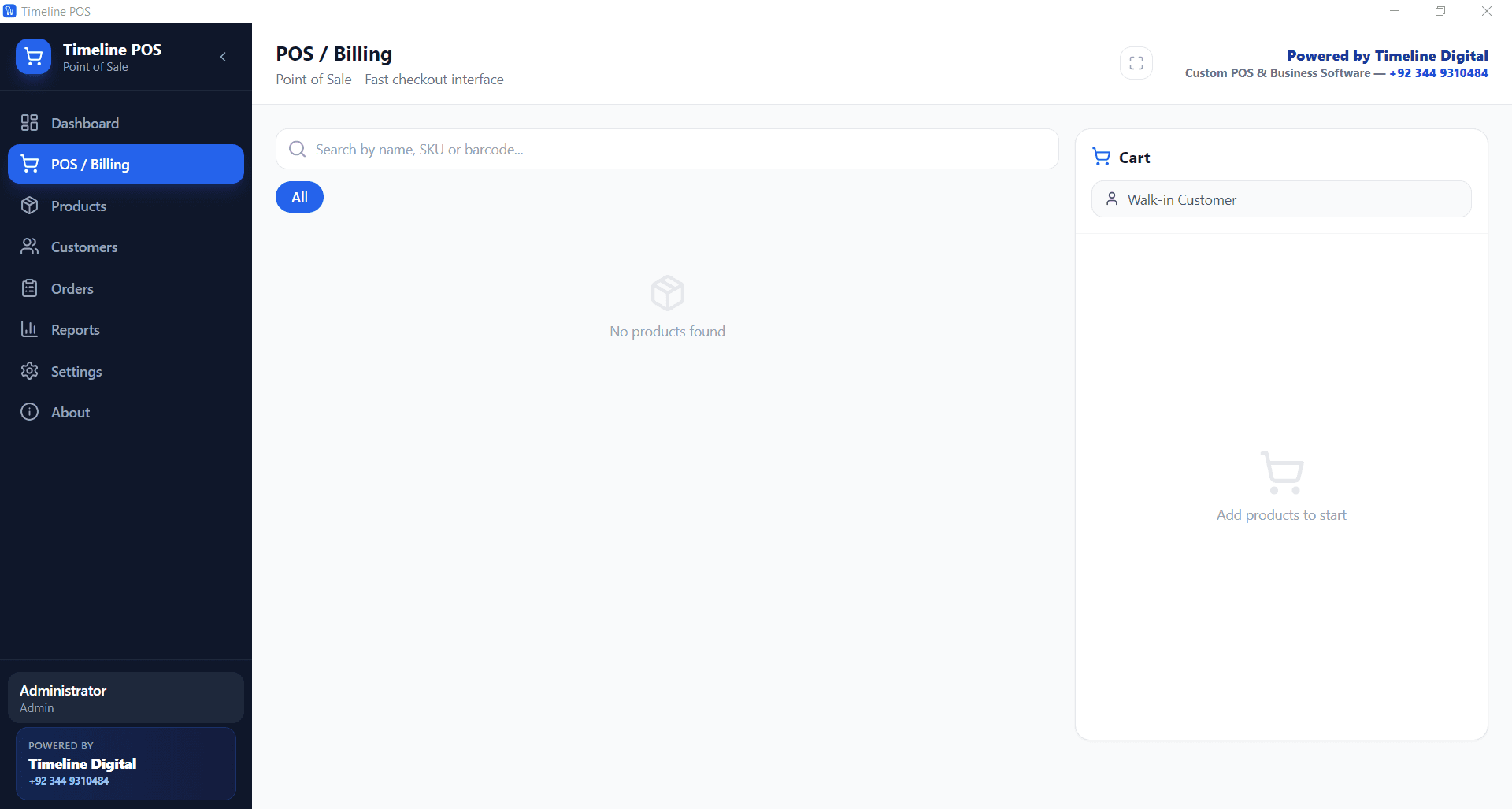
If you want to organise your sales records first, Timeline POS is a free offline Windows POS that prints itemised receipts and produces the sales reports you can use to prepare FBR returns. Be clear about what it is: the free version does not ship with built-in FBR integration. Direct FBR e-invoicing, which some Tier-1 retailers must have, is available as a custom add-on project. You can compare other options on the free POS software page.
How a custom FBR integration project works
A typical project with a development company runs in five steps:
- Discovery and record audit, week 1. Review your current POS or ERP, product catalogue, tax mapping, and branch setup. Confirm with your tax advisor which FBR category applies to you.
- Data cleanup and tax mapping, weeks 1 to 2. Fix product names, prices, and per-item tax treatment. Wrong tax mapping is the most common cause of rejected invoices later.
- Development, weeks 2 to 6. Build the integration layer on your existing system, or the new POS itself, including offline queueing so sales recorded during an internet outage sync to FBR when the connection returns.
- Testing. Push sample invoices, check that invoice numbers and QR codes generate correctly, and test returns, voids, and discounts.
- Go-live and monitoring. Train cashiers, switch on live reporting, and set up alerts for invoices that fail to reach FBR, because failed invoices remain your responsibility.
On timeline, connecting an existing custom POS or ERP to FBR digital invoicing typically takes 4 to 8 weeks. Building a new custom POS with FBR-ready records from scratch typically takes 6 to 10 weeks, and multi-branch rollouts take longer. Your side of the work includes sales tax registration and obtaining digital invoicing credentials through the FBR IRIS system, which your tax consultant usually handles.
What FBR POS integration costs in Pakistan
Cost depends on the state of your data, the number of branches, and whether a system already exists:
- Adding FBR-ready record keeping or an e-invoicing module to an existing custom POS or ERP is the smallest job, about the size of a focused internal tool.
- A new custom POS built with FBR-ready sales tax records from day one is a larger build.
- A multi-branch POS connected to a custom ERP for inventory, purchase, and accounting is the largest.
Each is priced from its approved scope; our custom software development cost guide explains the drivers.
Any FBR-side charges, such as per-invoice fees, are set by FBR and change over time, so confirm them directly. A serious development partner gives you a clear written scope and cost after discovery and splits payment across milestones.
Where Timeline Digital fits
Timeline Digital builds POS, invoicing, and accounting systems that produce FBR-ready sales tax records and can prepare for FBR digital invoicing. We do not file taxes for you. The software keeps clean, correct records, and you or your tax consultant use them for returns and compliance. The team has built software from Islamabad since 2013 and works as a custom software development company in Pakistan with PKR pricing and support in Urdu and English.
A sensible path looks like this: start with Timeline POS to get your sales data structured, then scope FBR e-invoicing as a custom project if your category requires it. To discuss your setup, message the team on WhatsApp or use the contact page, and confirm your current FBR obligations at fbr.gov.pk before you commit to anything.