A POS system typically costs between $0 and $150 per month for software, plus $0 to $1,500 in one-time hardware and about 2.3% to 3.5% of every card sale in processing fees. Most small shops end up spending $50 to $200 a month all in once card fees are counted. Free offline POS software drops the software fee to zero.
So how much does a POS system cost in real terms? The headline range hides a lot, because the price of a POS is really four separate costs stacked on top of each other: the software fee, the hardware, the card-processing cut, and the add-ons. A cheap monthly plan can still cost you the most once processing is counted, and a "free" app can quietly take a slice of every sale. Here is the honest 2026 breakdown, followed by the route that removes the software fee for good.
How much does a POS system cost?
Add the four parts together and a working POS setup for one small store usually lands between $50 and $200 per month in 2026. The single largest line for most businesses is not the software subscription. It is the card-processing fee, charged as a percentage of everything you sell on card. A shop doing $20,000 a month on card at 2.9% pays about $580 in processing alone, more than almost any software plan.
The four cost lines are:
- Software fee: the monthly or yearly subscription for the POS app.
- Hardware: terminal, card reader, cash drawer, receipt printer, barcode scanner.
- Card processing: a percentage plus a small fixed fee on every card payment.
- Add-ons: extra registers, loyalty, e-commerce, advanced reporting, priority support.
What are you actually paying for in a POS system?
The advertised number is almost always just the software line. Here is what sits behind each of the four costs.
Software fee. Cloud POS plans run on a monthly subscription. A free tier is common, a mid plan adds users and reporting, and an advanced plan costs more. This is the POS software price you see on a pricing page, but it is only one part of the total.
Hardware. You can start with a phone and a small tap reader, or buy a full countertop station with printer and cash drawer. Buying outright costs more up front but nothing monthly. Some providers rent hardware or fold it into the plan, which spreads the cost but rarely lowers it.
Card processing. This is the cost owners underestimate most. Processors charge a percentage of each card sale plus a few cents fixed. Typical published rates sit around 2.3% to 3.5%, depending on card type and whether the card is tapped in person or keyed online. On high card volume this dwarfs everything else.
Add-ons. Loyalty programs, online ordering, extra registers, and advanced analytics are usually billed separately. Only pay for the ones you will actually use.
POS system cost comparison: typical 2026 ranges
Here is a POS system cost comparison across the four cost lines. These POS prices are typical market ranges for 2026, not a quote for any one product, and your real figure depends on volume and provider.
| Cost line | Typical 2026 range | Notes |
|---|---|---|
| Software (per register) | $0 to $150 / month | Free tiers exist; paid plans add users, reporting, integrations |
| Card reader / terminal | $0 to $600 | Mobile tap readers are cheap; countertop terminals cost more |
| Receipt printer + cash drawer | $0 to $500 | Optional; reuse hardware you already own to save |
| Barcode scanner | $20 to $200 | Useful for retail and pharmacy, optional for small cafes |
| Card processing | ~2.3% to 3.5% per sale | A percentage of every card transaction, the biggest hidden cost |
| Add-ons (loyalty, e-commerce, extra users) | $0 to $50+ / month each | Only pay for what you use |
For a side-by-side POS pricing comparison of the genuinely low-cost options, the cheapest POS system for small business guide runs the same all-in math against real shop volumes.
How much is a POS system per month?
For a rough monthly figure, add your software plan to your expected card fees and ignore the sticker price on its own. A useful way to picture the POS system cost per month is by shop size:
- Very small shop, low card volume: $0 to $60 a month if you use a free plan and take mostly cash.
- Typical small shop: $50 to $200 a month once a mid software plan plus card fees on a few thousand dollars of card sales are counted.
- Busy store or restaurant: $200 to $600 or more a month, driven almost entirely by card-processing fees on high volume, not by the software.
Hardware sits outside these figures as a one-time buy. Spread over two or three years it adds only a few dollars a month.
How much is a POS system for a small business?
For a small business the software is the cheapest part. The realistic all-in cost of a POS system is set by two things: how much you sell on card, and how much hardware you buy up front. A small business that already owns a Windows computer and takes mostly cash can run a POS for close to nothing. One that leases a full terminal and runs most sales on card will pay a few hundred dollars a month, nearly all of it card fees rather than software.
Restaurant owners face the same structure with tighter margins. The restaurant POS cost guide breaks the numbers down for food businesses specifically.
Is there a way to pay $0 for POS software?
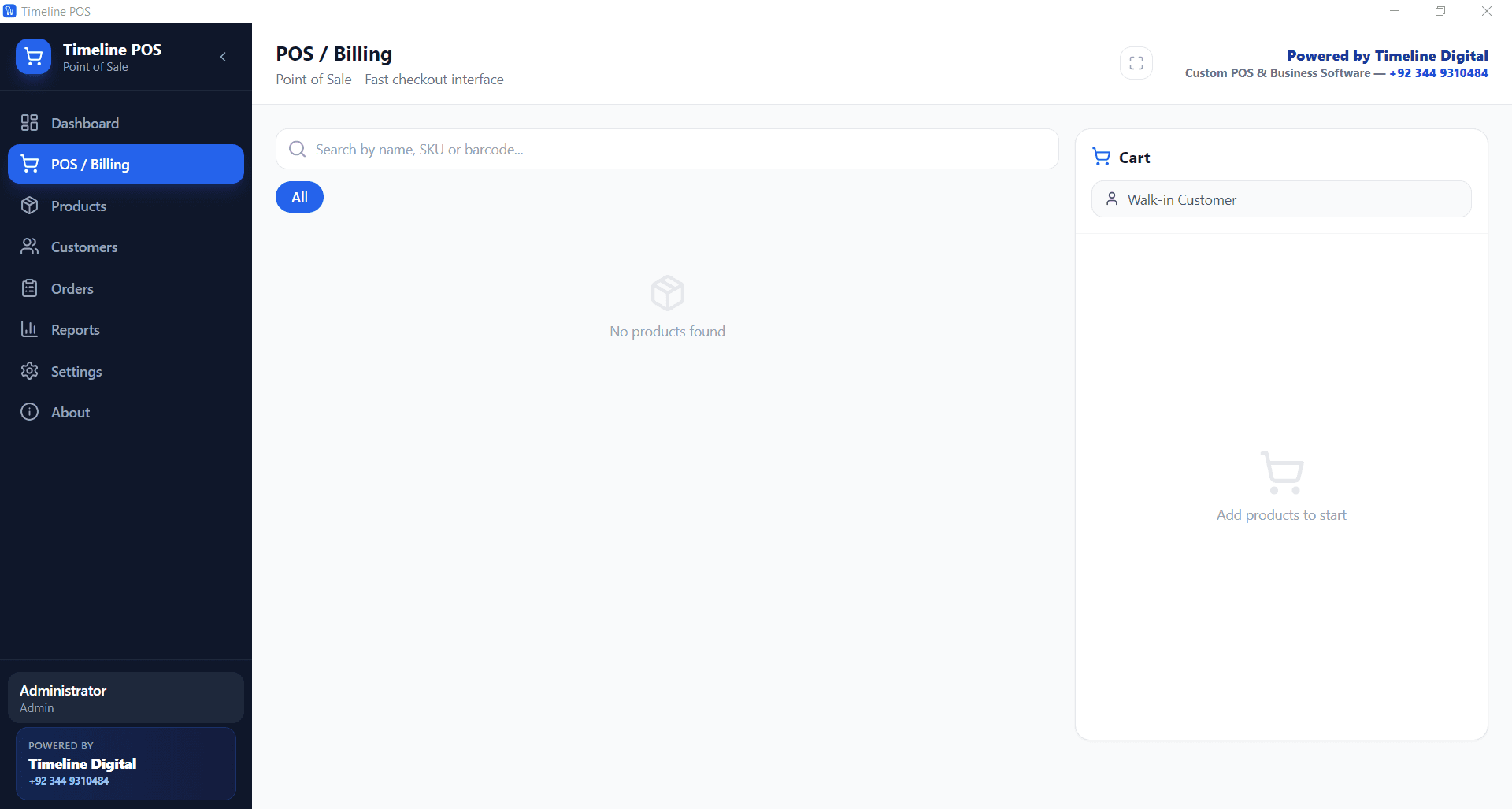
Yes. One route takes the software fee to zero and keeps it there: a free offline POS app that runs on a Windows computer you already own, with no account and no subscription. Timeline POS works this way. You install it once, add your products, and bill customers with no recurring fee and no per-transaction cut taken by the software itself.
The trade-off is honest. A free offline app runs on a single PC, so there is no cloud dashboard to watch sales from home and no built-in multi-branch sync. You also bring your own card reader and pay your processor's rate directly, rather than through the app. For a one-location shop that mainly wants fast billing, stock tracking, and printed receipts, that trade-off saves hundreds of dollars a year in avoided subscription fees. You can weigh the choices on the free POS software page.
When is it worth paying for a POS system?
Free is not always the right answer. Paying for a POS makes sense when you run several branches that need live stock and sales syncing across locations, when you want a hosted dashboard you can open from anywhere, or when bundled hardware and support matter more to you than the monthly fee. In those cases the subscription buys real convenience. For a single shop that values control and low running cost, the free offline route is hard to beat on price. The best POS systems 2026 hub compares where paid systems still earn their fee.
The honest bottom line
The real answer to how much a POS system costs is a range: as little as $0 for software and as much as several hundred dollars a month once card fees and hardware are added. Set your own number by starting from your card volume, not the advertised plan price. If you want to keep the software line at exactly zero, download Timeline POS free and start billing on a Windows PC today. If you later need stock automation, reporting, or a multi-branch build, message Timeline Digital on WhatsApp and the team can add it as a custom project.