Back to Blog
Labor ManagementAhmed Hassan6 min read

Labor Cost Reports: How to Know What Your Workforce Actually Costs

Most small businesses with field workers have no idea what their workforce costs by site, department, or week. Labor cost reports change that. Here is how to generate them for free.

The Hidden Cost of Not Knowing Your Labor Costs

A construction company managing three sites has no reliable way to know which site has the highest labor cost per square foot if attendance, overtime, and advances are tracked manually on three different registers.

This lack of visibility makes project budgeting impossible and profit tracking unreliable.

Labor cost reports are the solution — and the Timeline Labor Management System generates them automatically from data you are already entering.

What Labor Cost Reports Should Show

Useful labor cost reports answer specific business questions:

  • Total wages by period — what did the workforce cost this month?
  • Cost by site or department — which project or team is most expensive?
  • Overtime percentage — what proportion of total labor cost is overtime?
  • Advance outstanding — what cash is tied up in worker advances?
  • Attendance rate — what percentage of scheduled shifts were worked?

These five questions tell you almost everything you need to know about workforce economics.

Generating Reports in the Labor Management System
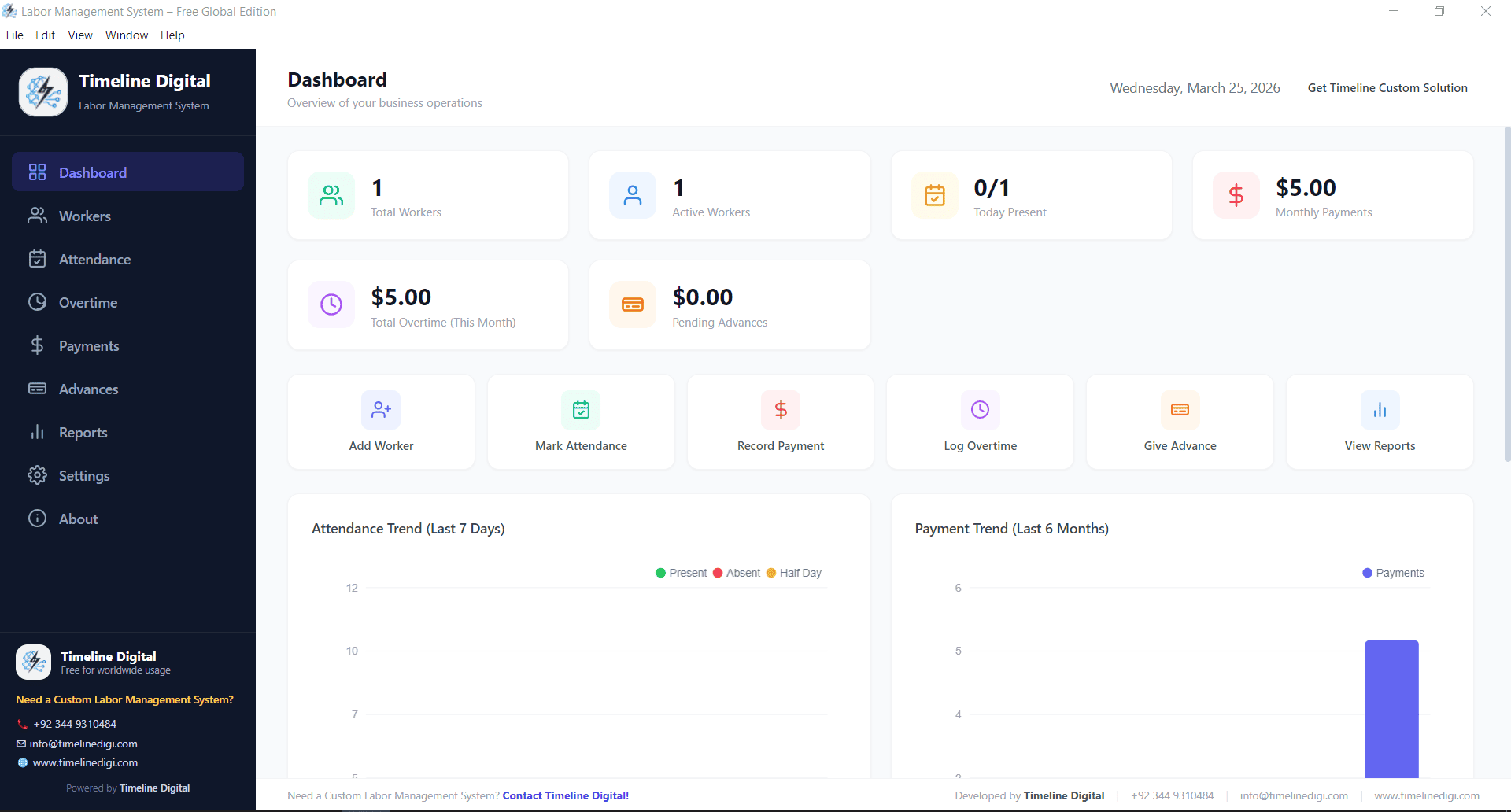
Labor Management Dashboard Overview

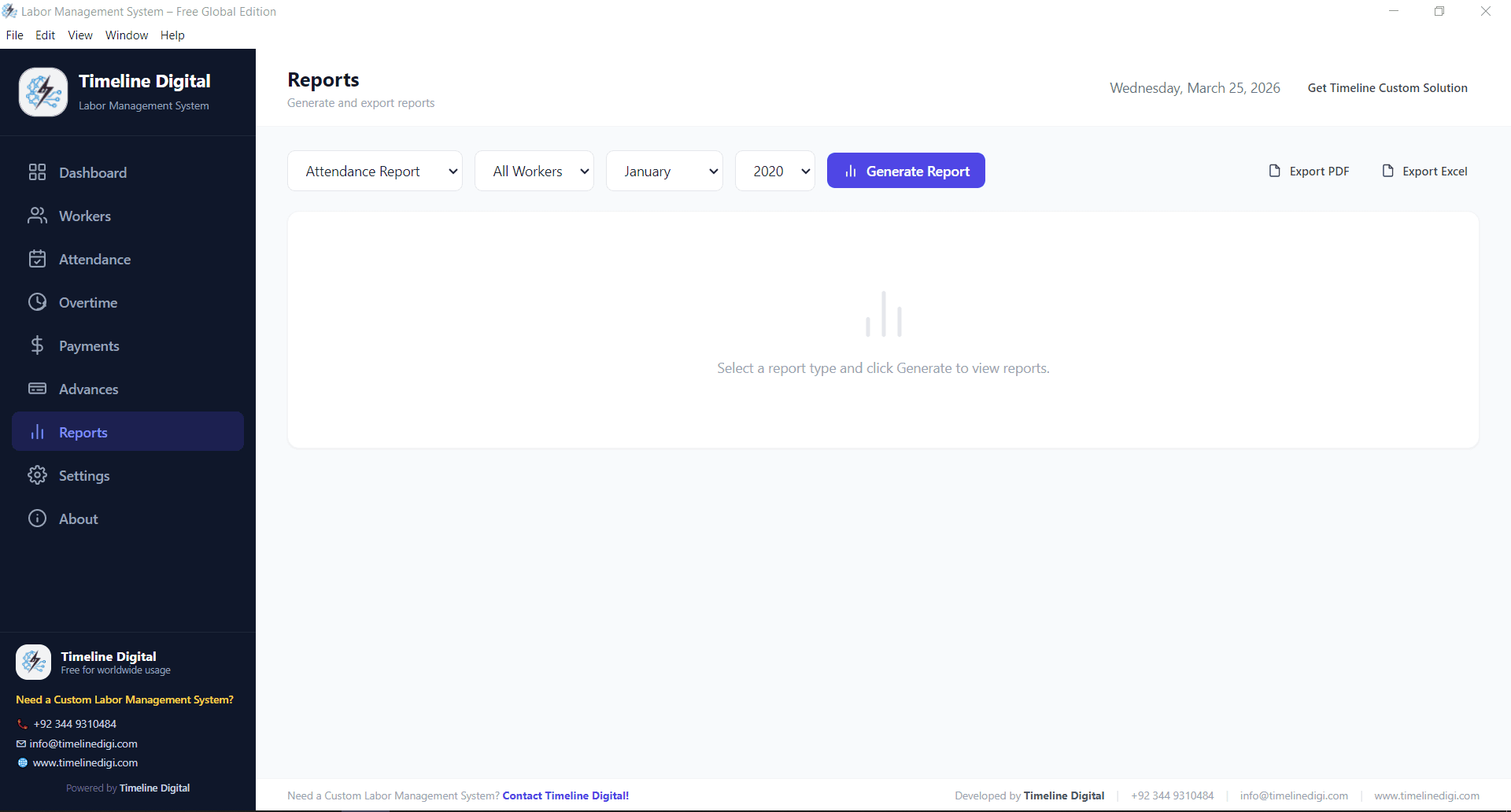
After processing payroll for a period, the Reports module generates all standard labor reports automatically. You select the date range and the filter (all workers, specific site, specific department) and the report generates in seconds.
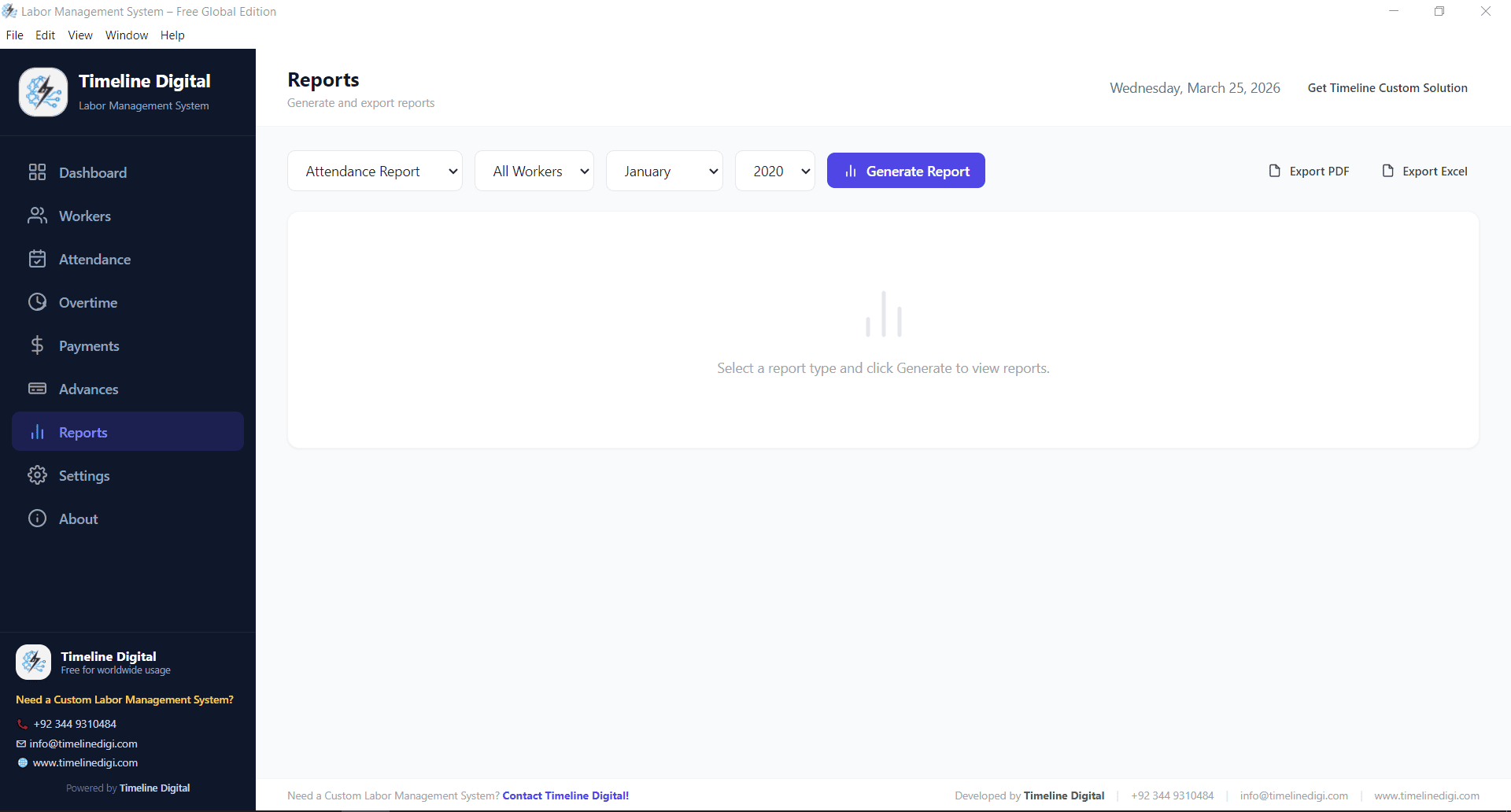
Detailed Labor Reports

Reports export to PDF for sharing with accountants, project managers, or site supervisors.

Using Labor Cost Data for Project Budgeting

If you know that a specific type of project costs X in labor per day based on historical data, you can bid future projects with confidence. Without this data, bids are guesswork.

The labor cost report is what turns payroll data into project intelligence.

Comparing Periods

The most useful labor analysis compares periods: this month vs. last month, this project vs. last project. Are labor costs increasing? Is overtime growing as a percentage?

When these questions are answerable from data rather than guesswork, management decisions improve.

Who Needs This

Any business with more than 10 workers and variable labor costs benefits from systematic labor cost reporting. Construction companies, factories, warehouses, farms, and hospitality businesses are the primary use cases.

Download Timeline Labor Management System Free — With Full Reports

Frequently Asked Questions

What is a labor management system?

A labor management system is software that tracks attendance, shifts, overtime, and worker advances, then turns that data into labor cost reports. The Timeline Labor Management System generates total wages by period, cost by site or department, overtime percentage, advances outstanding, and attendance rate automatically from data you are already entering, replacing manual registers.

Is there free labor management software for small businesses?

Yes. The Timeline Labor Management System is free Windows software with full reporting included. It is built for businesses with more than 10 workers and variable labor costs, including construction companies, factories, warehouses, farms, and hospitality. After payroll, the Reports module generates standard labor cost reports in seconds and exports them to PDF for accountants or site supervisors.

What should a labor cost report show?

A useful labor cost report answers five questions: total wages by period (what the workforce cost this month), cost by site or department (which project or team is most expensive), overtime percentage of total labor cost, advances outstanding (cash tied up in worker advances), and attendance rate (percentage of scheduled shifts worked). Together these reveal almost everything about your workforce economics.

Can a warehouse use labor management software to track labor costs by site?

Yes. Warehouses are a primary use case for the Timeline Labor Management System, alongside construction, factories, farms, and hospitality. You select a date range and filter by all workers, a specific site, or a department, and the report generates in seconds. This lets multi-site operations see which location has the highest labor cost instead of guessing from separate registers.

How does workforce management software help with project budgeting?

Workforce management software turns payroll data into project intelligence. Once you know what a project type costs in labor per day from historical reports, you can bid future projects with confidence rather than guesswork. The Timeline Labor Management System also compares periods (this month vs last, this project vs last) so you can see whether costs or overtime percentages are rising.

Tags

Labor Cost ReportsWorkforce ManagementLabor Management SystemConstruction Cost
Get a Free Project Quote

Tell Us What You Need — We’ll Scope It in One Call

After you contact us, a senior engineer reviews your message and replies within 4 business hours. The free 30-minute scoping call covers your business objective, the users involved, any systems that need to connect, and which pricing model fits your situation. You receive a written project brief and ballpark estimate within 3 business days — no obligation to proceed.

30-min scoping call with a senior engineerNDA and IP assignment signed on day oneResponse within 4 business hours, guaranteedQuoted in USD, GBP, EUR, or AED