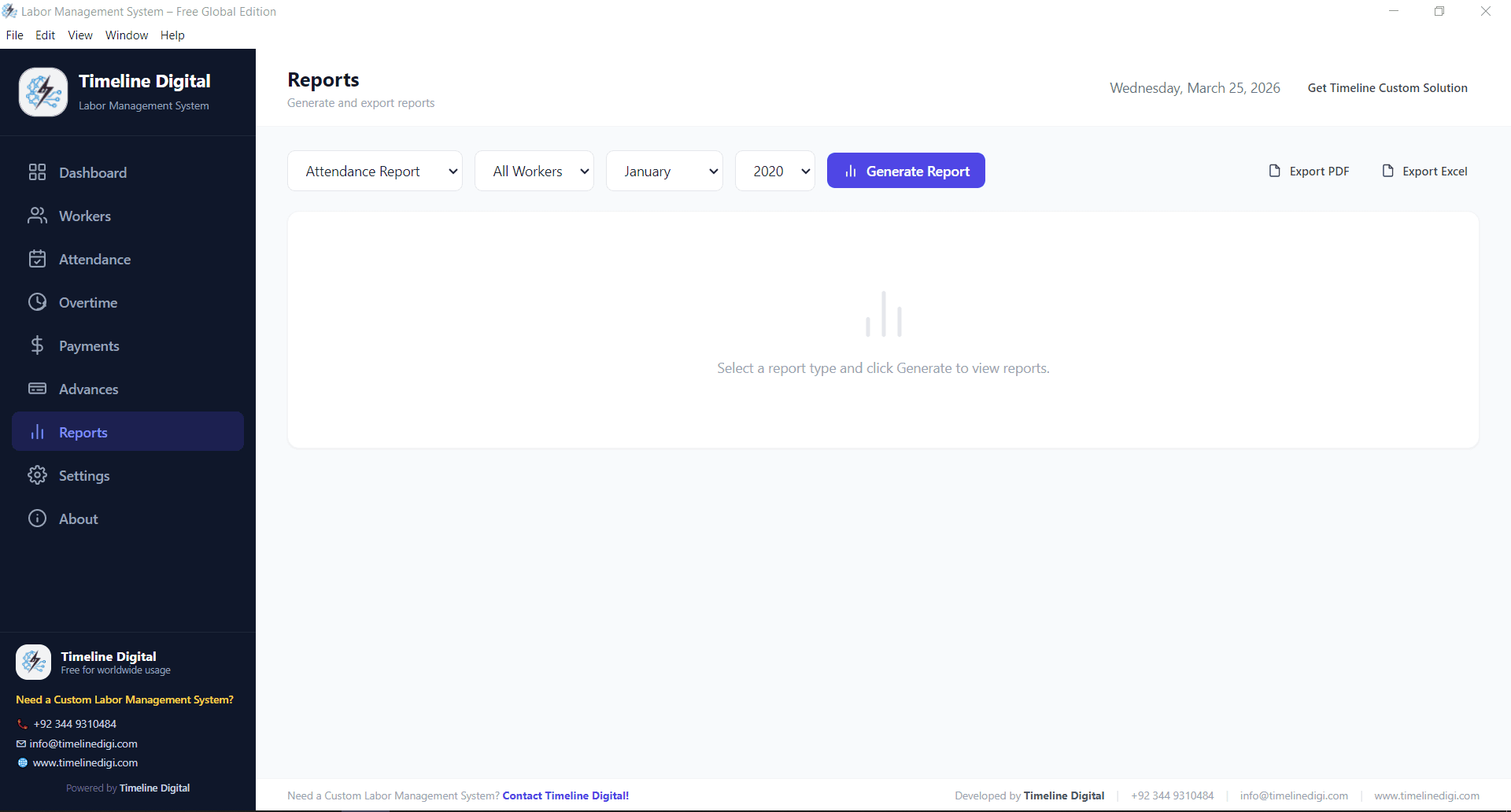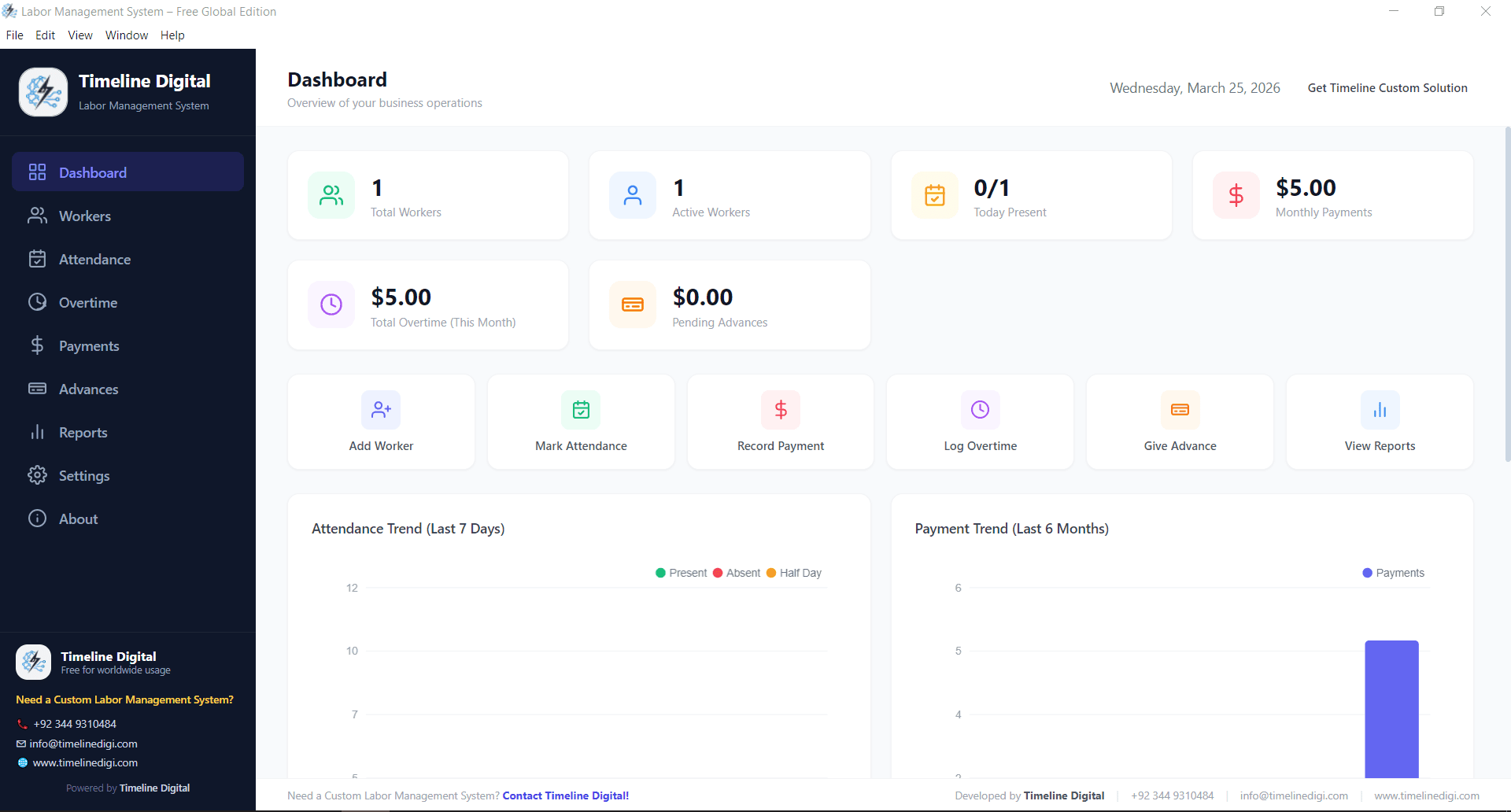
A labor management system is software that tracks your workforce at the level where money is actually spent: attendance, shifts, overtime, pay rates, and advances. It records who worked, where, and for how long, then converts that data into payroll figures and labor cost reports. Businesses use one to replace paper registers and spreadsheets and to see labor costs while there is still time to act on them.
Two quick clarifications before the detail. First, the UK spelling, labour management system, refers to exactly the same software category. Second, the acronym LMS is shared with learning management systems, which handle training courses and have nothing to do with labor tracking. This guide covers the workforce kind only.
What does a labor management system do?
Labor management system software handles five jobs that most businesses otherwise spread across registers, notebooks, and spreadsheets.
It keeps worker records with the details payroll depends on: contract type, pay rate, assigned site, and shift. It captures attendance daily, per worker and per shift, so hours worked come from records rather than memory. It tracks overtime separately from regular hours, because the two are paid at different rates and mixing them is where most manual payroll errors start. It records advances and deductions against each worker so nothing is forgotten at pay time. Finally, it calculates payroll from all of the above and produces reports that break labor cost down by site, department, or period.
The common thread is that every number flows from one source of data. When attendance, overtime, and pay rates live in one system, the payroll total, the site cost report, and the overtime summary always agree with each other, which is not something separate spreadsheets can promise.
The businesses that get the most out of one share a profile rather than an industry. They employ hourly or daily wage workers, run more than one shift or more than one site, and pay overtime that changes week to week. That profile shows up in construction, manufacturing, warehousing, farming, hospitality, and facility services, which is why labor management software looks similar across all of them even when the work itself does not.
How does a labor management system work?
Under the surface, every labor management system follows the same four stage flow.
Setup comes first: you enter workers, their rates and contract types, your sites or departments, and your shift patterns. This is a one time effort that everything else builds on. Daily capture comes next: supervisors mark attendance, record overtime, and log any advances as they happen, which takes minutes once the structure exists. The calculation stage then applies your rules automatically: regular hours at the standard rate, overtime at its own rate, advance deductions applied to the right worker. The output stage produces payslips and reports on demand.
Deployment varies more than the flow does. Cloud tools run in a browser and bill per user per month. Standalone software installs on a Windows PC and works offline, which suits sites with unreliable internet. An enterprise labor management system usually arrives as a module inside a warehouse management or ERP suite and adds engineered labor standards, which measure each task against an expected completion time to score productivity. That last capability matters for large distribution operations and is unnecessary for most businesses below that scale.
Labor or labour management system: is there a difference?
None. A labour management system, the British and Commonwealth spelling used in the UK, Australia, South Africa and much of Asia, is exactly the same software as a labor management system in American English. It plans shifts, tracks worked hours against standards, and feeds clean totals to payroll. Vendors spell the word to match their home market, so search either spelling and you are comparing the same shortlist. Our comparison of the best labor management systems covers both markets.
Labor management system vs workforce management vs HRIS
These three terms overlap in marketing material but answer different questions. The table shows where each one focuses.
| Question | Labor management system | Workforce management | HRIS |
|---|---|---|---|
| Core focus | Hours worked and what they cost | Scheduling and forecasting demand | Employee records and compliance |
| Typical data | Attendance, overtime, rates, advances | Rosters, forecasts, leave requests | Contracts, documents, benefits |
| Main output | Payroll and labor cost reports | Optimized schedules | A single employee record |
| Typical buyer | Operations or site managers | Large shift based employers | HR departments |
| Best fit | Variable hours and daily wage teams | Hundreds of rostered staff | Any business past 50 employees |
In practice the boundaries blur. Workforce management platforms often include time tracking, and large HR suites bolt on labor management features. The distinction that matters when buying is the starting point: labor management starts from cost, workforce management starts from scheduling, and an HRIS starts from the employee file. Pick the one whose starting point matches your actual problem, then check that it covers enough of the other two.
Payroll software is a fourth neighbor worth separating. A pure payroll tool assumes you already know the hours and simply calculates tax and net pay from them. A labor management system sits one step earlier in the chain: it establishes what the hours were in the first place. If your payroll disputes are about whether someone worked, not about how the tax was computed, payroll software alone will not fix them.
How to choose a labor management system for a warehouse
Warehouses are the most demanding common use case: multiple shifts, high headcount, overtime that swings with season, and labor as the largest controllable cost. A short evaluation sequence avoids most bad purchases.
- Write down how labor hours are captured today (register, biometric device, or spreadsheet), because the new system must replace that exact step first.
- Decide whether you need productivity standards or just accurate time and cost. Engineered standards suit large distribution centers; most warehouses need reliable shift, overtime, and cost tracking first.
- Check that the system handles your real shift rules: rotating shifts, night differentials, and overtime thresholds as your operation pays them.
- Confirm reporting splits cost by site, department, and period, since a single payroll total tells a multi site operation almost nothing.
- Verify how data leaves the system, whether payroll export, accounting integration, or PDF reports your accountant can use.
- Pilot with one shift or one site before rolling out, and judge the pilot on whether supervisors keep entering data without being chased.
We cover the warehouse case in more depth, including which features matter at which headcount, in our guide to labor management for warehouses. A warehouse labor management system does not need to be expensive to be effective. It needs to match how your floor actually runs.
What does a labor management system cost?
Pricing follows four models, and the differences compound over time.
| Model | Typical pricing | Watch for |
|---|---|---|
| Free standalone software | No charge | Confirm it covers payroll, not just attendance |
| Cloud subscription | A few dollars per user per month on published price lists | Cost grows with every hire |
| Enterprise suite module | Quoted per project | Implementation often costs more than the licenses |
| Custom build | One time project fee | You own the system, no per user fees |
For most small and mid sized operations the honest starting point is free software. The Timeline free labor management system covers worker records, attendance, shifts, overtime, advances, and payroll on Windows at no charge, with no per user fees and no expiry. If you want to compare it against paid cloud tools and enterprise options feature by feature, our roundup of the best labor management systems does that comparison.
Custom becomes the right answer when your labor rules are unusual enough that packaged tools fight you: piece rate pay mixed with hourly, multi company payroll, or labor cost feeding directly into job costing. Our custom software development cost guide explains how those projects are priced and what moves the number.
Where to start
Start by moving attendance off paper, because every other benefit builds on accurate daily hours. Then add overtime and advances, and only after that worry about reports and productivity standards. Timeline Digital has built workforce and operations software since 2013, and the free labor management system above is the fastest way to see whether structured labor tracking fits your operation before you spend anything on it.