A complete invoice includes ten things: your business name and contact details, the client's details, a unique invoice number, the issue date and payment due date, an itemised list of goods or services with quantities and prices, the subtotal, the tax with its rate shown separately, the final total due, your payment terms, and the accepted payment methods. Include all ten and your invoice is clear, professional, and unlikely to be delayed or queried.
Most countries do not enforce a single invoice format, but they do expect an invoice to record a transaction accurately. Leaving out a field is the most common reason an invoice is queried, returned, or paid late. Use this checklist for every invoice you send.
The ten fields every invoice needs
- Your business details. Your name or company name, address, phone, email, and logo. If you are registered for tax, include your tax registration number.
- The word "Invoice." Label the document clearly so it is not mistaken for a quote or a receipt.
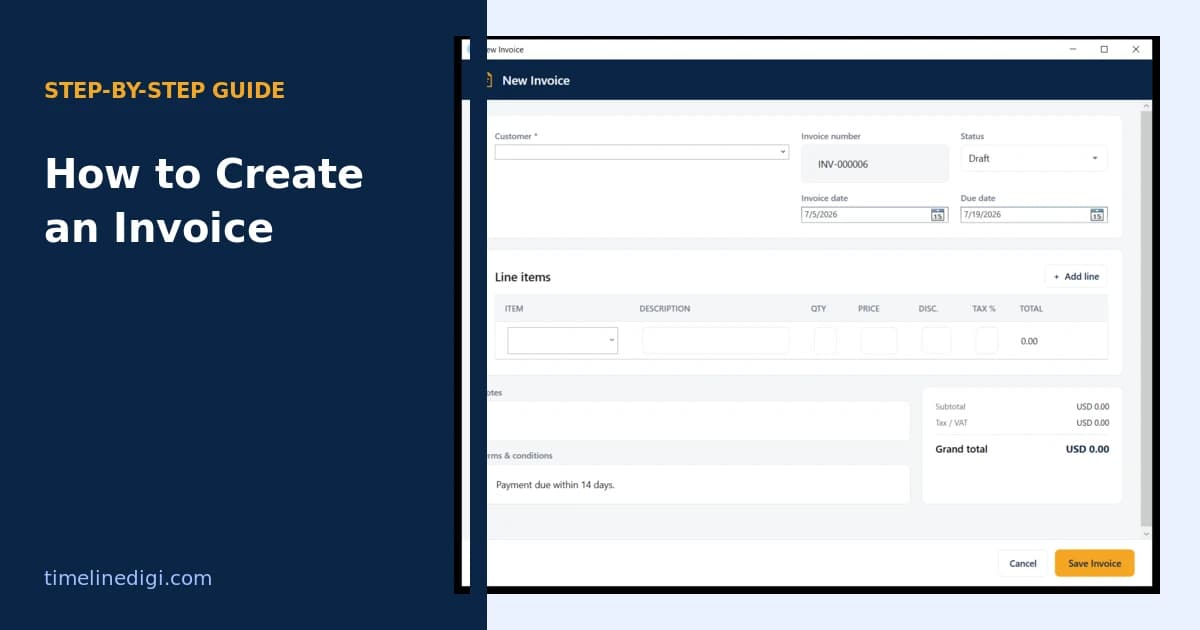
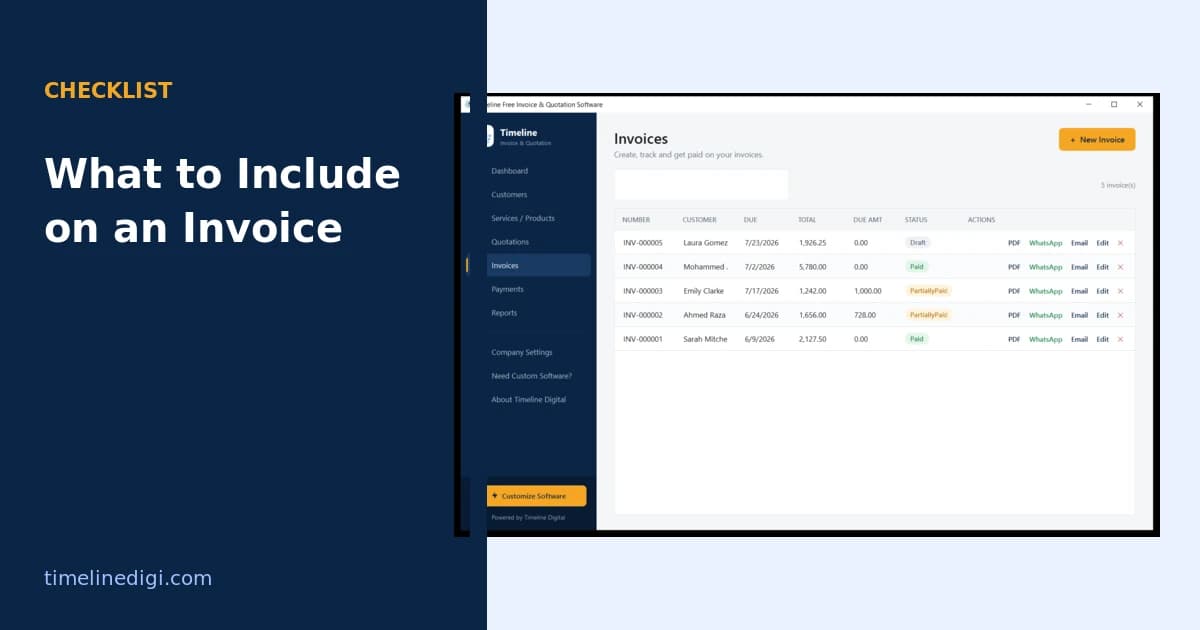
- A unique invoice number. Sequential and gap-free, such as INV-000001, so both sides can track it.
- The client's details. Their name or company name and billing address, so the invoice is addressed to the correct entity.
- The issue date. The date you created the invoice, which starts the payment clock.
- The due date. When payment is expected, for example fifteen or thirty days after the issue date.
- Itemised line items. Each product or service with a clear description, quantity, unit price, and line total.
- Subtotal, tax, and total. The subtotal before tax, the tax shown as its own line with the rate, and the final amount due.
- Payment terms. Any late-payment terms, deposit terms, or early-payment discount.
- Payment methods. How to pay, with account details or a payment link.
How should tax appear on an invoice?
Show tax as its own line, never buried inside the prices. Display the tax rate, the tax amount, the subtotal before tax, and the total after tax, so the client can see exactly what was charged. Depending on where you operate, this will be VAT, GST, or sales tax, and if you are tax-registered you should show your registration number. Good invoicing tools let you set a default rate and override it per line item, which matters when some items are taxed and others are not.
What makes an invoice look professional?
Beyond the required fields, three things separate a professional invoice from a rushed one. First, a consistent layout with your logo, so it looks like it came from an established business. Second, plain, specific line descriptions instead of vague labels like "services." Third, a clean PDF rather than a raw spreadsheet. These signals make clients take the invoice seriously and pay it without back-and-forth.
A quick pre-send checklist
Before any invoice leaves your desk, confirm: the client name and address are correct, the invoice number has not been used before, every line item is described and priced, the tax rate and total are right, the due date is stated, and payment instructions are present. Two minutes of checking prevents the most common cause of late payment, which is an invoice the client cannot act on.
The easy way to get every field right
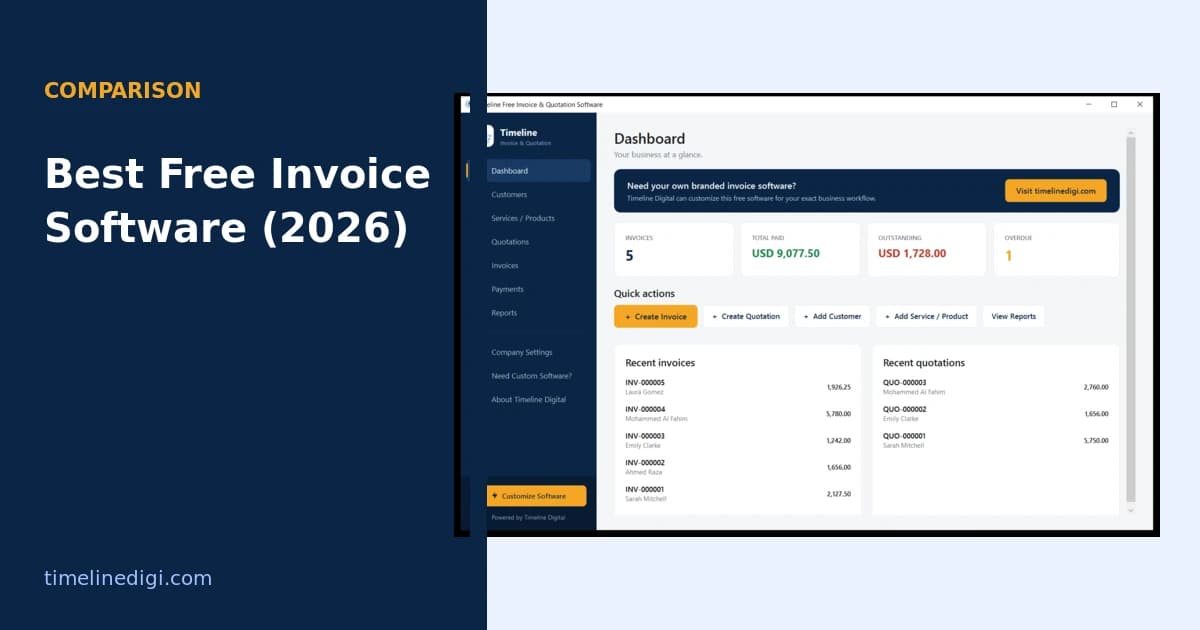
Filling in ten fields by hand for every invoice is slow and error-prone. Invoice software stores your business details and tax settings once, numbers each invoice automatically, calculates the subtotal, tax, and total as you add line items, and exports a branded PDF with everything in place. Timeline Invoice does this for free and offline, so every invoice you send already carries all ten fields correctly.
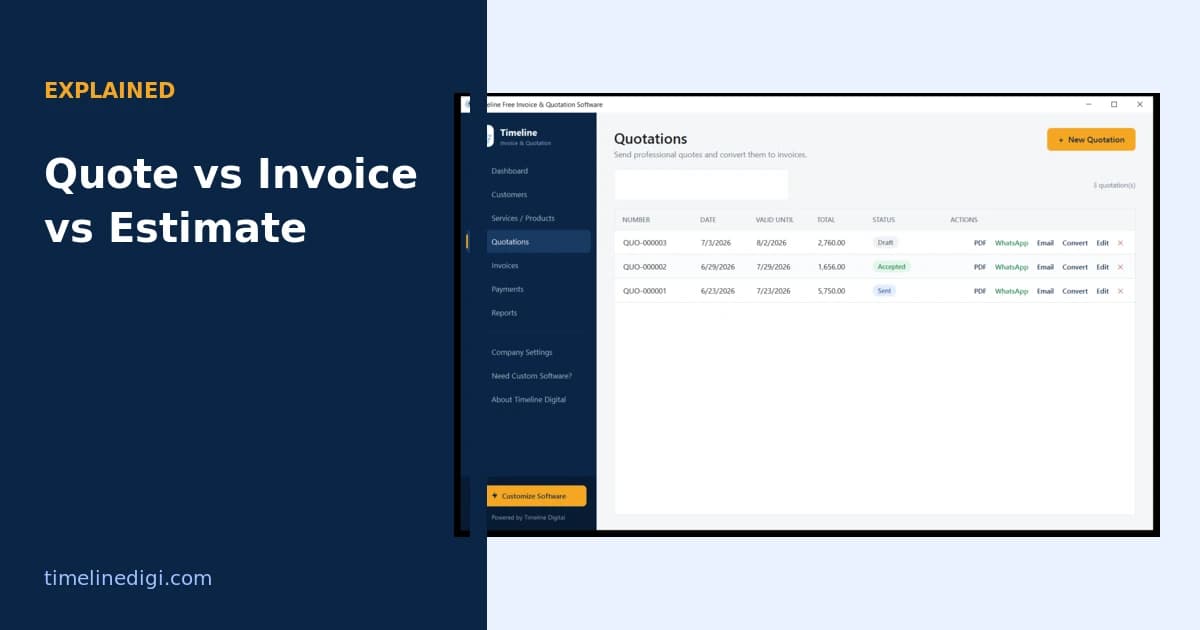
For the wider workflow, see the step-by-step guide on how to create an invoice, and if you send quotes before you invoice, read the difference between a quotation, an estimate, and an invoice.