The best free invoice software for a small business is the one that fits how you work. Online tools such as Wave, Zoho Invoice, and Invoice Ninja are strong if you always have internet and want cloud access, though most fund the free tier through payment-processing fees or cap the number of invoices. If you want an app that runs offline, keeps your data on your own computer, and has no subscription, an offline Windows tool like Timeline Invoice is the better fit. Match the tool to your priorities: cloud access, or offline privacy and zero recurring cost.
"Free" invoice software is rarely free in the same way twice. Some tools are free to send invoices but charge a percentage every time a client pays by card. Others cap you at a number of invoices per year, or lock quotations and branded PDFs behind a paid plan. Here is how to compare them properly.
What to check before you call an invoice tool "free"
Before you commit, ask five questions of any free plan:
- Is there an invoice limit? Some free tiers cap you, for example at 1,000 invoices a year, after which you must pay.
- Are payments really free? Online tools usually take a percentage of every card or bank payment through their gateway, even when the software is free.
- Do you need an account and internet? Cloud tools require a sign-up and a connection. If either fails, you cannot invoice.
- Where does your data live? Cloud tools store your client list and pricing on their servers. Offline tools keep it on your machine.
- Are quotations and branded PDFs included? These are often paid extras on "free" plans.
Online free invoice tools
Cloud invoicing tools are convenient if you are always online and want to work from any device. Wave offers genuinely free invoicing and basic accounting for US and Canadian businesses. Zoho Invoice is full-featured and free but limits how many invoices you can send per year. Invoice Ninja gives you customisable templates on a free self-hosted or hosted plan. The trade-off across all of them is the same: you need an account and a connection, your data sits on their servers, and accepting card payments carries processing fees.
Offline free invoice software
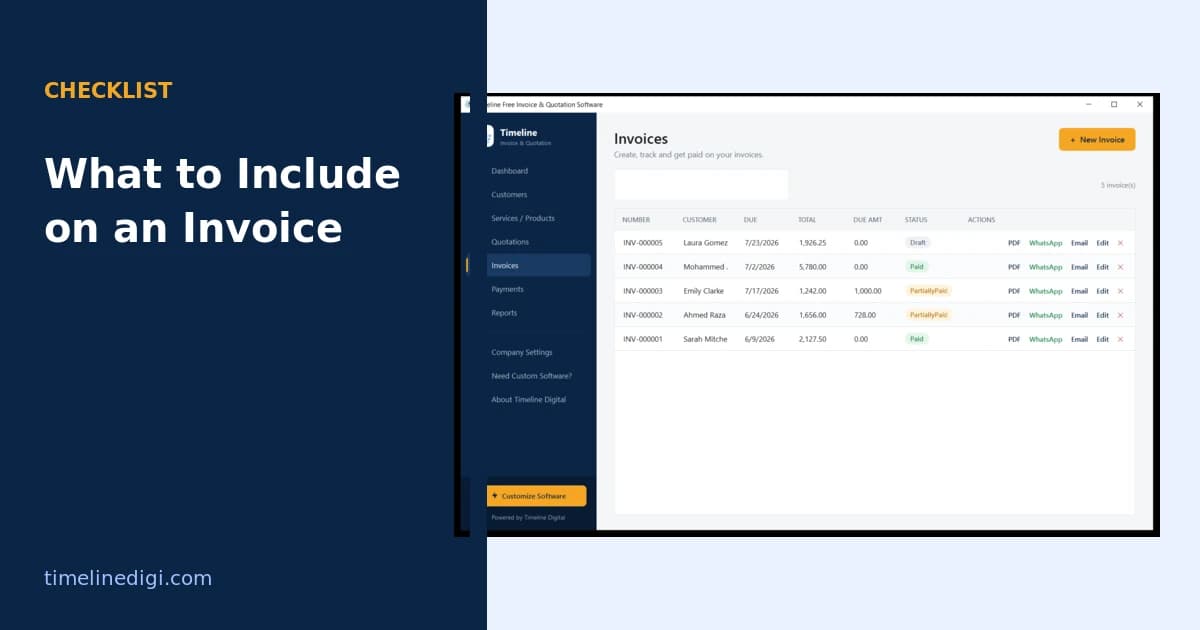
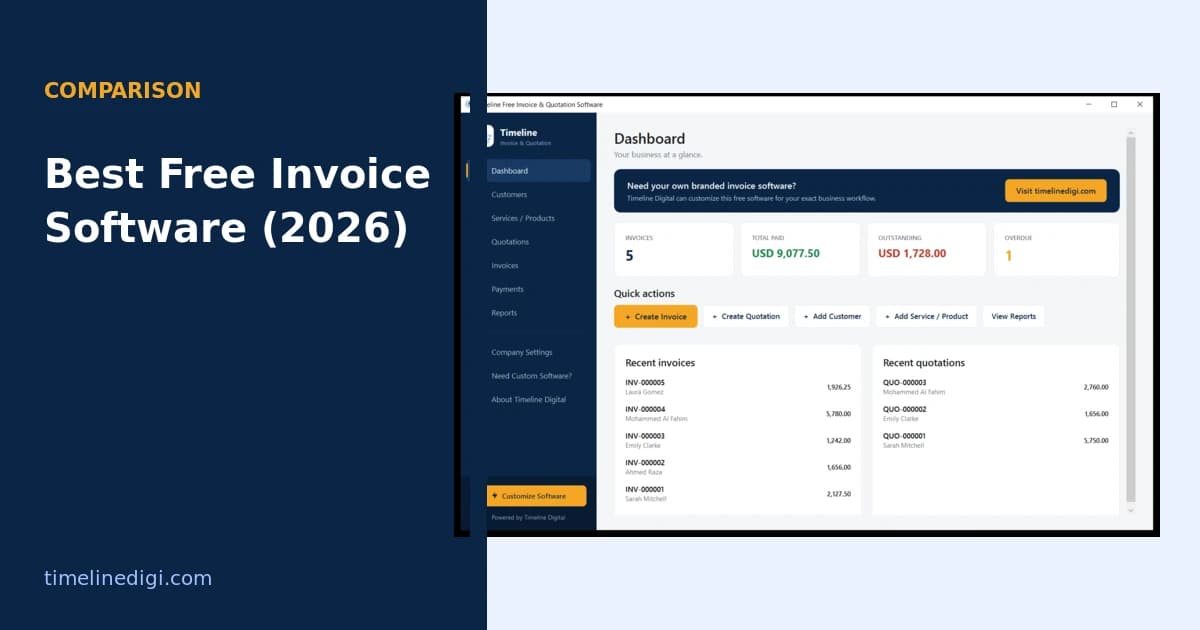
Offline invoice software runs on your own computer and stores everything locally. That means no monthly fee, no sign-up, no internet dependency, and no third party holding your client list. The trade-off is that you work from one machine rather than any browser. Timeline Invoice is a free offline Windows app in this category: unlimited invoices and quotations, branded PDF export, payment tracking, and support for 199 countries and currencies, with nothing to pay and no account to create.
Free offline software vs online invoice tools
| Offline app (Timeline Invoice) | Typical online free tool | |
|---|---|---|
| Price | Free forever | Free tier, paid upgrades |
| Works offline | Yes, fully | No |
| Sign-up required | No | Yes |
| Your data stored | On your PC | On their servers |
| Invoice limit | Unlimited | Sometimes capped |
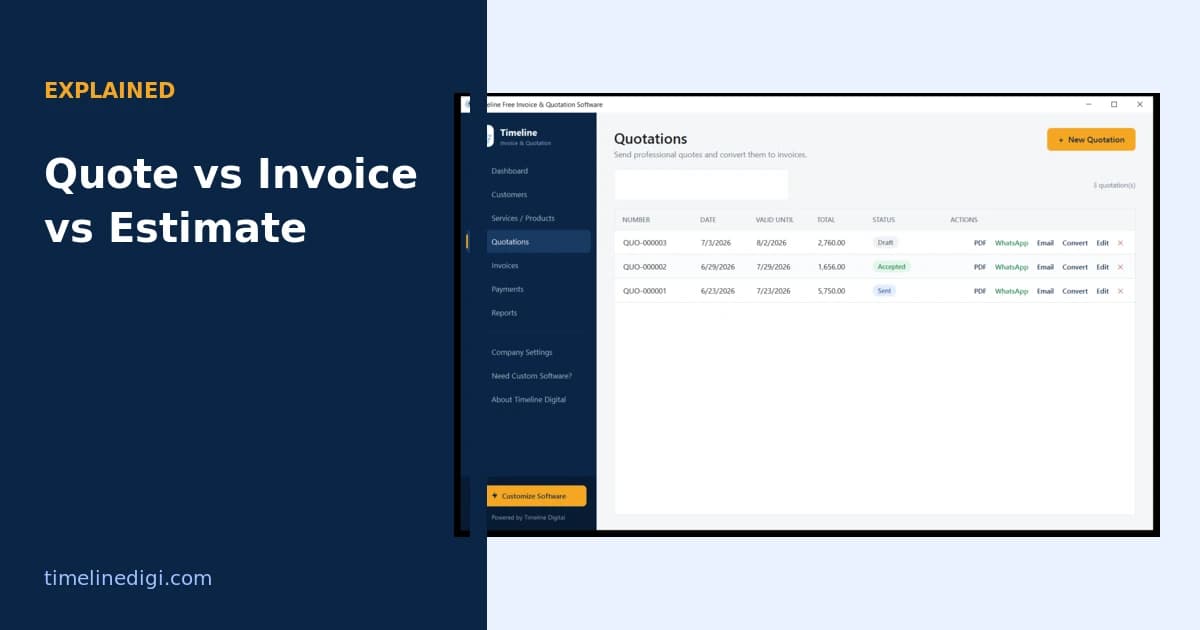
| Quotations included | Yes, with one-click convert | Often a paid feature |
| Payment fees | None, the app does not process payments | Processing fee per card payment |
Which free invoice software should you choose?
Choose an online tool if you need to invoice from several devices, want cloud backup handled for you, and do not mind processing fees on payments. Choose an offline tool if you want zero recurring cost, full privacy, and the ability to invoice without internet, for example on a job site or in a shop with weak connectivity. Many small businesses and freelancers find the offline model simpler because there is no plan to outgrow and no fee that grows with their sales.
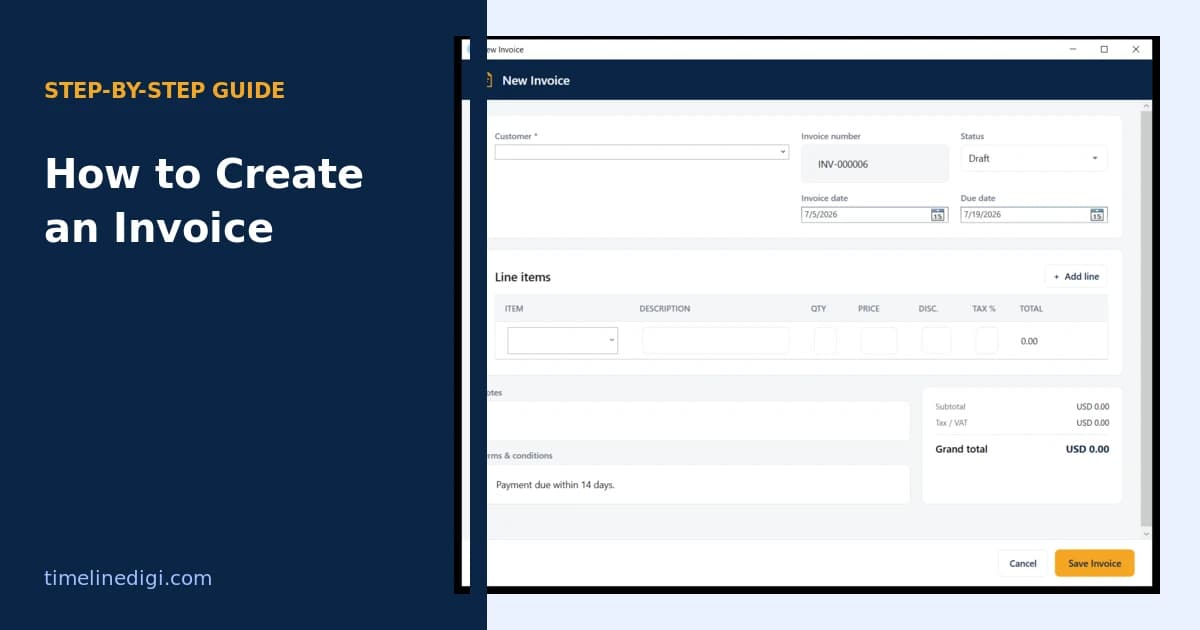
If you decide an offline app suits you, download free invoice software for Windows and read how to create an invoice to get your first one out in minutes. Businesses that later need online payments or multi-user access can move to a custom build without starting over.