Built for food trucks · Free Windows download
Free POS for Food Trucks: Offline, $0 a Month
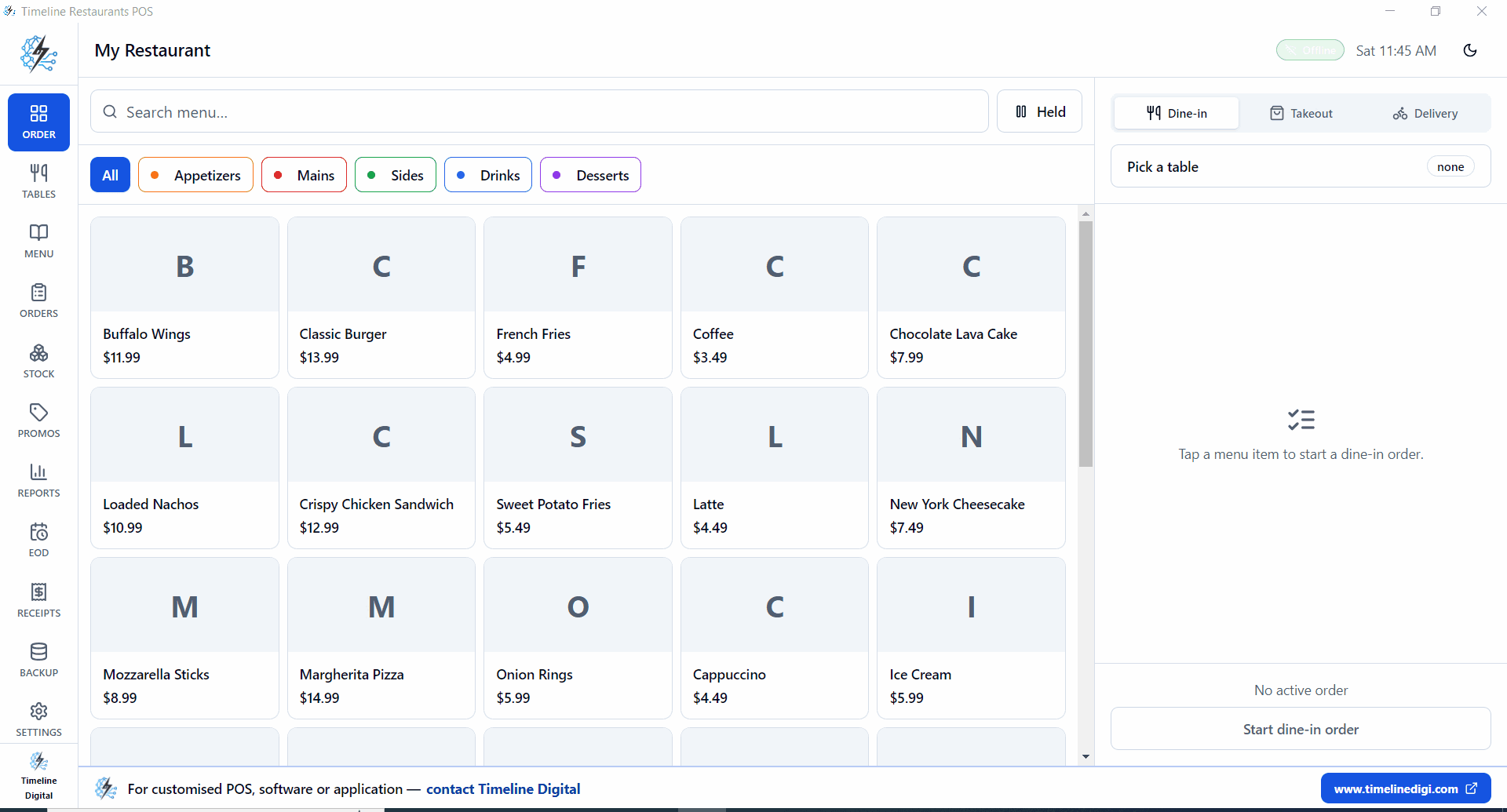
A POS system for a food truck is free with Timeline Restaurants POS. It runs on a Windows tablet with no internet, so you keep taking orders curbside and at events when the signal drops. Tap the menu, ring up in seconds, and pay with your own card reader. No card cut, no monthly fee.
In 60 seconds
If you run a food truck
Square wants about 2.6 percent of every card sale. On a truck doing a few thousand dollars at a busy event, that is money leaving on every swipe, and you never see it as a line item on the POS bill.
One Windows tablet on the counter. Tap taco, tap chicken, tap toppings. Charge to cash or your own reader. A typical sale takes about 8 seconds, with the Wi-Fi off if you have to.
Free, on Windows, fully offline. Bring whatever card reader you already have.
How do you set up a food truck menu on the POS?
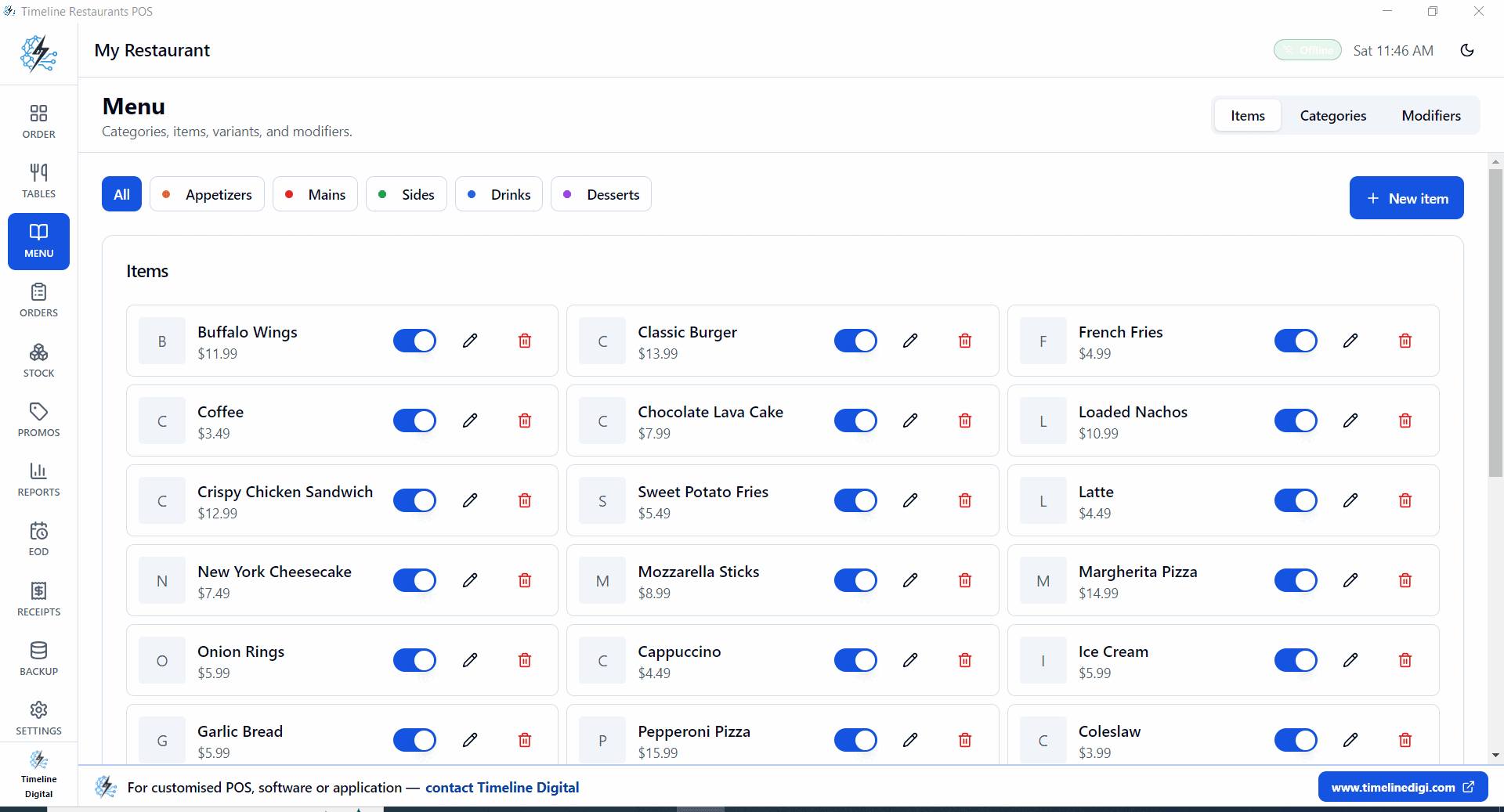
- Make categories for what you actually sell: Tacos, Burgers, Loaded Fries, Drinks.
- Add a Protein modifier group, Chicken, Beef, Veggie, with price overrides.
- Add Toppings and Sauces as modifiers, some free, extras add 50c.
- Add a meal deal as its own menu item with one price; a combo builder is not a listed feature of v2.0.0.
- Mark an item 86 in one tap when you sell out mid service.
- Cash and card both close a ticket. Use whatever reader you brought.
- End of day drawer count and a local backup before you drive home.
A busy lunch service
Park, plug in the tablet, open the POS. First ticket in.
Tap item, tap protein, tap toppings, charge. No signal needed.
Line down the block. A ticket rings up in about 8 seconds in a typical sale. Orders keep flowing.
Reports, Hourly. See your real rush window for next week.
Drawer count. Local backup. Drive to the next spot.
How does a POS system for a food truck work offline?
A POS system for a food truck works offline because everything runs on the tablet, not the internet. The menu, the open tickets, the prices, and the reports are all stored on the device. You take orders, print receipts, and close tickets with the Wi-Fi off. When you park at an event with no signal, nothing changes.
This is the difference that matters for a truck. Cloud POS apps like Square and Toast can run in a limited offline mode, but they still lean on a live connection to sync sales and unlock full features, so a weak signal at a festival can slow you down. Timeline Restaurants POS never phones home. Orders keep flowing whether you are curbside downtown or three miles down a county road with one bar of signal.
Card payment is separate from the POS. You tap Card to record the sale, then run the card on your own reader, which carries its own mobile data. Cash sales close a ticket the same way.
For the deeper detail, the offline restaurant POS page covers local backups and single-device setup, and the free restaurant POS system page covers the full feature set for trucks that also do catering or a second location.
Can I run a food truck POS on a Windows tablet?
Yes. Timeline Restaurants POS installs on any Windows tablet or laptop. For a mobile setup, the best mobile POS system for food trucks is one that runs on cheap, familiar hardware, and a Windows tablet fits that: it is affordable, it fits a tight counter, and it holds a charge through a lunch service.
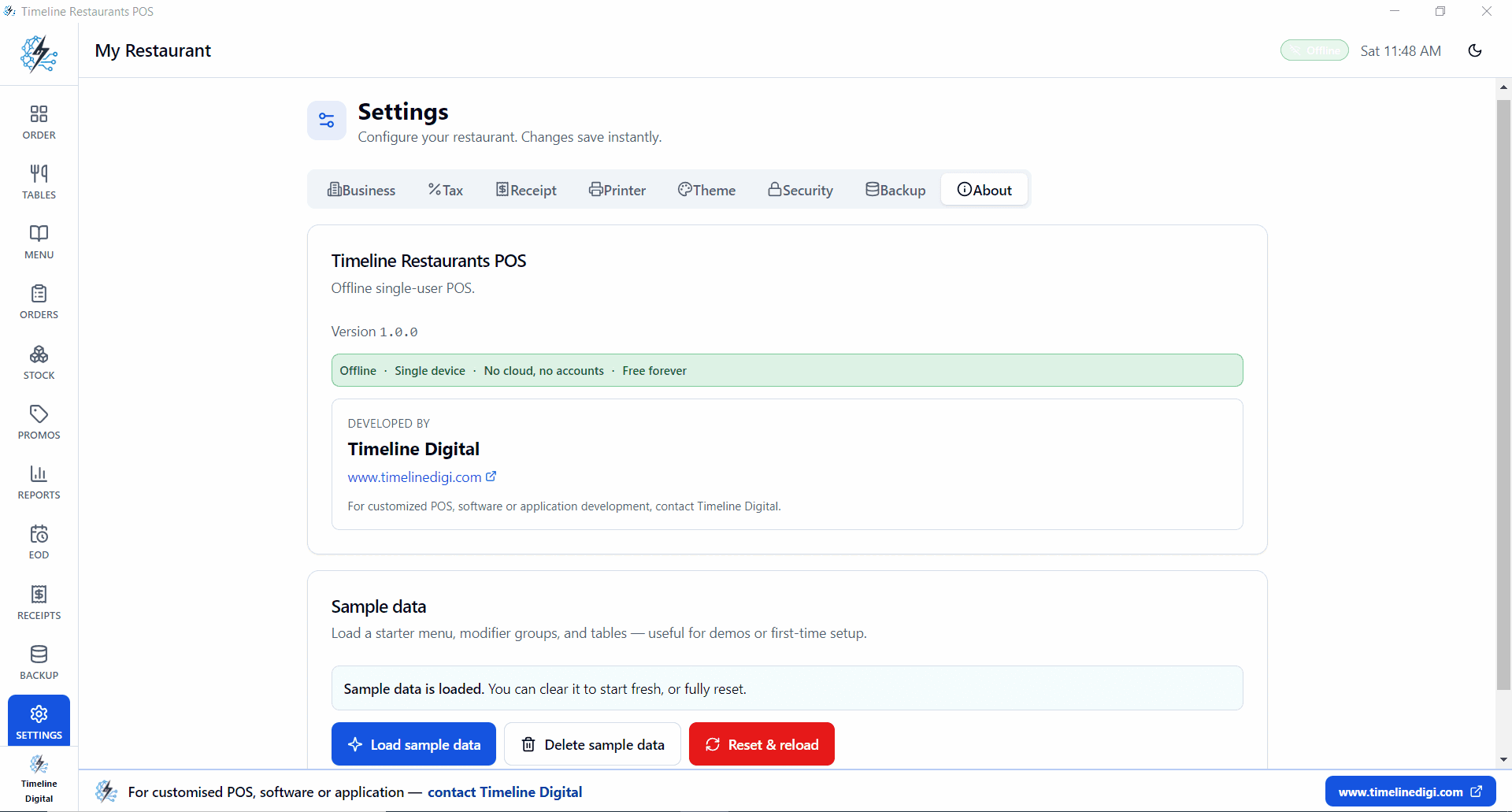
One tablet is the whole system. Ordering, payment recording, receipts, and the end-of-day drawer count all happen on that single screen. There is no separate back-office login and no cloud dashboard to wait on. Plug a USB receipt printer and a cash drawer into the tablet if you want printed tickets, or skip them and run screen-only.
See the Timeline Restaurants POS product page for the full feature list, screenshots, and setup steps.
What does a food truck POS actually cost?
Software is only half the bill. The card cut is the rest.
| POS | Software | Card cut | Total / month |
|---|---|---|---|
| Timeline Restaurants POS$0 pick | $0 | ~1.5% (your reader) | ~$90 |
| Square for Restaurants | $0 | 2.6% + 15c | ~$160 |
| Toast Go handheld | $69+ | ~2.49% + 15c | ~$220 |
| Loyverse + SumUp | $0 to $25 | ~1.95% | ~$120 |
Comparing options? See the best POS systems for 2026 and the cheapest POS for a restaurant.
Do you need a food truck cash register?
A food truck cash register stores cash. A POS runs the whole service.
| On the truck | Basic cash register | Timeline Restaurants POS |
|---|---|---|
| Menu buttons | Type each price by hand | Tap the item, price is built in |
| Protein and topping add-ons | Remembered in your head | Preset modifiers, priced, one tap |
| Sold-out items | No way to mark | Tap to 86 an item mid service |
| Sales report | Paper roll total only | Hourly, items and totals on screen |
| End of day | Manual count | Drawer count and local backup |
| Card fees | Depends on the add-on | Bring your own reader, $0 software |
| Price | $150 to $600 of hardware | Free download on a tablet you own |
Food truck questions
What is the best POS system for a food truck?
The best POS system for a food truck is one that keeps ringing up orders when the internet drops, runs on hardware you already own, and does not take a cut of every card sale. Timeline Restaurants POS meets all three. It installs on a Windows tablet, works fully offline at curbside and events, and charges no monthly fee. You bring your own card reader, so the only card cut is whatever your processor charges. Menu buttons, protein and topping modifiers, and fast checkout are built in, which is what a truck needs during a lunch rush.
Is there a free POS system for a food truck?
Yes. Timeline Restaurants POS is a free POS system for a food truck. You download it once, install it on a Windows tablet or laptop, and there is no account, no monthly fee, and no card-processing cut taken by the software. It is the full restaurant build, so a truck gets menu categories, protein and topping modifiers, meal deals set up as their own menu items, cash and card checkout, sales reports, and a local backup. Timeline Digital publishes it as a free app. If you later want a custom feature, they can add it, but the download itself stays free to use.
Does a food truck POS work offline with no internet?
Yes. Timeline Restaurants POS runs fully offline because the menu, orders, and reports all live on the tablet itself, not in the cloud. That is the point of it for a truck: you park somewhere with weak or no signal, and the POS keeps taking orders, printing receipts, and closing tickets exactly the same. Nothing pauses when the connection drops mid service. Card payment goes through your own reader, which uses its own mobile data or Wi-Fi, so even if the reader hiccups you can still record the order and take cash. Your data stays on your device.
What is the cheapest POS for a new food truck?
The cheapest POS for a new food truck is a free one that runs on hardware you already have. Timeline Restaurants POS costs nothing to download and install, so if you own a Windows tablet or laptop your software bill is $0. Compare that to Square or Toast, where the app may be free but a card cut of roughly 2.5 percent quietly adds up to real money on a busy day. With Timeline you bring your own card reader and pay only that reader standard processing rate. No monthly fee, no per-order fee, no contract to sign for a truck that is just starting out.
Can I use a food truck POS on a Windows tablet?
Yes. Timeline Restaurants POS is a Windows program, so any Windows tablet or 2-in-1 laptop runs it. That is a good fit for a truck: a Windows tablet is cheaper than a locked-down POS terminal, it fits in a small counter space, and you can charge it off the power in the truck. Install the setup file once, load your menu, and the whole point of sale runs on that one screen, offline. You do not need a special POS tablet, a dock, or a subscription. If your tablet has a USB port you can also plug in a receipt printer and cash drawer.
Do I need a cash register or a POS for my food truck?
For a food truck, a POS does more than a cash register for less money. A basic register only stores cash and prints a total, so your team types prices by hand and remembers every topping upcharge. A POS puts your menu on screen as buttons, prices the modifiers for you, tracks what sold, and marks items 86 when you run out. Timeline Restaurants POS gives you that for free on a tablet you already own, while a register is $150 to $600 of hardware that still cannot run a sales report. For most trucks the POS is the cheaper and faster choice.
Does the food truck POS charge card processing fees?
No. Timeline Restaurants POS does not take any card-processing cut. The software is free and it does not sit between you and your card money the way an all-in-one POS does. You bring your own card reader, from whatever processor you choose, and the only fee is that processor standard rate. On the POS side you tap Card to close the order and record the sale, or tap Cash. Because there is no per-transaction software fee, a truck doing thousands of dollars a day keeps money that Square or Toast would have taken as a processing fee on each swipe. Cash sales cost you nothing at all.
Free download
Next service, $0 in software fees.
Free Windows POS for food trucks. Runs offline on a tablet you own.