Retail (Windows desktop app)
Timeline POS for Retail
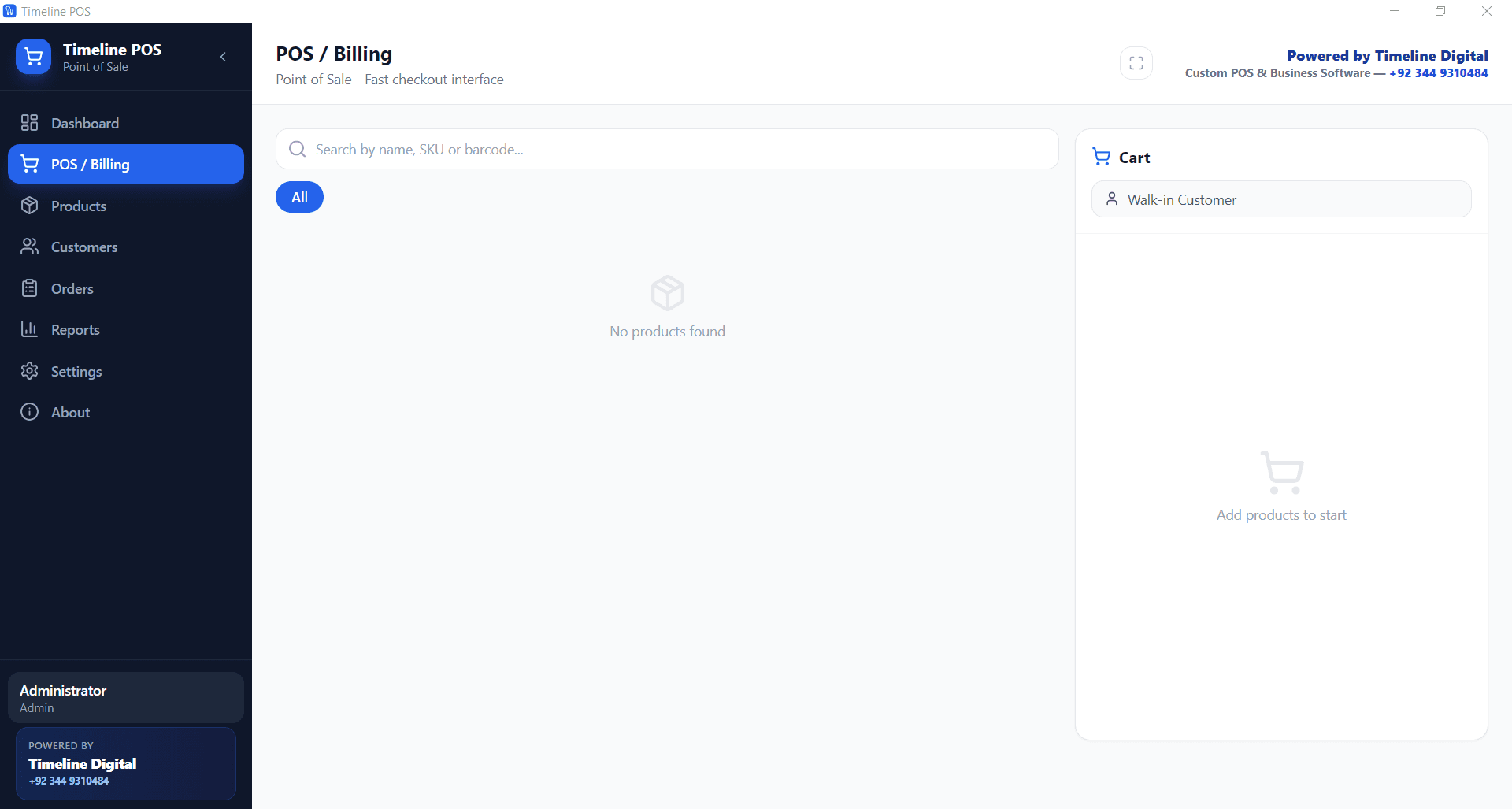
Free offline retail POS for Windows. Billing, inventory, customer management, sales tax and sales reports. No subscription, no transaction fees.
- Software Cost
- $0/mo
- Setup Time
- <10 min
- Product Limit
- None
01Timeline POS for Retail: The Challenge
Many retail POS apps charge a monthly subscription plus per-transaction card processing on top. Small retail shops either pay or stay on paper ledgers. We wanted to give them a real POS at zero monthly cost.
02Timeline POS for Retail: The Solution
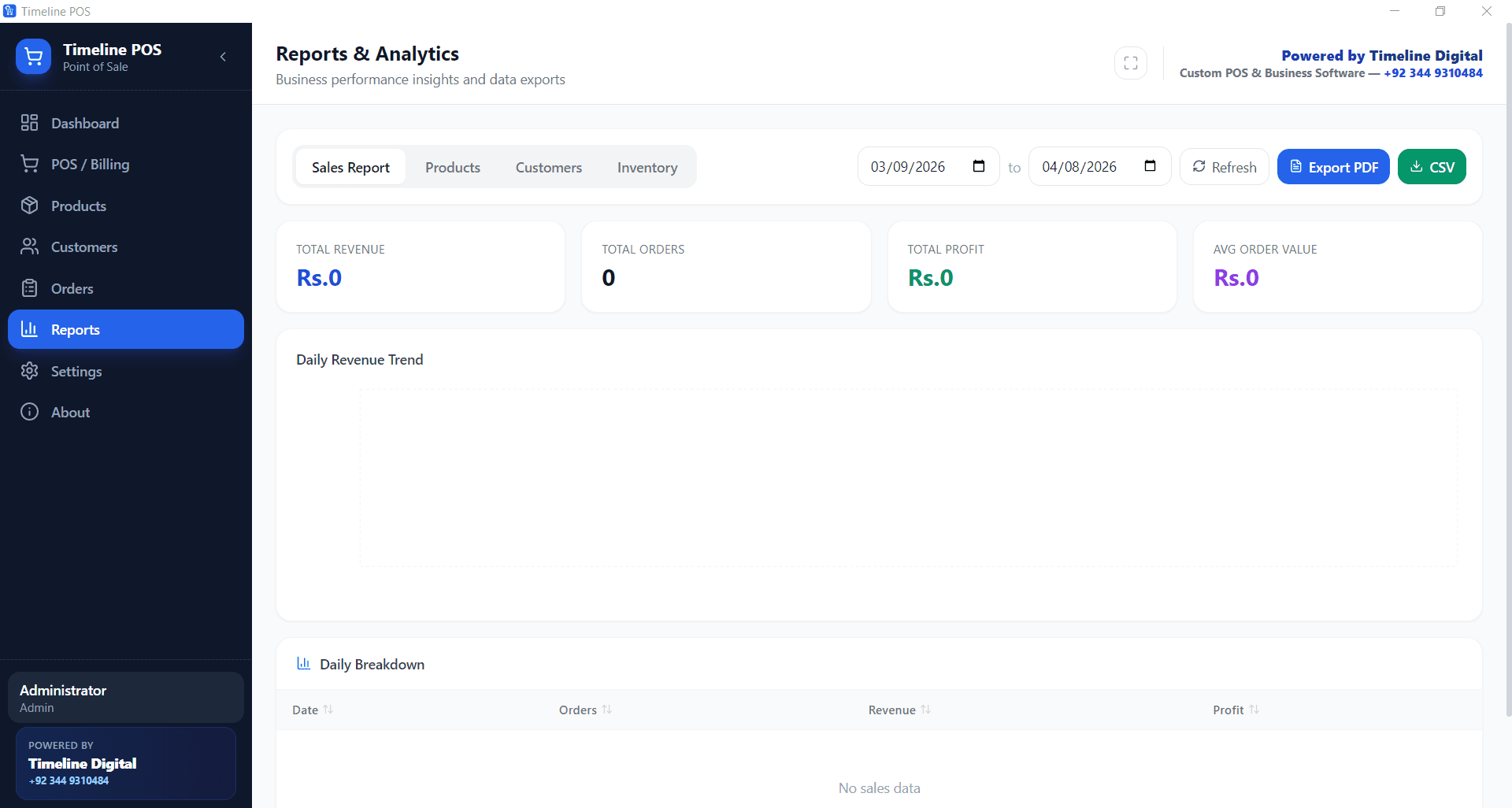
Built an offline-first Windows POS with core retail workflows: billing with product search by name, SKU or barcode, unlimited products and customers, low-stock alerts, customer balances and order history, a configurable currency and default tax rate, and sales reports. Data stays in a local SQLite database. Single .exe install.
03Timeline POS for Retail: The Results
Published as a free download at timelinedigi.com/timeline-pos (version 1.0.7, about 164 MB). Shops set their own tax rate and currency once in Settings. Businesses that outgrow one PC, for example a second branch or cloud reporting, can move to a custom POS built by Timeline Digital.
Technology stack
Services on this build
At a glance
Timeline Digital (in-house product). These are facts about the product itself, not results measured at a client.
$0/mo
Software Cost
<10 min
Setup Time
None
Product Limit
Why this tech stack
We pick technology based on the production load, the integration footprint and the long-term maintenance reality, not the latest framework on Hacker News. For Timeline POS for Retail, the stack we chose:
Electron
In production use on this build.
Windows
In production use on this build.
SQLite
In production use on this build.
Node.js
In production use on this build.
TypeScript
In production use on this build.
Questions about this build
How long did the Timeline POS for Retail build take?
5 months. We worked with short, regular updates and a working demo at each check-in, so progress stayed visible throughout the build.
What technology did Timeline Digital use to build Timeline POS for Retail?
Electron, Windows, SQLite, Node.js, TypeScript. We pick the stack based on the production load, integration requirements and the team's long-term maintenance capacity, not the latest framework on Hacker News.
What industry was Timeline POS for Retail built for?
Retail (Windows desktop app). The patterns we used here transfer to similar businesses with comparable scale and regulatory requirements. Reach out if you operate in this space and want a similar build.
Can Timeline Digital build something similar for our team?
Yes. We start by understanding how your team works, plan the solution around your workflow, select the right technology, and build a free pilot of your most important modules before the full project. An NDA can be signed before you share sensitive details, and the project source code is yours on full payment. Book a free first call and we will walk you through it.
More of our work
Timeline Restaurants POS
Free offline restaurant POS for Windows. Tables, dine-in/takeout/delivery, recipe-based inventory, EOD reports, local backup. Ships as a single 96 MB installer.
HR & Payroll (Windows desktop app)Timeline Payroll
Free offline payroll software for Windows: employees, attendance, overtime, gross-to-net calculation, payslips and reports, with no subscription and no per-employee fee.
Sales & CRM (Windows desktop app)Timeline CRM
Free offline CRM for small businesses on Windows: lead and deal pipelines, customers, tasks, quotations, PDF invoices and sales reports, with no per-seat fee.
Start a conversation
Tell us how your business works.
Describe what is slowing your team down. We will help you work out what to build, and how a free pilot lets you judge our work before the full project.
Prefer WhatsApp? Start a chatWhat happens next
You send a short brief
The problem, the people involved and any target date. A senior engineer replies within 4 business hours.
We understand your workflow
A first call about how your business works today. An NDA can be signed before you share details.
You test a free pilot
You choose 2 to 3 key modules and we build them first, so you judge real software before the full project.