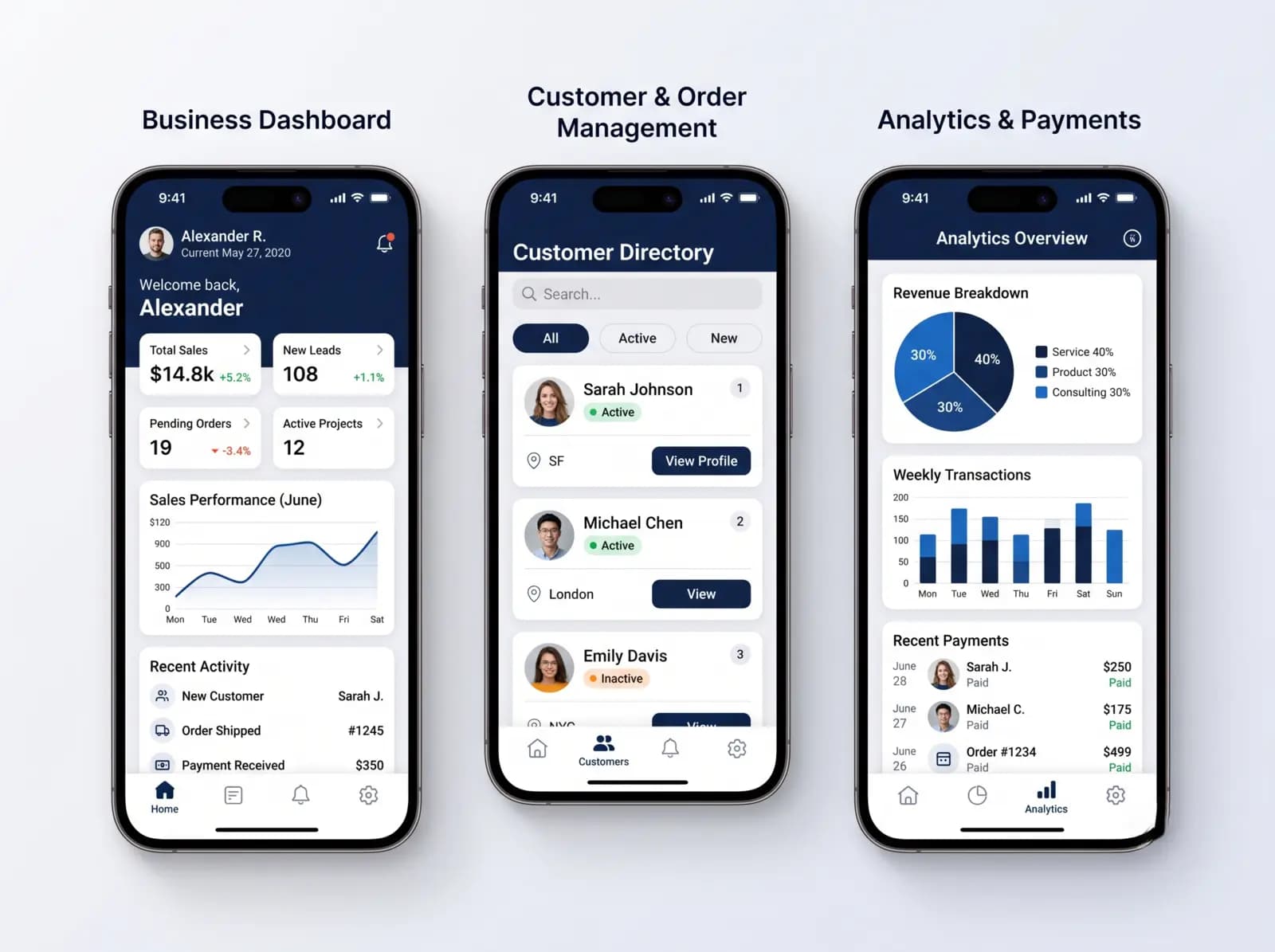
An offline-first POS treats the counter as the place where a sale is finished and the server as the place where sales are reconciled. Each sale is saved to local storage first, queued in an outbox, and sent to the server with a unique ID so that a retry can never create a duplicate. Stock is kept as a ledger of movements rather than a single number, and conflicts follow rules agreed before go-live.
"Works offline" is a promise that is easy to print on a brochure and hard to keep at a busy counter. The difference between a till that merely caches a page and one that can trade through a long outage lies in a handful of design decisions about storage, identifiers, sync and conflicts. This guide walks through them in plain terms, then covers the hardware that connects to a till, because a sync design is worthless if the receipt printer is not reachable. It is aimed at owners, operations managers and technical leads who are specifying a custom POS and want to ask a vendor the right questions.
What "offline-first" means, and what it does not
There are three levels of offline support, and vendors use the same word for all of them.
| Level | What works with no internet | Typical weakness |
|---|
| Online only | Nothing | Counter stops during an outage |
| Offline fallback | Billing continues, but on a cached copy and with limited features | Changes made offline are easy to lose or duplicate |
| Offline-first | Everything needed to sell, refund and close a shift, using local data as the working copy | Needs real conflict rules and careful sync design |
In an offline-first design the local database is the working copy. The cashier never waits for the network to complete a sale. Connectivity only affects how quickly other counters and head office learn about it. Card payments are the exception, because they depend on the card terminal's own connection to its provider, which the POS cannot control.
1. Local storage: where the sale lives first
The counter application keeps a local database holding the item list, price lists, tax rules, customers, users and open bills. On a Windows desktop application this is commonly an embedded database such as SQLite; in a browser-based application it is IndexedDB. Either way, three rules apply:
- Write before you confirm. The sale is committed to the local database before the receipt prints. If power fails mid-print, the sale exists and can be reprinted.
- Keep the reference data fresh. Prices, items and users are downloaded on a schedule and on every reconnect, with a version number so the counter knows which version it used for each sale.
- Protect the device. The local database holds customer details and takings, so devices need disk encryption and sign-in. A lost tablet should not be a data breach.
2. Identifiers: why every sale needs a globally unique ID
If two counters create a sale while offline and each numbers it "1042", the server cannot tell them apart. The standard remedy is to give every sale a globally unique identifier, such as a UUID generated on the device, in addition to a human-readable receipt number. The receipt number can follow a per-device prefix and a counter (for example, a branch code, device code and running number) so that numbers never collide and gaps are explainable. Where a tax authority requires gapless or authority-issued invoice numbers, that interface needs its own handling, which is covered below.
3. The outbox: how sales travel to the server
Each completed sale, refund, cash movement and stock adjustment is written to a local table called an outbox, together with its unique ID. A background process sends outbox entries to the server in order whenever a connection exists, and marks each as sent only after the server confirms receipt. Three properties make the outbox safe:
- Idempotent writes. The server uses the unique ID to recognise a sale it has already stored. If the confirmation was lost and the device retries, the server returns "already have it" instead of creating a second sale. This is the single most important property in the design.
- Ordered delivery per device. A refund must not arrive before the sale it refunds. The outbox preserves the order within a device, and the server can park out-of-order entries briefly.
- Visible status. Cashiers and managers should see how many entries are waiting and how old the oldest is. An outbox that has been stuck for two days is a support ticket waiting to happen.
4. Stock: a ledger, not a number
The most common sync bug in retail systems is storing stock as one quantity that each counter overwrites. With two offline counters, the last writer wins and sales disappear from the count. The robust design keeps stock as an append-only ledger of movements: sale (minus 1), return (plus 1), receipt (plus 24), transfer out, adjustment. The quantity on hand is the sum of movements. Two counters selling different items, or the same item, simply add two lines to the ledger, and both are counted whichever order they arrive in.
The ledger does not stop an item going below zero when two counters sell the last unit. That is a business decision, not a technical one, and you should make it per item class:
- Allow negative stock and flag it (common in groceries and restaurants, where the shelf is the truth and the count is corrected later).
- Block the sale at the device based on last-known stock (appropriate for high-value or serialised items), accepting that two offline counters can still both sell the last unit.
- Reserve stock per counter or branch for the offline period, so each counter can sell only its allocation. This is rare outside warehouses and events.
5. Conflicts: the few places where order matters
Because sales and stock movements are additive, they do not conflict. Conflicts arise with data that is edited in place:
- Prices and items. If head office changes a price while a counter is offline, the counter sells at the old price until it reconnects. Record the price version on each sale, decide whether a price change takes effect at an effective time, and decide whether sales made at the old price are honoured. The common rule is that the price the customer was shown is honoured.
- Customer records. Two counters edit the same customer's phone number. A simple rule is "latest edit wins, and the old value is kept in history". Credit balances and loyalty points should be ledgers like stock, never overwritten numbers.
- Credit limits. A customer at their limit buys at two branches offline. Decide whether credit is checked online only, or allowed offline up to a smaller offline limit.
- Clocks. Device clocks drift. Use the server's time as the authority when entries arrive, and keep the device time as a recorded field rather than a sorting key.
Document these rules in the project requirements. They are cheap to write down and very expensive to discover in production.
6. Hardware: how the pieces actually connect
A POS is a computer plus peripherals, and each peripheral has its own connection rules.
Receipt and kitchen printers. Most thermal printers understand ESC/POS, a command set originally defined by Epson and widely supported by other makers. They connect by USB, serial, Ethernet or Bluetooth. Network printers are easiest to share between counters; USB printers are simplest at a single counter. Kitchen printers are usually on Ethernet so that any counter can send tickets to them.
Cash drawers. Most drawers are opened by a pulse sent through the receipt printer's drawer port, so the software sends an open command to the printer rather than to the drawer. Check this on your model: a drawer wired the wrong way will not open on a sale.
Barcode scanners. Most scanners act as a keyboard: they "type" the code and press Enter. This keyboard-wedge mode needs no driver, but the software must be careful about which field has focus. Serial and USB-serial scanners need explicit port handling.
Scales. Weighing scales use a variety of serial protocols. They are the hardware most often written for case by case, so list the exact model early.
Customer displays. Pole displays typically take serial commands; screen displays are a second window or device.
Card terminals. The terminal is an independent device with its own connection to the payment provider. The POS sends the amount, the terminal collects the card, and a result comes back. Card details should stay on the terminal and with the provider, not in the POS database. Whether the integration is possible depends on the provider offering an interface. Some terminals can store transactions while offline and submit them later, which shifts the risk of a later decline to the merchant. That is the provider's feature and your policy decision, and the POS cannot make it safe on its own.
A note on browsers. A POS delivered as a web application is limited by what the browser may access. USB and serial access through browser APIs is available in Chromium-based browsers but not in all browsers, so a browser-based till often needs a small local helper program to talk to printers and drawers. A desktop application can reach them directly. This is a real trade-off between ease of deployment and hardware control.
7. Tax-authority invoicing and offline
Where a tax authority issues or validates invoice numbers online, as FBR does for integrated retailers in Pakistan, the till cannot invent an authority number offline. The usual design prints the receipt with a local reference, queues the invoice for submission, and reconciles when the connection returns, following whatever offline procedure the authority publishes. The details differ by authority and category, depend on your registration, and must be confirmed per project. See the FBR POS integration guide for the Pakistan retail side. A vendor should say the integration is "designed to support" the interface, not that it guarantees compliance for you.
8. Testing offline properly
Offline features are the ones that break first in production, because they are rarely tested under real conditions. Ask your vendor how they test these cases and watch at least some in the free pilot:
- Unplug the network, sell twenty items, reconnect, and check the totals on the server.
- Kill the application mid-sale and mid-print, restart, and check that nothing is lost or duplicated.
- Sell the last unit of an item on two offline counters, reconnect, and check that the result follows the agreed rule.
- Change a price at head office while a counter is offline, sync, and check which price each sale used.
- Leave a counter offline for a full trading day and check that the outbox drains in order.
- Turn the server off, not just the counter's internet, and check that counters carry on and later reconcile.
What to ask a vendor
Ask: Where is the working copy of the data? How are duplicate sales prevented on retry? Is stock a ledger? What are your conflict rules for prices, customers and credit? Which printers, scanners, scales and terminals have you integrated, and will you test mine? How long can a counter run offline? How do I see the sync status? A vendor with clear answers has built this before. The same questions appear in the broader custom POS requirements checklist, and our offline-first field service app guide applies the same ideas to mobile workers.
Timeline Digital is a custom software development company founded in 2013 and headquartered in Islamabad, Pakistan. This guide was written by Usama Asif to explain offline-first POS design in general terms. There is no fixed timeframe: the schedule is set from your requirements in the Plan step. The free pilot of 2 to 3 key modules is ready in about 2 days, and with 1,200+ developers we have the capacity to deliver a complete system in as little as 2 weeks. The full project starts after you approve the pilot, and the scope, milestones and terms are agreed after it. Long-term support under a service level agreement (SLA) follows launch.