One list of every lead
A single place to see every enquiry, who last spoke to them, and what happens next — so nothing slips between someone’s inbox and a sticky note.
Buying guide · Prices checked October 2026
The best free CRM for a small business is one that covers leads, follow-ups, quotes and invoices for everyone on the team without a per-seat fee. Cloud free tiers (HubSpot for up to 2 users, Zoho CRM for up to 3) suit teams that work remotely; a free offline Windows CRM such as Timeline CRM suits a team that works at one PC.
“Free” CRM tiers are usually a pricing funnel: free until you need the feature that is gated, then $9 to $20 per user, per month, for as long as you use it. This guide covers what a 1–10 person business actually needs from a CRM, what the free tiers really cost after a year, when cloud beats local (and when it does not), and how to get a complete CRM for genuinely $0.
Written by Usama Asif for Timeline Digital, a custom software development company founded in 2013 in Islamabad, Pakistan, which publishes Timeline CRM and also builds custom CRM systems for teams that outgrow one PC.
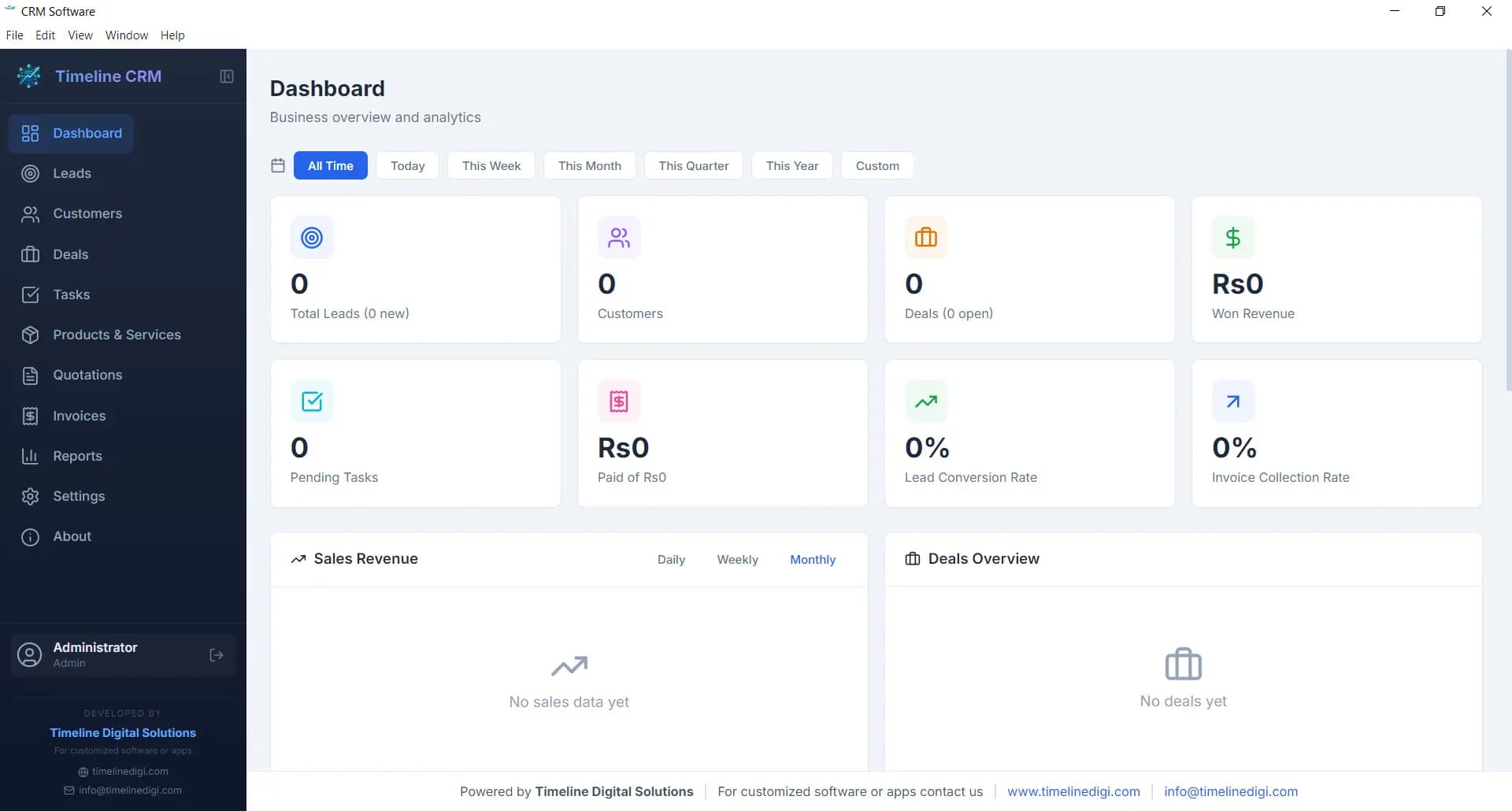
A small business should check three things before adopting any free CRM: whether the features you need daily (lead tracking, follow-up reminders, quotes and invoices) are actually on the free tier; whether there is a contact or user cap that will force a paid upgrade; and where your customer data is stored. Free cloud tiers gate features and hold your data on vendor servers, while a free desktop CRM keeps everything on your own PC at $0 — the trade-off is that it lives on one machine.
Leave your name and number and we'll help you work out the right CRM for your team, free, within 4 business hours.
No spam. We only use your number to reply about your project.
CRM feature lists are written for enterprise buyers. Strip them down to what a small team uses every week and the list is short.
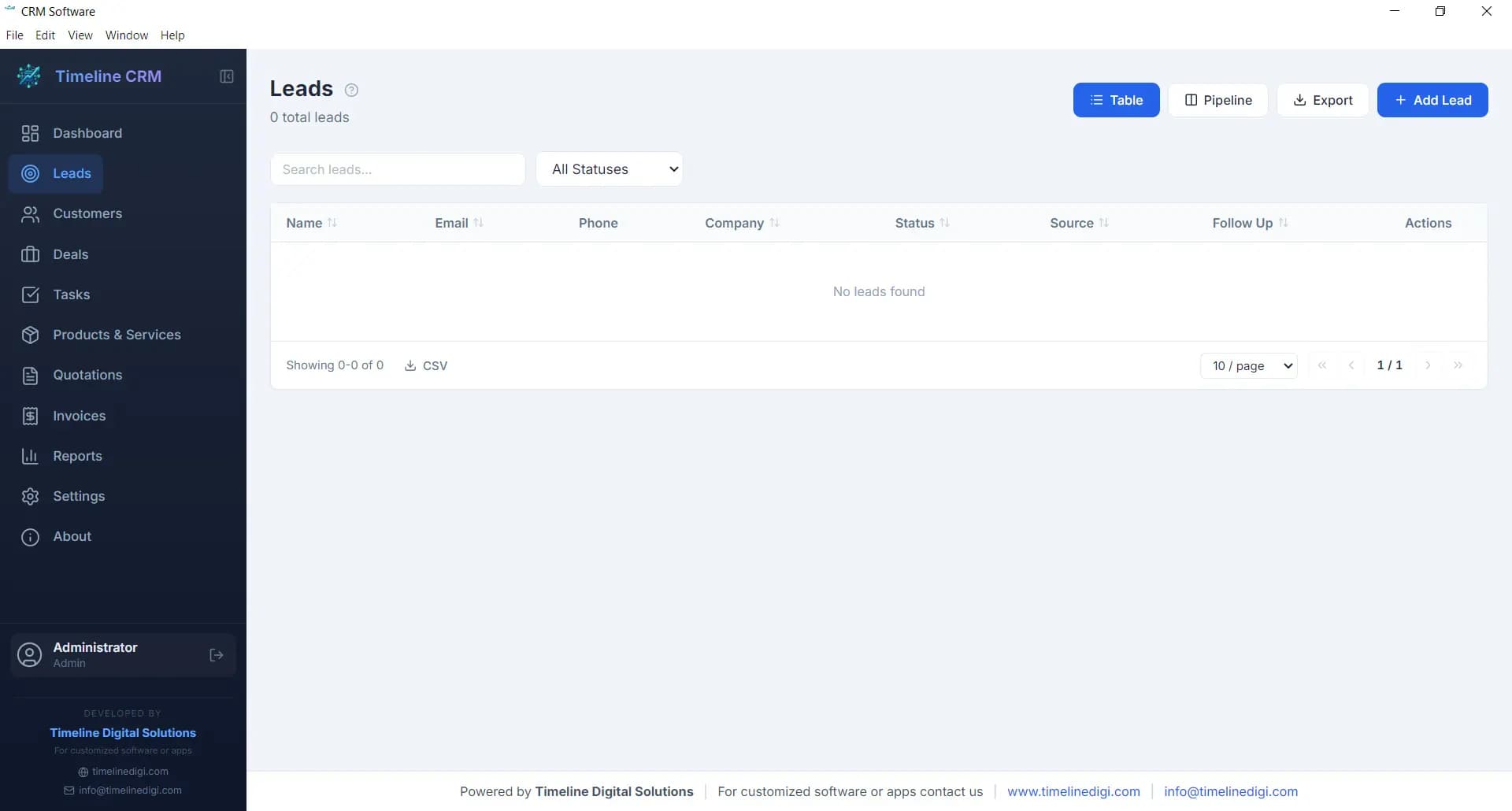
A single place to see every enquiry, who last spoke to them, and what happens next — so nothing slips between someone’s inbox and a sticky note.
When a client calls back after six months, you need their past quotes, invoices, and conversations in front of you in seconds, not buried in email.
Most small-business deals are lost to silence, not to competitors. Task reminders tied to each lead are the highest-value CRM feature for a small team.
If the CRM cannot produce a PDF quote and track whether the invoice was paid, you end up running a second tool anyway — and paying for it.
How many leads came in, how many converted, and what revenue closed. A small business needs those three answers, not a BI suite.
Free cloud tiers convert to paid the moment you need a gated feature. Entry paid tiers at the major vendors run from $9 to $20 per user per month (Freshsales Growth $9 billed annually, Zoho CRM Standard US$14, HubSpot Starter $20 at its regular price; checked on each vendor’s pricing page on 20 October 2026). Here is that per-seat math over a year, next to a free desktop CRM.
| Team size | Paid cloud tier ($9–$20/user/mo) | Free desktop CRM | Yearly saving |
|---|---|---|---|
| 1 person | $108 – $240 / year | $0 | $108 – $240 |
| 3 people | $324 – $720 / year | $0 | $324 – $720 |
| 5 people | $540 – $1,200 / year | $0 | $540 – $1,200 |
| 10 people | $1,080 – $2,400 / year | $0 | $1,080 – $2,400 |
Illustrative math based on published entry-tier prices checked on 20 October 2026 ($9–$20 per user per month × 12 months). Check each vendor’s site for current terms.
Neither is universally better. The right answer follows from where your team does its work.
Free cloud tiers can start you off, but the features above are exactly what they gate. If you need a multi-user cloud CRM shaped around your workflow, Timeline Digital builds custom cloud CRMs you own outright.
This is the profile the free option below is built for — most 1–10 person businesses fit it more often than the SaaS marketing suggests.

The $0 pick for a small team
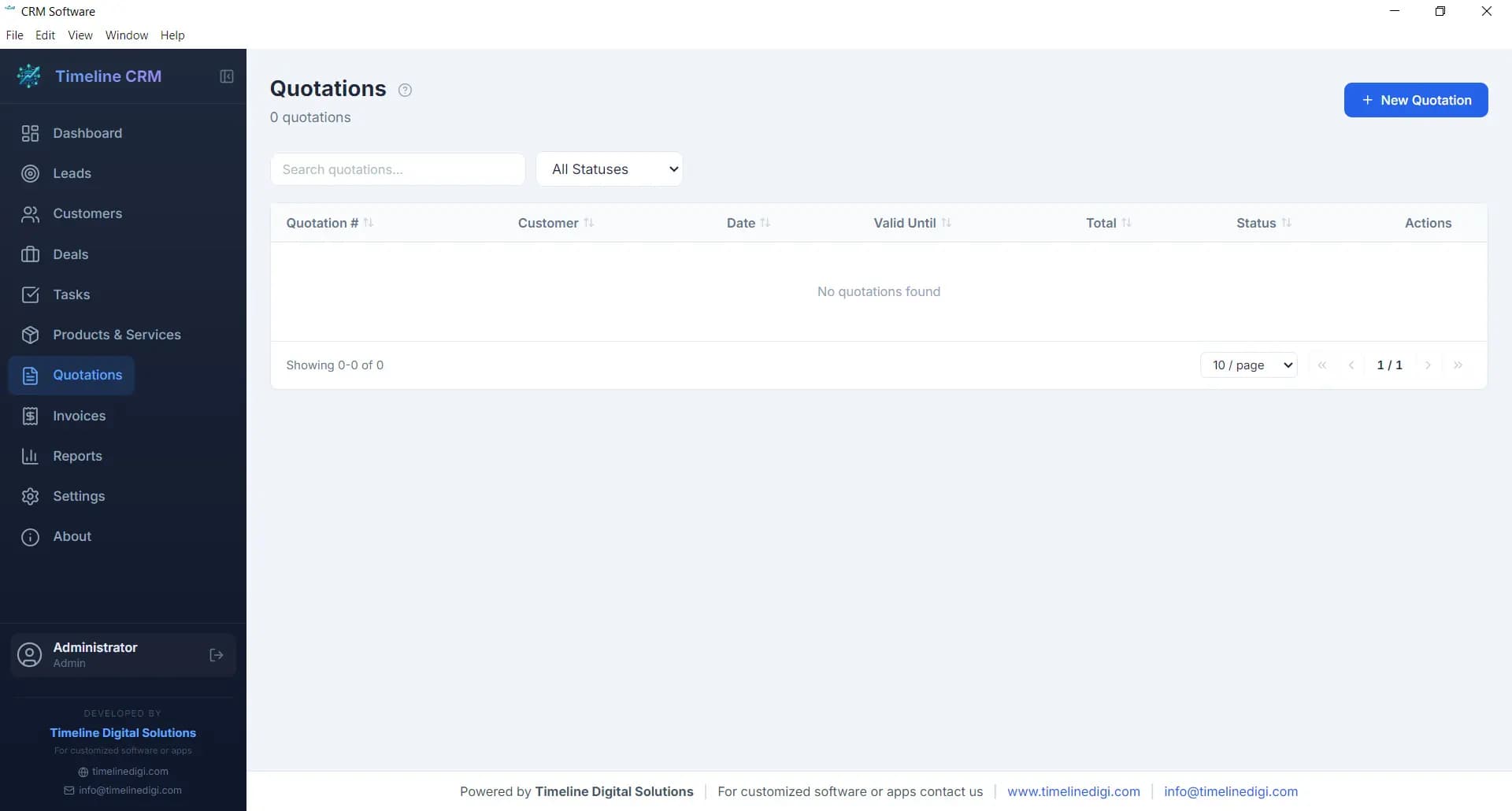
Timeline CRM covers the whole small-business checklist above — leads with follow-up reminders, customer history, deals, PDF quotes and invoices, and reports — as a Windows desktop app with no subscription, no user seats, and no contact cap. It runs offline and keeps every record in a local database file on your PC.
The full module tour, screenshots, comparison table, and the download itself (with its SHA-256 checksum) live on the free CRM software page.
$0 / month
No per-seat pricing
100% offline
Local database file
Unlimited records
No contact caps
No account
Install and go
The installer is not code-signed: Windows SmartScreen may ask once on first run — choose More info, then Run anyway. The checksum on the product page lets you verify the file.
Whichever CRM you choose, check it can produce quotes and invoices in your currency, tax scheme, and date format. Timeline CRM covers these out of the box:
USD currency and US date formats out of the box. All customer data stays on your local Windows PC — no cloud servers involved.
GBP, UK VAT settings, and DD/MM/YYYY date format. Local-first storage keeps your UK GDPR data mapping simple; compliance always depends on how your business handles data.
AUD, Australian GST (10%), and Australian date formats. Fully offline operation suits businesses in regional areas with unreliable internet.
CAD currency and Canadian tax settings. Client data never leaves your local machine.
A free CRM is not a dead end. The sensible sequence for most small businesses looks like this:
Run a free desktop CRM while the team fits one or two PCs. Build the habit: every lead logged, every follow-up scheduled, every quote tracked.
The trigger is concurrency — several people needing the same records at once, or field staff needing access from phones. That is a real reason to pay; a feature gate is not.
Instead of renting seats forever, a custom cloud CRM built around your workflow becomes yours outright — pipeline stages, integrations, mobile access, and no per-user bill.
The questions small business owners ask before picking a CRM. Product-specification questions are answered on the free CRM software page.
It depends on how your team works. If everyone shares one office PC, or you want your customer data kept locally with no monthly bill, a free desktop CRM such as Timeline CRM (Windows, offline, unlimited records, invoicing included) is hard to beat on total cost. If your team needs to update records from phones and multiple locations, a cloud free tier such as HubSpot Free is the usual starting point — just budget for the paid tier you will likely need within a year.
Five essentials: a shared lead list, searchable customer history, follow-up task reminders, quote and invoice generation, and basic conversion reports. At five people, also decide early whether you need simultaneous multi-user access — that is the single feature that most often pushes a small business from a free desktop CRM to a cloud or custom system.
Free tiers are free until you need a gated feature. Entry paid tiers at the major vendors, checked on 20 October 2026, run from $9 to $20 per user per month, so a 5-person team that upgrades pays about $540 to $1,200 in the first year, and the bill scales with every hire. A genuinely free desktop CRM stays at $0 because there is no per-seat pricing model behind it.
Yes — a solo business is the best case for one. One user means no need for cloud sync or seat licensing, so a free offline desktop CRM gives a freelancer, consultant, or sole trader the full workflow (leads, follow-ups, quotes, invoices, reports) with no recurring cost at all.
A local-first desktop CRM keeps every client record in a file on your own PC, with nothing sent to any server — a simpler setup for sole traders handling personal data under UK GDPR, though compliance always depends on how your business handles data. Look for GBP and UK VAT support plus DD/MM/YYYY dates so quotes and invoices come out right.
Pay when a specific limitation costs you money: several people need to edit records at the same time from different places, you need automated email sequences, or you need integrations with your accounting stack. Until one of those is true, paying per seat buys features a 1–10 person business rarely uses.
Cloud wins when your team is distributed and lives on mobile; you trade a monthly per-seat fee and vendor data hosting for that convenience. Local desktop wins when work happens at one or two PCs: it is faster, works with no internet, keeps data in a file you own, and costs nothing. Many small businesses start local at $0 and move to a cloud or custom CRM only when the team outgrows a single machine.
From the Timeline CRM product page at timelinedigi.com/free-crm-software. The Windows installer is about 115 MB, needs no account, and the page publishes the file’s SHA-256 checksum so you can verify the download.
If your work happens at a Windows PC, start with the free desktop CRM — the product page has the full module tour, screenshots, the comparison against HubSpot, Zoho, and Freshsales, and the verified download. If you already know you need cloud, multi-user, or mobile access, talk to us about a custom build instead.