Best Free Manufacturing Software for Small Business in 2026 (4 Types Compared)
Free manufacturing software comes in four types, and each one is free in a different way. Here is what each type is good for, what to watch for, and how to choose.
The best free manufacturing software for a small business depends on which kind of free you can live with. There are four types: spreadsheets, free tiers and trials of cloud MRP subscriptions, open-source ERP you host yourself, and free offline desktop apps. For one office computer, no monthly bill and no technical setup, choose a free offline desktop app.
"Free" means four different things in this market. One product is free for a fixed number of days. Another is free until you add a second user. A third is free to download but needs a server and someone to look after it. A fourth is free with no time limit but runs on one computer. This guide compares the types, not individual vendors, so you know what you are choosing between before you spend a weekend entering data.
What counts as free manufacturing software?
For this comparison, manufacturing software is anything that links three things: what customers have ordered, what the factory is making, and what materials are in stock. A tool that only does one of them, such as a stock list, is useful but is not the subject here.
There are four ways to get that at no charge.
Type
Good for
Watch for
Spreadsheets
Very small workshops, one person keeping records, full freedom of layout
Stock does not update itself, nothing links orders to materials, hard to share safely
Free tier or free trial of a cloud MRP subscription
Teams that need several people to log in from different places
A trial ends. A free tier is often limited by users, records or time. Needs a working internet connection
Open-source ERP you host yourself
Companies with a technical person and time to configure a large system
Needs a server, installation, updates and backups that you look after
Free offline desktop app
One office computer, no monthly bill, working with no internet connection
One computer and one user, fixed feature set
Are spreadsheets still a reasonable choice?
Yes, for a workshop with a few products and one person keeping the records. A spreadsheet is free in the sense that it is usually already on the office computer, and you can lay it out any way you like.
Its weakness is that it is a grid of numbers, not a record of events. Finishing a job should reduce several materials and increase finished goods. In a spreadsheet, a person has to make every one of those changes by hand. The detail is in Excel vs manufacturing software for a small factory.
What do free tiers and free trials of cloud MRP subscriptions give you?
Cloud MRP subscriptions run in a web browser, keep your data on the vendor's servers and are usually charged per user per month. Two free offers are common, and they are not the same thing.
A free trial is the full product, or most of it, for a limited period. It is a way to test before paying. When the period ends, you pay or you stop. A trial is not free software. It is a paid product with a test period.
A free tier is a plan with no charge and no end date, but with limits. The limits are often on the number of users, the number of records such as products or orders, or the features included. Each vendor sets its own limits and can change them, so read the current terms on the vendor's own site before relying on any summary.
This type suits a business that needs several people working from different places and is content to pay once it outgrows the limits. Before you start, check three things: what the limit is, what the price becomes above it, and whether you can export all your data if you leave.
What does open-source ERP involve?
Open-source ERP systems are free to download, and many include manufacturing modules with bills of materials, work orders and purchasing. Their strength is breadth: they can cover accounting, sales, stock and production in one system, with as many users as your server can handle.
The software has no licence fee, but running it is not free. You need a server or a hosting account, someone technical to install and configure it, and someone to apply updates and take backups. Setting up a large ERP for a small factory can take a long time, because most of the screens and settings were designed for bigger companies. It is a good route if you have that technical person. It is a hard route if the office manager is expected to do it alone.
What is a free offline desktop app?
A free offline desktop app is installed on one computer, like any other desktop software, and keeps its data on that computer. There is no subscription and no server. It works whether or not the internet is up.
The trade-off is reach. It runs on one computer, usually for one user, and it does what its screens do and nothing more. For a factory where one person in the office keeps the orders, stock and production records, that is often exactly enough. Timeline Factory Manager is this type, and the last two sections of this guide describe it in detail.
How do you choose free manufacturing software?
Work through this short checklist before installing anything.
How many people need to enter data? If the answer is one, every type is open to you. If it is several at the same time, a one-computer app will not fit.
Do you have someone technical? If not, rule out anything you have to host yourself.
How reliable is your internet connection? If it drops often, software that needs a connection will stop your office when it does.
What is the real limit? For a free tier, find the user and record limits in writing. For a trial, note the end date.
Where is your data, and can you get it out? Check for an export to CSV or a similar open format, and check how backups work.
Does it follow your order from start to finish? Test one real order: customer order, materials, production, stock, delivery. If you have to leave the software halfway through, it is not doing the job.
What does Timeline Factory Manager do?
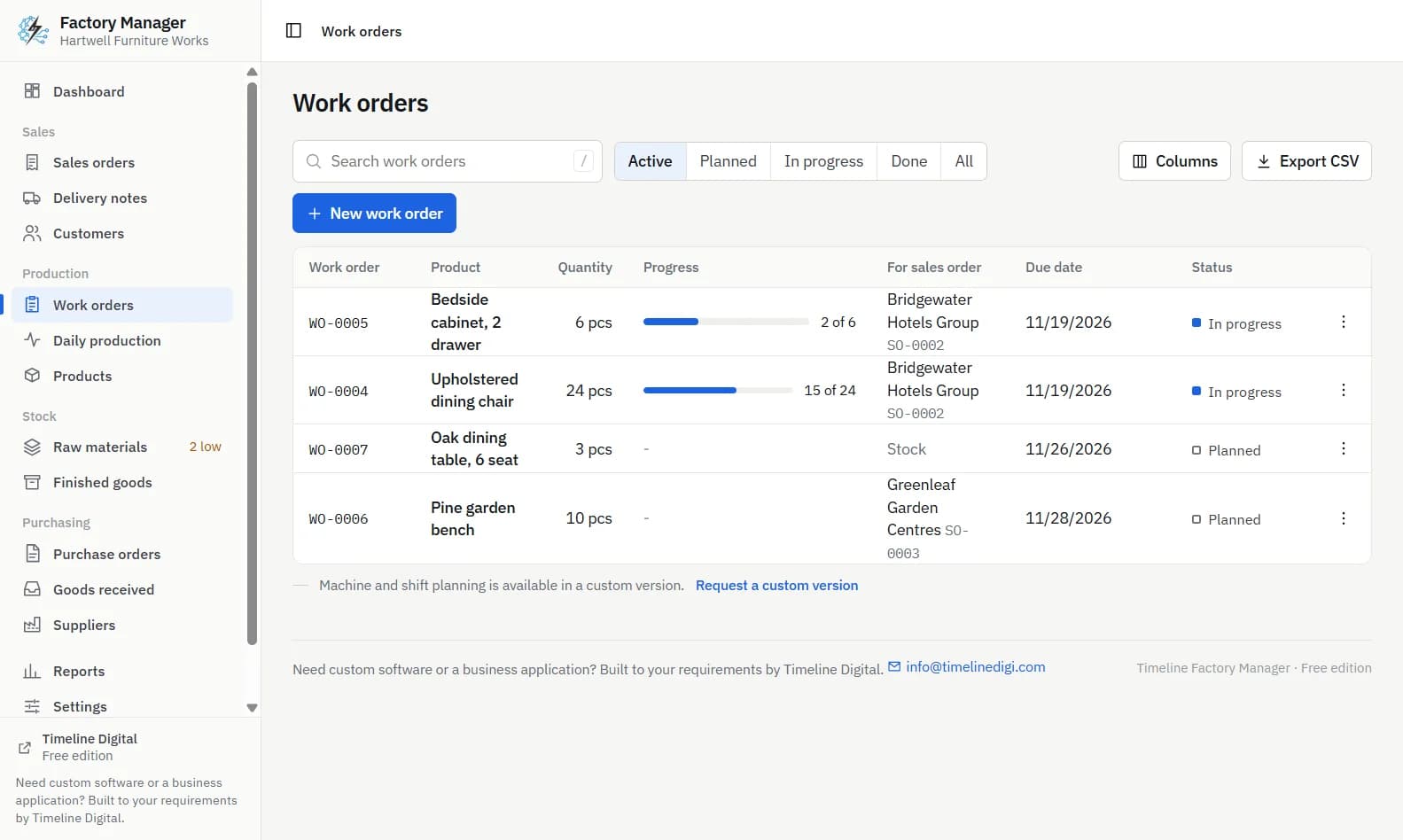
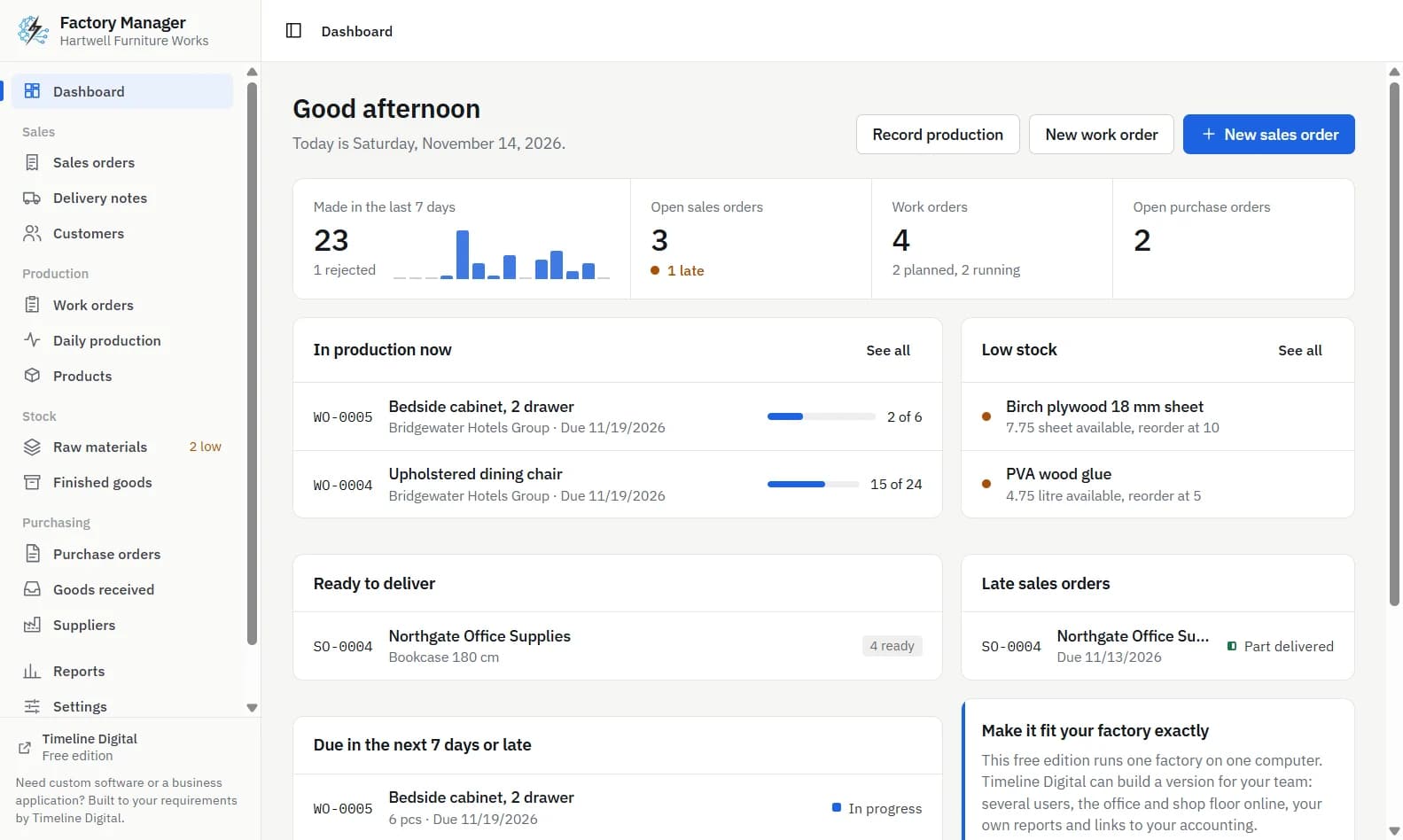
Timeline Factory Manager is a free offline desktop app by Timeline Digital for small factories and workshops with about 10 to 200 staff. It runs on Windows 10 and 11 (64-bit) and on Macs with Apple silicon (macOS 12 or newer), on one computer for one user. There is no account and no sign-up, and the app sends nothing over the internet.
It follows one order through the factory:
Enter a sales order for a customer.
Click Make work orders to create planned work orders for what the order still needs.
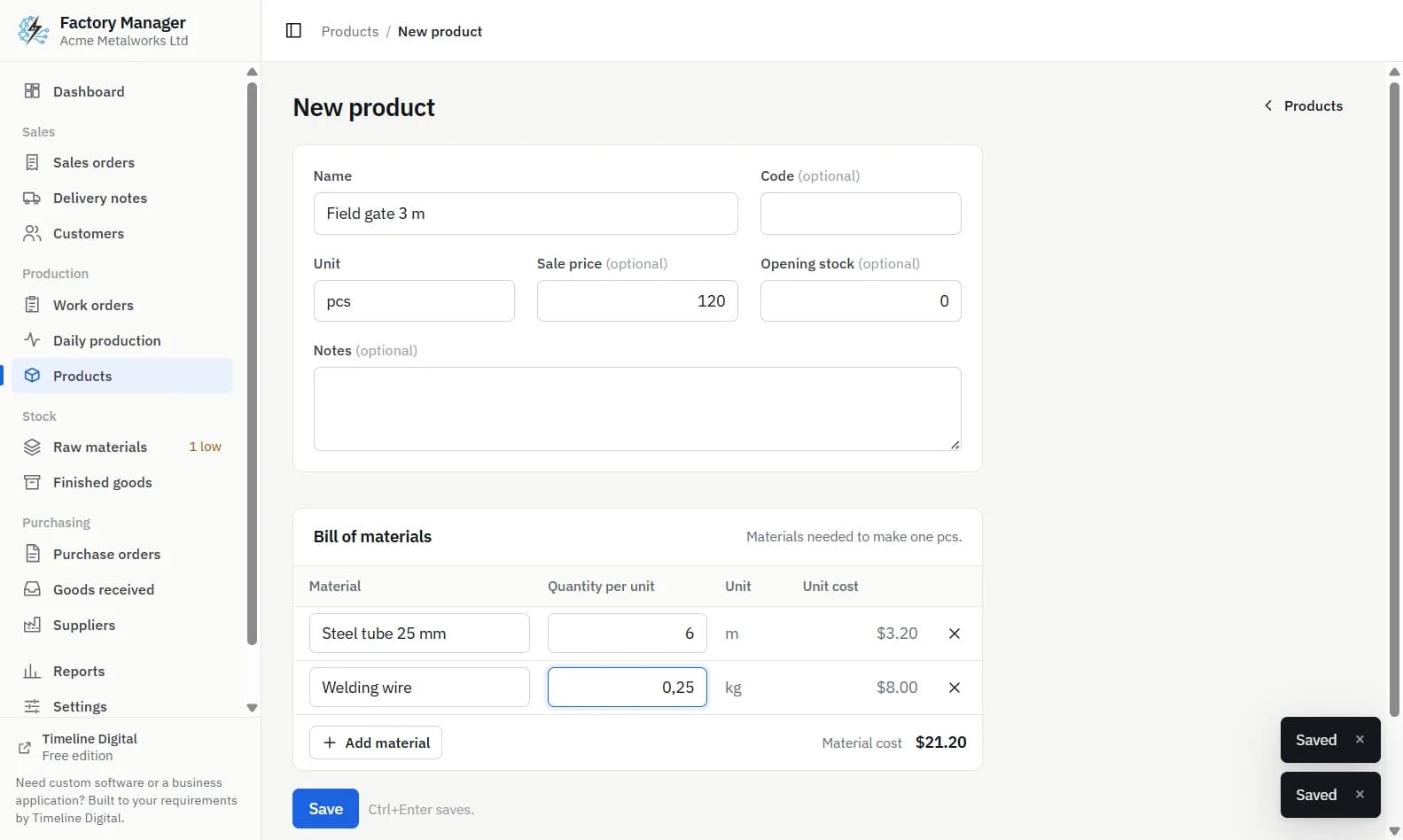
Click Start on a work order. Materials from the bill of materials are reserved. If stock is short, starting is refused and each short material is named.
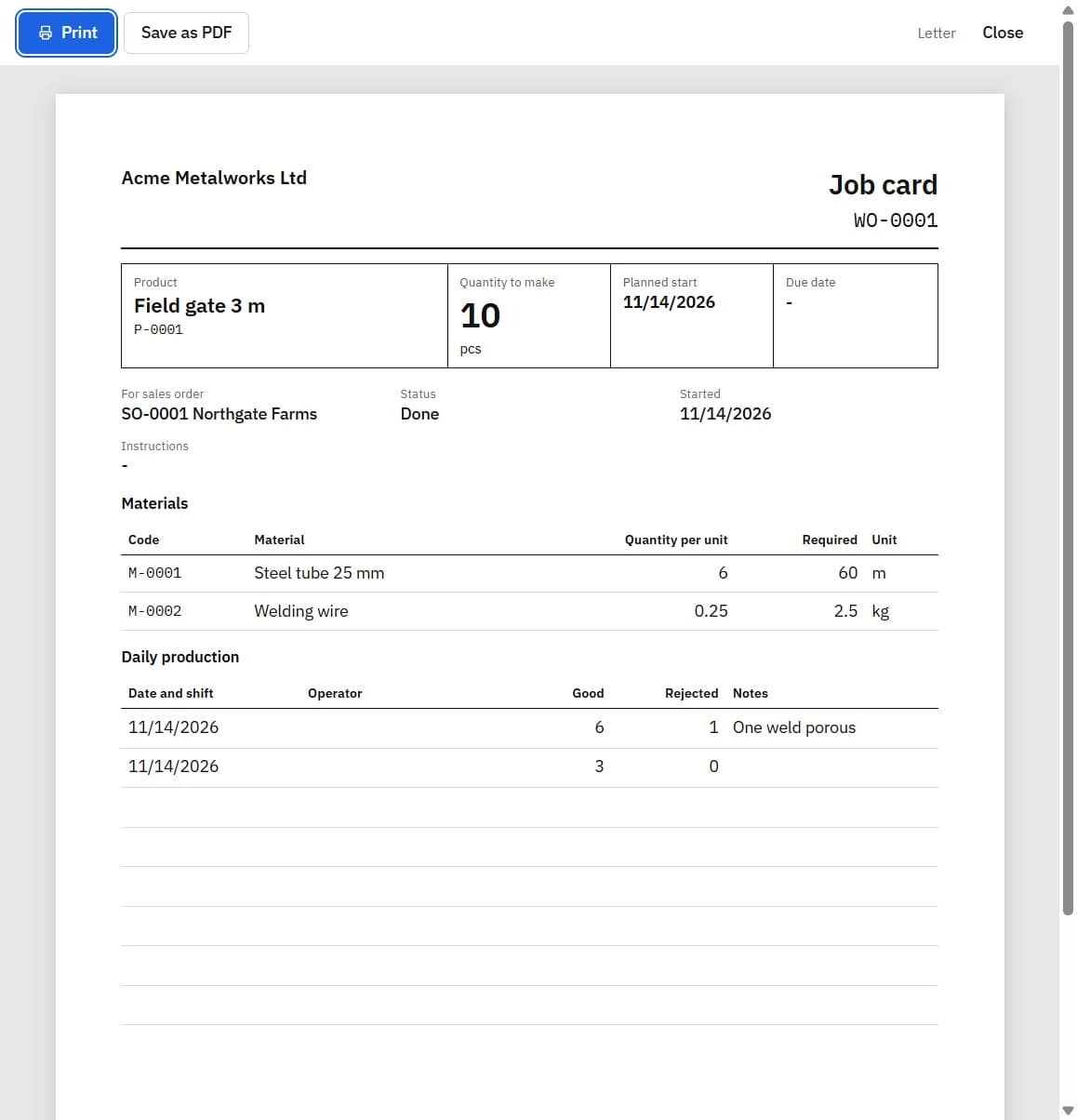
Enter made and rejected units each day in Daily production.
Click Complete. Materials used leave stock and good units enter finished goods.
Click Create delivery note on the sales order, print it and send the goods.
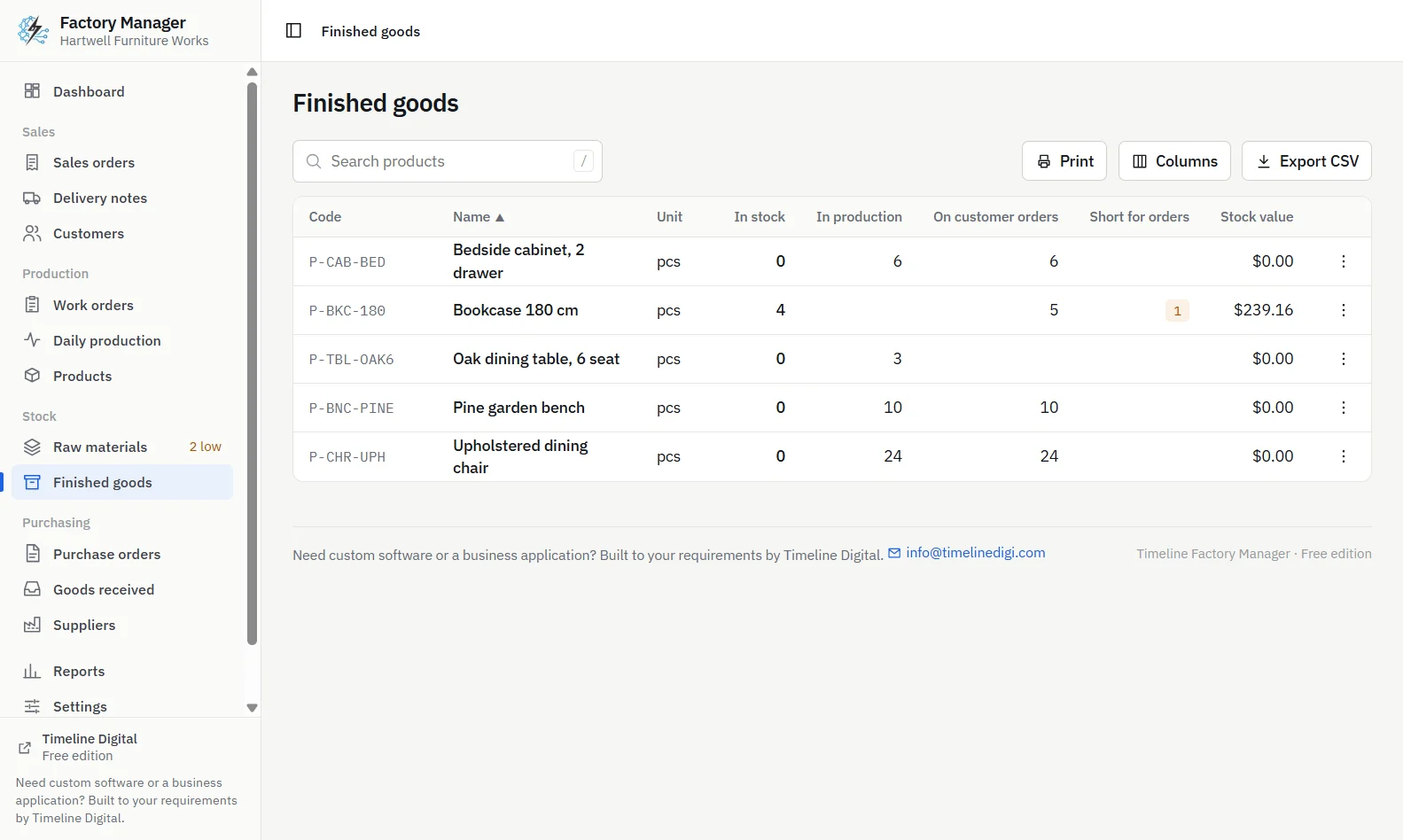
On the buying side, Order low stock makes one purchase order for every material at or below its reorder level, and Receive goods creates a goods received note and adds the materials to stock.
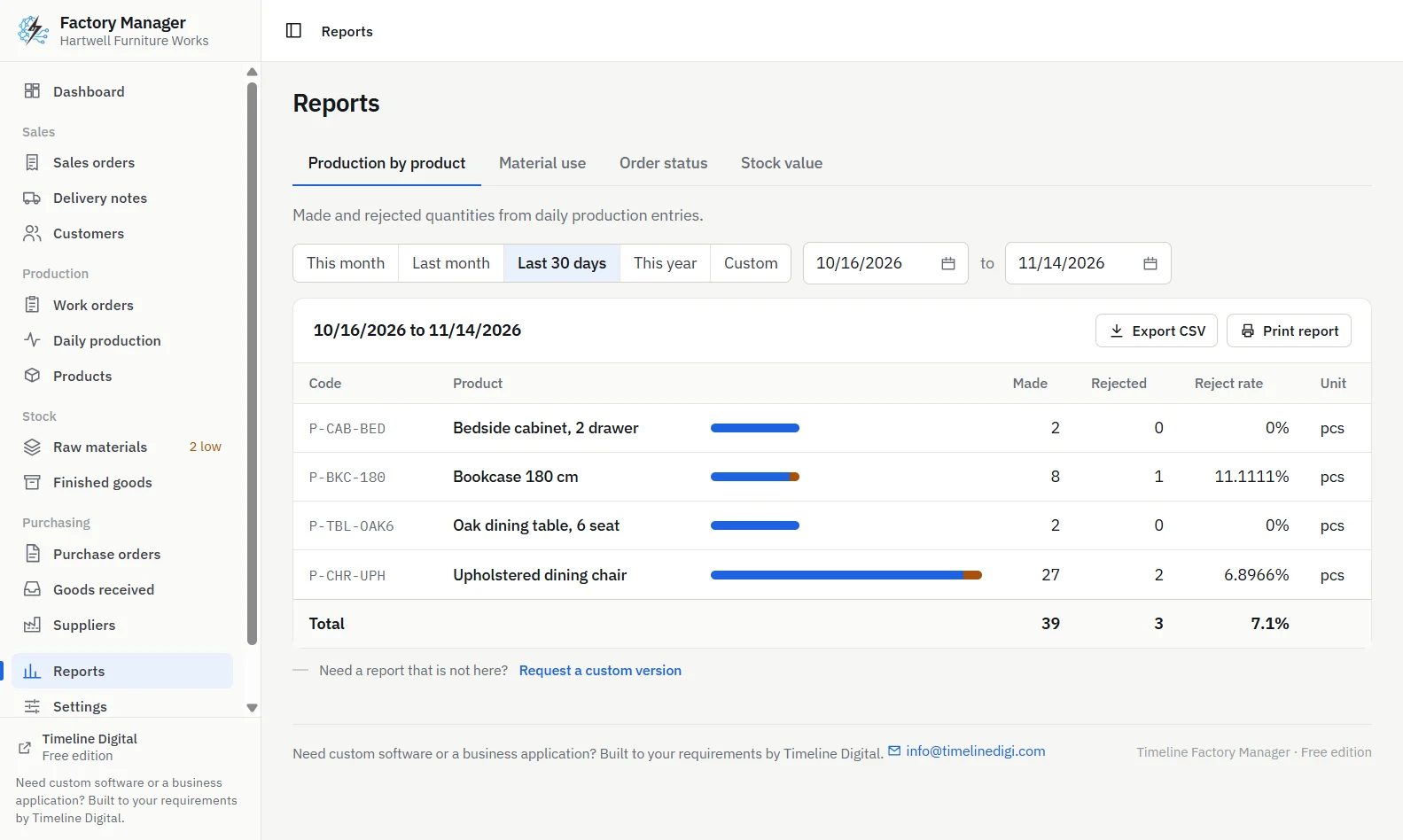
The app has 15 screens, 7 printed documents (including a job card, purchase order and delivery note) and 4 reports. It imports products, raw materials and customers from CSV, exports every list to CSV, and makes an automatic backup once a day while it is open, keeping the latest 14. It supports 233 countries and territories and 152 currencies, with A4 or US Letter paper. The features page covers each screen, and the how to use guide has 27 short video lessons.
Timeline Factory Manager, production report showing made, rejected and reject rate by product with a breakdown by dayTimeline Factory Manager, finished goods list showing stock, quantity in production, quantity on customer orders and shortfall
What does Timeline Factory Manager not do?
It is better to know these before you install than after.
It is for one computer and one user. There are no logins, no sharing over a network, no browser access and no mobile app.
On MRP, it covers the basic material side only: bills of materials, reserving materials when a work order starts, naming short materials, showing on hand, reserved, available and on order, and listing low stock against a reorder level. It does not plan dates, schedule work or calculate time-phased requirements.
It has no machine or shift planning and no capacity planning.
It shows material cost per unit from the bill of materials, but has no labour costing, job costing or profit margins.
It has no batch or lot numbers, serial numbers, traceability or quality checks. For food processing or any trade where traceability is required, it is not enough on its own.
It has no barcode scanning, no stock locations and no second warehouse.
Sales orders carry prices, but the app prints no invoice or quotation and has no link to accounting software.
Bills of materials are single-level, with no sub-assemblies.
It is in English only.
The Windows installer is not code-signed and the Mac app is not signed, so each system shows a warning the first time you open it. On Windows, click More info, then Run anyway.
Who needs more than free software?
If several people must work in the system at once, if you need costing with labour, traceability, shop-floor tablets or a link to your accounts, free software of any type will hold you back sooner or later. Timeline Digital, the company that makes Timeline Factory Manager, builds custom manufacturing ERP software to a factory's own requirements, starting with a free pilot. Describe your factory and we will tell you plainly whether the free app is enough.
Frequently asked questions
What is the best free manufacturing software for a small business?
It depends on how you work. For one office computer, no monthly bill and no technical setup, a free offline desktop app such as Timeline Factory Manager is the practical choice. If several people must log in from different places, look at a cloud subscription with a free tier. If you have a technical person, open-source ERP is an option.
Is there manufacturing software that is completely free?
Yes, but check what kind of free it is. A free trial ends after a set period. A free tier often limits users, records or features. Open-source ERP has no licence fee but needs a server and upkeep. Timeline Factory Manager is a free offline desktop app with no subscription, limited to one computer and one user.
What is the difference between a free trial and a free tier?
A free trial gives you the full product, or most of it, for a limited time, after which you pay or stop. A free tier is a plan with no charge and no end date, but with limits, often on the number of users, the number of records or the features included. Always read the current terms.
Is Timeline Factory Manager an MRP system?
Only in a basic sense. Timeline Factory Manager holds bills of materials, reserves materials when a work order starts, names each short material, shows on hand, reserved, available and on order, and lists low stock against a reorder level. It does not plan dates, schedule production or calculate time-phased material requirements.
Does free manufacturing software work without internet?
Cloud subscriptions and their free tiers need a connection. A free offline desktop app does not. Timeline Factory Manager is installed on one Windows PC or Apple silicon Mac, keeps its data in one file on that computer, needs no account and sends nothing over the internet, so it keeps working when the connection is down.
Describe what is slowing your team down. We will help you work out what to build, and how a free pilot lets you judge our work before the full project.