From mobile shops in Deira and Satwa to furniture showrooms in Riyadh, Jeddah and Dammam, selling on aqsat is how independent retailers compete with the big chains and their bank-card offers. The problem has always been the register: notebooks in Urdu, Arabic and English, WhatsApp screenshots as "proof of payment", and a mental map of who owes what. This page shows how to run aqsat properly — with clear examples in dirhams and riyals.
Who is this aqsat software for?
Timeline Free Installment Manager (v1.6.0, by Timeline Digital) is designed for shops that sell on installments and collect the payments themselves:
- Mobile and electronics shops — phones, laptops, TVs sold on 4–10 monthly aqsat
- Furniture and home stores — majlis sets, bedroom sets, appliances
- Small trading shops serving a regular customer base of workers and families
- Shops in both countries — pick UAE or Saudi Arabia in setup and the whole app shows د.إ AED or SAR, from over 150 supported currencies
There's no head-office server and no cloud: the database lives on the PC in your shop, so it works the same whether your internet is fast, slow or down.
How do I set up an aqsat sale? (AED example)
A customer in Sharjah wants an iPhone priced at د.إ 3,500 total on aqsat:
| Item | Amount (AED) |
|---|---|
| Phone — total aqsat price agreed | د.إ 3,500 |
| Down payment today | د.إ 1,100 |
| Balance on installments | د.إ 2,400 |
| Monthly installment | د.إ 400 × 6 |
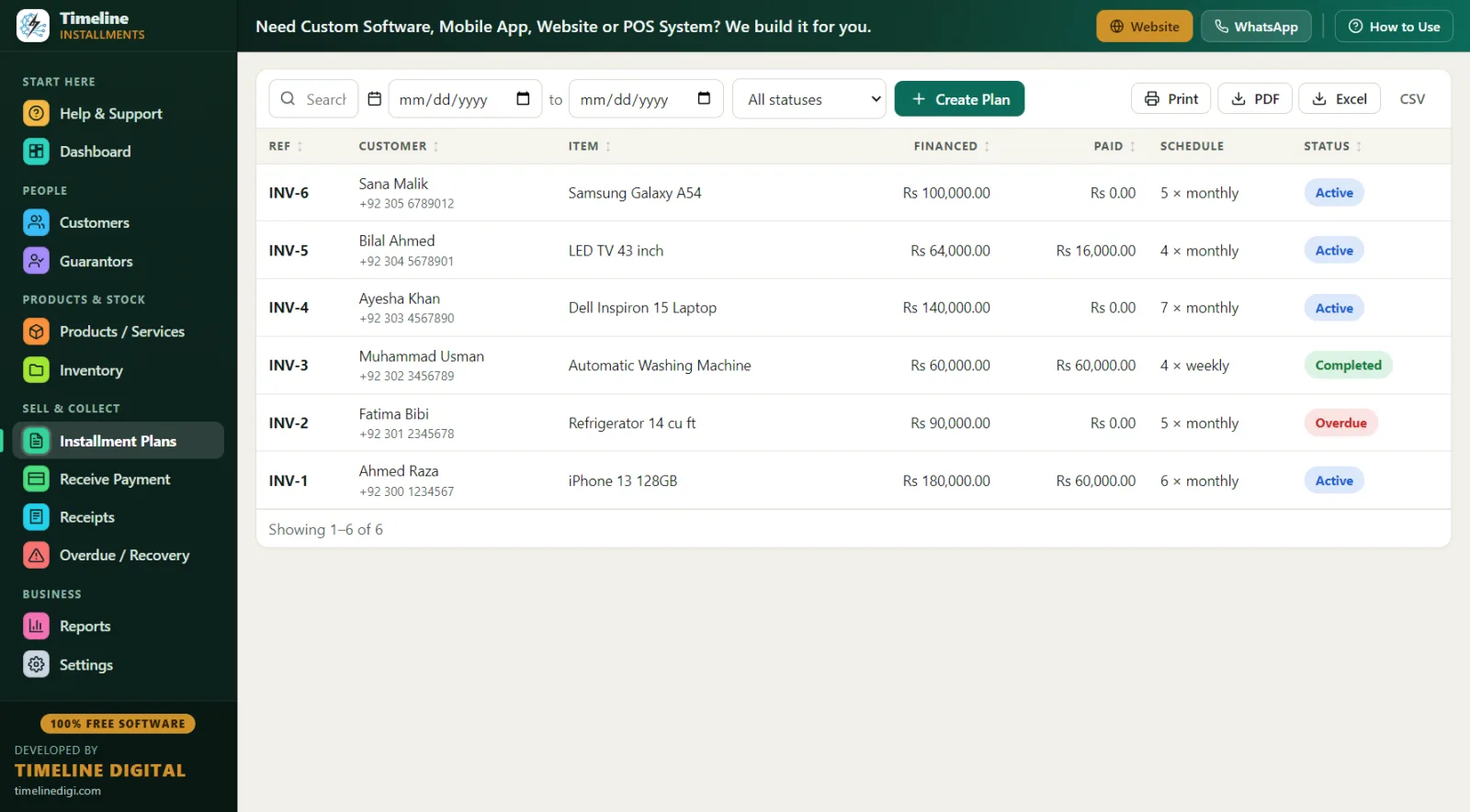
In the software: type-to-search the product, click "New Customer" to create the customer and plan in one save, set monthly frequency and check the live schedule preview — the customer sees all six due dates before anything is confirmed. The د.إ 1,100 down payment is recorded automatically as the first payment with a printed receipt, the plan gets a reference like INV-1, and stock drops by one if the phone is a tracked product.
A Saudi example works the same way: a bedroom set in Riyadh at SAR 6,000 total — SAR 1,500 down, then SAR 750 monthly for 6 months. Same three-minute process, everything in riyals.
How does it handle Emirates ID and Iqama?
Most aqsat customers in the UAE and KSA are expat workers — drivers, technicians, salon staff, restaurant crews — paid monthly and completely reliable when records are clear. The customer form requires only name and phone, then lets you capture what actually matters for aqsat:
- ID type and number — the field supports CNIC/Passport/National ID; use it for the Emirates ID number in the UAE or the Iqama number in Saudi Arabia
- WhatsApp number — usually how you'll send payment reminders
- City and address — company accommodation, building, area
- Notes — employer, kafeel/sponsor details, salary date ("paid on the 28th — collect on the 1st")
- Guarantor — link a colleague or relative to the plan with name, relation, phone and ID
Every customer keeps a full history, so when someone returns for their third phone you can see they finished two plans on time — and offer better terms with confidence.
Is it halal-friendly? (No interest engine)
Many shop owners in the Gulf want installment selling that stays away from interest calculations. Timeline Free Installment Manager has no interest engine at all. You decide the single total price of the sale yourself — whether that's the cash price or a higher agreed installment price — and the software simply records a credit sale and splits your total into scheduled payments. It never computes or adds interest to anything. That makes it a clean record-keeping fit for shops that structure their aqsat as a straightforward deferred-price sale. (This is a description of how the software works, not a religious or legal ruling — structure your sales as you and your advisors see fit.)
A day in the life of a Deira mobile shop
10:00 am — Shop opens. Dashboard shows this month's collections so far and which installments fall due today.
11:30 am — A delivery driver comes in on his day off to pay his د.إ 400 installment in cash. Receive Payment auto-fills the amount due; receipt printed showing "Installments Paid 3 of 6" and the remaining balance — he photographs it for his records, as always.
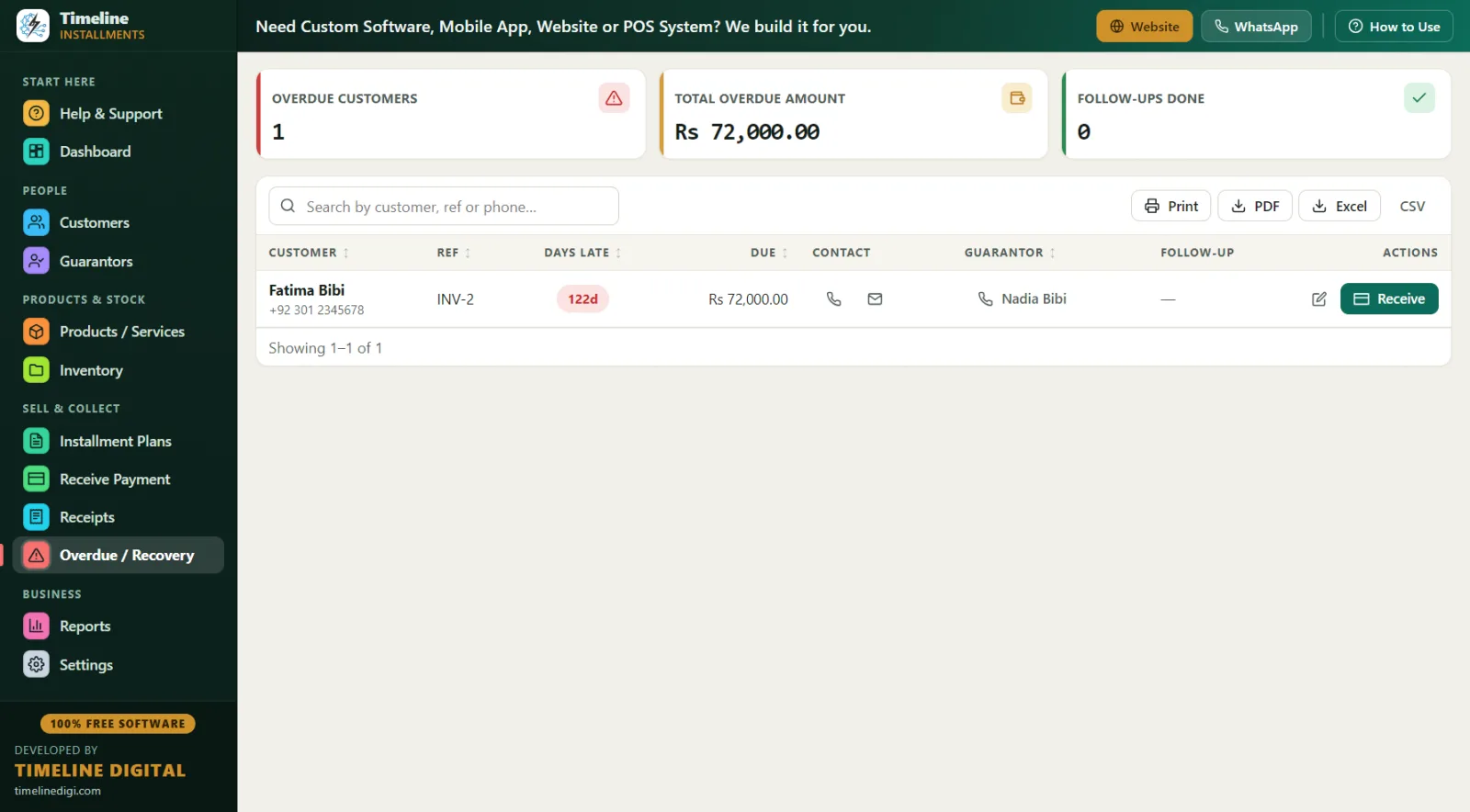
1:00 pm–4:00 pm — Quiet afternoon. Owner runs the Overdue screen: two customers late, one by 4 days (salary delayed — noted), one by 12. WhatsApp messages sent using the numbers shown right on the screen; follow-up notes saved.
6:00 pm–10:00 pm — Evening rush after work. Three payments received (two cash, one bank transfer recorded under "bank"), and one new sale: a laptop at د.إ 2,800 with د.إ 800 down, weekly installments of د.إ 250 because the customer prefers paying every Friday.
10:30 pm — One-click Backup before closing. The database stays in the shop; the backup copy goes home with the owner.
What does the printed receipt show?
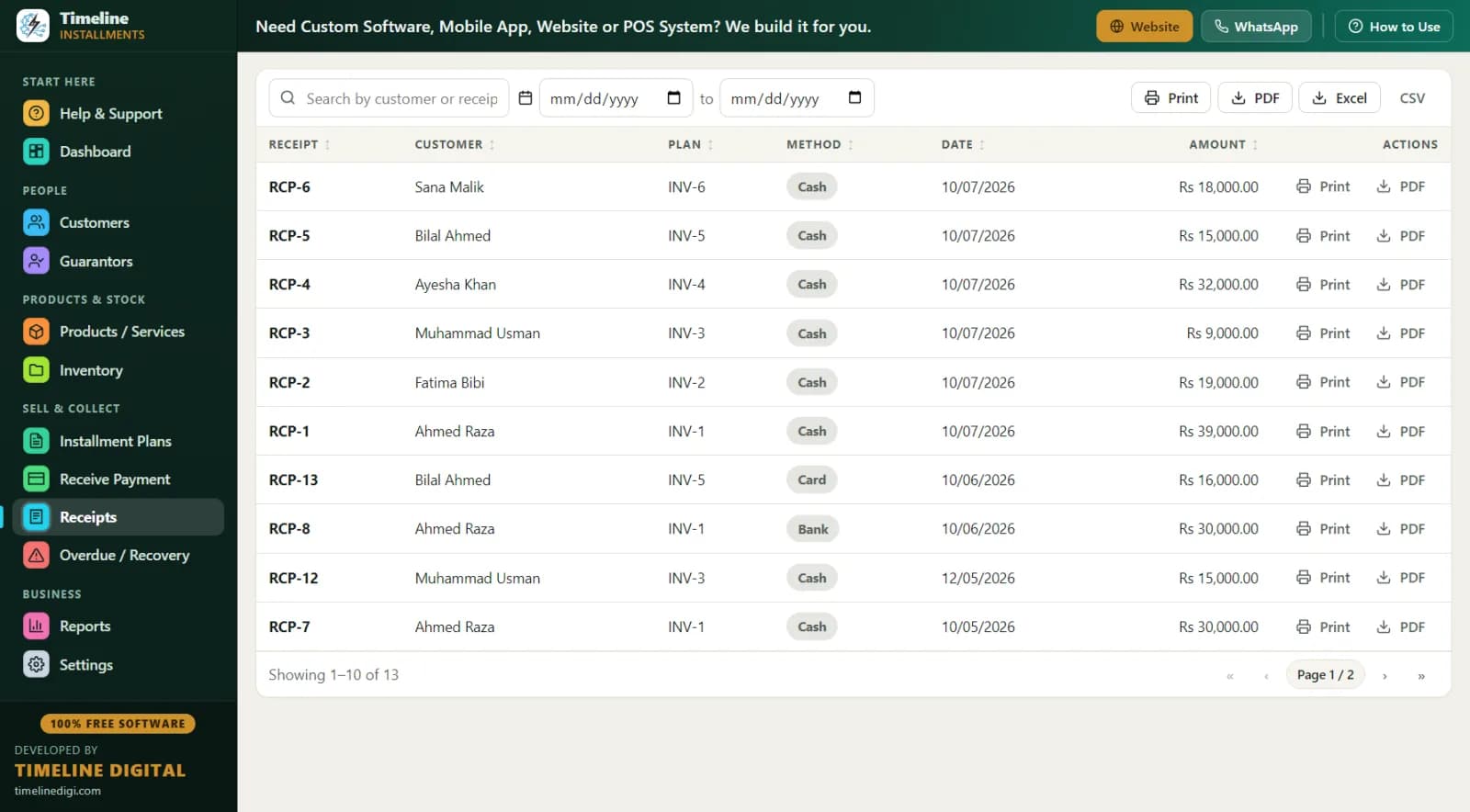
Receipts are where trust is built with aqsat customers. Every payment prints (or saves as PDF) a branded receipt on any Windows printer showing your logo, shop contact, plan reference, the item, the amount in large numerals, "Installments Paid X of Y", the remaining balance, signature lines and an editable terms footer — write your terms in Arabic, English or both. Receipt numbers run RCP-1 style so nothing is ever duplicated or "lost".
Free offline software vs subscription-based cloud systems
| Timeline Free Installment Manager | Typical subscription-based cloud system | |
|---|---|---|
| Price | Free forever — د.إ 0 / SAR 0 | Monthly subscription, often per user |
| Internet needed | No — fully offline | Yes |
| Your customers' data | Stays on your shop PC | On the provider's servers |
| Login / account | None | Required |
| Setup | 2 steps, under a minute | Onboarding process |
| Currency | AED, SAR and 150+ more, auto-set by country | Varies |
| Branches & mobile apps | Single PC only | Sometimes, at higher cost |
Timeline Digital (timelinedigi.com) keeps this product free because its paid work is custom software — cloud systems, mobile apps, multi-branch and POS builds. A shop that grows into three branches across Dubai and Abu Dhabi would talk to them about custom work; a single shop never pays anything.
Best practices for aqsat selling in the UAE and KSA
- Take a real down payment. 25–35% down (د.إ 1,100 on a د.إ 3,500 phone) filters serious buyers and is auto-receipted as payment one.
- Record the Emirates ID or Iqama every time. Verify the physical card, enter the number, note the expiry in the customer notes.
- Match due dates to salary dates. If salaries land on the 28th, set installments due on the 1st. The live schedule preview lets you check dates before saving.
- Use guarantors for customers new to your shop. A colleague from the same company, linked to the plan with phone and ID.
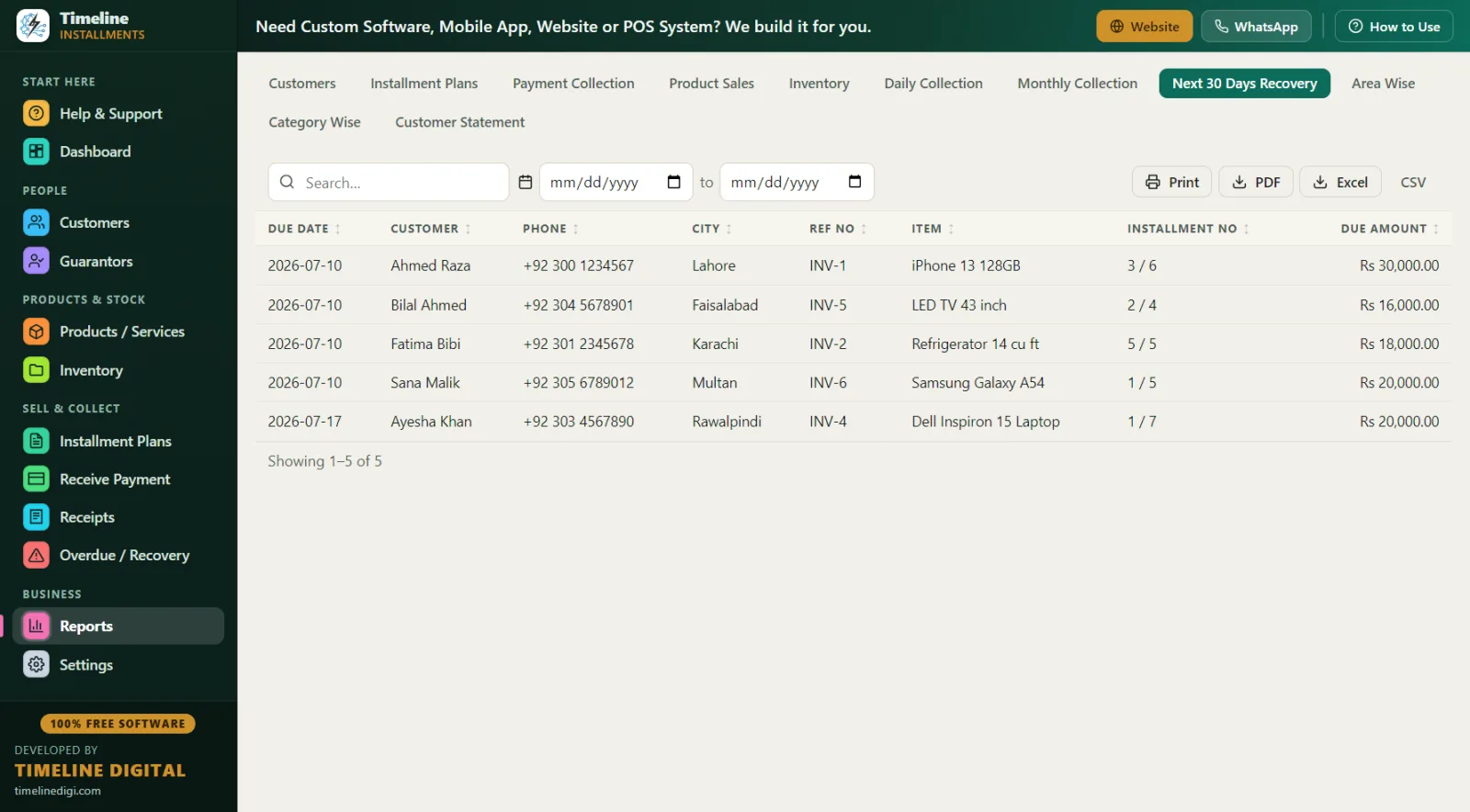
- Send WhatsApp reminders two days early. The Next 30 Days Recovery report gives you the list: due date, customer, phone, city, reference, item, amount.
- Note Ramadan and leave season. Many workers travel home in summer — reschedule plans (status updates to rescheduled automatically) rather than letting them silently go overdue.
- Keep a clean method record. Cash, bank, card, online or other on every payment — reconciliation stays simple.
- Back up to a USB you take home. One click, with reminders built in. Practise first with Sample Data mode and the in-app 6-step quick start.