Option 1
Windows printer (recommended)
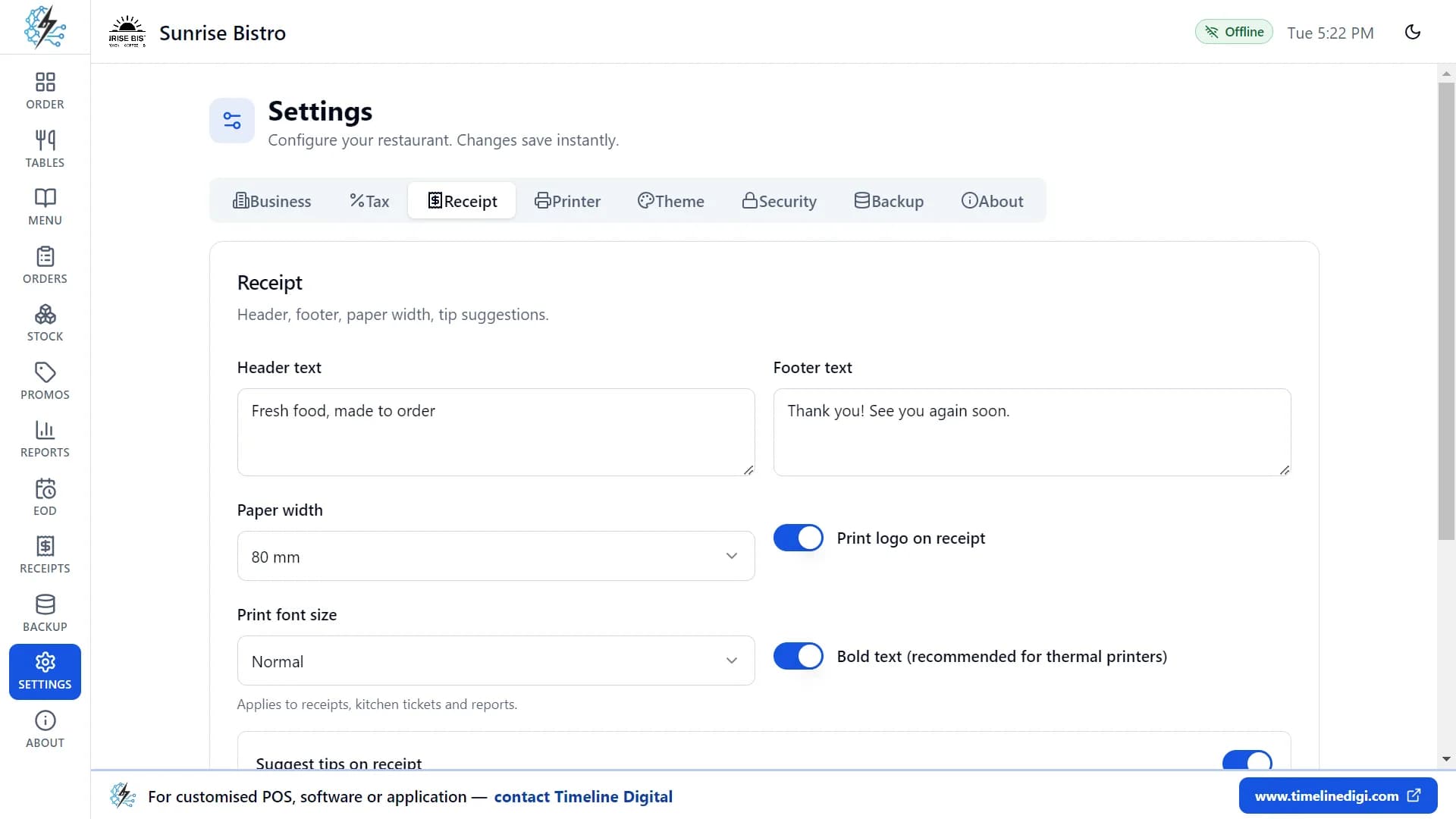
- 1Install your printer’s Windows driver first, so the printer shows up in Windows.
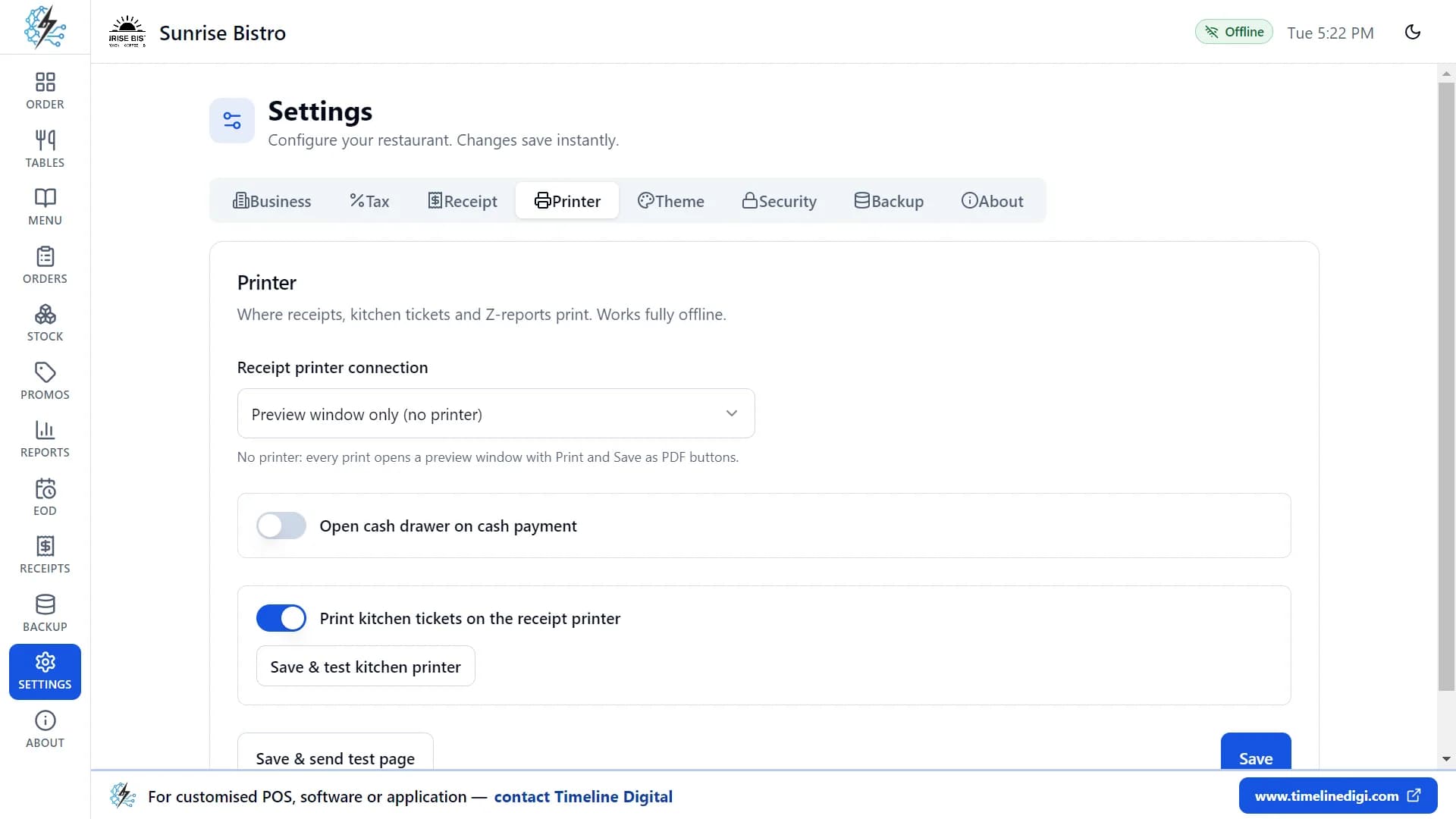
- 2Open Timeline Restaurants POS and go to Settings, then the Printer tab.
- 3Under "Receipt printer connection", choose "Windows printer (recommended)".
- 4Pick your printer from the list.
- 5Click "Save & send test page". A test page should come out of the printer.
- The app can print silently, or show the Windows print dialog each time if you prefer.
- Paper size can be the printer’s default, the exact receipt length, A4 or Letter.