v2.0.0 · 96 MB · Windows
Free restaurant POS system download, no signup
This is a direct free restaurant POS system download for Windows 10 and 11. No email, no signup, no card. Ring up your first order in under 10 minutes.
File: TimelineRestaurantsPOS-Setup-2.0.0.exe
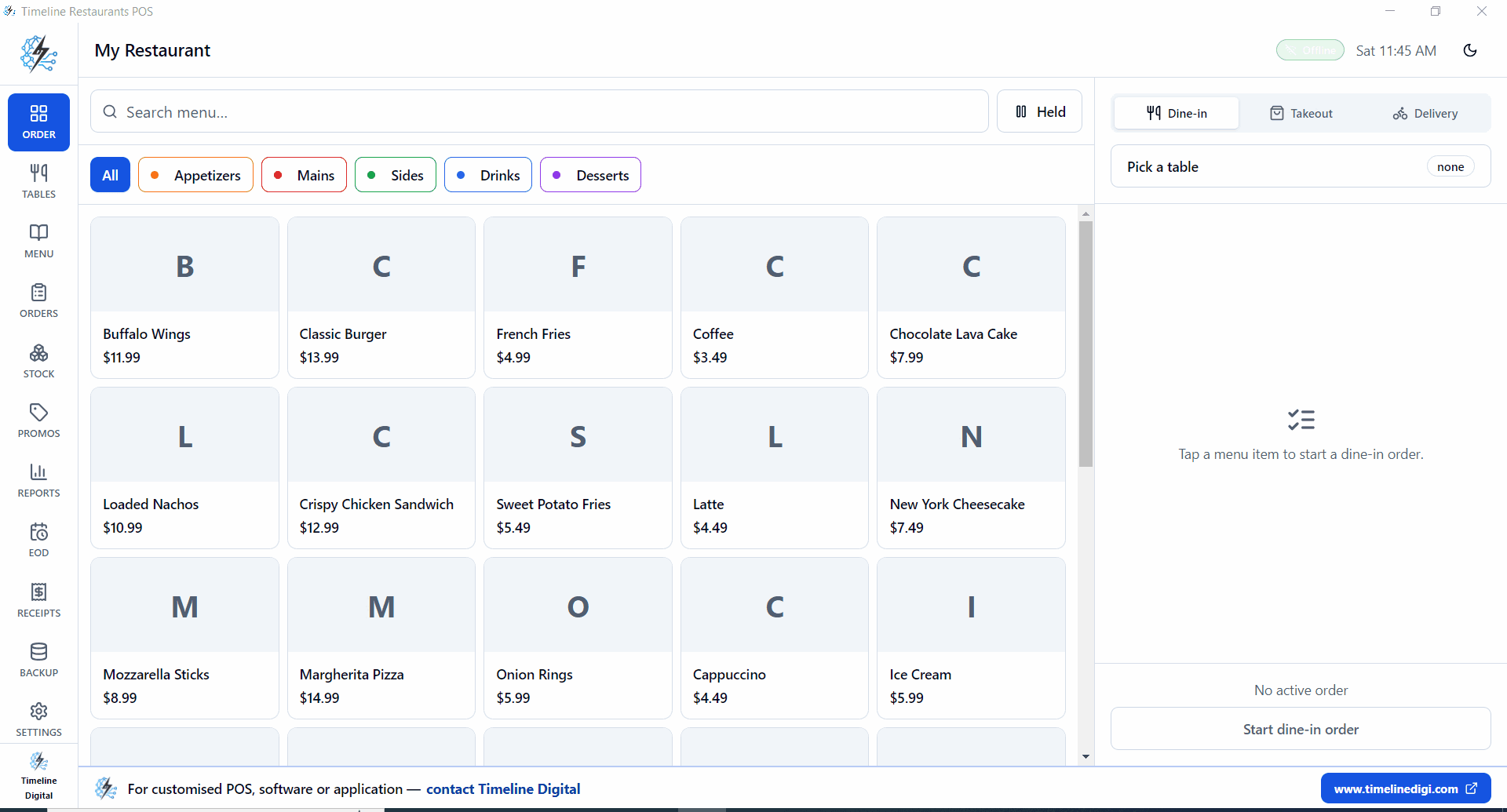
One download. The whole POS.
Installer
96 MB single .exe
Runs on
Windows 10 / 11
Internet
Not required
Account
None, no signup
How do you install a free restaurant POS on Windows?
Six steps, about two minutes from click to first sale.
Download the installer, run the .exe, and follow the first-run wizard. The whole install takes about two minutes on Windows 10 or 11: no account, no license key, and no internet connection needed after the download finishes. Set your tax rate, type in your menu, and ring up the first order.
- 1
Click download
Saves TimelineRestaurantsPOS-Setup-2.0.0.exe (about 96 MB) to your Downloads folder.
- 2
Run the .exe
Double-click it. Windows SmartScreen may ask once, choose Run anyway.
- 3
Pick a folder
Default location is fine. Installs in about 60 seconds on a hard drive.
- 4
Open the app
Start menu, then Timeline Restaurants POS. The first-run wizard opens on its own.
- 5
Set country and tax
United States. Pick your sales-tax rate: NYC 8.875%, LA 9.5%, Houston 8.25%.
- 6
Add your menu, ring up the first order
Sample data is optional. A real menu takes 5 to 10 minutes to type in.
Requirements are light. Any ordinary Windows 10 or 11 PC, laptop, or touchscreen terminal runs it. There is no server to stand up and no database to configure: the installer sets up a local SQLite database on the machine, and every order you ring up is stored there.
The first-run wizard covers country and sales tax before you ever see the order screen. Sample data is there if you want to poke around first, but a real menu only takes 5 to 10 minutes to type in, categories first, then items and prices.
A receipt printer is optional on day one; any USB ESC/POS printer connects later through Settings. This installer is the same build described on the free restaurant POS system page, so tables, takeout and delivery orders, recipe inventory, and end-of-day reports are all in the download, not upsells.
Windows SmartScreen might ask once
The first time you run a fresh installer, Windows shows a blue panel. Click More info, then Run anyway. That message does not come back after the first launch.
Want us to set up the POS for your restaurant?
Leave your name and number. We'll build your menu and recipes, set up your tables and takeout and delivery, and shape your reports the way you read them. Free to ask, and we get back fast.
No spam. We only use your number to reply about your project.
Straight answers before you download
Where does the installer come from?+
Straight from Timeline Digital, hosted at timelinedigi.com. The file is TimelineRestaurantsPOS-Setup-2.0.0.exe, around 96 MB. No third-party download manager, no bundled toolbar.
Do I need to create an account first?+
No. No email, no signup, no license key. Click download, run the installer, and you're in.
Will Windows SmartScreen flag it?+
It can show a notice the first time you run a new .exe. Click "More info" then "Run anyway." It won't ask again after that first launch.
What if the download is slow?+
96 MB on a normal home connection takes 1 to 3 minutes. On a phone hotspot, expect 8 to 10. Wired ethernet beats Wi-Fi here.
Can I install it on more than one PC?+
Yes. There's no license check, so install it anywhere. Each install keeps its own database though, they don't sync automatically. We build multi-location sync as a paid module when you need it.
How long from download to the first order?+
About ten minutes end to end. The download takes a few minutes on a normal connection, the install about one, and the first-run wizard a couple more for country and tax. Typing in a real menu is the longest part at 5 to 10 minutes.