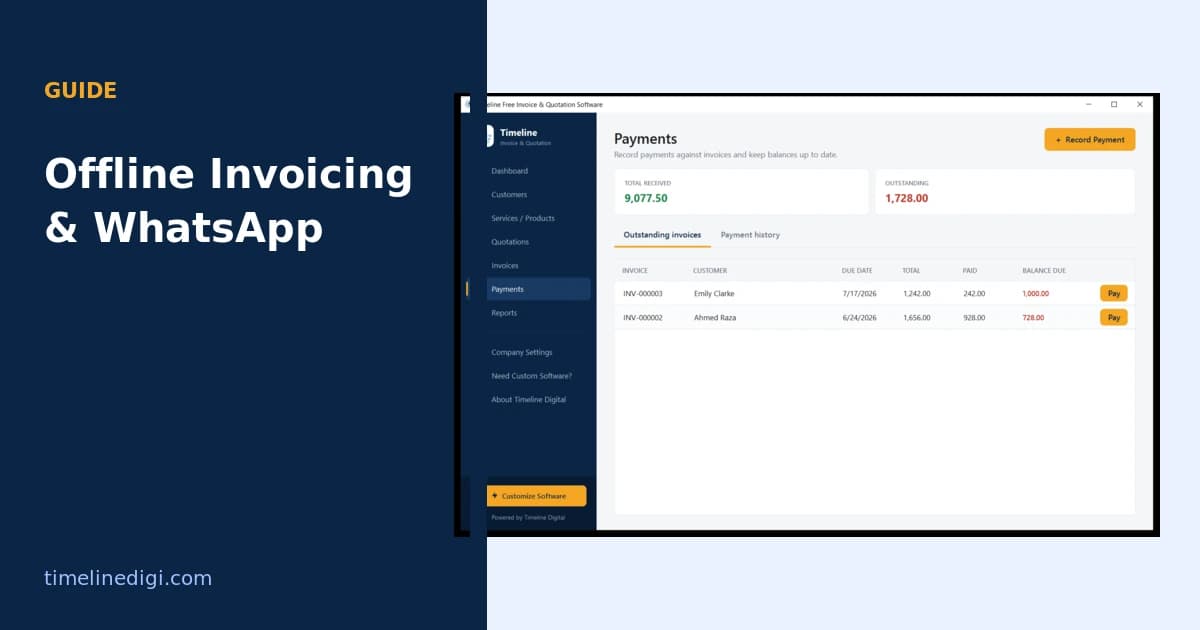
Offline invoice software is an app that runs entirely on your computer and stores your data locally, so you can create invoices and quotations, export PDFs, and track payments with no internet connection and no account. You only go online if you choose to share a finished invoice, for example by attaching the PDF to a WhatsApp message or an email. This gives you three advantages over cloud tools: no monthly fee, no dependence on a connection, and no third party holding your client list.
Almost every popular free invoicing tool is cloud-based, which means it needs a sign-up and a live connection to work. That is fine until the connection drops, the subscription price rises, or you would rather your pricing and client list did not sit on someone else's server. Offline invoice software solves all three, and it still lets you send invoices instantly through the channels clients actually use.
How does offline invoice software work?
An offline invoicing app installs on your Windows computer like any other program. Your company profile, customers, items, invoices, quotations, and payments are saved in a local database on your machine. Everything, from building an invoice to calculating tax to exporting a PDF, runs on your computer without touching the internet. Because nothing is uploaded, there is no account to create and no data sitting in a cloud you do not control.
Why choose offline over an online tool?
Offline invoicing has four clear advantages:
- No monthly fee. Online invoicing tools often cost 10 to 35 dollars a month. An offline app has no subscription.
- No internet dependency. You can invoice on a plane, in a shop with weak Wi-Fi, or on a job site, and print or save the PDF anywhere.
- Privacy. Your client list, prices, and payment records stay on your machine, not on a vendor's server.
- No vendor lock-in. You can export everything you have entered, so you are never trapped in one tool.
The trade-off is that you work from one computer rather than any browser, and cloud backup is something you handle yourself with a local backup file. For a solo business or a small team on one machine, that trade is usually worth it.
How do you send an invoice on WhatsApp?
WhatsApp is how many clients prefer to receive documents, and offline software does not stop you from using it. Once your invoice is built, you export it as a PDF and share it through WhatsApp. The smoothest tools add a one-click WhatsApp button to each invoice that opens a message to the client with the invoice number, amount, and due date already filled in, with the PDF ready to attach. The invoice is created offline; you go online only for the moment you send it.
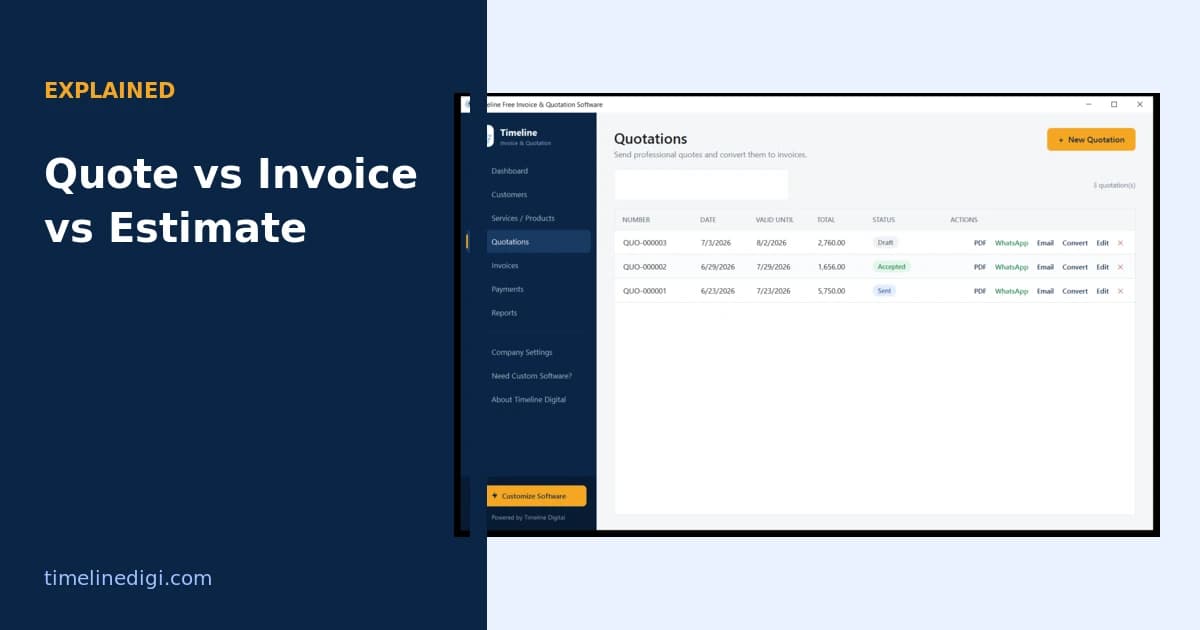
Timeline Invoice works this way. Every invoice and quotation has one-click WhatsApp and email buttons, and the message is pre-filled from the invoice, so sending is a single step. Because the app is offline, your records never leave your computer, and because sharing happens from your own WhatsApp or email account, the client sees the message coming directly from you.
Offline invoicing vs online invoicing
| Offline invoice software | Online invoice tool | |
|---|---|---|
| Internet needed | No, only to share | Yes, always |
| Monthly cost | None | Often 10 to 35 per month |
| Account required | No | Yes |
| Data location | Your computer | Vendor servers |
| Send on WhatsApp | Yes, one-click share | Sometimes, via add-on |
| Backup | Local backup file | Handled by vendor |
Is offline invoicing right for you?
Offline invoice software suits freelancers and small businesses that want zero recurring cost, full control of their data, and the ability to invoice regardless of connectivity. If you need several people invoicing from different locations at once, or automatic cloud sync across devices, a cloud tool or a custom build is a better match. For most solo operators and small teams, an offline app covers the whole job.
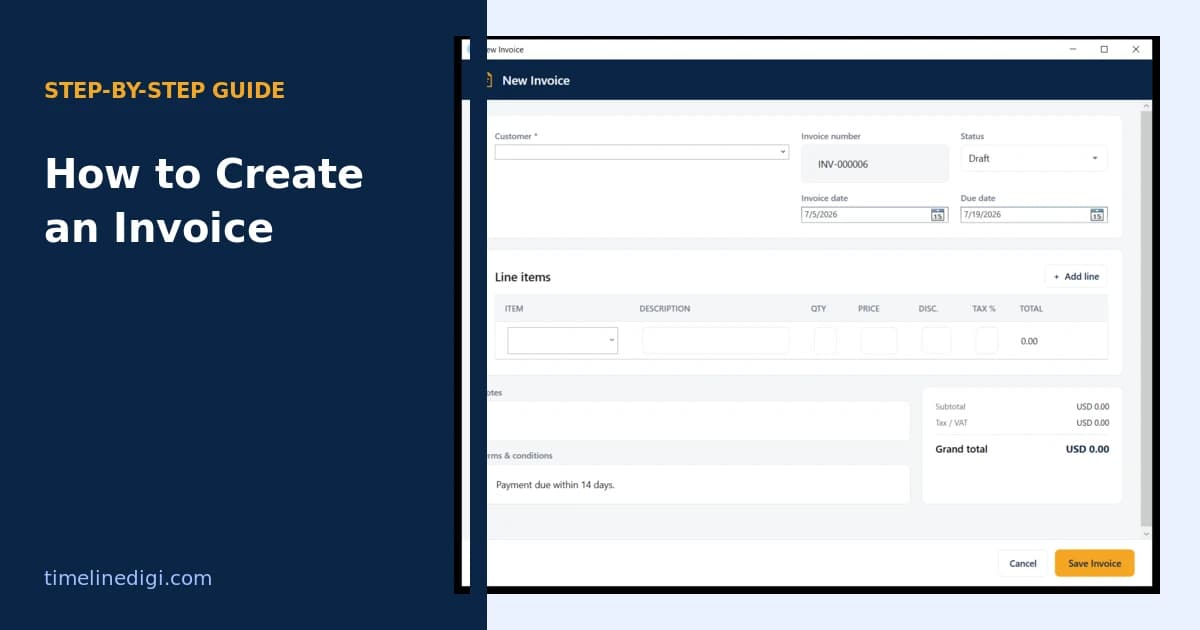
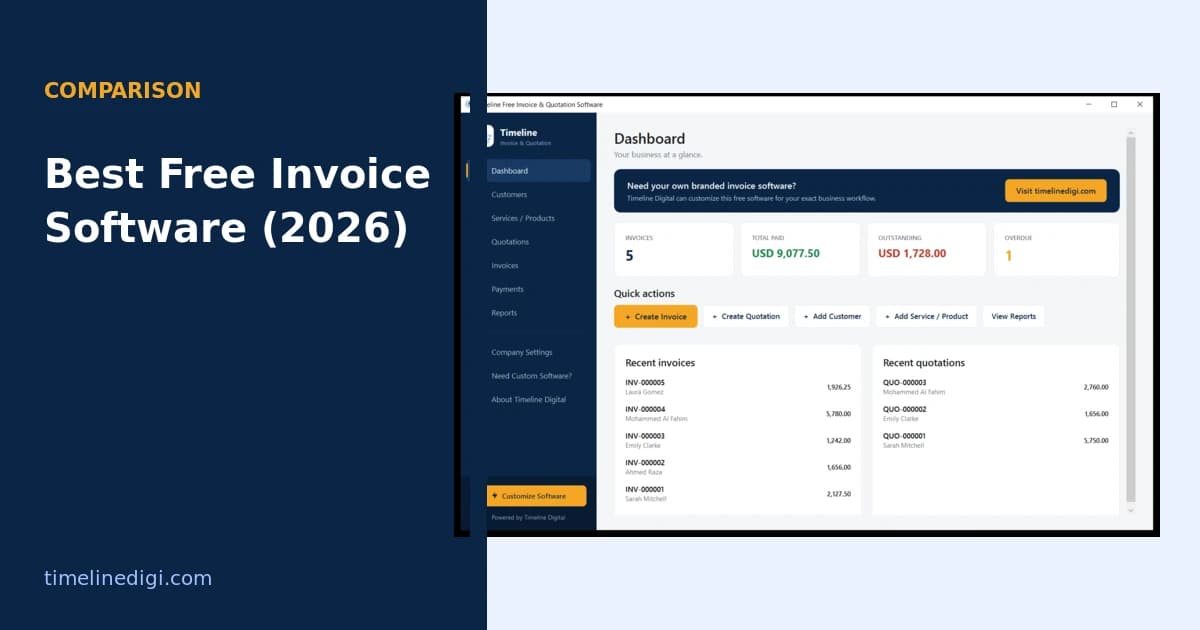
To get started, download free offline invoice software for Windows, then follow how to create an invoice to send your first one. If you are weighing your options, compare the best free invoice software for small businesses.