Why Inventory Management Matters for Small Retailers
A shop that runs out of a fast-selling product loses the sale. A shop that overstocks a slow mover ties up cash. Without accurate inventory data, both happen regularly.
Most small retailers know inventory management is important but track stock in a notebook or spreadsheet because dedicated software feels too expensive. Timeline POS solves this, inventory management is built in, and the software costs nothing.
How Inventory Works in Timeline POS
Product Catalogue
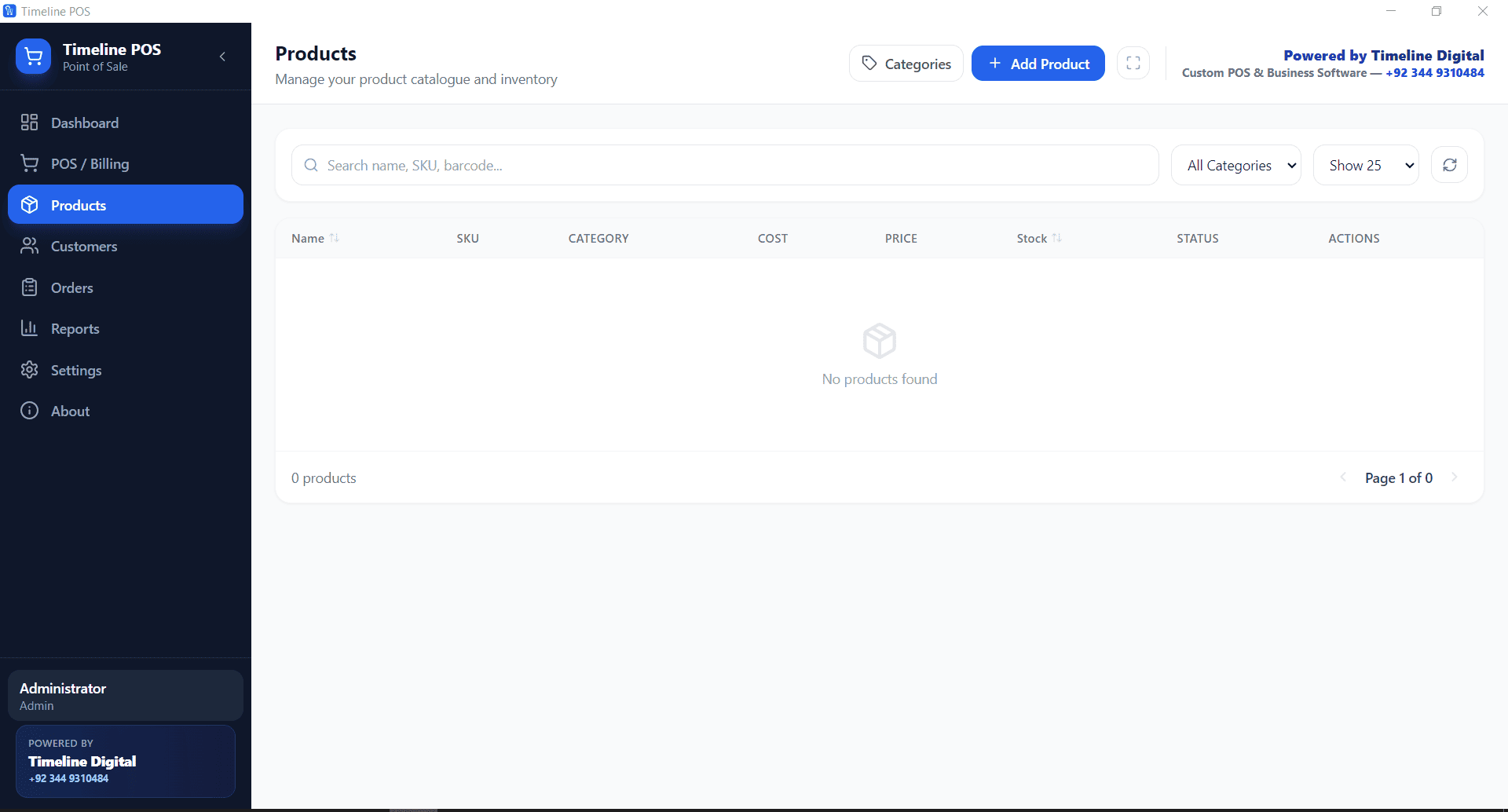
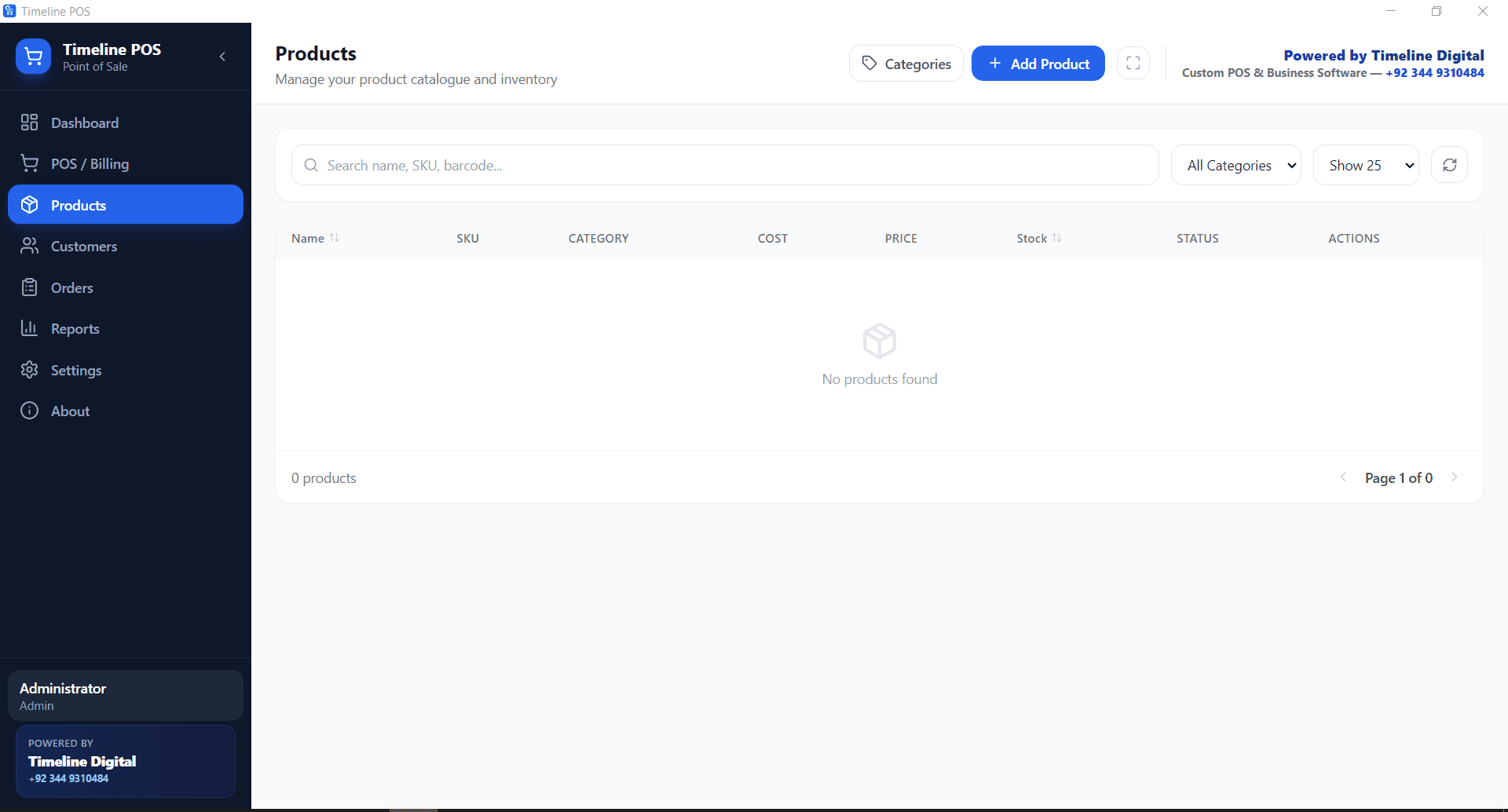
Every product in Timeline POS has a stock level that updates automatically with every sale. When you sell 3 units of a product, the stock count drops by 3 in real time. No manual update required.
The product catalogue supports categories, barcodes, purchase price, and selling price. You can see margin for every product at a glance.
Stock Alerts
When a product's stock drops below the minimum level you set, Timeline POS flags it in the dashboard. This prevents stockouts by giving you advance warning before a product runs out.
Receiving Stock
When new stock arrives, open the product record and update the quantity. Timeline POS logs the incoming stock with a date and quantity for reference.
If you use purchase orders, you can create a PO in the system and confirm receipt against it, updating stock automatically.
POS Features That Directly Impact Inventory
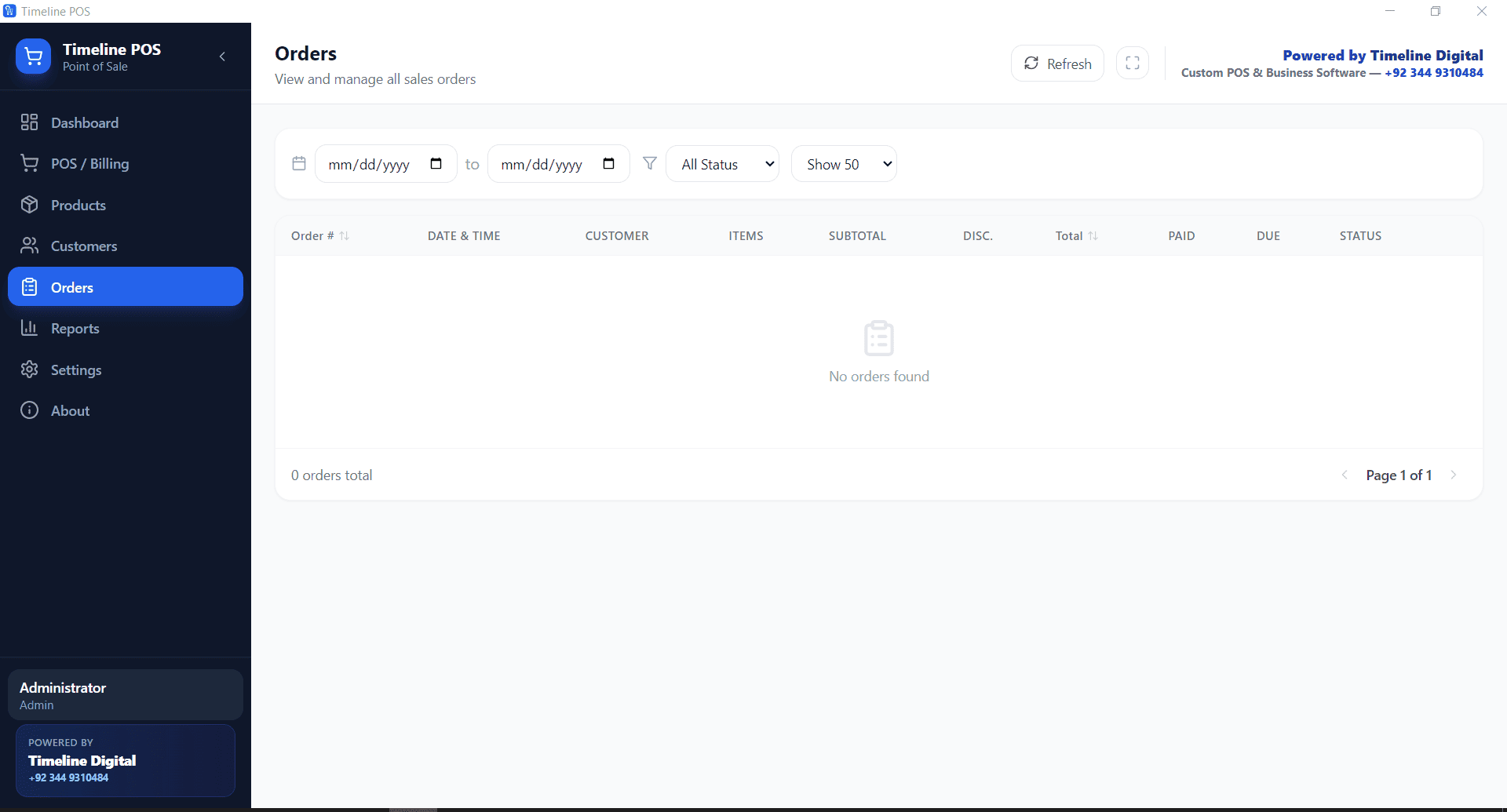
The Orders module tracks all sales orders. Each order deducts from stock instantly. Cancelled or returned orders can be reversed, returning stock to the available count.
This real-time accuracy is what makes the inventory count reliable at month end, you do not need to count manually.
Inventory Reports
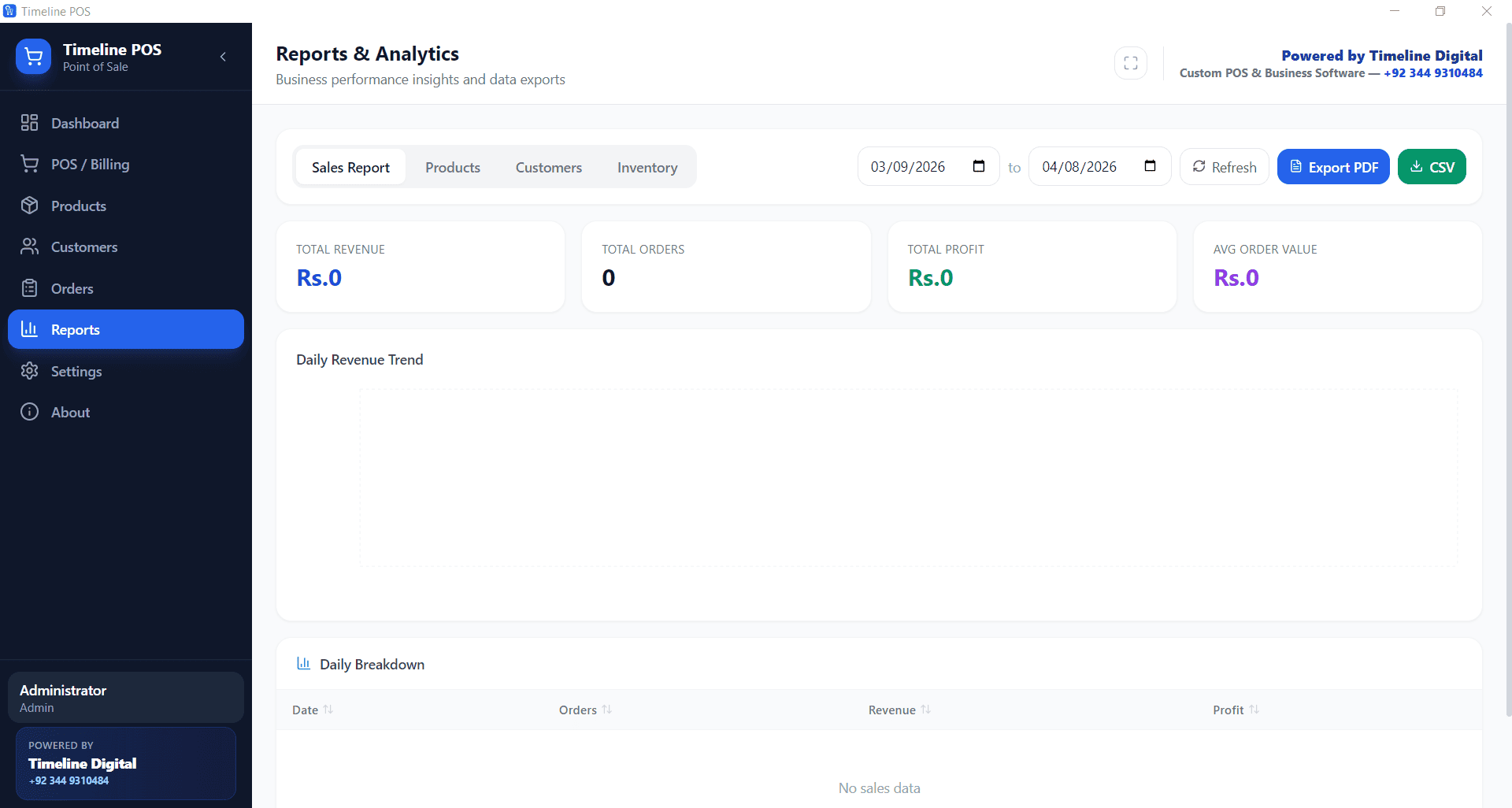
The Reports module includes stock value reports (current inventory value at purchase price), top-selling products, and slow-moving items. These reports are the inputs for smart purchasing decisions.
Knowing which products sell fast and which sit is the difference between a profitable shop and one constantly tied up in dead inventory.
Who Should Use Timeline POS for Inventory
Timeline POS inventory management works best for single-location retail shops with under 5,000 SKUs. It is not designed for multi-warehouse operations or serial number tracking at scale.
For a pharmacy, grocery, clothing store, stationery shop, or general retailer, it covers every inventory management need at zero cost.
Download Timeline POS Free, With Built-in Inventory
Also see: Cheapest POS System for Small Business