You Do Not Need an Expensive POS System
Many small retailers pay $50 to $200 per month for a POS subscription. Most of that money goes toward cloud hosting and enterprise features that a single-location small business will never use.
Timeline POS is a free desktop POS for Windows. It covers billing, inventory, customer tracking, and sales reports, with no subscription, no per-transaction fee, and no internet dependency.
What Timeline POS Includes
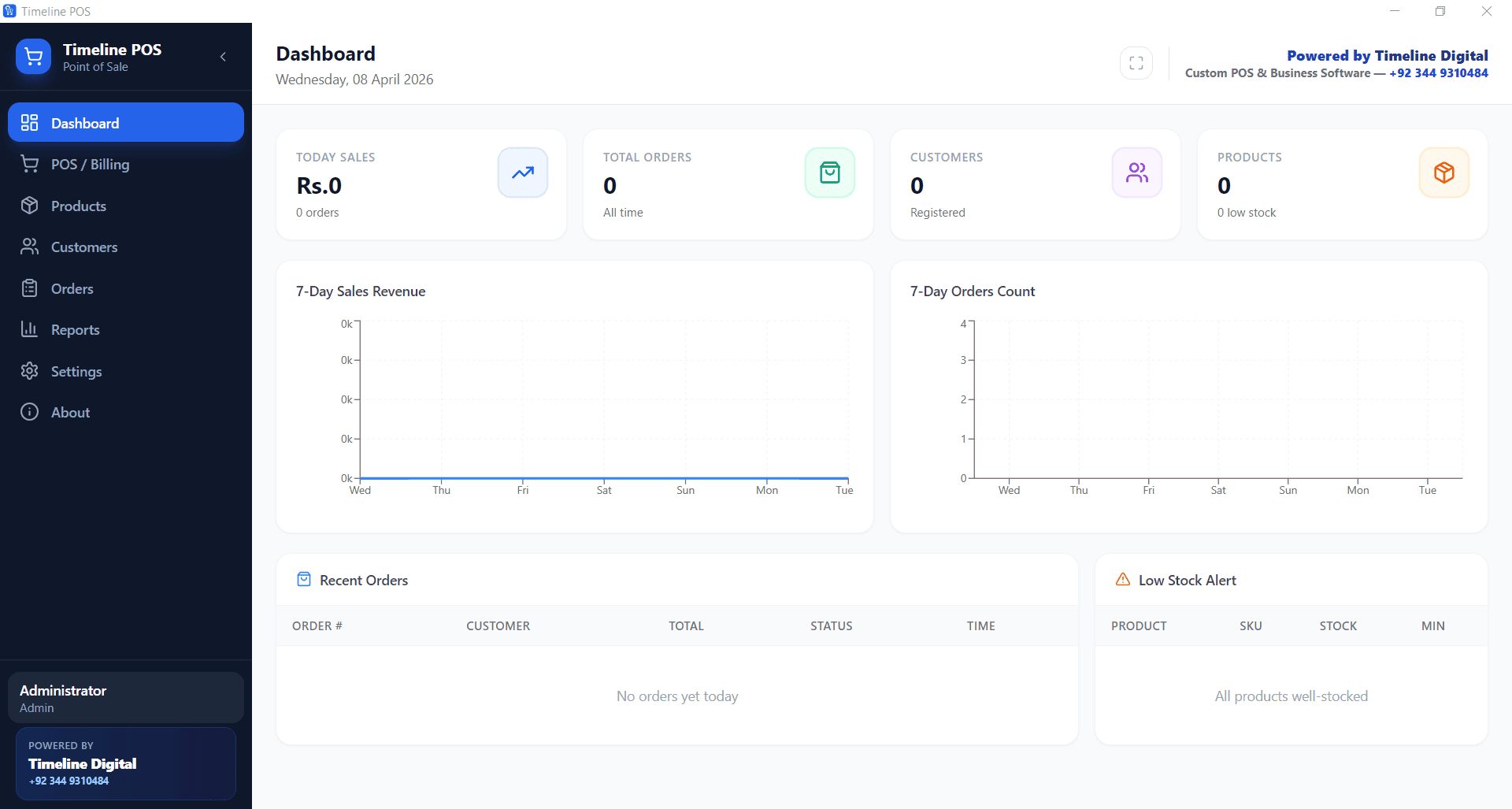
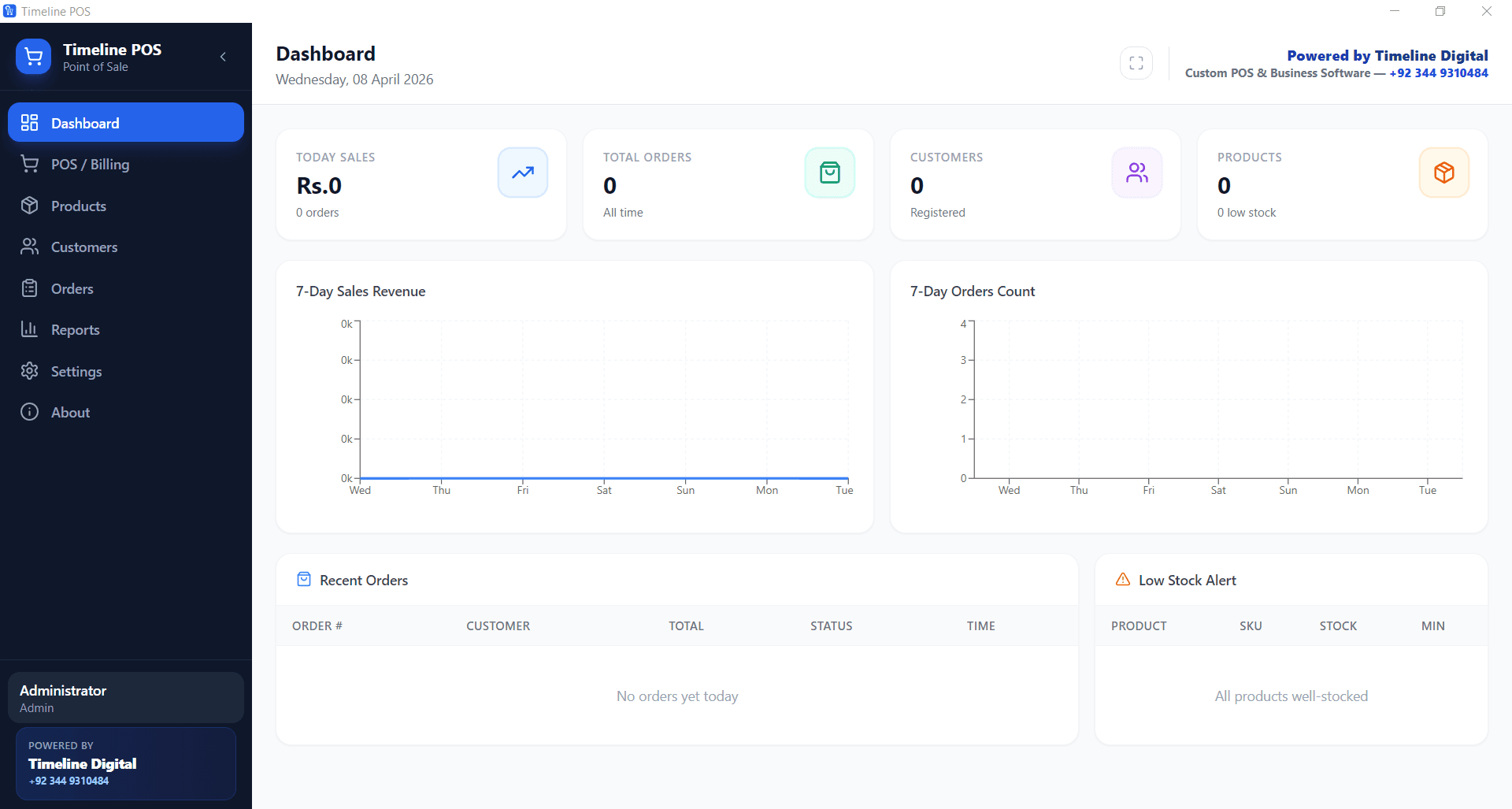
The dashboard gives a live view of today's sales, top products, and pending orders. Everything a shop owner needs to monitor the day's business at a glance.
Core modules:
- Billing, Quick sale screen with barcode support, discount fields, and tax calculation
- Inventory, Product catalogue with stock levels and low-stock alerts
- Customers, Customer records with purchase history
- Orders, Order management with status tracking
- Reports, Daily, weekly, and monthly sales summaries
Step 1, Install and Configure
Download Timeline POS and install on any Windows 10 or 11 machine. The setup wizard asks for your business name, currency, tax rate (GST/VAT), and receipt settings. This takes under 10 minutes.
Step 2, Add Products
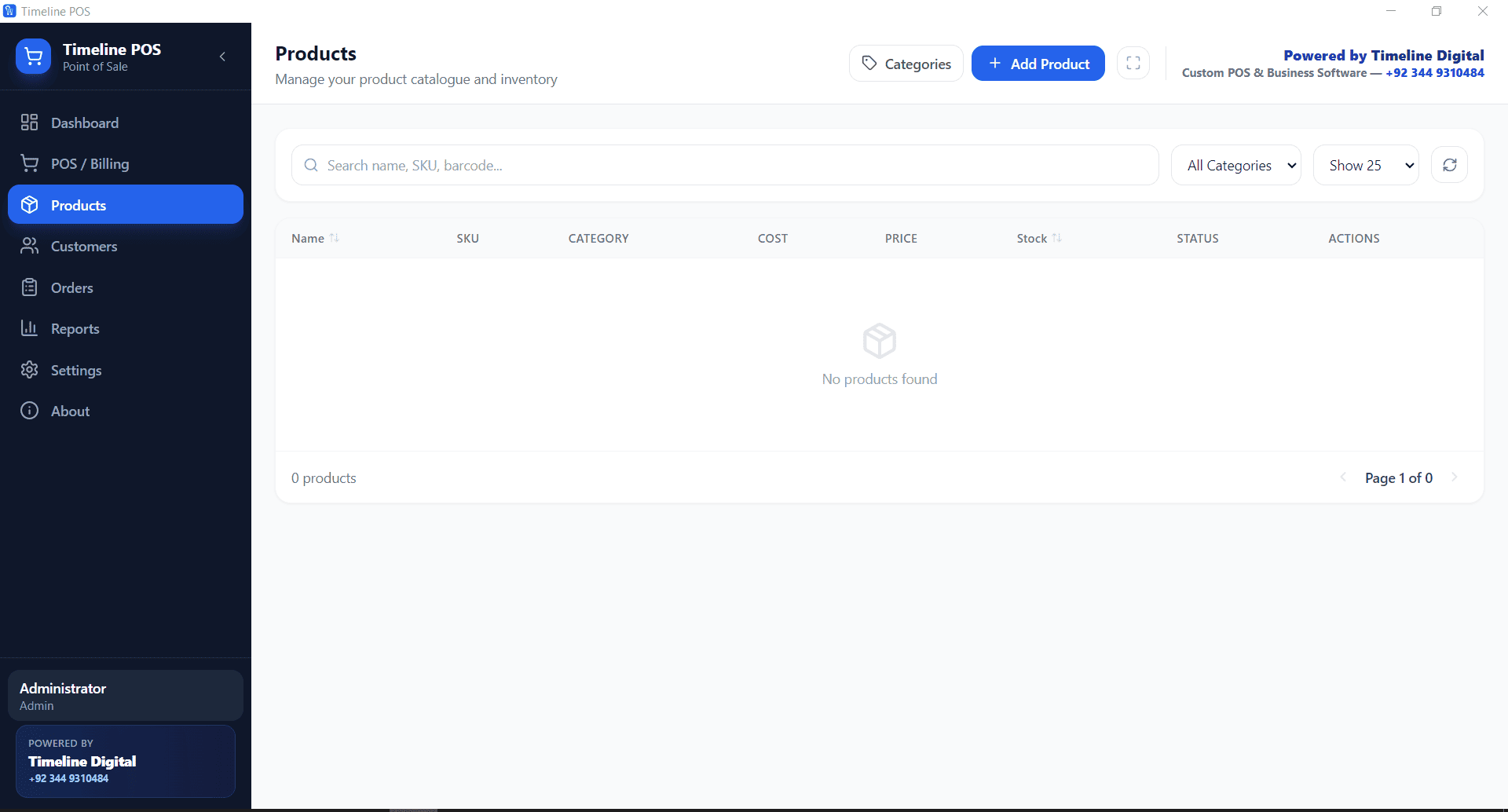
Go to the Products module and add your inventory. Each product has a name, category, purchase price, selling price, and current stock. Add barcodes if your products are barcoded for faster checkout.
You can import products from a CSV file if you already have a product list.
Step 3, Start Billing
The billing screen is designed for speed. Search for a product by name or scan its barcode. Add quantity, apply any discount, and collect payment. The receipt prints automatically or shows on screen for digital sharing.
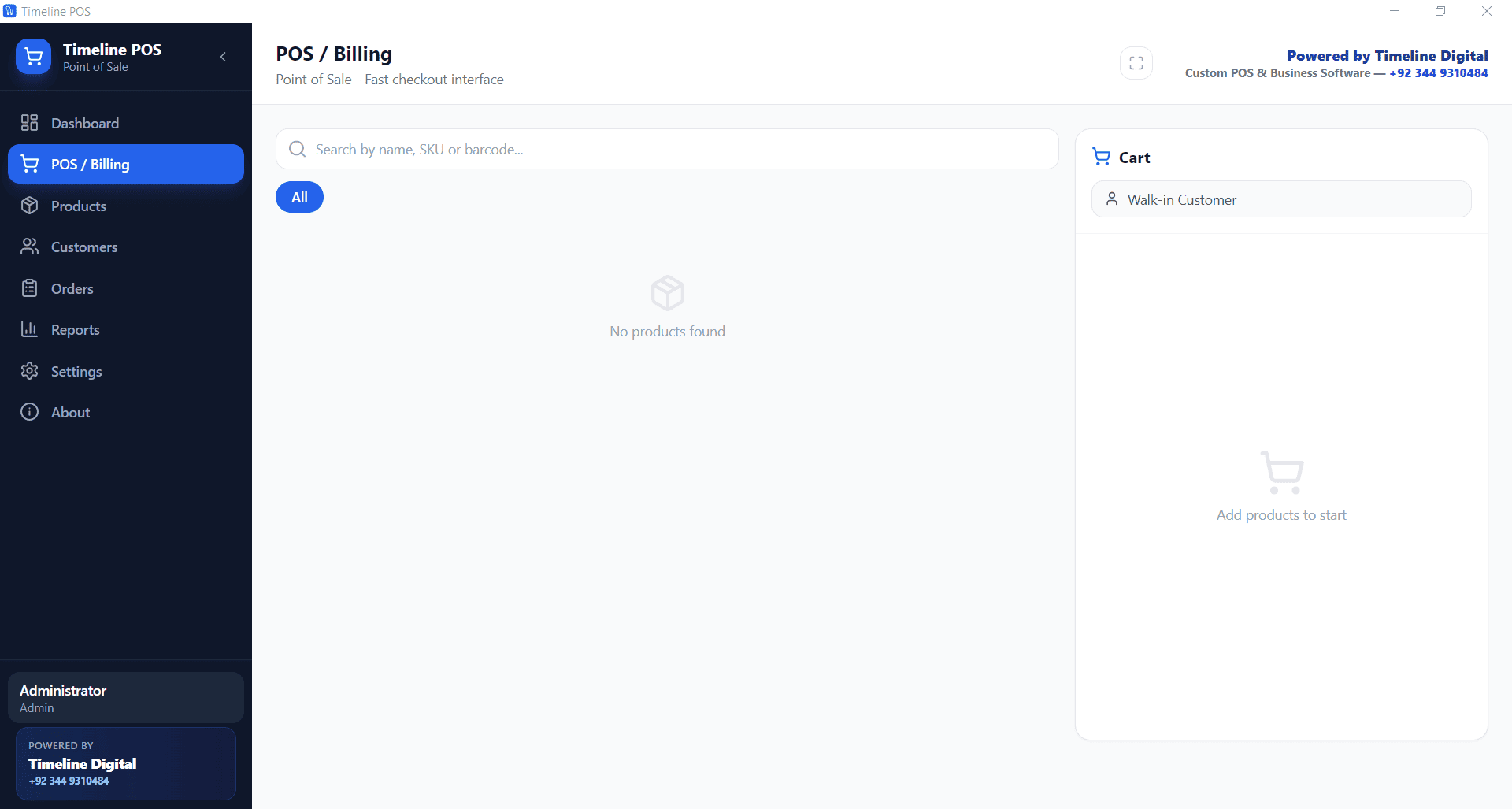
GST and other taxes are calculated automatically based on the rates you configured in settings.
Step 4, Track Sales and Reports
At the end of each day, the sales report shows total revenue, number of transactions, top-selling products, and tax collected. This data feeds into the weekly and monthly reports automatically.
No manual end-of-day calculation is needed.
Download Timeline POS Free, No Monthly Fee
Related: Free POS Software · Cheapest POS System for Small Business