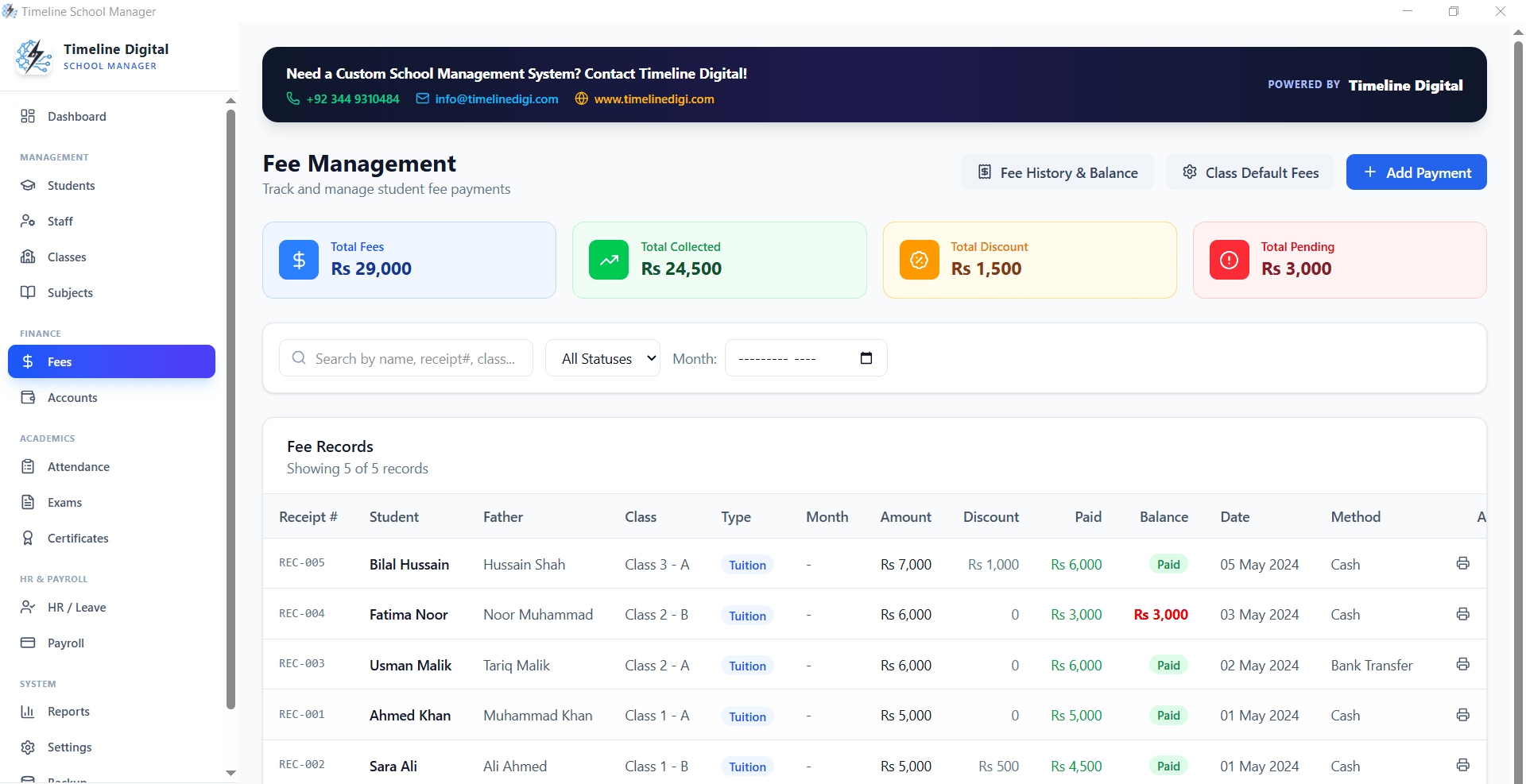
Why Fee Management Is So Difficult Without Software
A school with 300 students, each paying different fees based on class, scholarship status, and sibling discounts, has potentially hundreds of different monthly fee calculations. Tracking these manually in a register creates:
- Missed payments that go unnoticed for weeks
- Incorrect fee calculations that parents dispute
- No clear view of total outstanding receivables
- Time-consuming end-of-month fee reconciliation
School ERP software makes every one of these problems disappear.
Fee Structure Setup
The first step is configuring your fee structure in Timeline School Management Software. Define fee types: tuition fee, lab fee, transport fee, library fee, exam fee. Assign amounts to each class or grade.
Students with scholarships or discounts have adjusted rates set on their individual profile. The system calculates each student's monthly fee automatically based on their profile.
Monthly Fee Collection
When monthly fees are due, the system generates a fee schedule for every student. As payments are collected, the administrator marks each student as paid with the payment date and method.
Students with outstanding balances are visible immediately, you do not need to check registers manually.
Student Account Ledger
Every student has a running account ledger: fees charged, payments received, and outstanding balance. When a parent disputes their balance, you open the student record and show them the complete transaction history, month by month, payment by payment.
Disputes that used to take a week of register-checking are resolved in minutes.
Accounts Overview
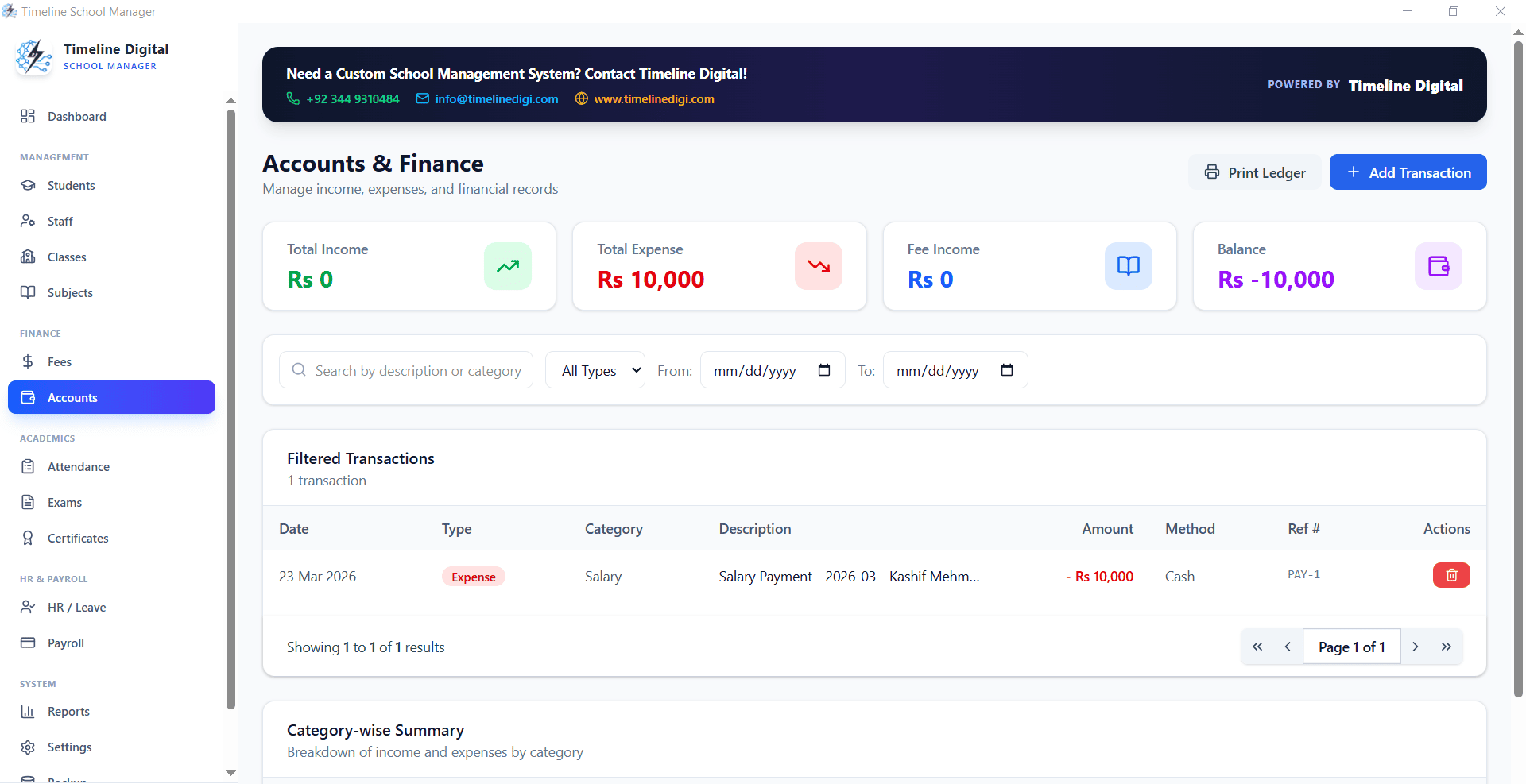
The Accounts module shows total fees billed, total collected, and total outstanding for any period. This is the financial snapshot school management needs for planning and cash flow management.
It also shows overdue accounts, students who have not paid for 30, 60, or 90 days, so targeted follow-up is possible.
Reporting for School Management
Monthly fee collection reports, class-wise collection summaries, and outstanding fee aging reports give school administrators the data they need for management reviews and parent meetings.
Download Timeline School Management Software Free
Also see: Free Offline School Management Software for Windows 10