School Attendance and Class Management Software: Free Guide
School attendance and class management software replaces paper registers. Classes and sections are set up once with their students, subjects and teachers, attendance is marked per class each day, and the totals stay current for reports and parent meetings. Timeline School Manager does this free and offline on Windows, alongside fees, exams and staff records.
School attendance and class management software replaces paper registers: classes and sections are set up once with their students, subjects and teachers, attendance is marked per class each day, and the system keeps the totals and prints attendance sheets. Timeline School Manager, a free offline Windows app, does this alongside fees, exams and staff records.
The daily cost of manual attendance
Take a school with 400 students in 16 sections. Daily attendance means 16 paper registers filled in by 16 teachers and then added up by hand in the office. When a child is absent for several days in a row, nobody notices until someone checks the register, and month-end totals take hours.
Digital attendance fixes the arithmetic. Each mark is recorded once, the totals are always current, and a student's record can be pulled up in seconds when a parent asks.
Class and section management
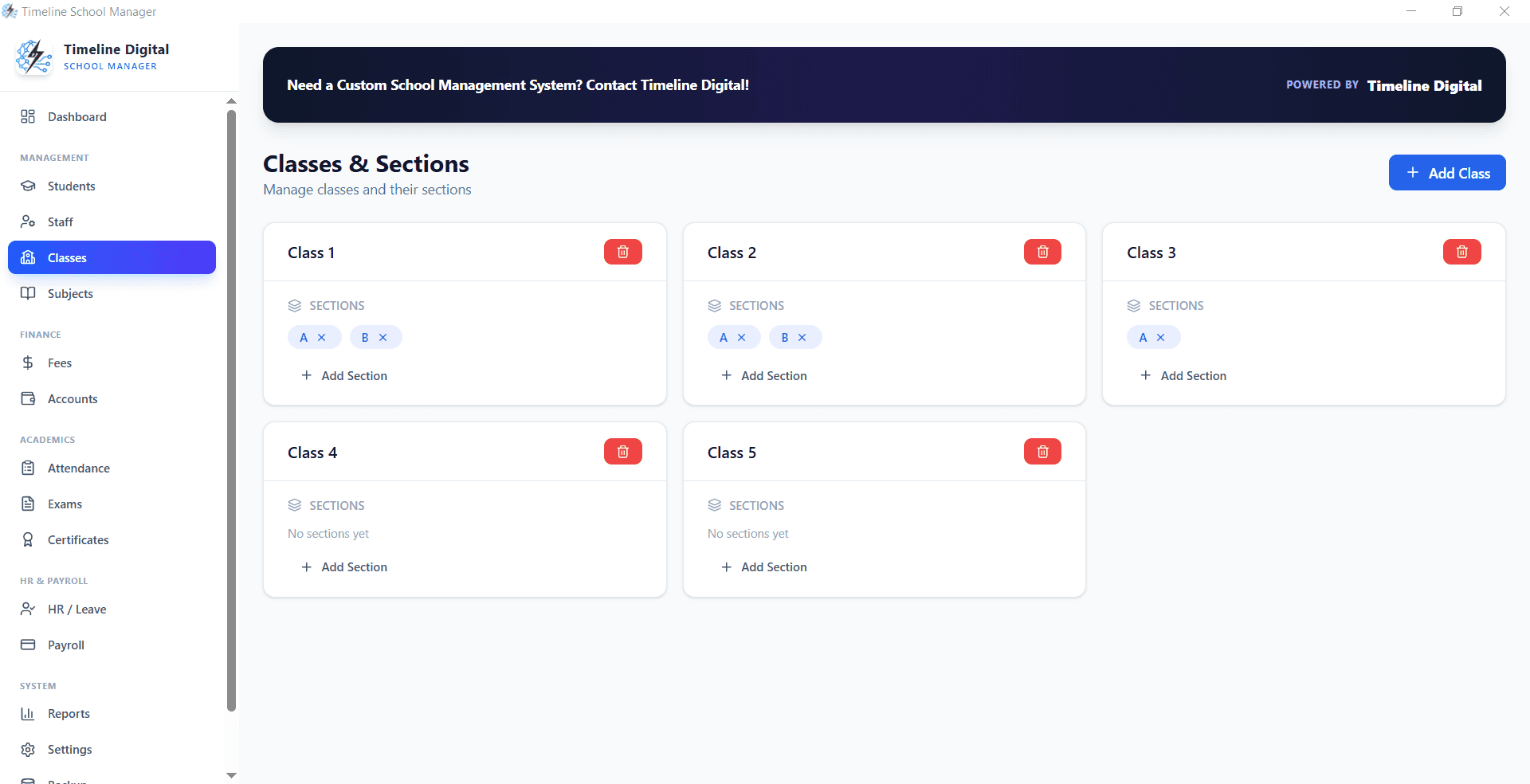
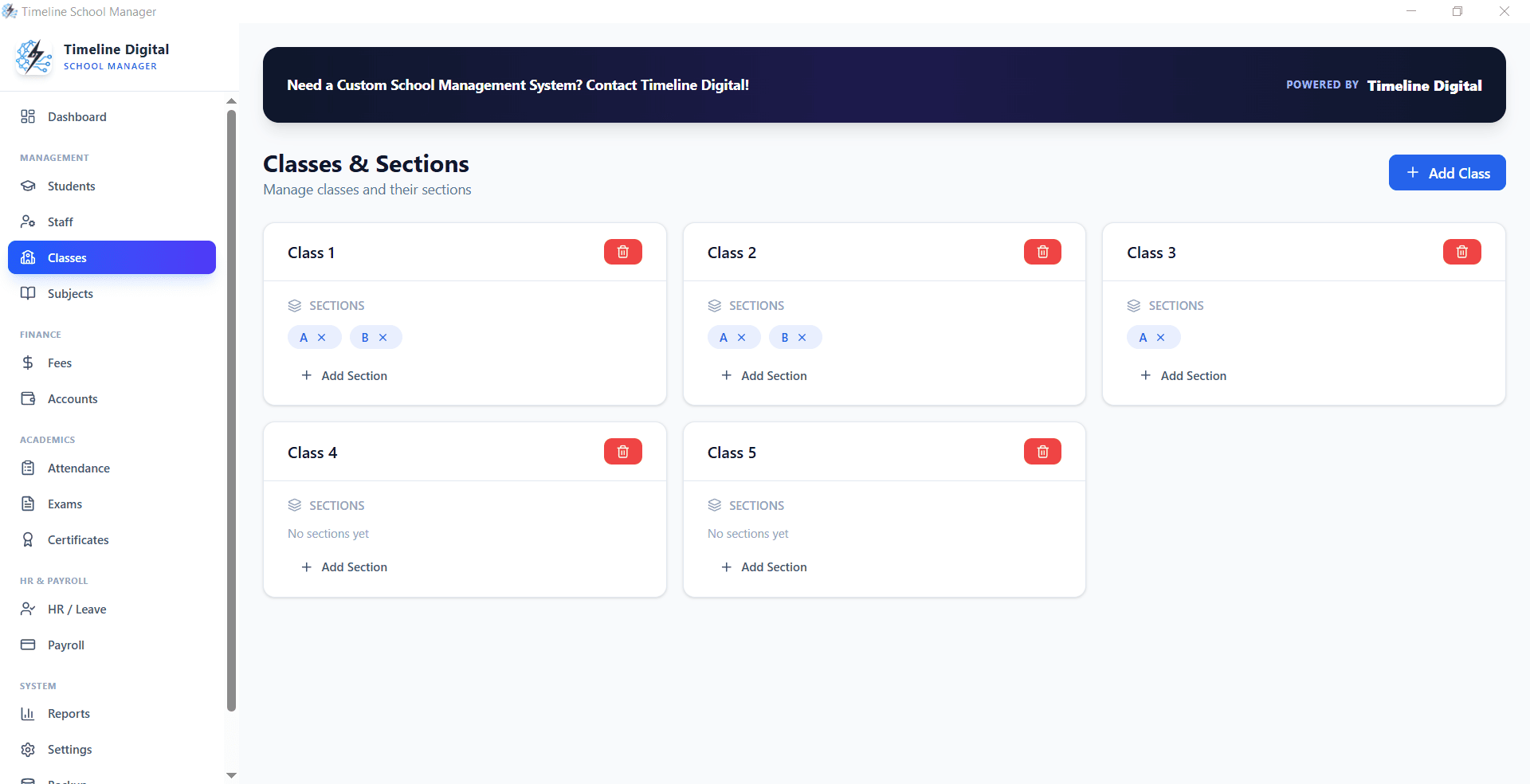
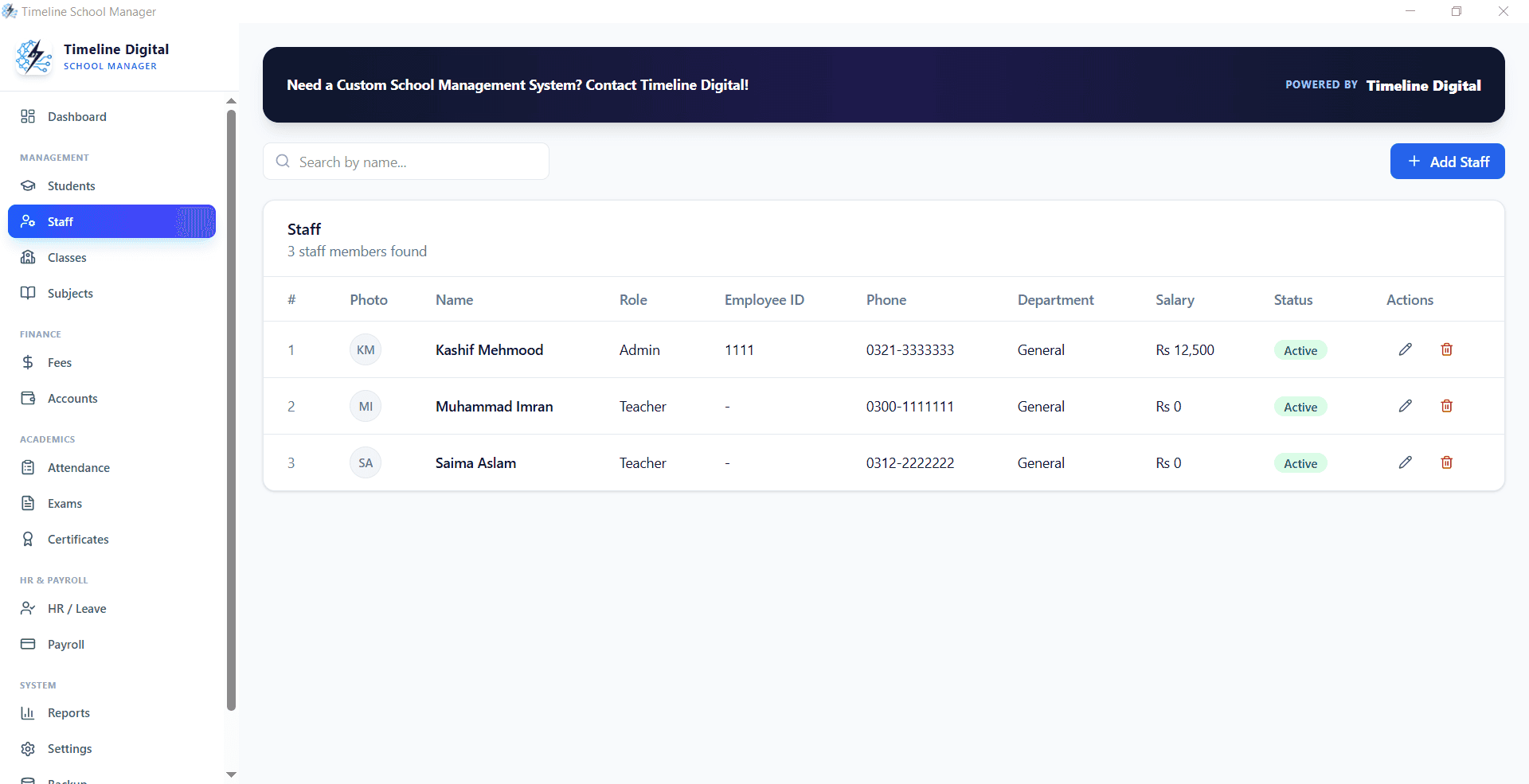
Class and section management in Timeline School Manager
In Timeline School Manager you define unlimited classes and sections, enroll students into them and assign subject teachers. The system keeps class-wise enrollment counts, so planning a new section or balancing class sizes starts from real numbers.
Recording student attendance
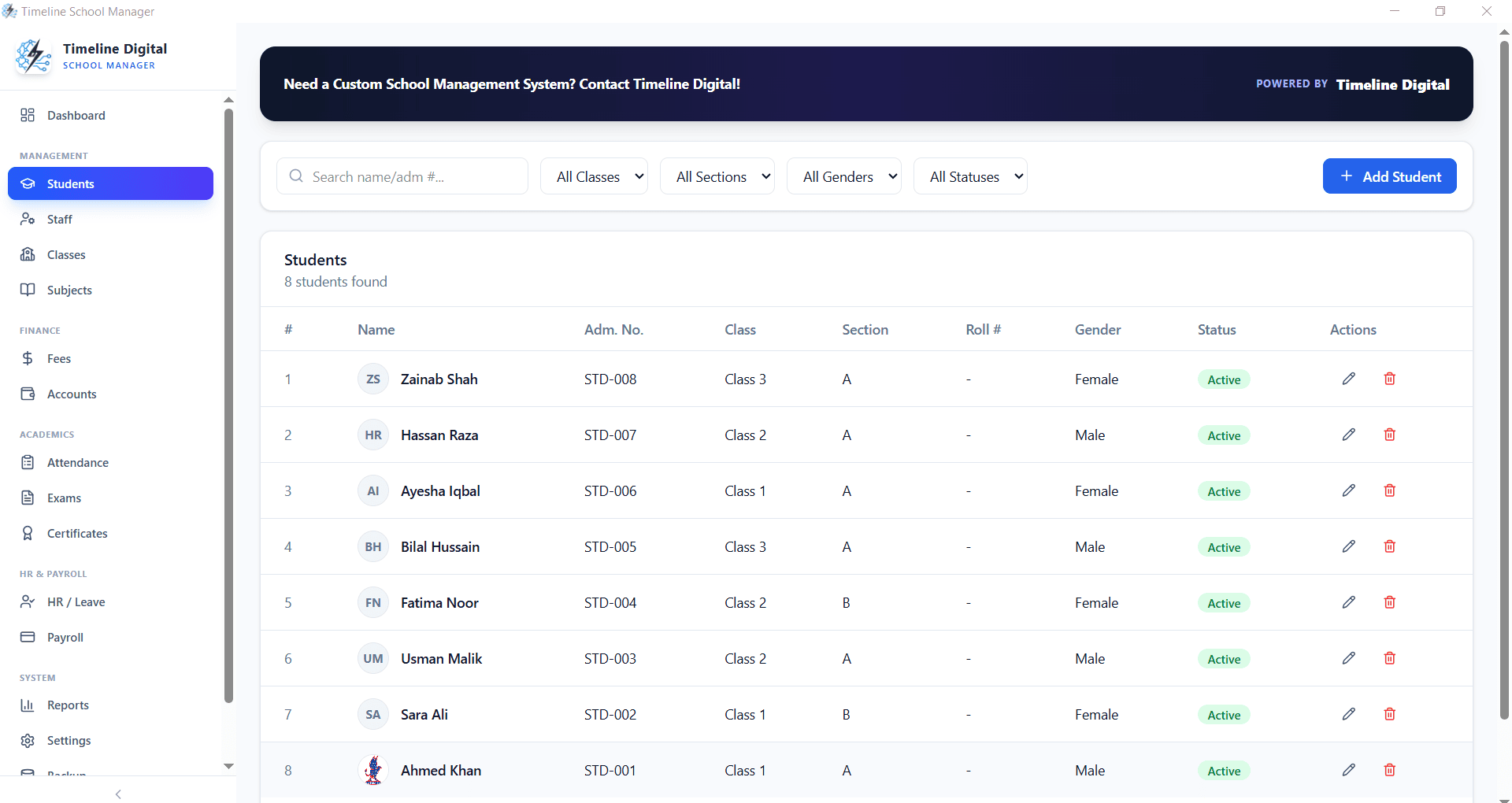
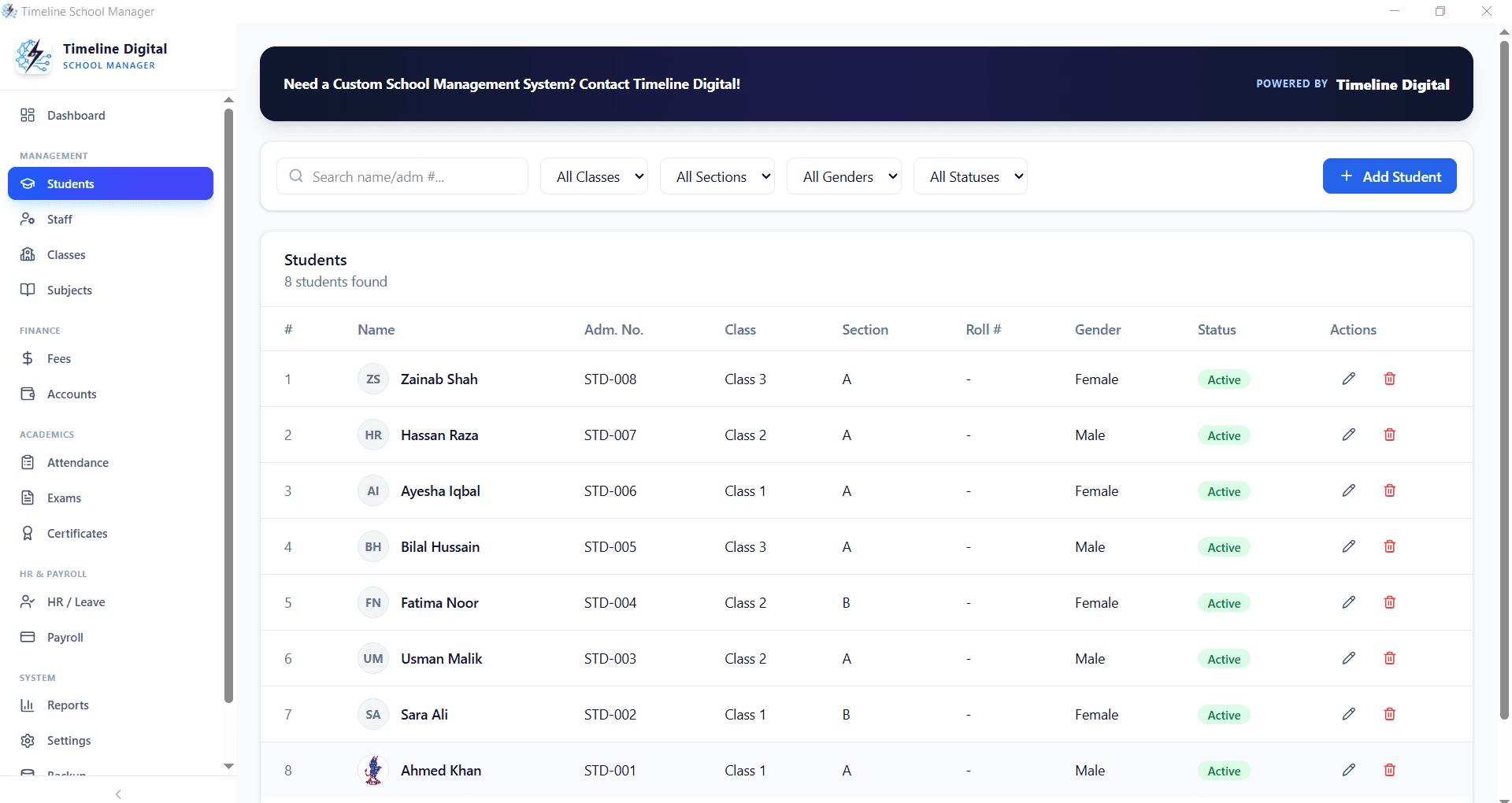
Student records used for attendance in Timeline School Manager
Attendance is marked per class for each school day. Because the class list comes from the enrollment records, a newly admitted student appears on the attendance list automatically, and a student who leaves drops off it.
Attendance reports for parents and management
The app prints attendance sheets directly, so the office can hand a class teacher or a parent a clean record instead of a photocopied register page. Management can review attendance class by class and spot sections with unusual absence patterns before they show up in results.
Subjects and timetables
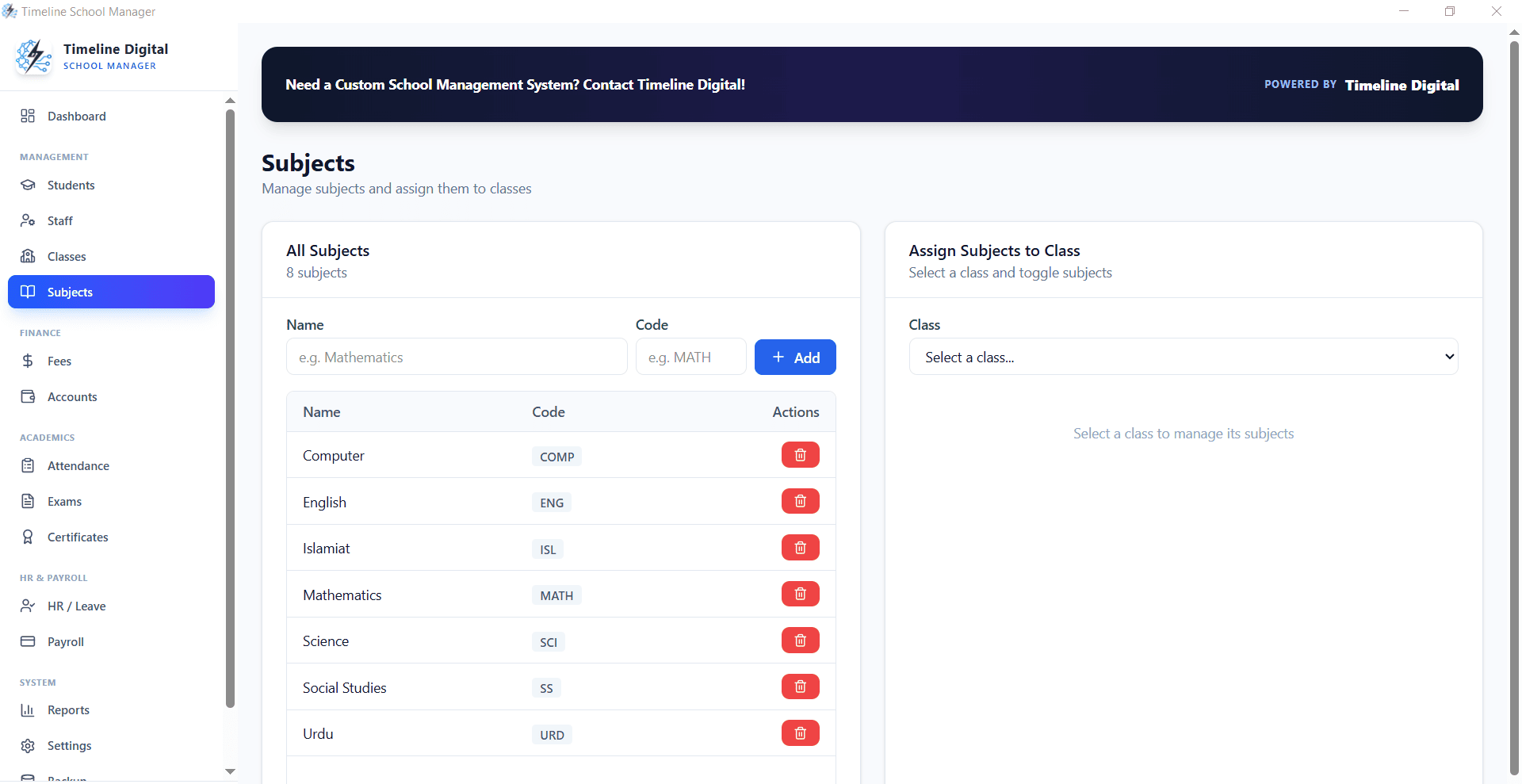
Subjects management in Timeline School Manager
Subjects are created per class, marked as compulsory or elective, and assigned to teachers. The same set-up drives timetables and exam schemes, so a change to a subject teacher is made once. For timetable building specifically, see our guide to free school scheduling and timetable software.
What the free version does not do
No SMS or app alerts to parents: absences are followed up by the school.
One Windows 10 or 11 PC per installation, with no live sync between computers or campuses.
No biometric or card-reader integration out of the box; that is a custom build.
Reducing administrative time
With paper registers, month-end attendance consolidation takes hours. With the data entered daily, the totals are already there, and the same records feed result cards and parent meetings.
It is software that records which students are present each school day, class by class, and keeps running totals for reports, promotion decisions and parent meetings. It replaces paper registers that have to be added up by hand at month end.
Is there free student attendance software for schools?
Yes. Timeline School Manager is a free offline Windows app that includes student attendance, classes and sections, subjects, fees, exams and staff payroll, with no subscription and no student limit.
Can the software send absence alerts to parents?
Not the free app. Timeline School Manager has no SMS, app or parent portal, so absences are followed up by the school. Automatic parent alerts are something Timeline Digital can add in a custom build.
Can attendance be shared between two campuses?
Not live. Each installation of the free app runs on one Windows PC with its own data, with no sync between computers or campuses. Schools that need shared, live data across sites need a cloud or custom system.
Does it work during power cuts or without internet?
It never needs the internet, because data is stored locally on the PC. During a power cut, keep the office computer on a UPS so attendance entry can continue.
Describe what is slowing your team down. We will help you work out what to build, and how a free pilot lets you judge our work before the full project.