Three Cycles That Define a School Year
Every school year runs on three major administrative cycles: admissions at the start of term, exams at mid and year-end, and results and reports that follow. Each cycle is labour-intensive without software. With a school management system, each is managed systematically.
Admissions Management
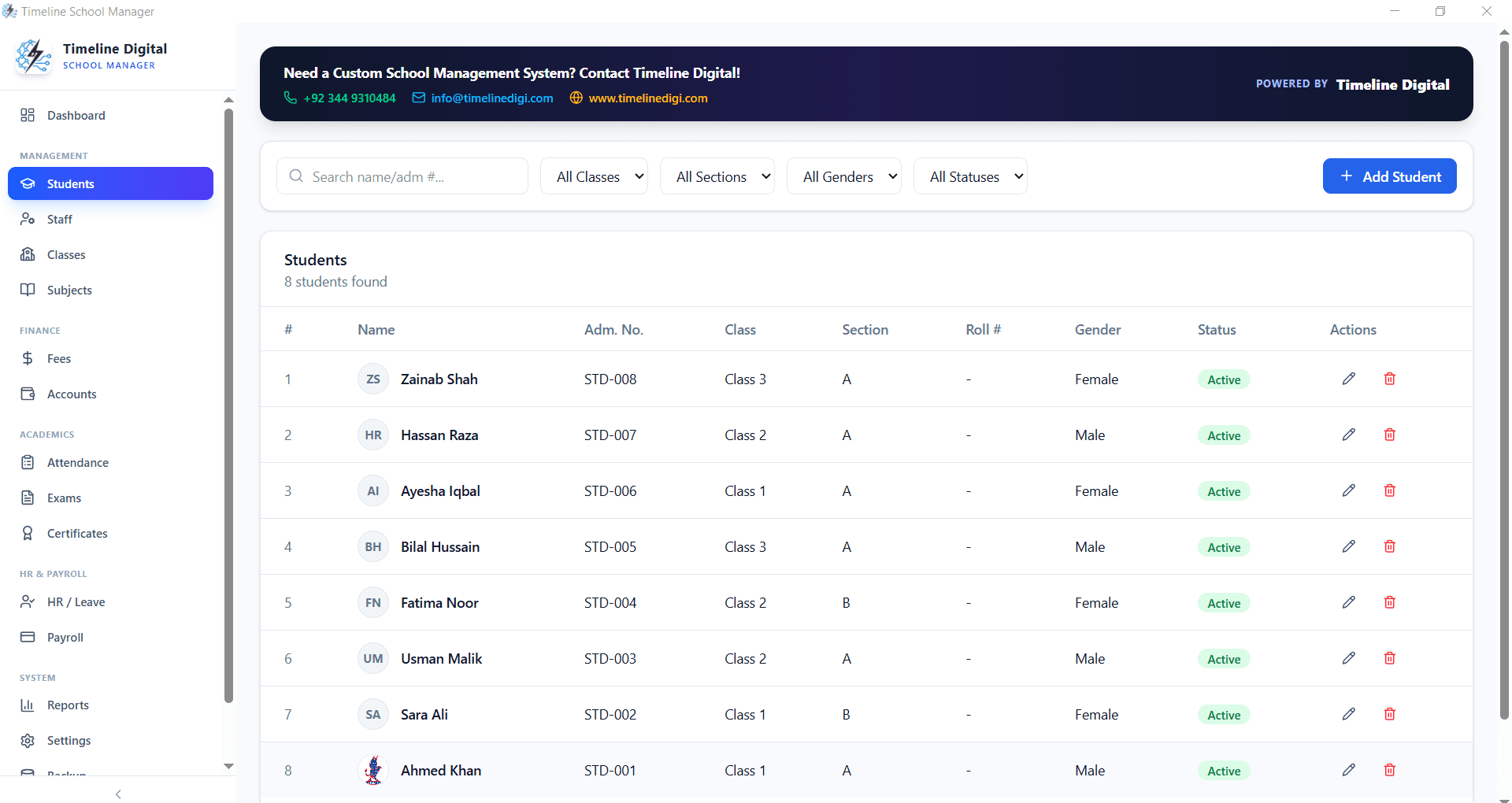
Student admissions in Timeline School Management Software begin with the student profile: personal details, parent or guardian contacts, previous school records, and class assignment.
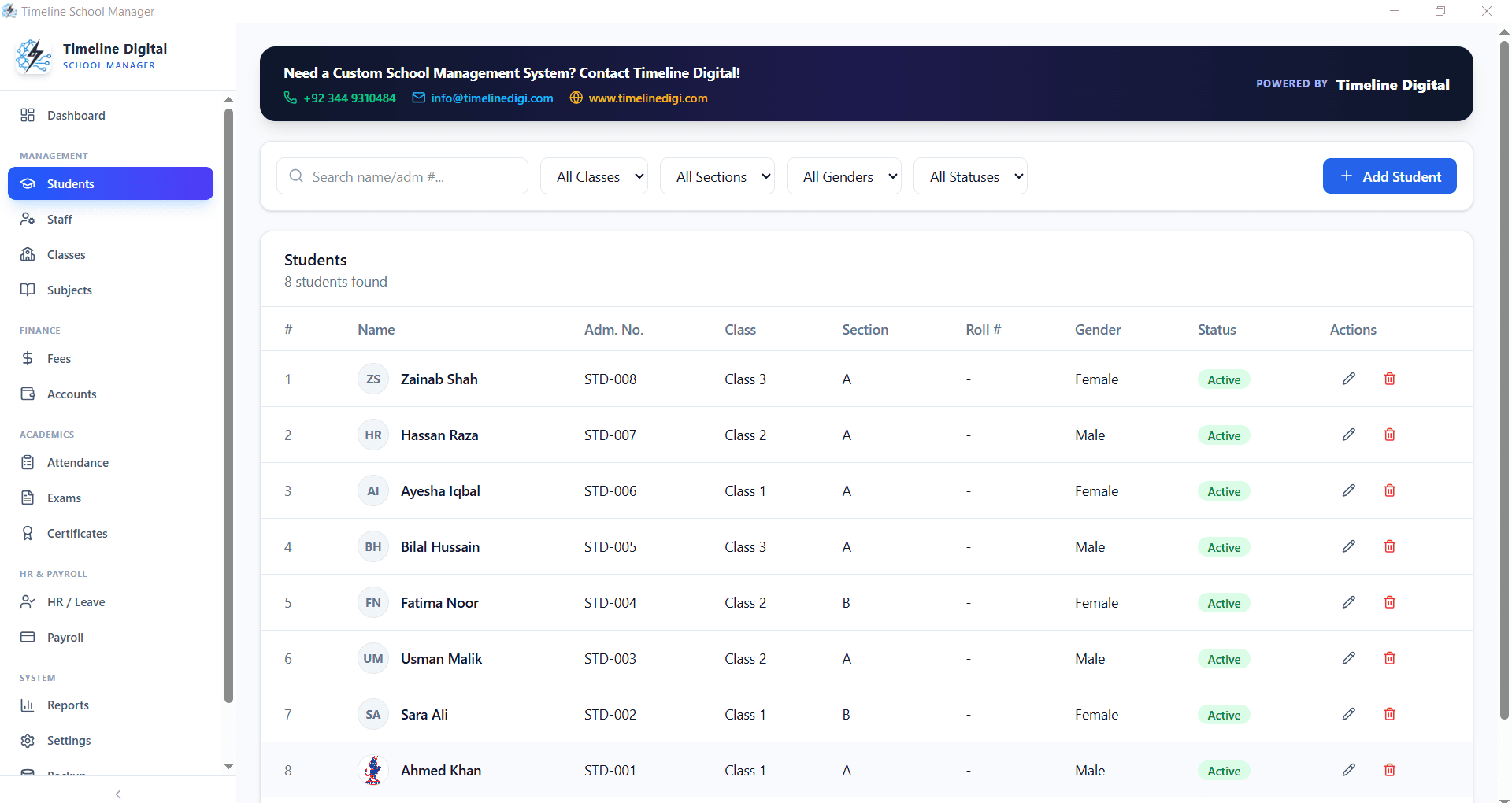
For schools with a formal admissions process, the system tracks application status, applied, interview scheduled, accepted, rejected, enrolled. This replaces the admissions register and makes class capacity management straightforward.
When a student is enrolled, they are automatically added to their class roster, fee schedule, and attendance tracking. No separate entry in multiple registers.
Exam Scheduling
Exams in the system are configured with the exam name (Mid-Term, Final, etc.), the date range, and the subjects being examined. For each subject, the system stores the total marks, pass marks, and weight in the final grade calculation.
This exam configuration is set once at the start of the academic year and reused for each exam cycle.
Mark Entry and Result Calculation
After exams, subject teachers enter marks through the system. Timeline School Management Software calculates total marks, percentage, grade, and position automatically.
For weighted grading systems (where mid-term is 30% and final is 70%, for example), the weight is applied automatically based on the exam configuration.
Result Reports and Progress Cards
The result module generates formatted progress cards for each student: subject-by-subject marks, total percentage, grade, class position, and teacher remarks.
These are printed and distributed to parents at the end of each exam cycle. The generation of 400 progress cards, which would take a full day manually, takes under an hour with the system.
School Management Reports
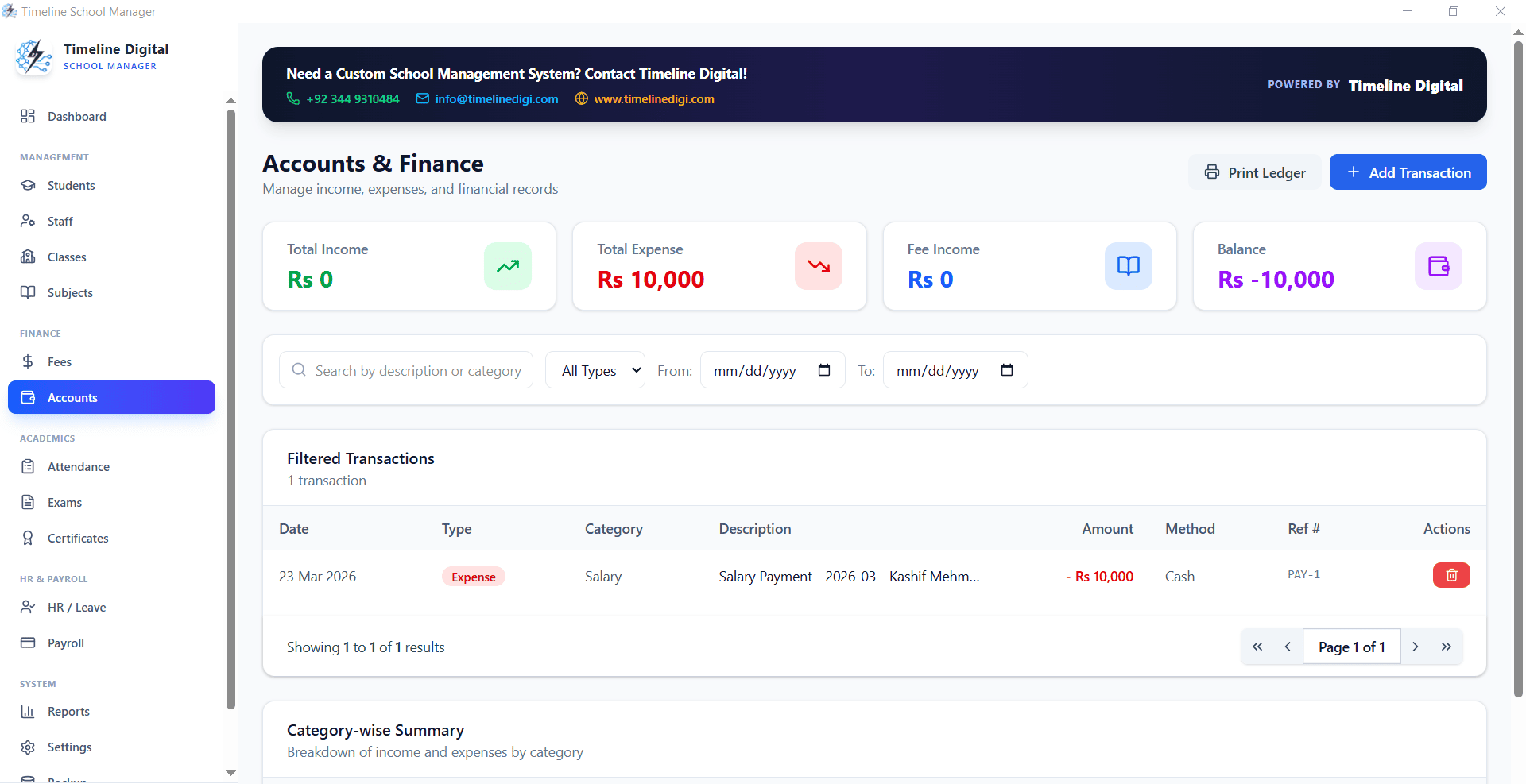
Beyond student results, the Reports module generates school-level analytics: class-wise pass percentages, subject-wise performance trends, and year-on-year enrollment comparisons.
These reports give school leadership the data they need for academic planning and resource allocation.
The Full Picture in One System
When admissions, attendance, fees, exams, and staff records all live in the same system, the connections between them become visible. A student with poor attendance correlates with fee defaults. A class with a high failure rate correlates with a subject with low attendance.
These insights are invisible when data is scattered across registers and spreadsheets.
Download Timeline School Management Software Free, Full System
Related: School Management System · Free Offline School Management Software for Windows 10