Built for grocery and convenience · Free Windows download
Free POS for Grocery Stores, Supermarkets and Convenience Stores
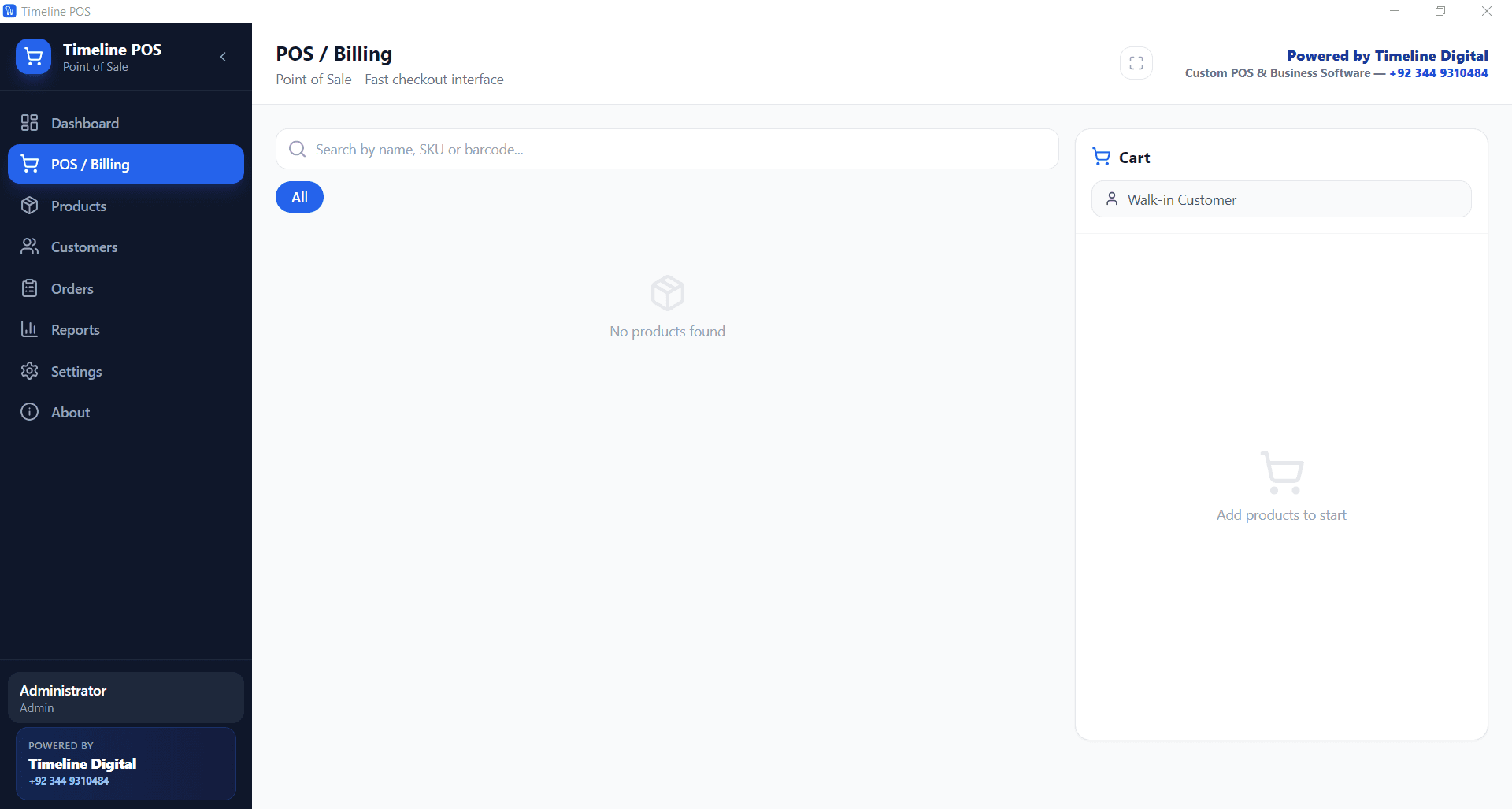
Yes, there is free POS software for grocery stores. Timeline POS is a free Windows program for grocery stores, supermarkets, and convenience stores: barcode billing at the counter, unlimited SKUs by aisle, weighed and packaged items, low-stock alerts, and full offline running. It costs $0 a month and takes no cut of your card sales.
In 60 seconds
What is the best free POS software for a grocery store?
For zero software cost, the answer is Timeline POS, a free point of sale software for grocery store, supermarket, and convenience store counters. It gives you barcode billing, unlimited SKUs grouped by aisle, weighed and packaged items, live stock with low-stock alerts, and full offline running. It is $0 a month and takes no cut of your card sales.
This page covers the grocery setup of Timeline POS, a free desktop app from Timeline Digital. The grocery store POS software free download is the same setup file every retail shop uses: install it once, add your aisles as categories, and start scanning. That makes it a genuinely free POS software for grocery store owners who do not want a monthly bill.
Most free POS apps hide the cost in a 2.3 to 2.9 percent card cut. Timeline keeps grocery POS software free by taking no percentage at all: you bring your own reader. We list the catch behind each rival in our free POS software comparison.
Can a free POS handle hundreds of grocery SKUs?
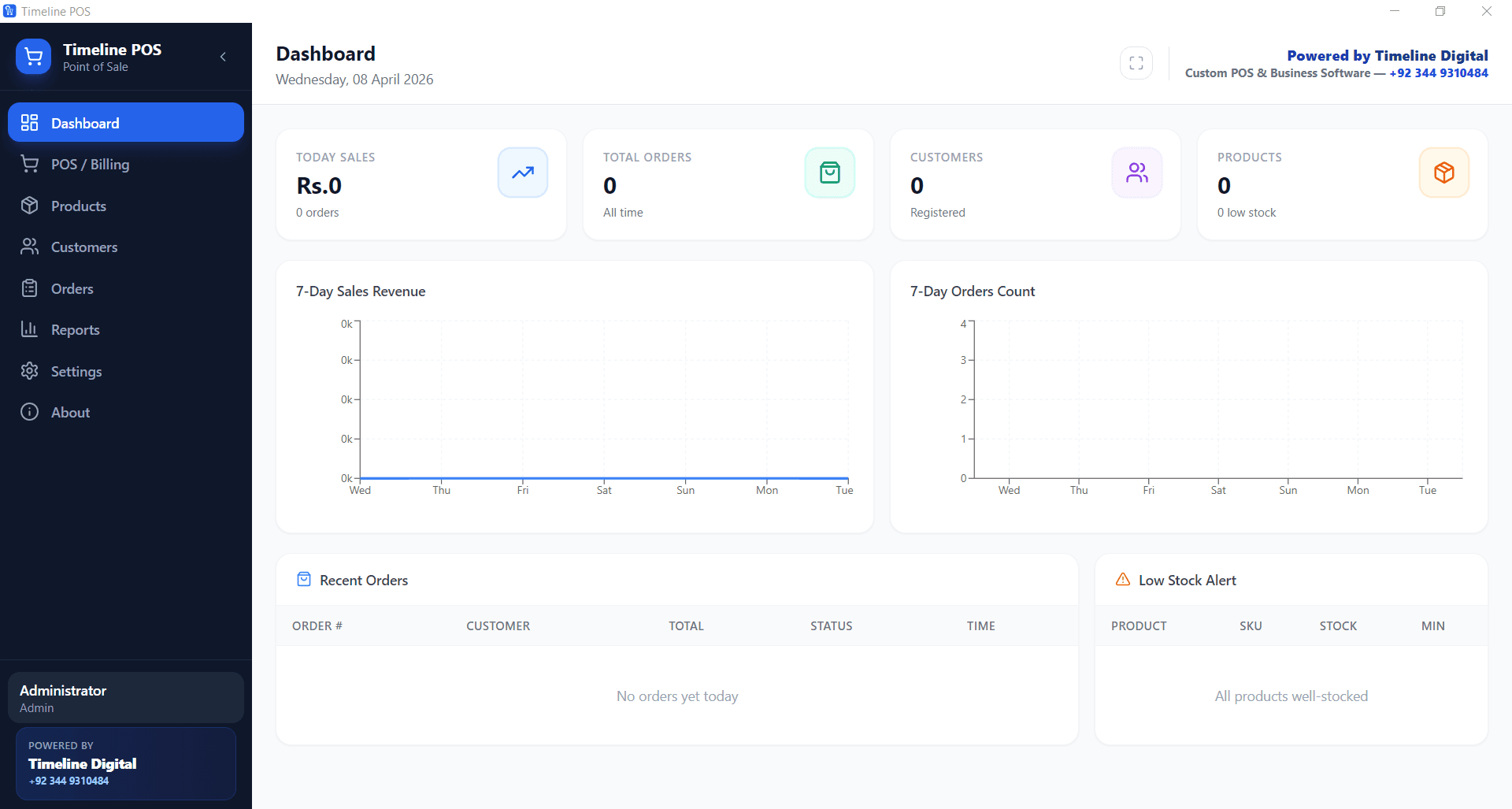
Yes. This free POS system for grocery store counters puts no limit on products or categories. Set up departments that match your aisles, add each packaged and weighed item as its own SKU with its own barcode and stock count, and the counter search stays instant even with thousands of lines.
- Make categories that match your aisles: Produce, Dairy, Bakery, Drinks, Snacks, Household, Frozen.
- Add every packaged item as its own product with its own barcode, cost price, selling price, and stock count.
- For loose produce sold by weight, create a per-kilo or per-pound product and type the quantity at checkout.
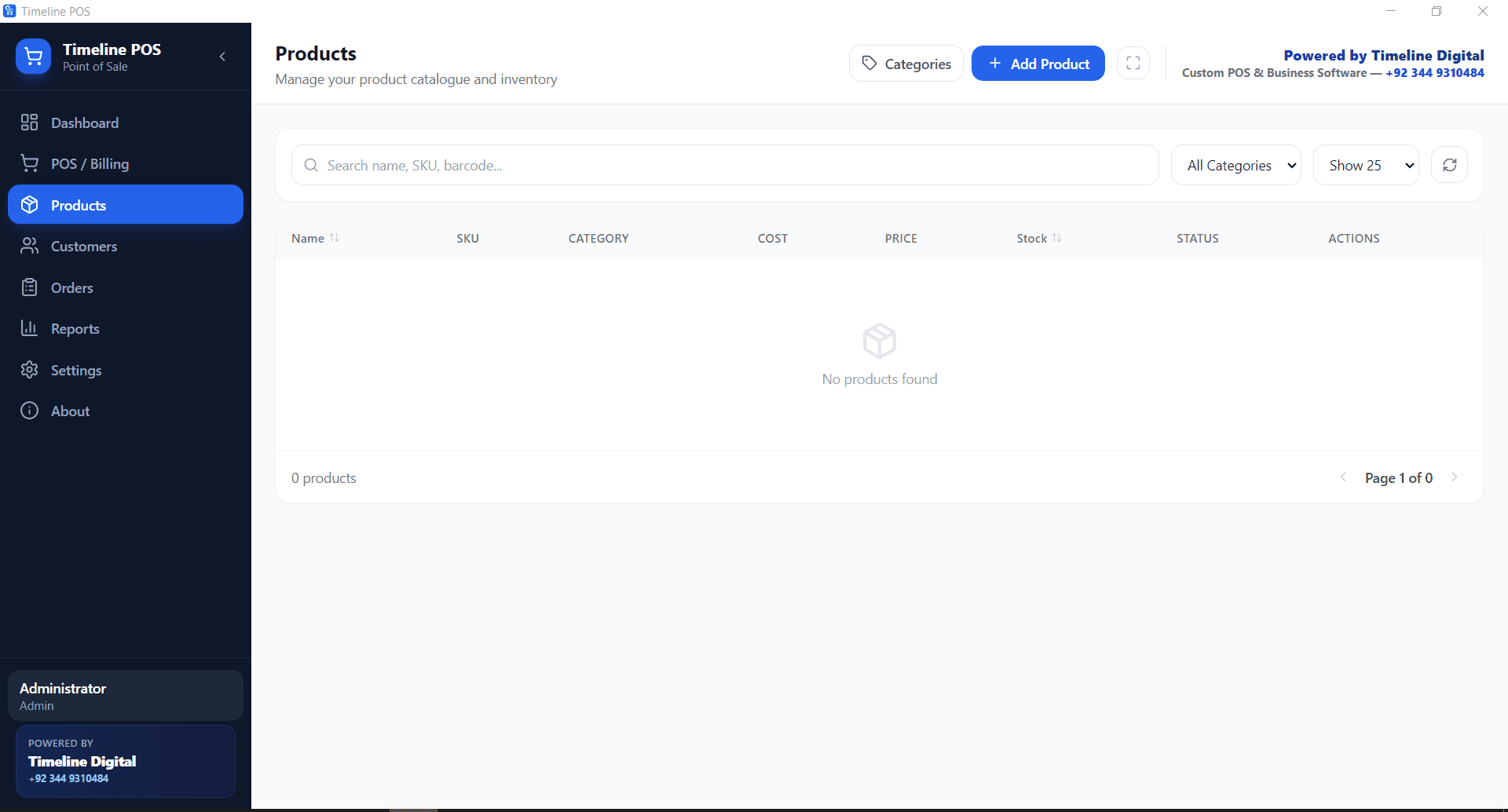
- Set a low-stock alert level on each fast mover so milk, bread, and eggs flag before they run out.
- Search by name or SKU for items with torn or missing barcodes. Type three letters and pick from the list.
- Save regular shoppers as customers to keep their history. Walk-ins ring through with no extra taps.
- Set your sales tax rate once in Settings and every receipt applies it automatically.
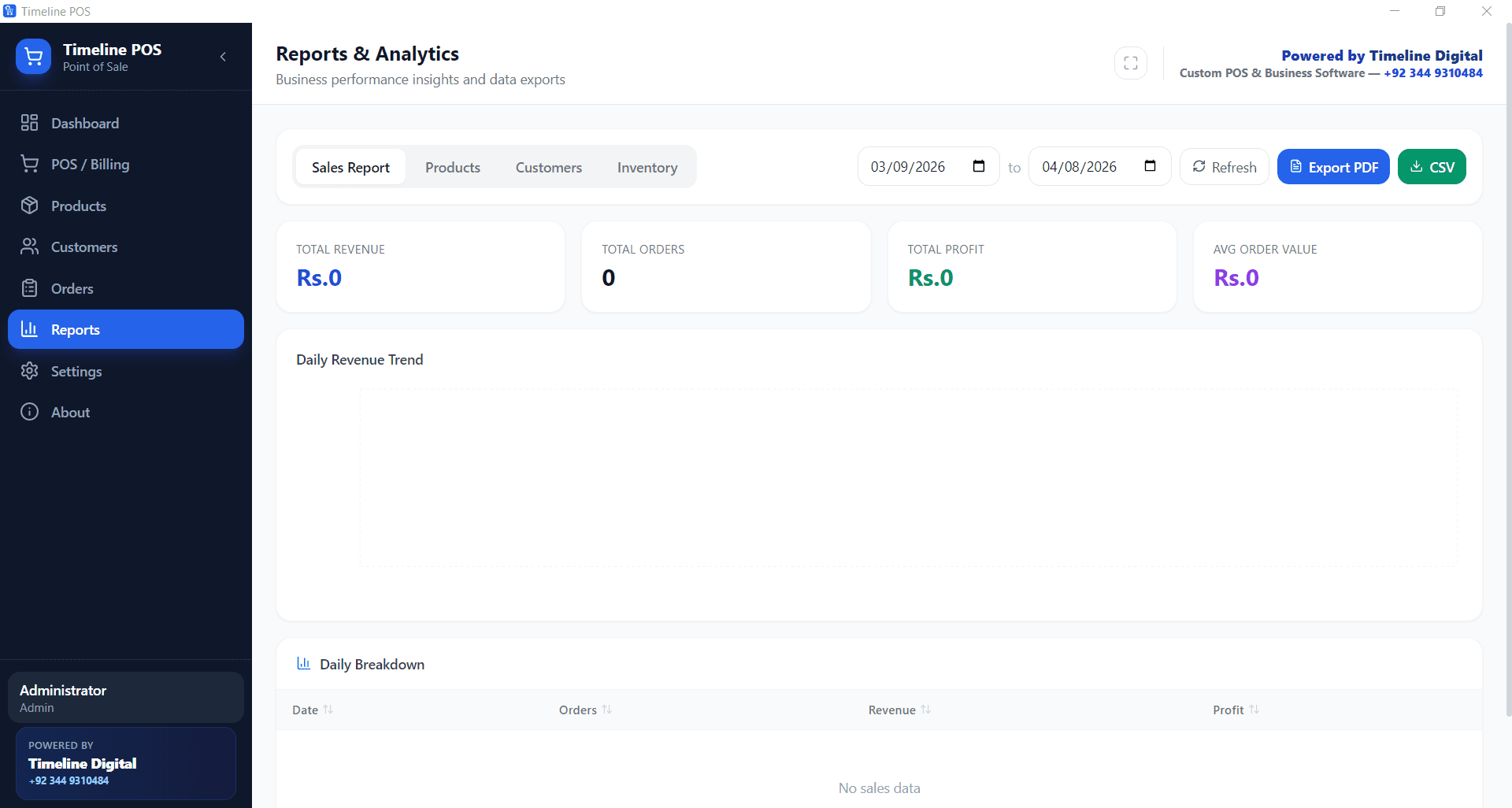
- At close, export the day to PDF or CSV for your accountant or to build your weekly reorder list.
How do I bill weighed items and packaged goods?
Packaged goods carry a barcode you scan. Loose items sold by weight, like fruit, vegetables, or bulk grains, get their own per-kilo or per-pound product, and your cashier types the weight or quantity at the till. Both kinds of item live in the same catalog, so one basket can mix a scanned tin and weighed apples with no extra steps.
Set the selling price per unit of weight once. At checkout, read the weight off your bench scale, enter it as the quantity, and the line total is worked out for you. There is no separate scale integration to buy, which keeps the setup simple for a small shop while still ringing produce accurately.
Packaged staples work the barcode way. A 1kg bag of sugar, a six-pack of soda, and a single can each get their own product, barcode, cost, and price, so stock counts and margins stay correct per line. Fast movers get a low-stock level so the dashboard warns you before the shelf empties.
Does the checkout keep working when the internet drops?
Yes. Timeline POS runs entirely on the computer at your counter, with all data stored locally. Sales, product search, and receipts keep working with no connection at all. Grocery and convenience shops get their heaviest traffic in the evening, which is when home and shop connections fail most, so the register cannot depend on wifi.
Open. Yesterday sits on the dashboard: sales total, order count, low-stock flags for milk and bread.
Lunch run for drinks and snacks. Scan, total, cash or card on your own reader, next customer.
After-work rush, line of ten. Each barcode rings in about a second, so the queue keeps moving.
Broadband drops. Nobody at the till notices. The POS runs on the local PC and every sale keeps recording.
Close. Pull the daily report, note the low-stock staples to reorder, lock up.
Because it is a convenience store POS that is Windows based and offline first, it installs on the PC or laptop you already own. See how it runs on any machine in our guide to free POS software for Windows.
Timeline POS vs a typical paid grocery store POS
A paid grocery store POS usually stacks a software fee, a card cut, and a hardware contract. Here is the same list at $0.
| What you pay for | Timeline POS | Typical paid POS |
|---|---|---|
| Software fee | $0 forever | $29 to $199 per month |
| Card transaction cut | None, bring your own reader | 2.3% to 2.9% plus fixed fees |
| Contract | None | 1 to 3 years typical |
| Hardware | Any Windows 10+ computer | $199 to $1,500+ bundles |
| Product / SKU limits | Unlimited | Often capped on entry plans |
| Works offline | Yes, fully | Usually needs internet |
| Your sales data | Local, on your machine | Vendor cloud |
The button on this page is the full app, not a trial or a limited demo. Whether you download free POS software for supermarket use or a two-till mini-mart, it is the same complete version, so there is no separate paid unlock to buy later. Paid POS ranges are the published figures from our free POS software comparison. For a single-till shop, our offline POS download guide for PC walks through install. Growing past one counter into stock, purchasing, and multi-branch reporting? See our retail management software.
Grocery and convenience store questions
Is there free POS software for a grocery store?
Yes. Timeline POS is free to download and free to run, with no monthly charge, no SKU limit, and no trial that expires. It installs on any Windows 10 or newer computer and works for a corner shop or a full supermarket. Timeline Digital builds it as a free download and earns from custom software work instead, so the grocery version costs nothing and takes no percentage of your card sales. You keep every rupee, dollar, or pound you ring up.
Can I download free POS software for a supermarket?
Yes. The same download runs a small grocery or a large supermarket, because there is no cap on products, categories, or daily sales. Set up departments that match your aisles, add every packaged and weighed item as its own SKU, and the counter search stays fast even with thousands of lines. Get the setup file from the download button on this page or our free POS software page, install it once, and your supermarket is ready to bill by barcode the same afternoon.
Does the convenience store POS work offline on Windows?
Yes. Timeline POS is a Windows desktop app that runs fully offline. It stores your products, prices, stock counts, sales, and customer records on the convenience store computer itself, so it needs no internet to sell, search, or print a receipt. If your broadband drops during a busy evening, the register keeps working exactly as before. Nothing syncs to an outside cloud, which also keeps your sales figures private. Any Windows 10 or newer PC or laptop at the counter is enough to run it.
How do I bill groceries by barcode with free POS software?
Plug a standard USB barcode scanner into the computer. At checkout, scan the product barcode and it drops into the cart at the right price in about a second. For loose produce or items with a torn label, type three letters of the name or the SKU and pick from the list. Keep scanning until the basket is complete, take cash or run the card on your own reader, and print or skip the receipt. Every sale lowers the stock count automatically, so your inventory stays correct after each order.
Is the grocery POS software really free with no monthly fee?
Yes, it is genuinely free with no monthly fee. There is no subscription, no per-terminal charge, and no fee taken from your sales, because Timeline POS does not process card payments itself. You bring your own card reader or bank terminal and keep the rate your bank already gives you. The only optional cost is if you later ask Timeline Digital to add a custom module or connect another system, which is quoted separately. The grocery POS itself stays free to download and use for as long as you like.
Can the POS track grocery stock and low-stock alerts?
Yes. Every product carries a live stock count that drops with each sale and rises when you record new deliveries. Set a low-stock level per item, for example ten units on a fast-selling drink, and the dashboard flags it before the shelf runs empty. You can see current stock, cost price, and selling price on any product, and export the list to PDF or CSV to build your reorder for the week. This keeps staples in stock and stops slow movers from tying up cash on the shelf.
Does it work for a small convenience store or mini-mart?
Yes. A small convenience store or mini-mart is a good fit, because you can run the whole shop from one Windows computer with a scanner and a receipt printer. There is no minimum size and no setup fee. Add your cigarettes, drinks, snacks, and top-up items as categories, scan at the counter, and check the day total on the dashboard at close. Because it runs offline, a single-till mini-mart never depends on the internet to make a sale, and the low-stock flags help a small owner reorder without guessing.
Free download
Stock the aisles, scan the barcodes, pay $0 for the POS.
Free Windows POS, set up for a grocery store or mini-mart in an afternoon.