Built for liquor stores · Free Windows download
Free POS for liquor stores. Built for barcode speed.
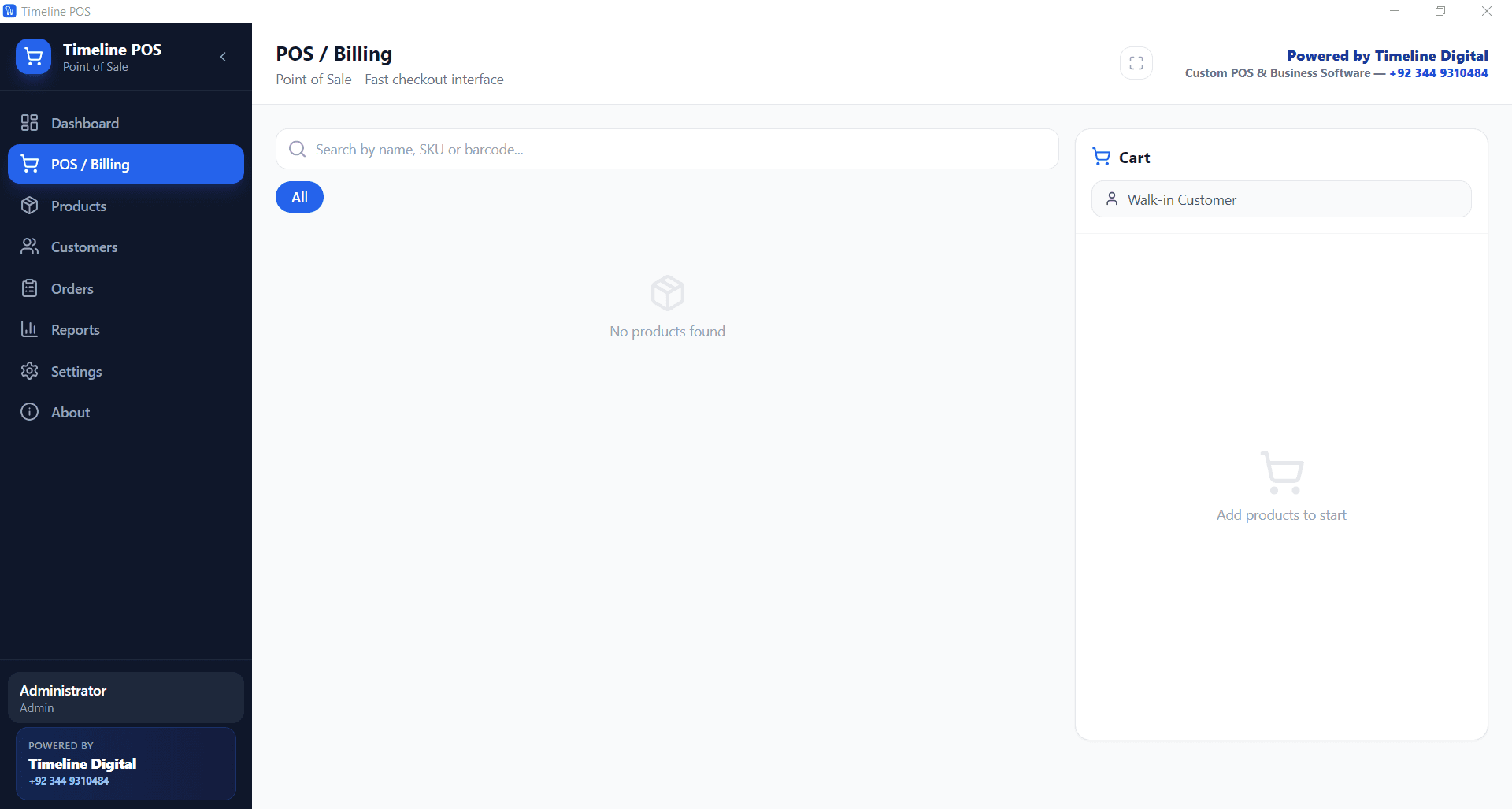
Free POS software for liquor stores with barcode-first checkout, bottle and case inventory, low stock alerts, and offline reliability through late closing hours. $0 a month, no cut of your card sales.
In 60 seconds
What is the best free POS software for a liquor store?
For zero software cost, the answer is Timeline POS, a free Windows POS that fits liquor stores: barcode search at checkout, unlimited SKUs for bottles, six packs, and cases, low stock alerts, and offline operation for late hours. It costs $0 a month, takes no cut of card sales, and caps nothing.
This page covers the liquor store setup of Timeline POS, a free desktop app from Timeline Digital. Download it once, add your shelves as categories, and start scanning.
Most free POS apps hide the cost in a 2.3 to 2.9 percent card cut. We publish the catch behind each one in our free POS software comparison.
Can a free POS track bottles, six packs, and cases?
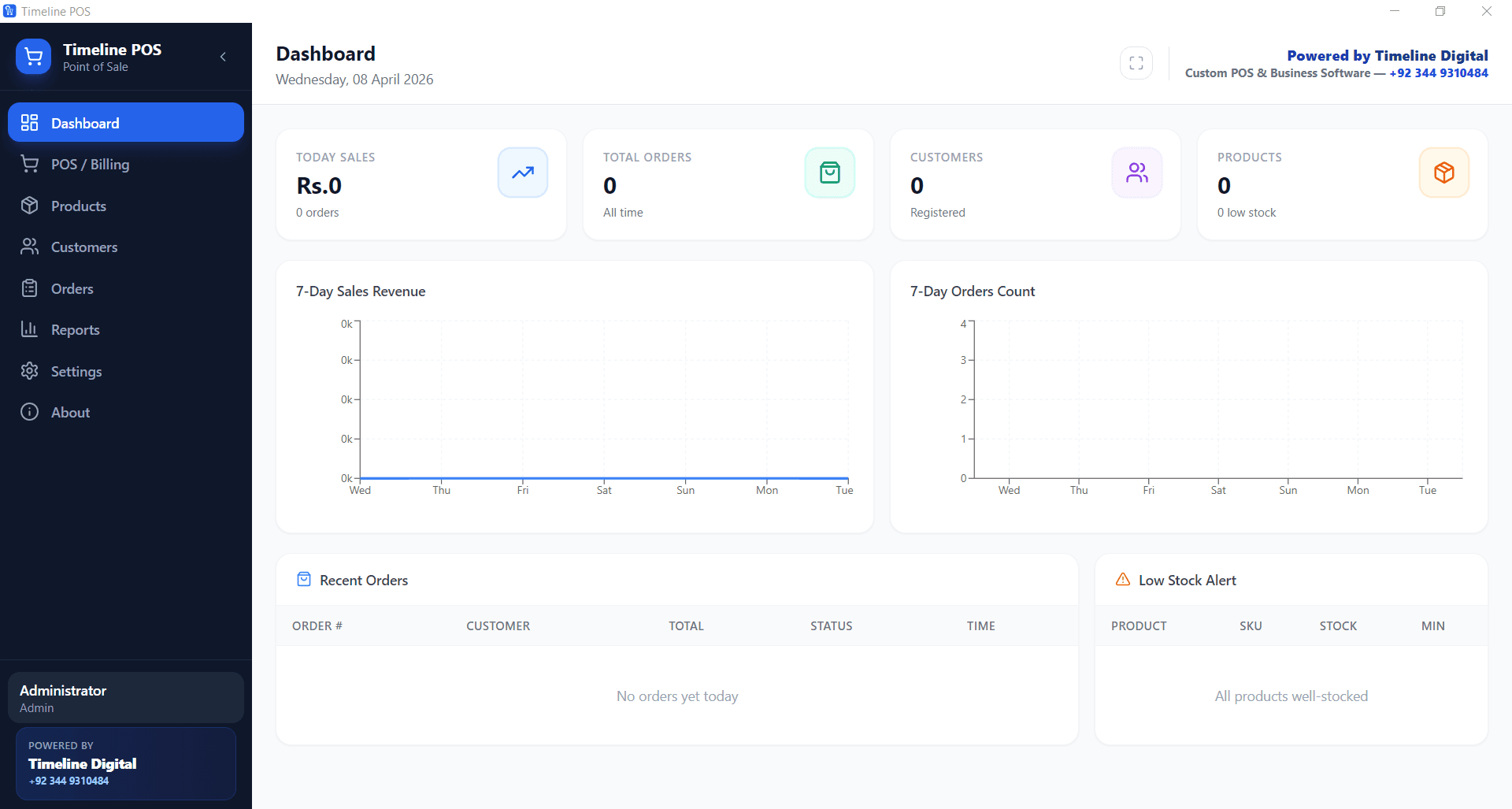
Yes. In Timeline POS every pack size is its own product with its own barcode, cost price, selling price, and stock count. A 750ml bottle, a six pack, and a full case sit as three SKUs. Scanning the right barcode rings the right price, and stock counts stay separate and accurate.
- Make categories that match your shelves: Whiskey, Vodka, Wine, Beer, Mixers, Snacks.
- Add each pack size as its own product. A single bottle, a six pack, and a case each get their own barcode, price, and stock count.
- Enter cost price and selling price on every SKU so reports show real margin, not just revenue.
- Set a low stock alert level per product. Fast movers flag on the dashboard before the shelf goes empty.
- Use name or SKU search for items with torn or missing barcodes. Type three letters and pick from the list.
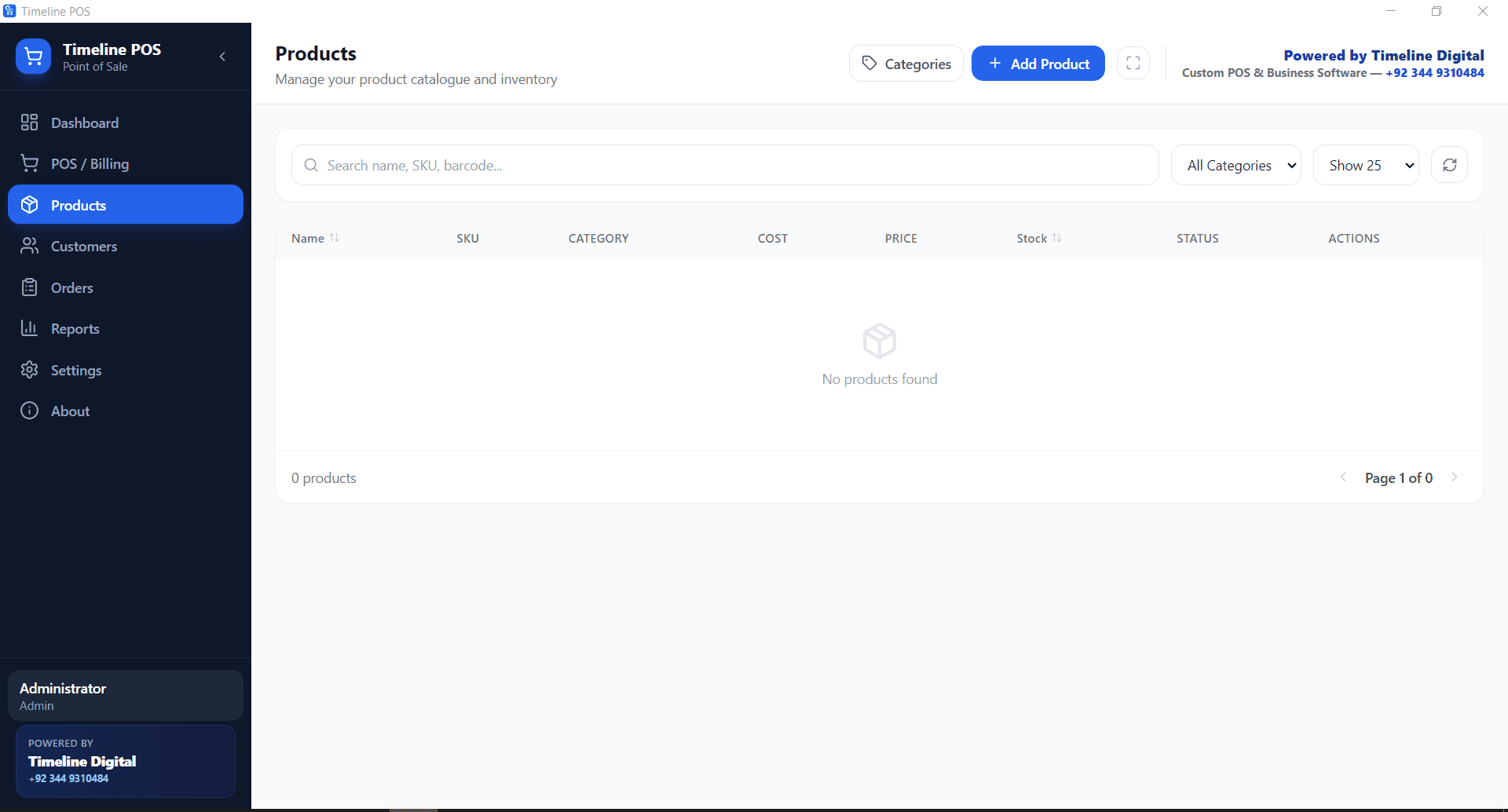
- Save regulars as customers to keep their order history. Walk-ins ring through with no extra taps.
- Set your sales tax rate once in Settings and every sale applies it automatically.
- At close, export the day to PDF or CSV for your accountant.
How do age checks work with a POS like this?
Timeline POS does not include an ID scanner or an age verification prompt. The ID check stays a manual step for your cashier, as your state license requires. What the POS adds is time: a two second barcode scan keeps the line moving, so staff can card every customer who looks under your policy age.
One setting supports the routine. The receipt footer message in Settings can carry your store policy, for example “We ID everyone under 40”, printed on every receipt. Pair it with a counter sign and a hard rule that no sale completes before the check.
Customer records also stay on your own machine. If you save regulars and their order history, that data never leaves the counter PC, which matters in a category where customers value privacy.
What happens at 11pm when the internet drops?
Nothing changes. Timeline POS runs entirely on the computer at your counter, with all data stored locally. Sales, product search, and receipts keep working with no connection at all. Late evenings are when liquor stores are busiest and when connections fail most, so the register cannot depend on wifi.
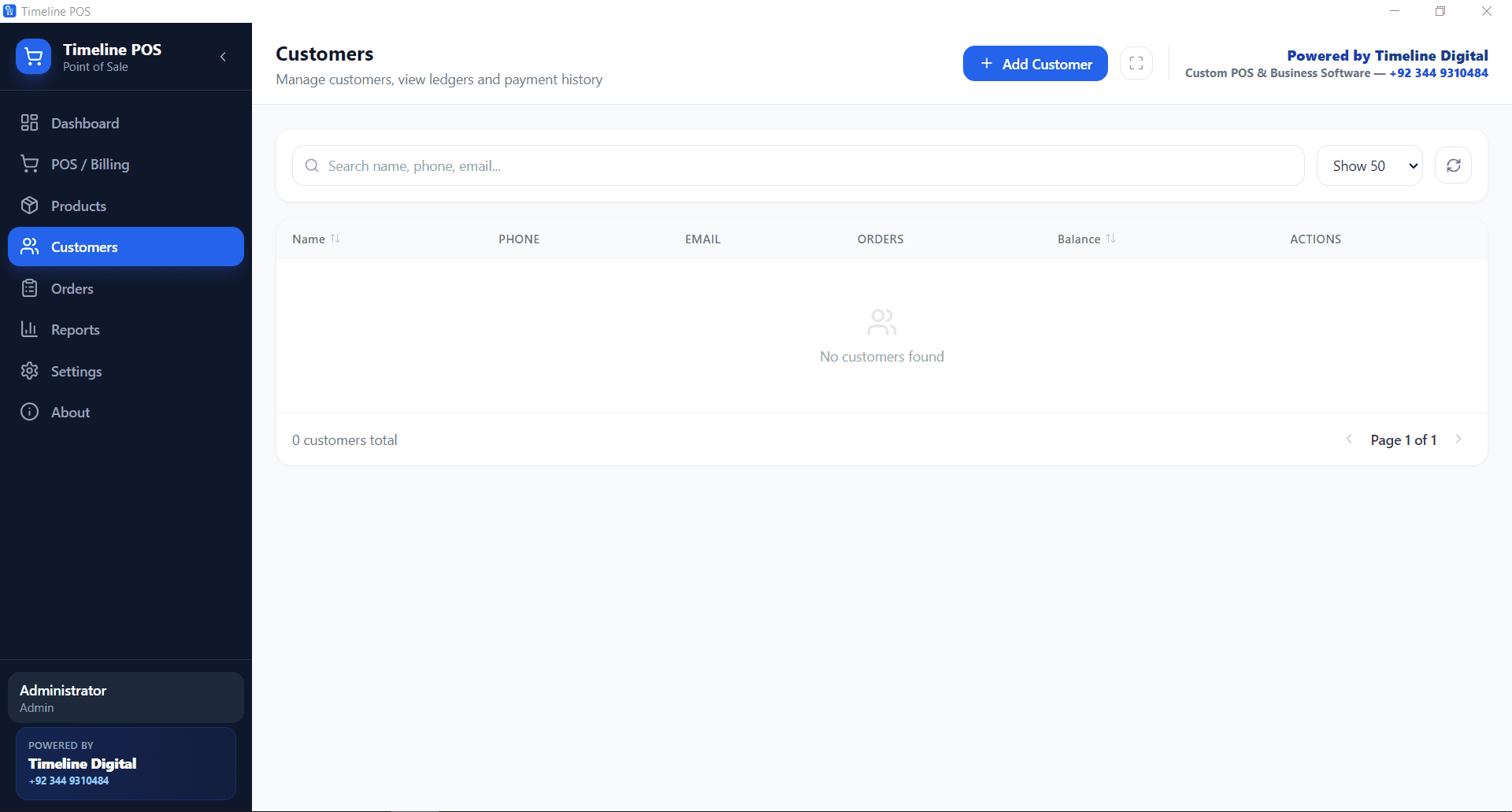
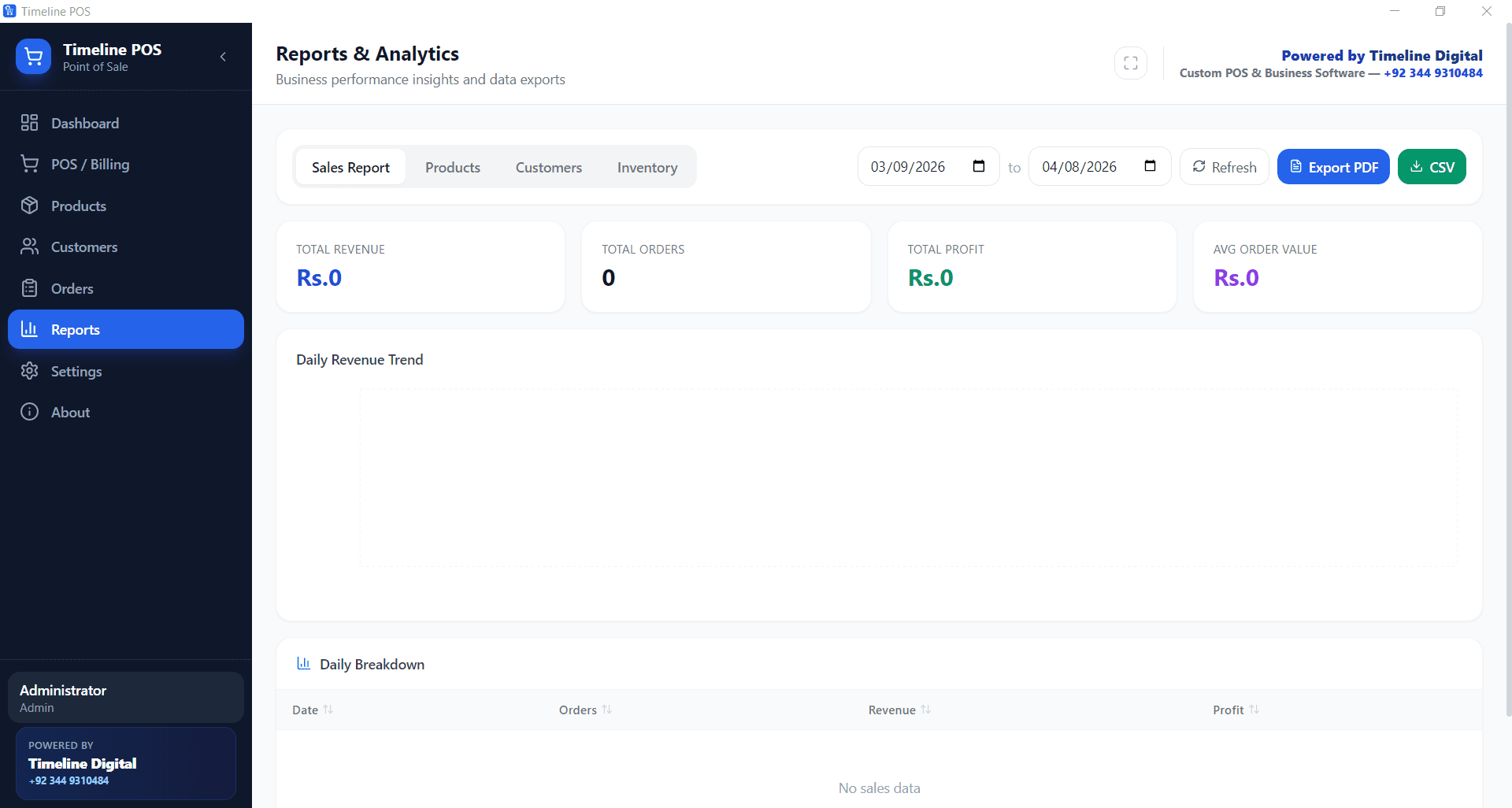
Open. Yesterday sits on the dashboard: sales total, order count, low stock flags.
After-work rush. Scan the bottle, total, cash or card on your own reader. Next customer.
Friday peak, line of eight. Each scan rings in seconds, IDs checked at the counter.
Router drops. Nobody notices. The POS runs on the local machine and every sale keeps recording.
Close. Pull the daily report, note the fast movers to reorder, lock up.
Timeline POS vs a typical paid liquor store POS
A paid liquor store POS system usually stacks a software fee, a card cut, and a hardware contract. Here is the same list at $0.
| What you pay for | Timeline POS | Typical paid POS |
|---|---|---|
| Software fee | $0 forever | $29 to $199 per month |
| Card transaction cut | None, bring your own reader | 2.3% to 2.9% plus fixed fees |
| Contract | None | 1 to 3 years typical |
| Hardware | Any Windows 10+ computer | $199 to $1,500+ bundles |
| SKU limits | Unlimited products | Often capped on entry plans |
| Works offline | Yes, fully | Usually needs internet |
| Your sales data | Local, on your machine | Vendor cloud |
Paid POS ranges are the published figures from our free POS software comparison. Weighing paid options anyway? Start with the cheapest POS systems for small business or the full best POS systems 2026 guide.
Liquor store questions
Is this really a free POS system for a liquor store?
Yes. Timeline POS costs nothing to download and nothing per month. There is no trial clock, no SKU cap, and no transaction fee, because the app does not process payments itself. Timeline Digital builds it free and earns from custom software projects instead.
Does it work with a barcode scanner?
Yes. Checkout searches by barcode, product name, or SKU. A standard USB barcode scanner that types the code into the search field rings an item in one scan, which is the fastest way to run a counter stocked with hundreds of bottle UPCs.
How do I handle singles, six packs, and cases?
Create each pack size as its own product with its own barcode, cost, selling price, and stock level. Scanning the case barcode rings the case price and scanning a single rings the single. Stock counts stay separate, so low stock alerts fire per pack size.
Does the POS verify customer age or scan IDs?
No. There is no built-in ID scanner or age prompt, and we do not claim one. Your cashier checks ID the way your license requires. You can add a policy line to the receipt footer in Settings, and the fast checkout leaves time to card properly.
Will it keep working if the internet goes down at night?
Yes. Timeline POS is a desktop app that runs fully offline. Sales, inventory, customer records, and reports all live on your own computer, so a dropped connection during the late rush changes nothing at the register. Nothing syncs to a cloud you do not control.
Can it handle a few thousand SKUs?
Yes. There is no product limit and search stays instant as the catalog grows. Spirits, wine, beer, mixers, and snacks each sit in their own category, with cost and selling price tracked per item and stock visible at all times.
How do I take card payments without giving the POS a cut?
Timeline POS does not bundle a payment processor, so it takes no percentage of your sales. Keep the card reader or bank terminal you already use, run the card there, and record the sale in the POS. You keep whatever rate your bank gives you.
Free download
Stock the shelves, scan the bottles, pay $0 for the POS.
Free Windows POS, set up for a liquor store in an afternoon.