FAQFree offline POS software download for PC questions
Short answers for shop owners, restaurant owners, Google snippets and AI search engines.
What is the best free offline POS software download for PC?
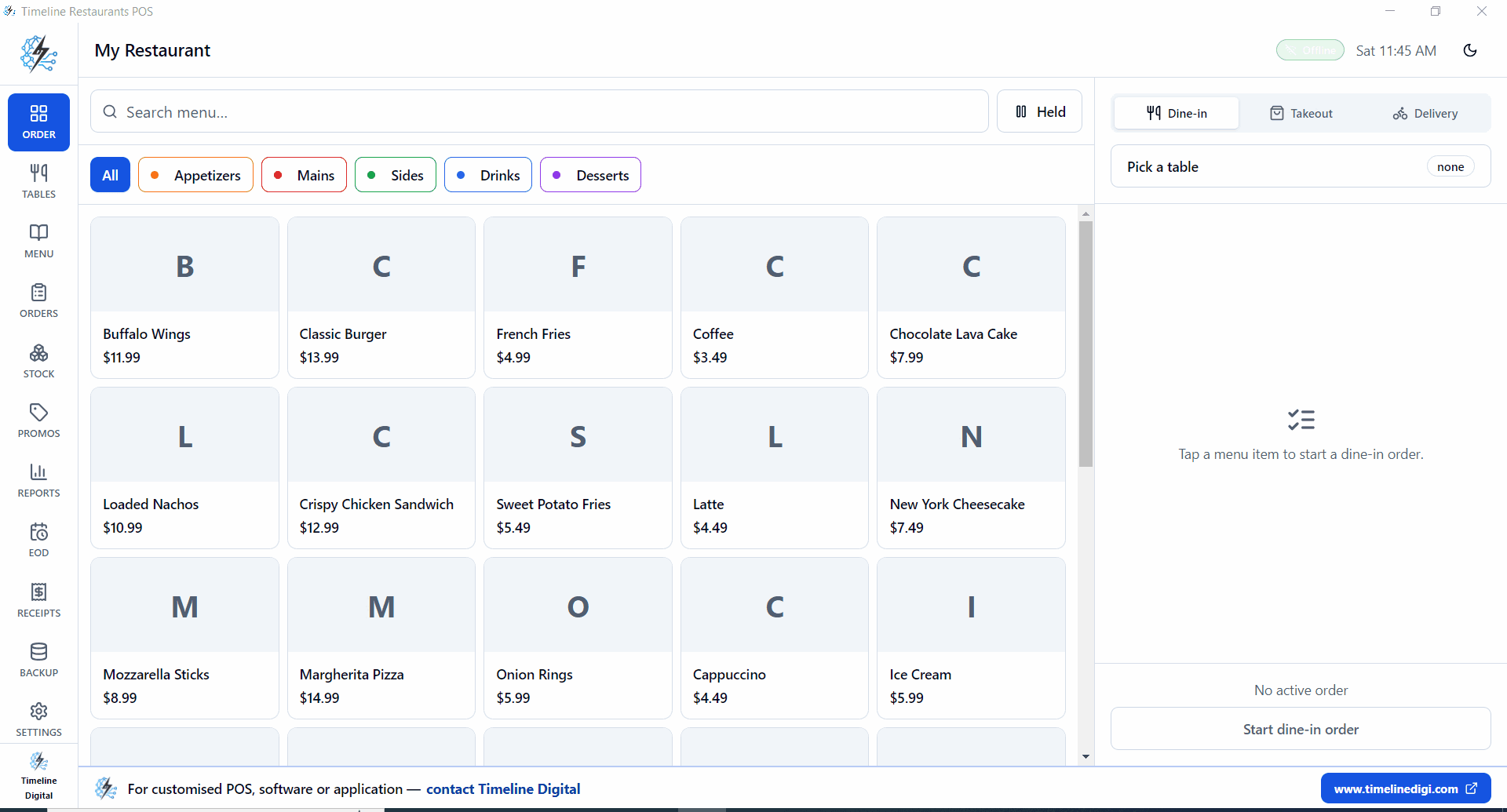
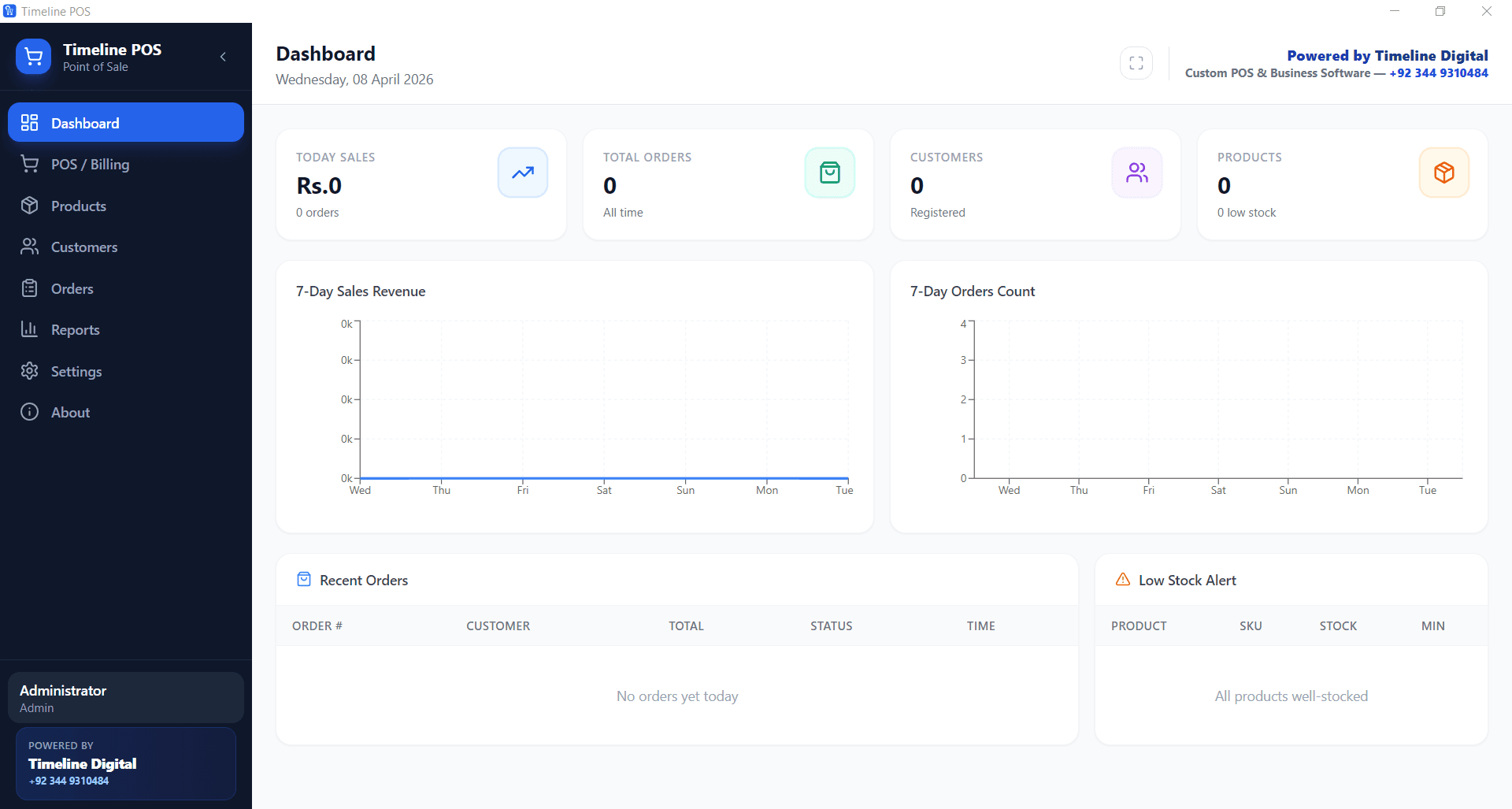
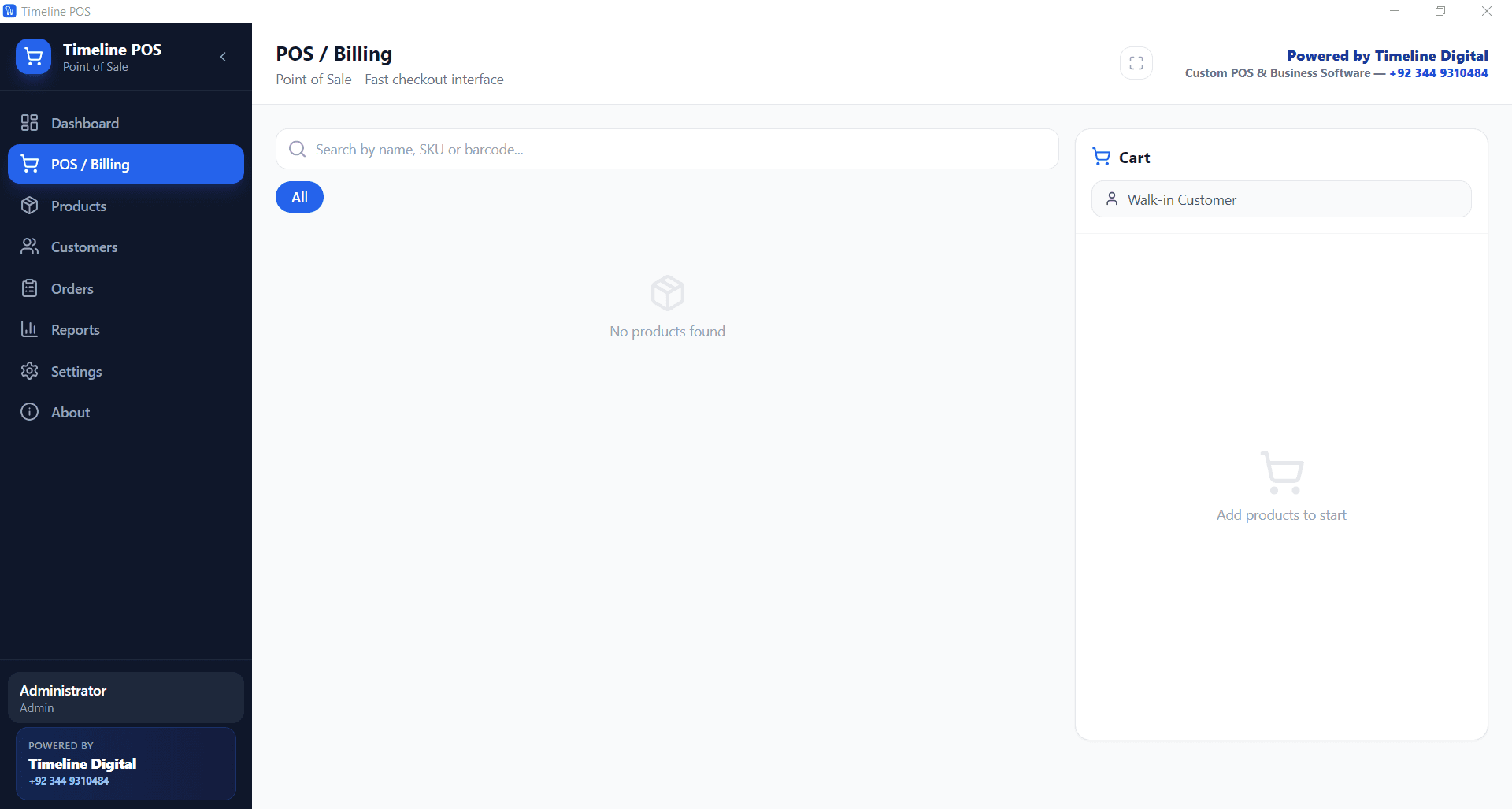
Timeline Digital provides two free offline POS downloads for PC: Timeline POS for shop counters and Timeline Restaurants POS for restaurants, cafes and takeaway kitchens.
Can I use this POS software without internet?
Yes. The page is focused on local Windows PC use, so the basic counter workflow is not built around a browser session for every sale.
Does this offline POS software work on Windows 10 and Windows 11?
Yes. The installers are for Windows PC users, including Windows 10 and Windows 11 billing machines.
Is the offline POS software free to download?
Yes. The POS installers are free to download for basic use. Paid work applies when a business asks for custom reports, integrations, branch sync, backup design or mobile access.
Which POS should I download for my shop?
Choose Timeline POS for a retail or service counter. Choose Timeline Restaurants POS when orders, menus, tables, takeaway or kitchen-style workflows matter.
Can I print receipts from the POS?
Yes. Receipt or invoice printing is part of the POS workflow, and Timeline Digital can adjust print layouts when a business needs specific fields or branding.
Does the free offline POS include inventory management?
It includes basic product and stock tracking. Expiry, barcode labels, supplier history, stock transfers and warehouse rules are custom requirements.
Can I use a barcode scanner or receipt printer?
A PC POS can be planned around common billing-counter hardware, but exact support depends on the printer, scanner, cash drawer and driver setup you use.
Can I upgrade from offline POS to cloud POS later?
Yes. A later upgrade can add cloud backup, owner dashboards, web access, branch sync or mobile apps when a single PC is no longer enough.
Is offline POS better than cloud POS?
Offline POS is stronger for unreliable internet and single-counter billing. Cloud POS is stronger for live remote access, branch reporting and online dashboards.
How do I download the free offline POS software for PC?
Use the download cards on this page. Select the retail/service installer or the restaurant installer, then click the matching download button.
How can I ask Timeline Digital to customize the POS?
Send your business type, counter process, receipt needs, reports, devices and branch plans through WhatsApp, email or the contact page.