Built for bars · Free Windows download
Free POS for bars. Tabs that stay open offline.
A free POS for bars and pubs with open tabs on bar seats, hold, split and merge in the order screen, and discounts and promos you set up yourself, with no card cut.
In 60 seconds
Is a free bar POS really free?
Yes, this one is. Timeline Restaurants POS costs $0 a month with the whole app included: open tabs on bar seats, split checks, discounts and promos, and voids and discounts in the reports. There is no card cut because it does not process payments, so you keep your existing reader and your bank rate.
If you run a small bar, your tabs need to stay open through a six hour shift without crashing. Your bartender should not need a tutorial. Your manager wants to see voids and discounts before opening tomorrow.
Cloud bar POS dies every time the wifi blinks. This one runs from a local file.
No trial clock, no feature lockout, no upsell to a paid tier. The Windows download above is the full product.
A shift, end to end
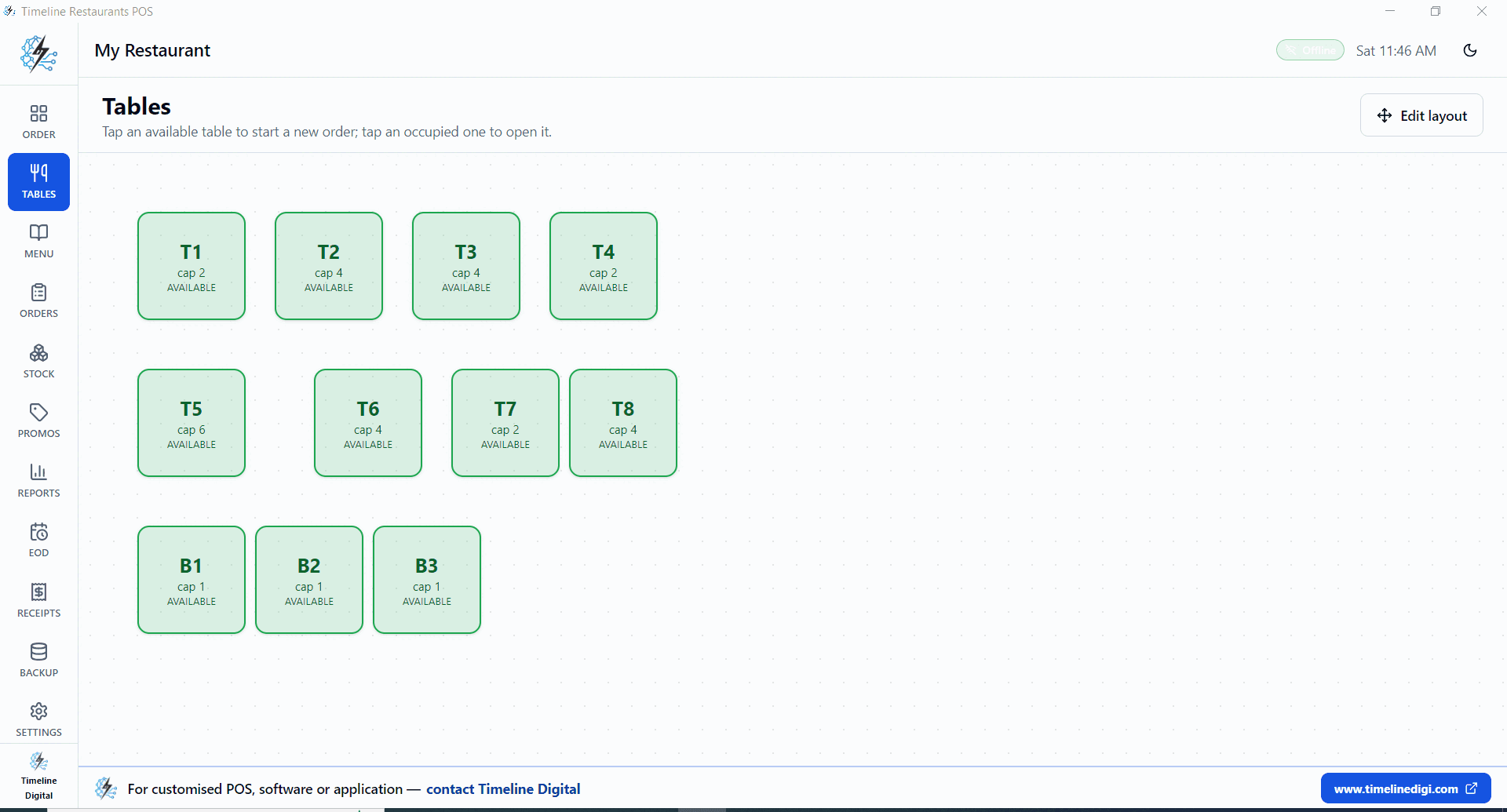
- Tap a bar seat, B1, B2, B3, to open a tab.
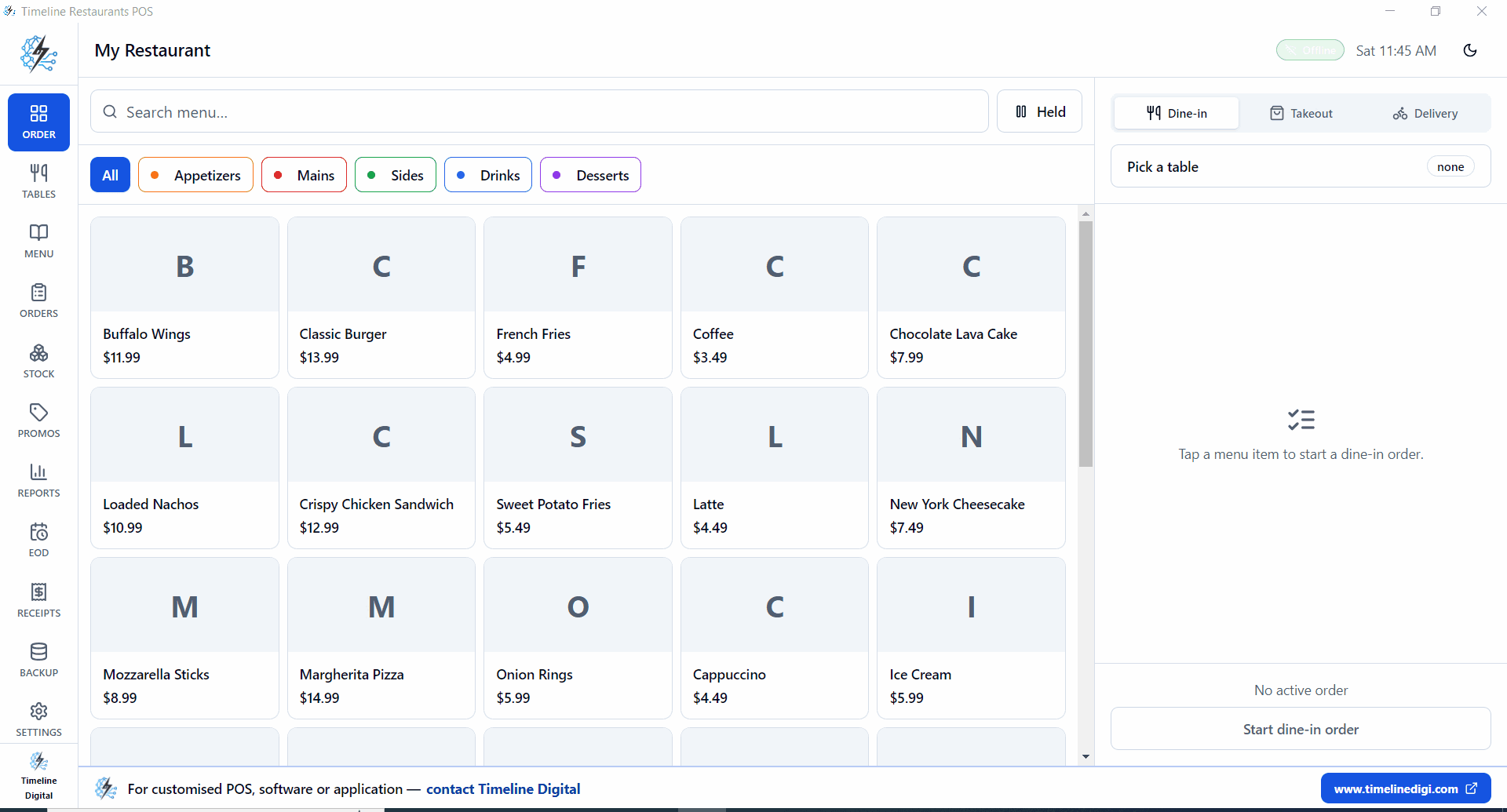
- Add drinks from categories you set up, such as Draft, Wine by the glass, Cocktails and Spirits.
- Need a card pre-auth? Run it on your card reader; the POS records the final amount.
- A round on the house goes on as a discount. Voids and discounts show in Reports.
- Happy hour? Use a promo or a percent discount on the round.
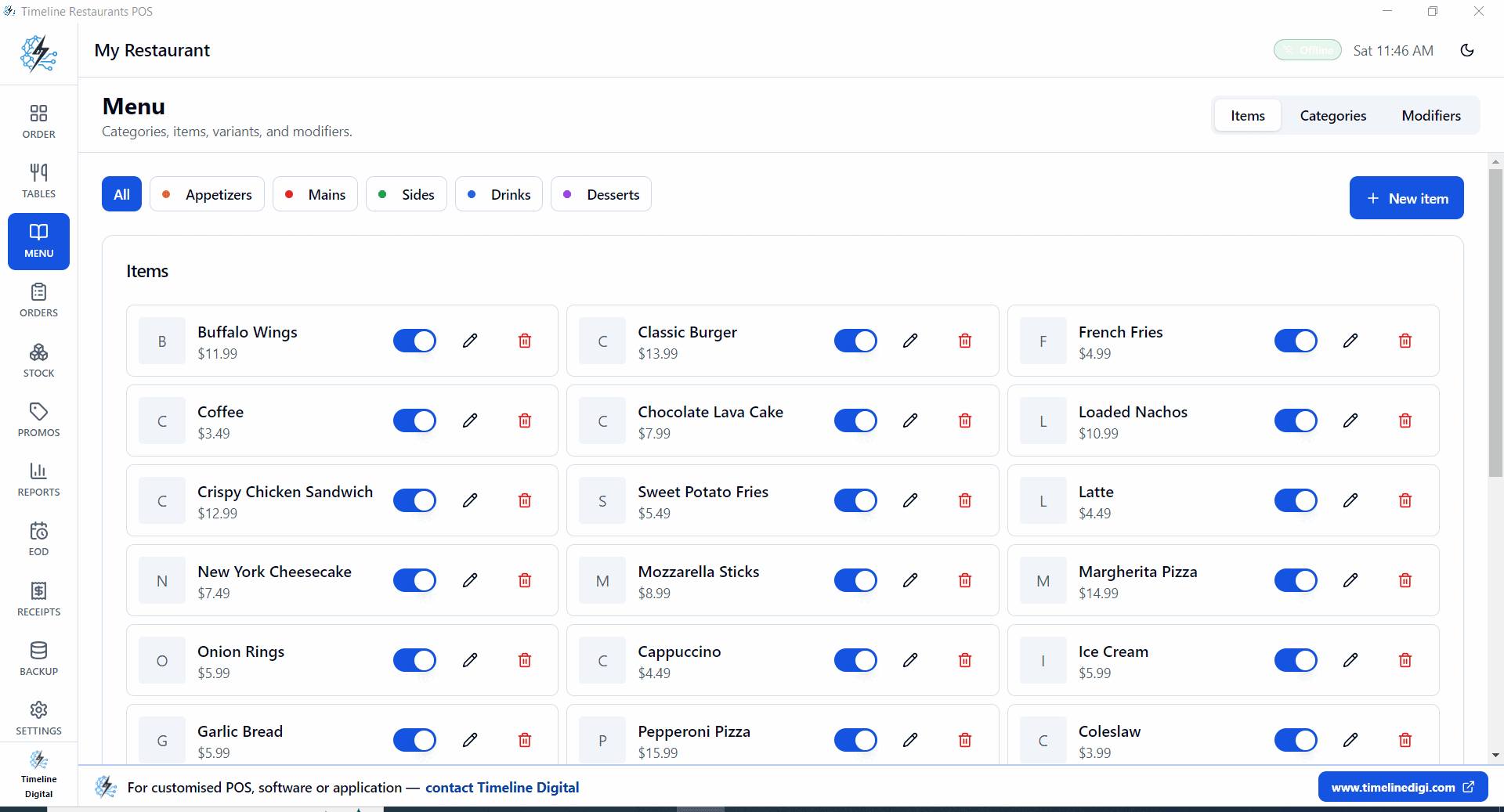
- When the group settles, hold, split or merge the tab in the order screen.
- Close the shift with the end-of-day drawer count.
How do you run happy hour on a free bar POS?
Promos, discounts and menu items you set up yourself.
Run happy hour with the promo and discount tools: a promo takes a percent or flat discount and a date window, and a percent discount can go on any round at the till. A time-of-day window that switches itself on and off is not a listed feature of v2.0.0, so for a daily 5 to 7pm happy hour, discount the round or ring happy hour versions of your drinks, set up as their own menu items.
Promos and discounts
Promos take a percent or flat discount and a date window. For a short daily happy hour, apply a percent discount to the round at the till.
Happy hour menu items
Want a standing happy hour price? Add a second menu item, such as Draft (happy hour), with its own price, and ring that one during the window.
In the reports
Discounts show in Reports next to voids, so the manager sees what happy hour cost the next morning.
How does a bar POS handle tabs and split bills?
A bar POS opens a tab against a seat, B1, B2, B3, and holds it for the whole shift. Rounds get added as they pour, and at close the check can be split in the order screen. Because every order writes to a local file, tabs survive a Wi-Fi drop at 1am.
A tab is just an open order pinned to a seat. Tap B2, add two drafts, walk away to pour for someone else, then come back to the same tab an hour later. Nothing settles until you settle it, and reopening a tab happens right in the order screen, not in a manager menu.
For split bills, hold, split, and merge all live in that same screen. A six drink tab can become two checks at close, one paid by card and one in cash, and both land in the same end of day totals. Discounts and voids rung during the night show up next to those totals in Reports.
The late night case is the reason this design exists. At 1:30am a cloud POS with a blinking router strands every open tab behind a loading spinner. Here each round is written to the local database on the bar PC the moment it is rung up, so tabs stay open and settle with the internet down. The same engine powers our full free restaurant POS system, with tables, send-to-kitchen orders and recipe inventory included.
Bar math
$25k a month, 75 percent on card.
| POS | Software | Card cut | Total / month |
|---|---|---|---|
| Timeline Restaurants POS$0 pick | $0 | ~1.5% (your bank rate) | ~$281 |
| Square for Restaurants (free plan) | $0 | 2.6% + 15¢ | ~$525 |
| TouchBistro | From $69 | Separate processor | From $69 + card fees |
| Toast | Check Toast | Check Toast | Software + card fees |
At an assumed 1.5% bank rate, the gap to Square's free plan is about $244 a month, close to $2,900 a year (Square figure assumes about 250 card payments a month). TouchBistro adds at least $69 a month in software on top of card fees. For Toast, check the vendor's current pricing.
Bar questions
Can I keep tabs open?
Yes. Tap a bar seat, build the tab, tap away. Come back any time during the shift to add or close it. Reopening happens in the order screen.
Does it support card pre-auth?
Card processing happens on your reader, not the POS. If your reader supports pre-auth, Stripe Terminal or most bank terminals, you run the pre-auth there and settle later. The POS records the final amount.
How do I record comps and spillage?
Ring a comp as a discount and take a spilled or wasted drink off as a void. Voids and discounts both appear in Reports at the end of the shift. A dedicated comp or spillage log is not a listed feature of v2.0.0.
Will it print an age prompt receipt?
You control the receipt template, so you can add a custom line such as 21 plus confirmed by bartender. The bartender still checks ID before pouring.
Can I run happy hour pricing?
Yes, with promos or discounts. Promos take a percent or flat discount and a date window; a time-of-day window that switches itself on and off is not a listed feature of v2.0.0. For a daily 5 to 7pm happy hour, apply a percent discount to the round, or add happy hour versions of your drinks as their own menu items.
Can I split one tab into separate checks?
Yes. Hold, split, and merge are built into the order screen. Split a tab into two or three checks when the group settles, take a different payment on each, and every check rolls into the same shift totals in Reports.
Free download
Open the bar tonight, no $69 bill.
Free Windows POS, built for bars.