Built for pizza restaurants · Free Windows download
Free POS for pizza restaurants. Slices, pies and delivery.
A free POS for pizza restaurants and pizzerias with size and topping modifier groups, slices and whole pies as menu items, and delivery orders, with no monthly bill.
In 60 seconds
If you run a small pizza shop
You do not need a monthly software subscription. You do not need Square taking 2.6% + 15¢ of every card payment.
You need a screen at the counter that rings up a Large Pepperoni in a few taps, sends it to the kitchen, and shows you what sold on Saturday night.
That is what this is. Free, Windows, offline. Bring your own card reader.
How a pizza menu sets up
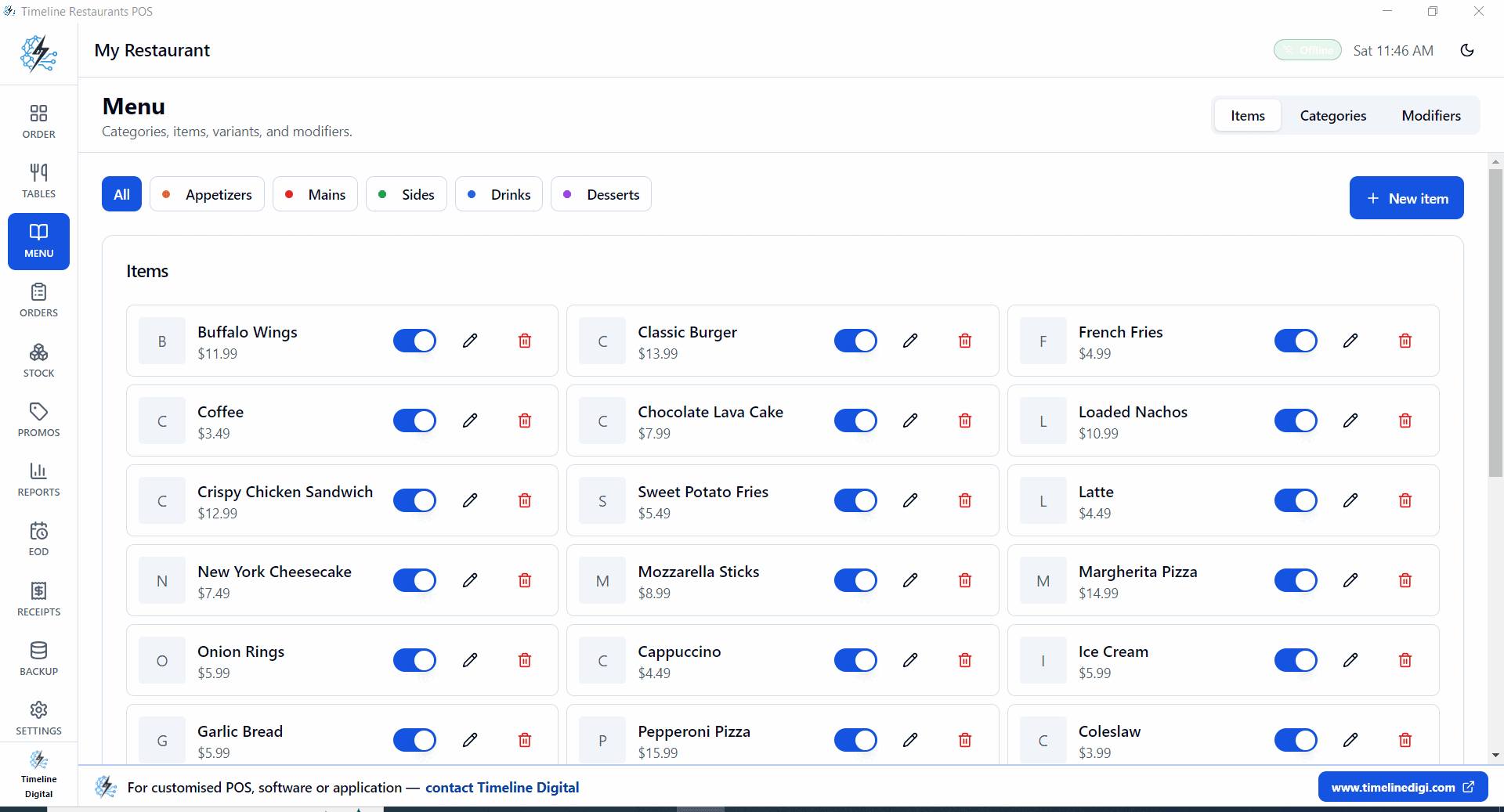
- Build a pizza category. Margherita, Pepperoni, BBQ Chicken, House Special.
- Add a Size modifier group, Personal, Medium, Large, XL, configured to suit your price list.
- Make a Toppings modifier group with the toppings you offer.
- For half and half pies, configure topping options to suit, for example Left: Pepperoni and Right: Mushroom.
- Slice items go on the menu as their own line, such as Cheese Slice and Pepperoni Slice, each with its own price.
- Delivery orders go in as the Delivery order type.
- Send the order to the kitchen from the order screen. Receipts print on a USB or network ESC/POS printer.
- Friday night reports tell you which pies move and which sit.
Service from 5:30 to close
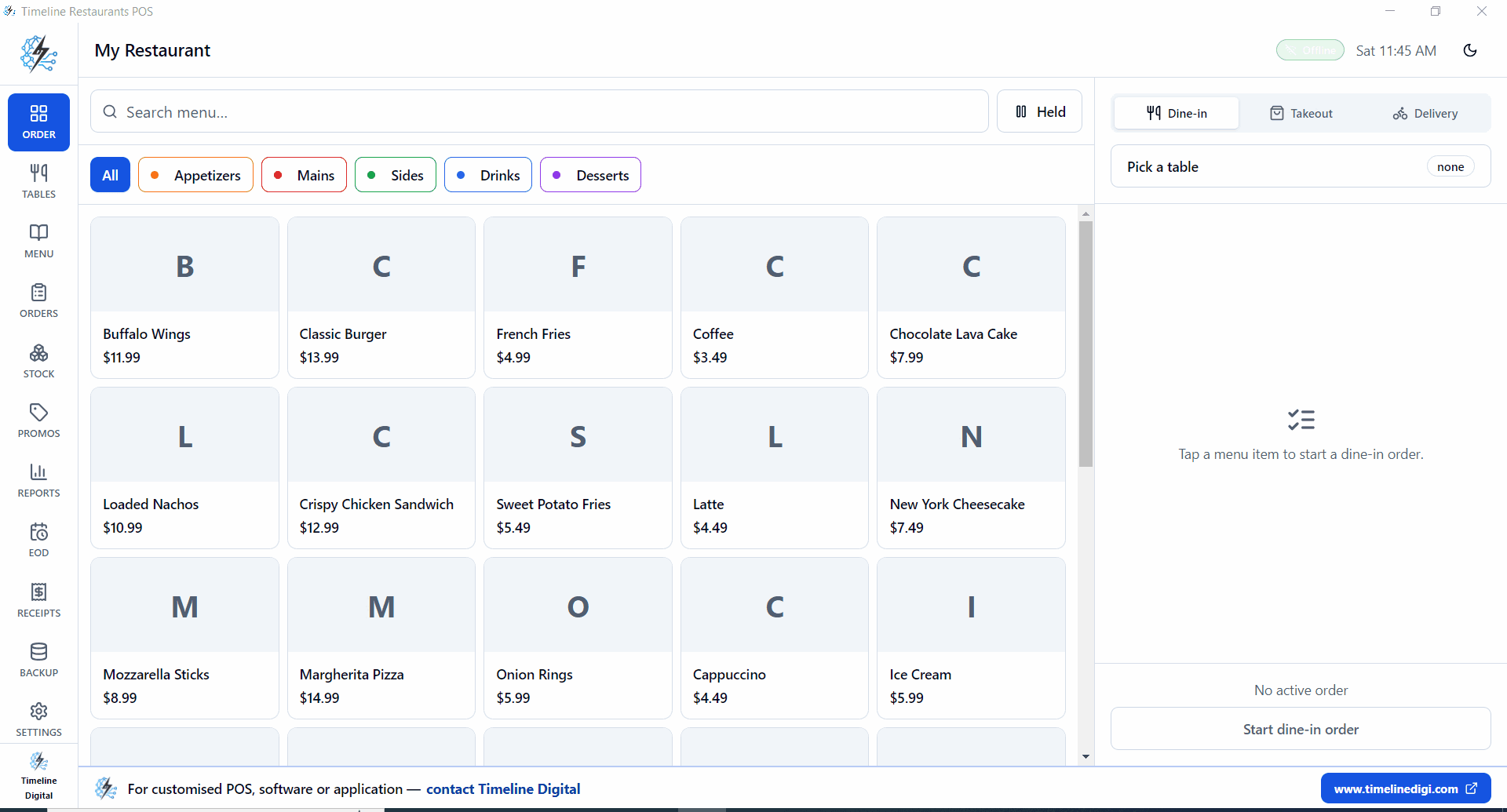
Open the POS. Pick dine-in, takeout or delivery for the first order.
Phone rings. Add the items, mark the order Delivery.
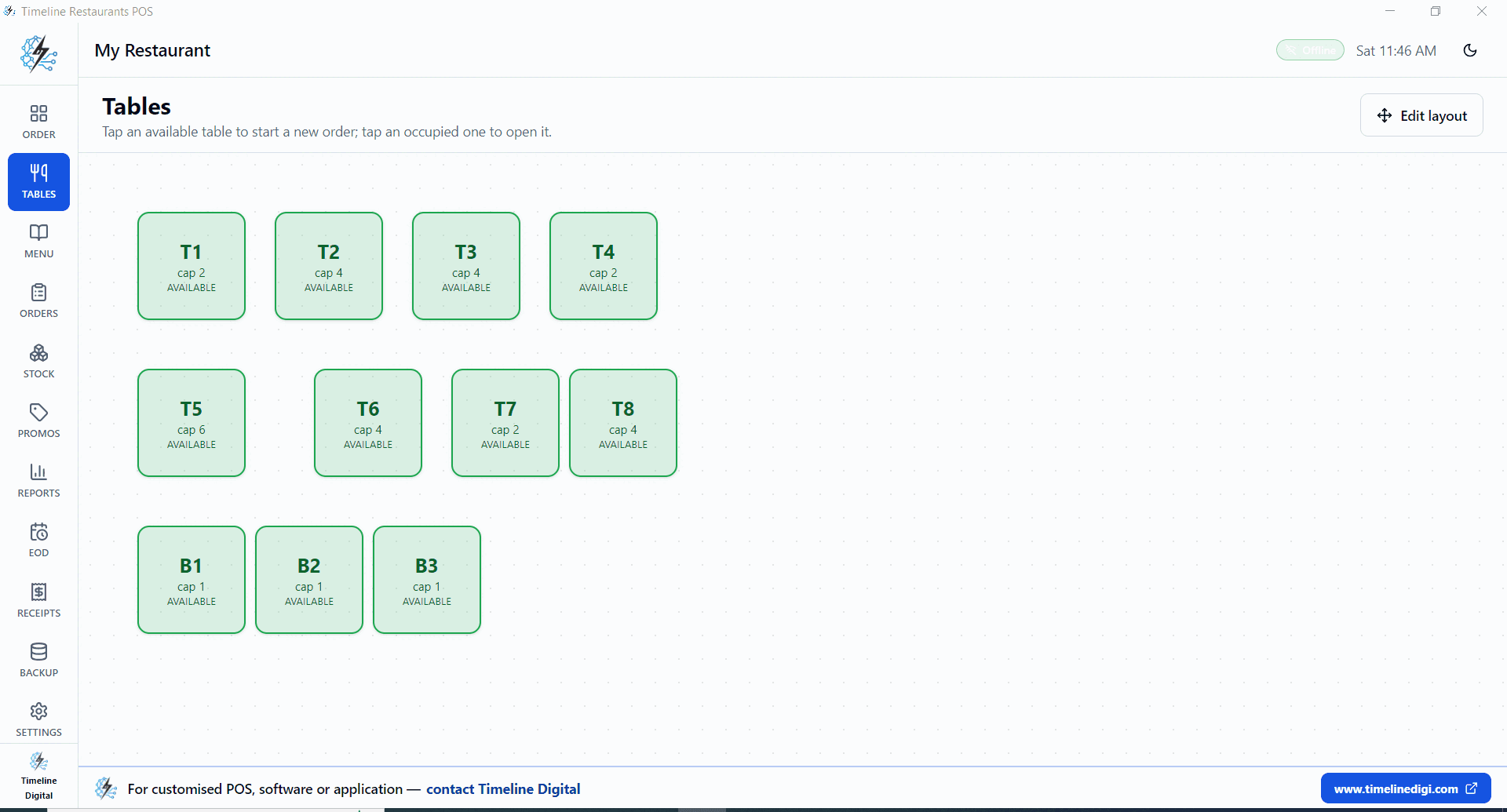
Walk ins start. Tap a table. Ring up. Send to kitchen.
Reports, Today. See orders, gross sales, tax, top item.
EOD drawer count. Backup zip to a USB stick.
How does a pizza POS handle toppings and delivery orders?
A pizza POS handles toppings through modifier groups: a size group sets the pie and a toppings group adds what the customer asks for. In Timeline Restaurants POS you configure those groups to suit your menu, including half-and-half options such as Left: Pepperoni. Delivery orders get their own order type and go to the kitchen from the same screen.
Half and half is where generic menus break. Pepperoni left, mushroom and olive right, extra cheese across the whole pie. Set up topping options per side to suit your menu, so each choice is on the order and the person stretching dough never has to guess what the cashier meant.
Whole pies carry a price per size, Personal through XL, configured to suit your price list. Slices stay simple, they sit on the menu as their own flat price lines.
For delivery, the phone order flow is short. Mark the order Delivery, add the items and send it to the kitchen. At close, the reports show the day's sales by hour, category and item. All of it runs inside the same free restaurant POS system download, with no monthly bill attached.
Pizza shop math
$20k a month, 70 percent on card.
| POS | Software | Card cut | Total / month |
|---|---|---|---|
| Timeline Restaurants POS$0 pick | $0 | ~1.5% (your bank) | ~$210 |
| Square for Restaurants (free plan) | $0 | 2.6% + 15¢ | ~$448 |
| Toast | Check Toast | Check Toast | Software + card fees |
| Slice POS | Check Slice | Check Slice | Software + card fees |
At an assumed 1.5% bank rate, the gap to Square's free plan is about $238 a month, roughly $2,850 a year (the Square figure assumes about 560 card payments a month). For Toast and Slice, check each vendor's current pricing.
Pizza shop questions
Does it handle half and half pizzas?
Yes, if you set the toppings up for it. A dedicated half-and-half flag is not a listed feature of v2.0.0, so configure your topping modifier options to suit, for example Left: Pepperoni and Right: Mushroom, and each choice shows on the order.
Can I price slices and whole pies on the same menu?
Yes. Slice and whole are separate menu items, each with its own price, so a Cheese Slice and a Large Cheese sit side by side. Customers ordering both go on one order.
How do delivery orders work?
Tap Delivery on the order screen, add the items and send the order to the kitchen. Customer address and driver fields are not listed features of v2.0.0; if you need them, Timeline Digital can add them as a custom module.
Will the kitchen printer work?
The app prints to an ESC/POS receipt printer over USB or network, as most Epson, Star, Bixolon and Citizen receipt printers are. Routing tickets to a second, kitchen-only printer is not a listed feature of v2.0.0, so check it after installing, or Timeline Digital can add it as a custom addition.
How much will I save vs Square or Toast?
Against Square for Restaurants on its free plan at 2.6% + 15¢: on $20k a month with 70 percent on card (about 560 card payments), Square fees come to about $448 a month versus about $210 at an assumed 1.5% bank rate, a gap of about $238 a month or $2,850 a year. For Toast, check the vendor's current pricing and run the same math. We do not take a cut on cards.
Can I see which pies sell on a Friday night?
Yes. Reports show hourly sales, top categories and top items for today, the last 7 or 30 days or a custom range, with CSV export.
Free download
Friday night, no $69 a month.
Free Windows POS, built for pizza restaurants.