Knowledge hub

Software development blog and guides

This is the Timeline Digital software development blog: straight answers on architecture, SEO, and product delivery, written in plain language for the people who have to make the decision, not for search engines.

Articles
253
Topics
15
Latest article
Nov 14, 2026

Latest articles

New articles on custom software, process design, and the technology decisions that move the needle.

POS Software

Restaurant POS Cost Guide (USA 2026): Real Monthly Costs Compared

What a restaurant POS really costs in 2026: six systems compared on software fees, card processing, per-transaction fees, hardware, and contract terms at a real $15,000/month restaurant profile, showing where "$0/month" pricing actually lands once card fees are counted.

May 3, 202625 min readRead

POS Software

POS System No Monthly Fee: Best Low-Cost Options in 2026

A POS system with no monthly fee charges $0 for the software, but you still pay card processing, which is usually the largest cost. On $12,240 of monthly card sales, Square Free's 2.6% + 15¢ comes to about $379 a month, while free Windows software such as Timeline POS leaves you to negotiate your own processor rate.

May 1, 20268 min readRead

POS Software

Most Affordable POS System for Startups (2026): Full Cost Breakdown

The most affordable POS for a startup is the one with the lowest total monthly cost: software, card processing and contract terms together. Here is the 2026 math on $14,000 of monthly card sales, a no-contract checklist, and when a free Windows POS is the cheapest start.

May 1, 20269 min readRead

Timeline Payroll dashboard, a free offline payroll app for small business on Windows

Payroll Software

Best Payroll Software for Small Business in 2026: Free vs Paid

Running payroll manually kills hours every month. This guide covers what the best payroll software for small business must include, how Timeline Payroll stacks up, and when a free offline app is enough and when a full-service payroll provider is worth paying for.

Apr 22, 20268 min readRead

POS Software

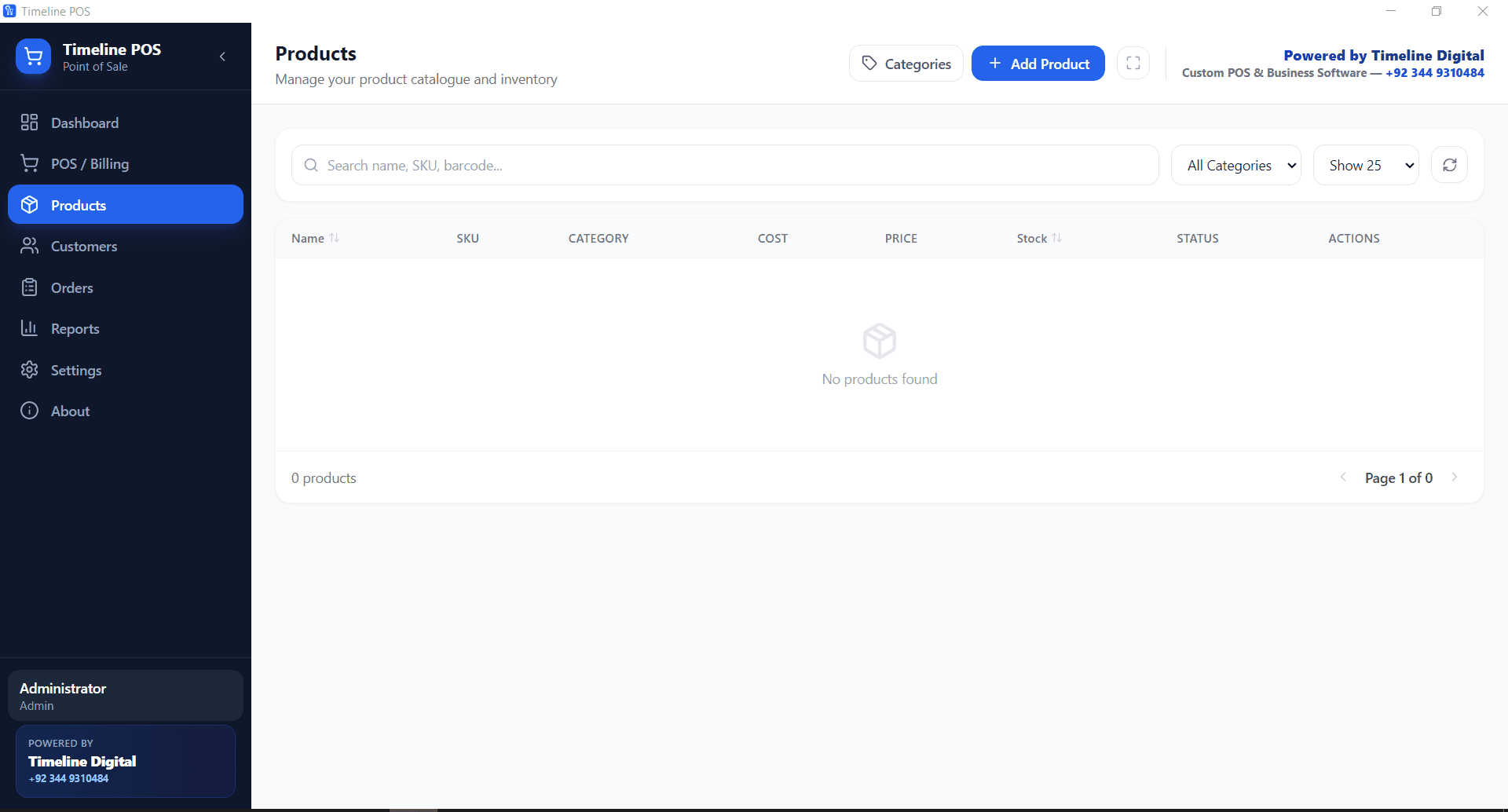
How to Set Up Free POS Software for a Small Business (2026 Guide)

Free POS software for a small business costs nothing to run: Timeline POS is a free Windows 10/11 app with billing, stock, customers and reports, offline and with no subscription or card cut. Here is the five-step setup, what the free version does not do, and when to upgrade.

Apr 9, 20266 min readRead

Inventory Management With a Free POS System

POS Software

Inventory Management With a Free POS System

A free POS system can manage inventory for a single shop: stock drops with every sale, low-stock items are flagged, and reports show what sells. Here is how inventory works in Timeline POS, a free Windows app, and where a single-PC tool stops.

Apr 8, 20266 min readRead

Labor Cost Reports: How to Know What Your Workforce Actually Costs (2026)

Labor Management

Labor Cost Reports: How to Know What Your Workforce Actually Costs (2026)

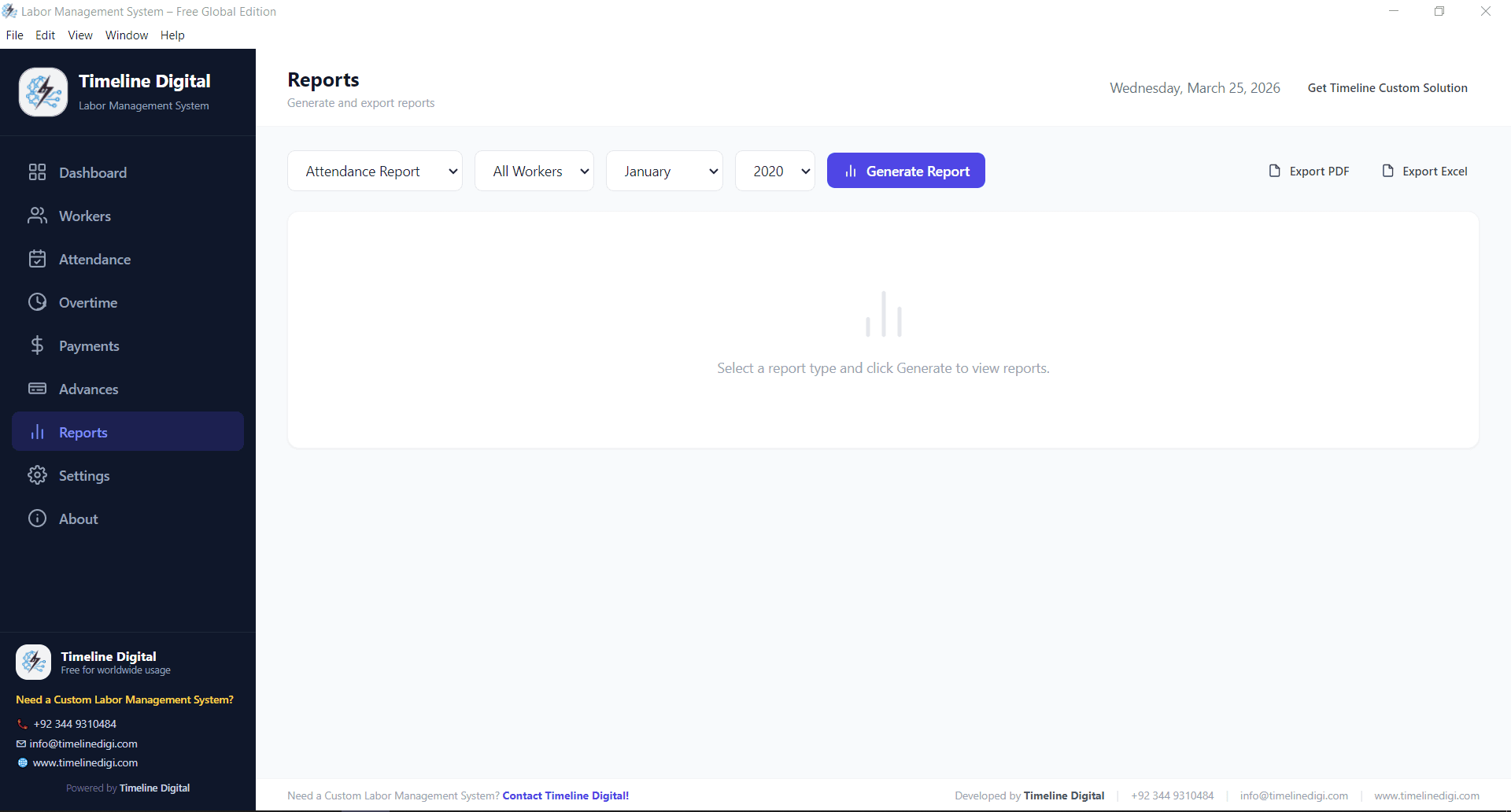
Most small businesses with daily-wage or field workers cannot say what their workforce costs by site or by month. A labor cost report fixes that. Here is what it should show, the formulas behind it, and how to produce it free from attendance and wage records.

Mar 29, 20266 min readRead

School Administration Software: What It Manages, a Free Offline App and How to Choose

School Management

School Administration Software: What It Manages, a Free Offline App and How to Choose

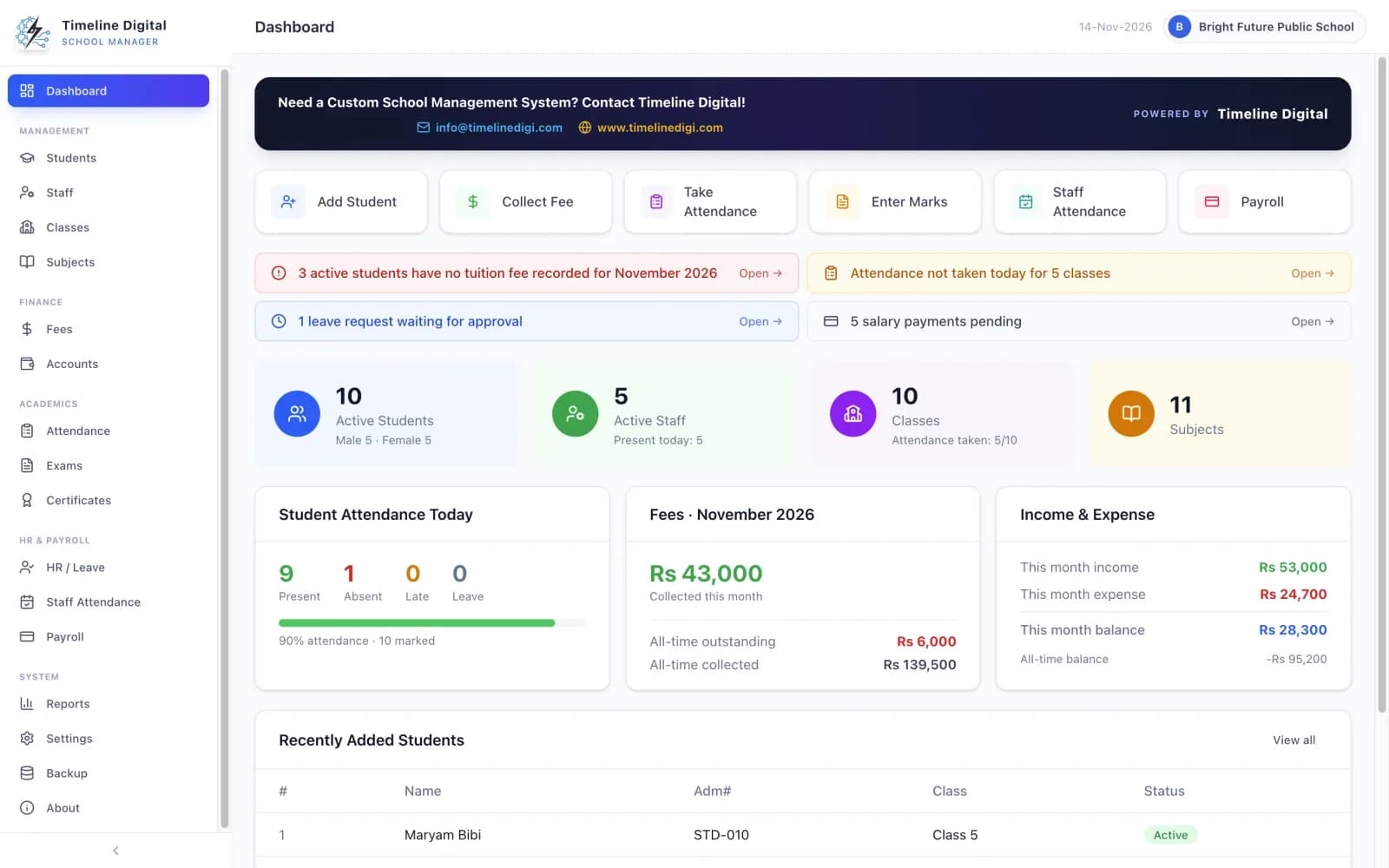
School administration software runs the office side of a school: records, admissions, attendance, fees, exams, staff and accounts. This guide explains what it covers, how it differs from an SIS, an LMS and a school ERP, and what the free offline Timeline School Manager for Windows and Mac does and does not include.

Mar 26, 20269 min readRead

How to Manage Student Fees and Accounts With School ERP Software

School Management

How to Manage Student Fees and Accounts With School ERP Software

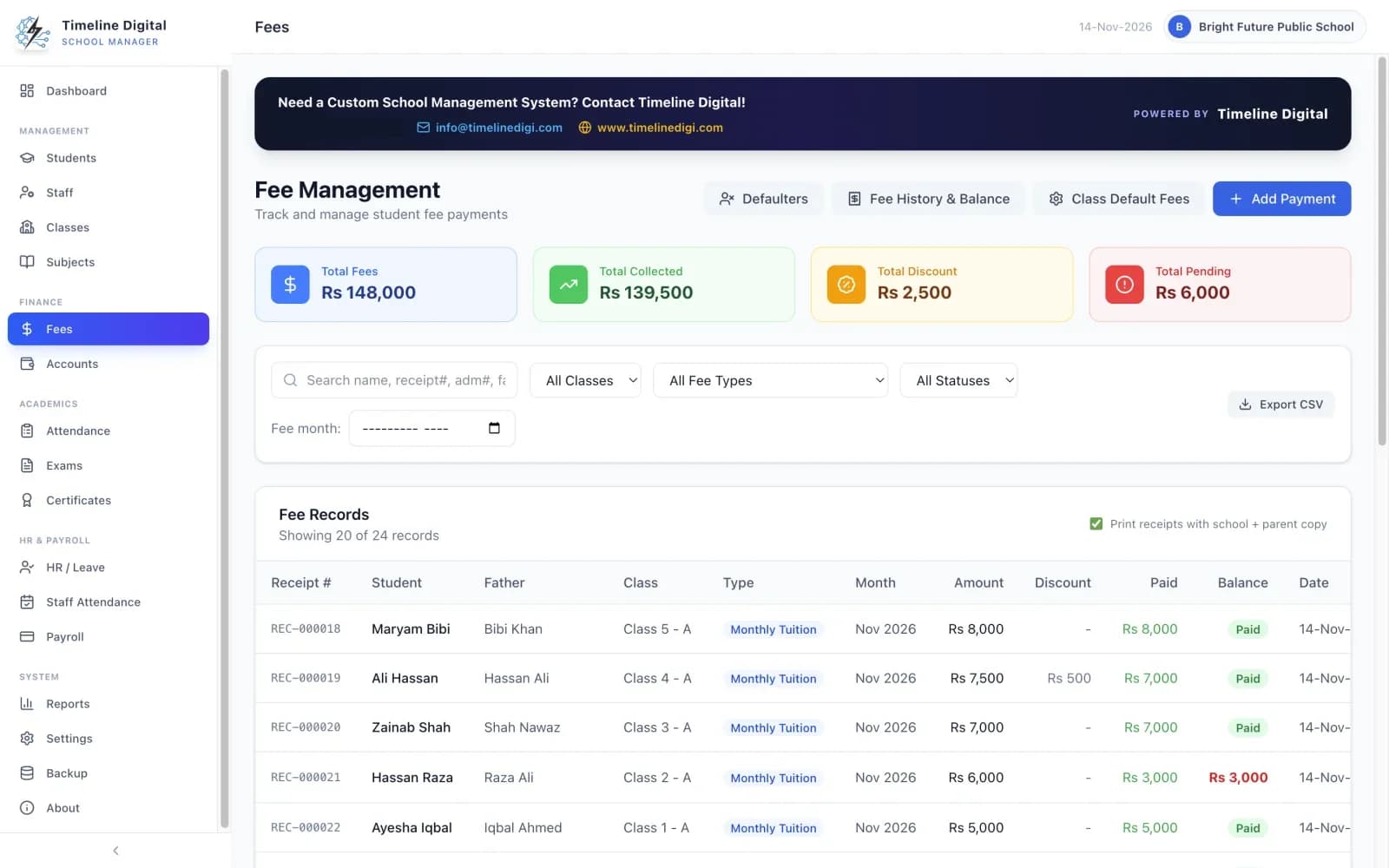
Fee collection is where school offices spend the most time and face the most disputes. Here is how school fee software sets up fee heads and discounts, records receipts and dues, and produces defaulter lists, using the free offline Timeline School Manager for Windows and Mac as the example.

Mar 25, 20266 min readRead

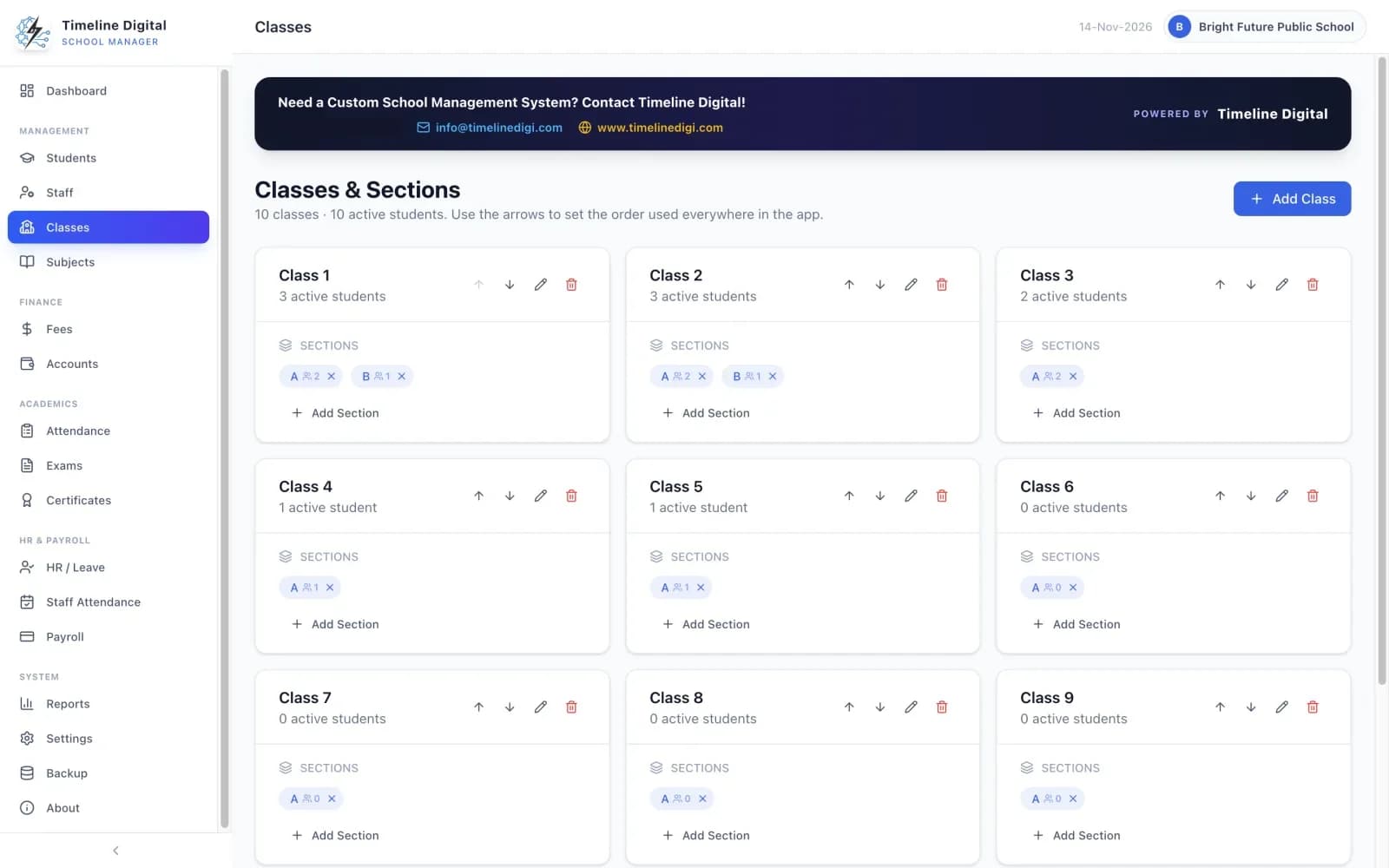
Class and section management screen in Timeline School Manager

School Management

School Attendance and Class Management Software: Free Guide

School attendance and class management software replaces paper registers. Classes and sections are set up once with their students and subjects, attendance is marked per class each day, and the totals stay current for reports and parent meetings. Timeline School Manager does this free and offline on Windows and Mac, alongside fees, exams and staff records.

Mar 24, 20264 min readRead

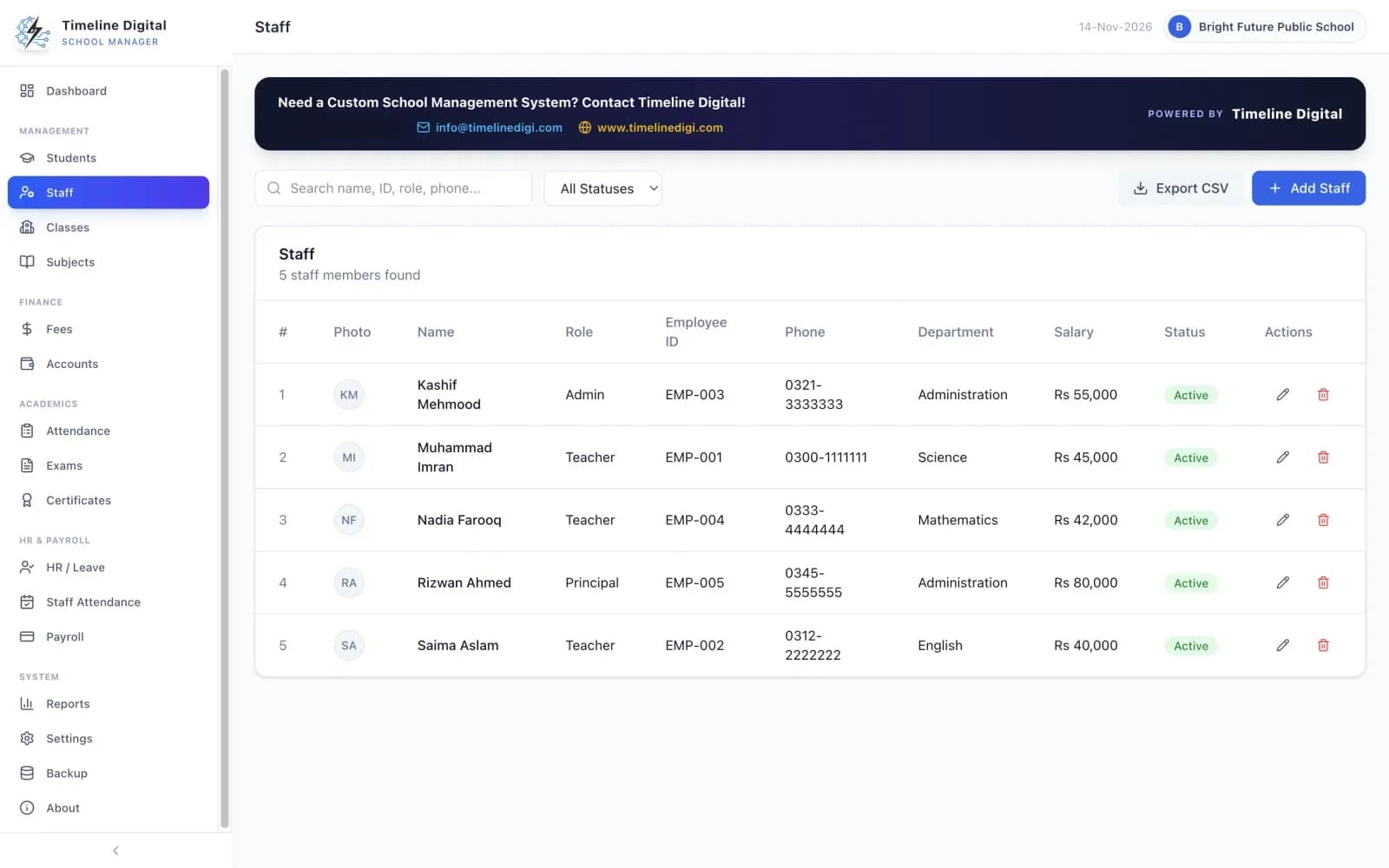
Staff and teacher management module in Timeline School Manager

School Management

Staff and Teacher Records: How a School ERP Replaces Manual HR Files

A school ERP replaces manual HR files by keeping every teacher's and staff member's record in the same system as the students: role, department, qualification, joining date, monthly salary and contacts. Timeline School Manager does this free and offline on Windows and Mac, with staff leave, staff attendance and salary slips.

Mar 22, 20264 min readRead

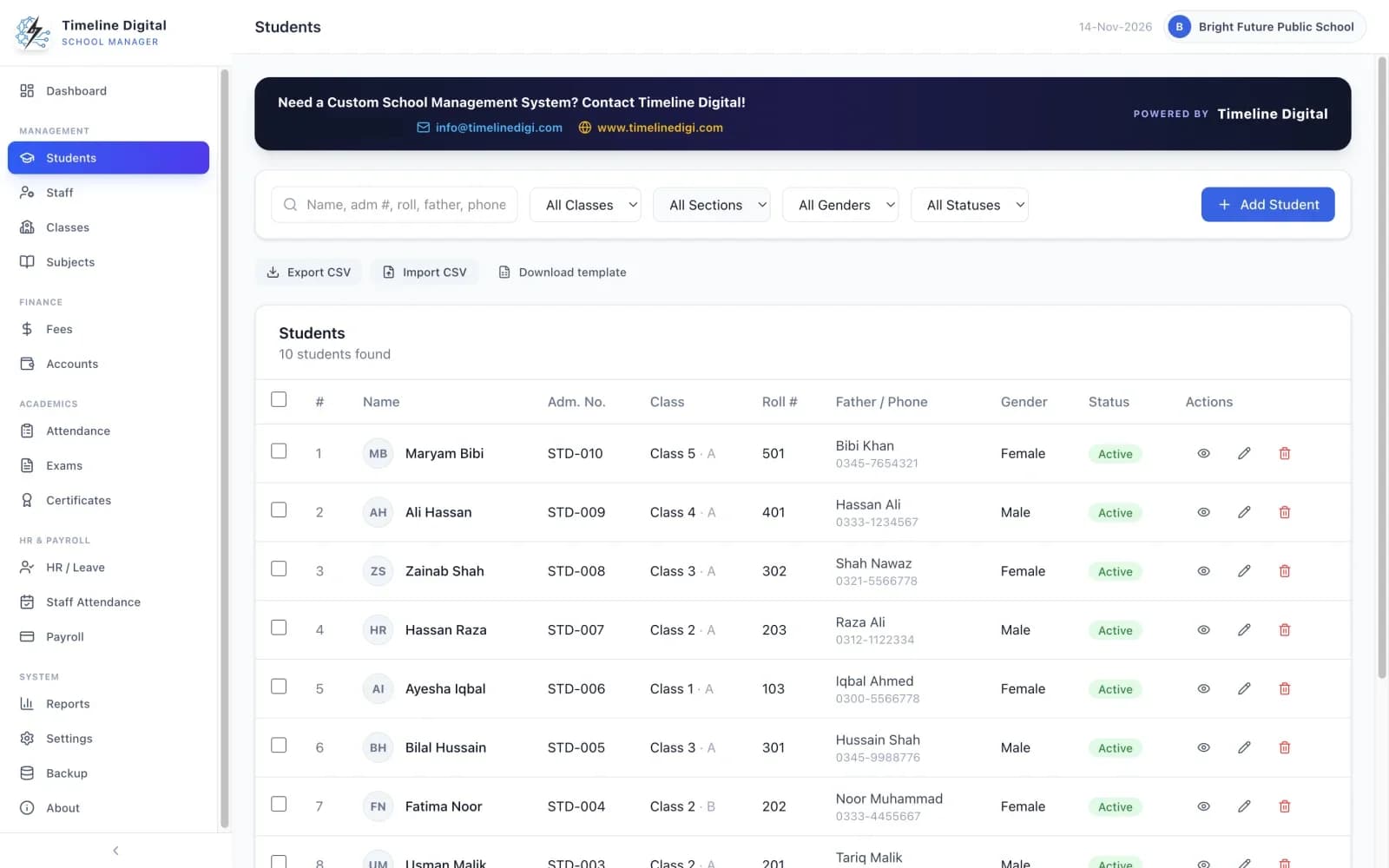
Student profile and admission records in Timeline School Manager

School Management

School Admissions, Exams and Result Cards in One System

A school management system keeps admissions, exams and results in one place: the student profile is created once at admission, exams are created per class, marks are entered after each exam, and the system calculates totals and grades and prints result cards. Timeline School Manager does this free, offline, on Windows and Mac.

Mar 20, 20264 min readRead

Showing 242–253 of 253 articles

Start a conversation

Tell us how your business works.

Describe what is slowing your team down. We will help you work out what to build, and how a free pilot lets you judge our work before the full project.

Prefer WhatsApp? Start a chat

What happens next

  1. You send a short brief

    The problem, the people involved and any target date. A senior engineer replies within 4 business hours.

  2. We understand your workflow

    A first call about how your business works today. An NDA can be signed before you share details.

  3. You test a free pilot

    You choose 2 to 3 key modules and we build them first, so you judge real software before the full project.